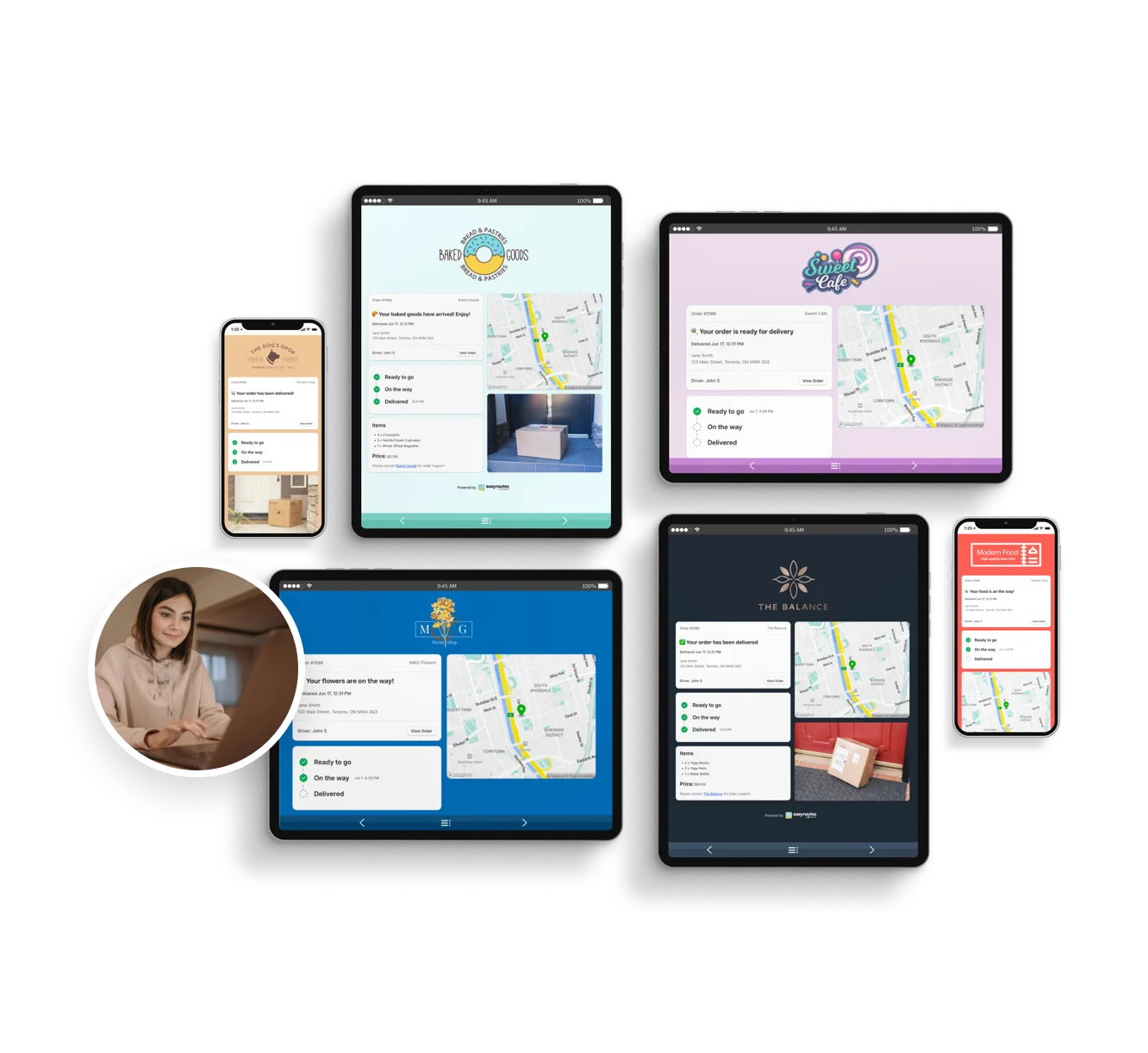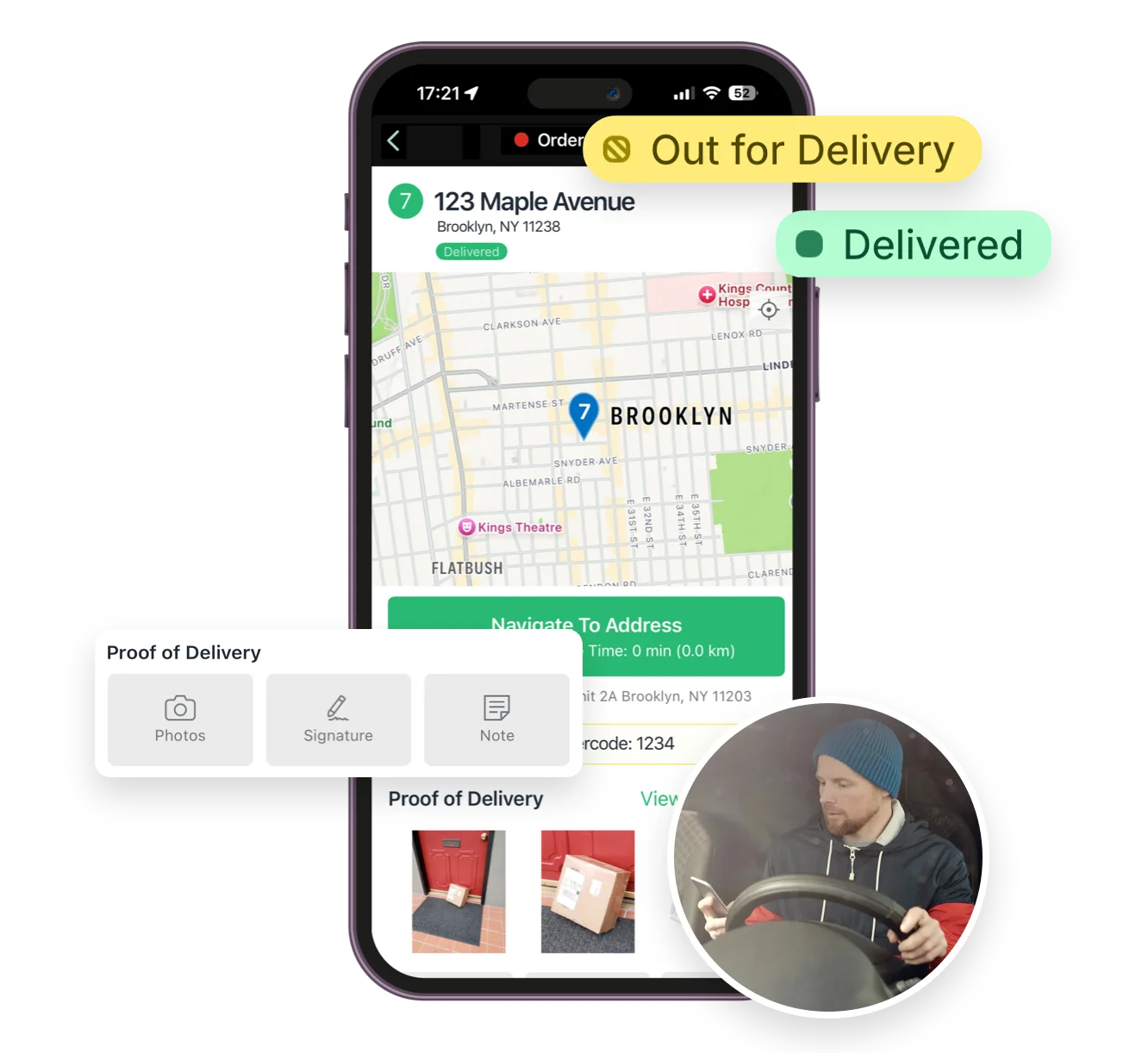


Compare EasyRoutes with Routific. EasyRoutes is the smarter alternative for Shopify merchants and local delivery teams, offering optimized route planning, packing tools, driver tracking, proof of delivery, and real-time updates in one integrated platform.


If you’re comparing EasyRoutes to Routific, you’re likely managing local deliveries and searching for a complete, merchant-friendly route planning solution. While Routific focuses on route optimization, EasyRoutes helps you plan, pack, dispatch, and deliver—all from a single integrated and easy-to-use platform.
With EasyRoutes, you're not just optimizing routes—you're managing your entire delivery workflow. From order sync, packing, and driver dispatch, to tracking in real time, and collecting proof of delivery: whether you use Shopify or import orders from BigCommerce, WooCommerce, spreadsheets, API, or Zapier, EasyRoutes is the smarter Routific competitor.

.webp)
EasyRoutes for Shopify: Fully integrated with your Shopify store. Orders, products, tags, and delivery data sync automatically.
EasyRoutes for Web: Import orders via CSV, Zapier, or API for delivery businesses not using Shopify.
❌ Routific doesn’t integrate directly with Shopify, requiring manual exports or custom-coded API solutions. EasyRoutes installs in seconds—and your orders are ready to route immediately.

EasyRoutes is more than a route planner. It includes:
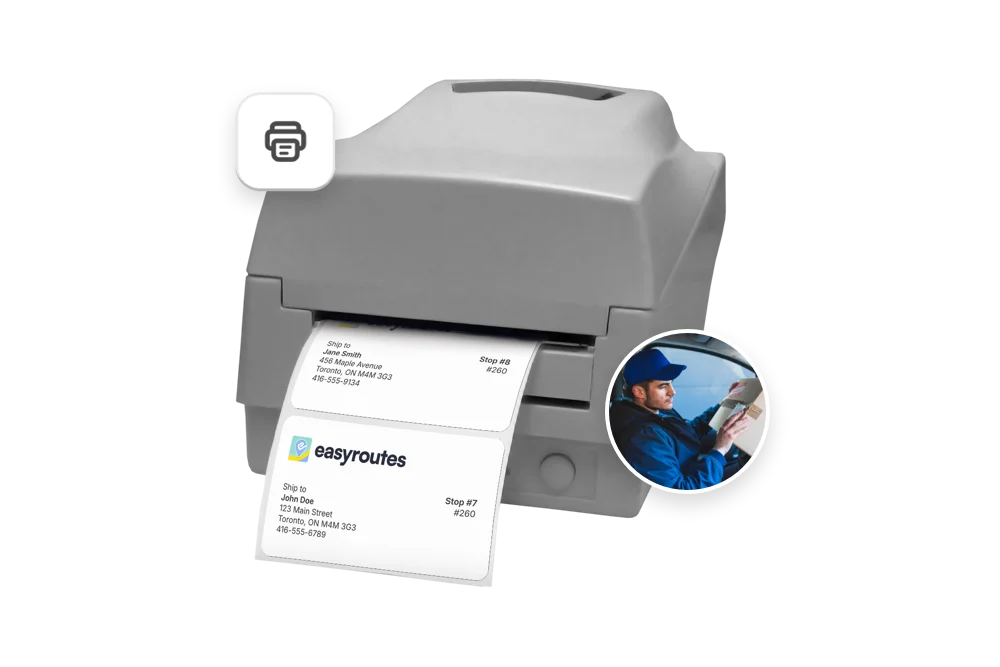
❌ Routific lacks packing tools, driver checklists, claimable routes, and native Shopify order syncing—features EasyRoutes includes by default.

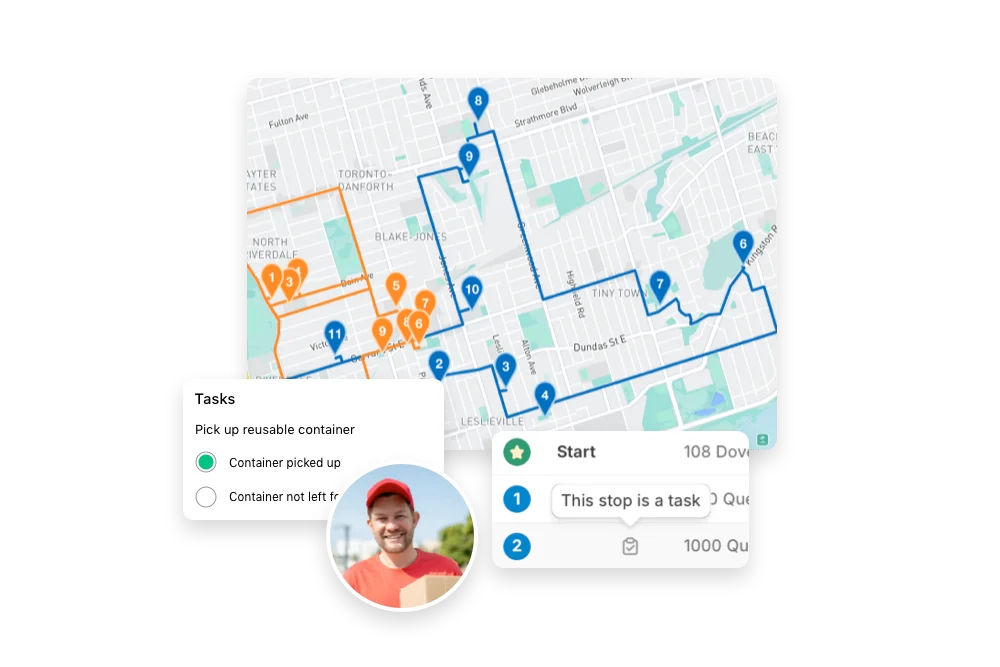
❌ Routific lacks workflow-friendly tools like claimable routes, task enforcement, and fulfillment prep—making it harder for teams to stay coordinated.

❌ Routific is free for up to 100 orders, then jumps to $150/month—with additional per-order charges beyond 1,000 orders. EasyRoutes offers transparent, flat-rate pricing that scales with your team—not your order volume.


EasyRoutes gives you more than just optimized routes. It gives you a complete last-mile delivery hub—from route planning to dispatch to proof of delivery.
Join thousands of delivery-focused businesses—including florists, bakeries, grocery subscriptions, and meal kits—who trust EasyRoutes to power their local deliveries.
.webp)
Self‑serve help docs and videos are available 24/7, with direct email support during business hours; Enterprise customers receive priority responses.
See: Help Center · Support tiers
An AI assistant reads your spreadsheet headers and proposes an initial column-to-field mapping; review the preview and click Edit stops to adjust anything, and EasyRoutes remembers repeat layouts. See: Import orders from a spreadsheet
Yes. Re‑optimize at any time — after adding or removing stops, changing stop priorities, editing route options, or balancing loads. Drivers can also re-optimize routes delivered out of order, or re‑order stops if enabled from your EasyRoutes Settings.
Yes. Admins can upload photos and notes directly to a stop from the browser if something couldn’t be captured from a mobile device.
See: Manual Upload
Yes. Use the same Print flow and choose your OS/browser’s Save as PDF, or generate a route PDF for digital sharing.
Yes. Schedule routes for specific dates/times, and ETAs will be calculated for each stop on a route. These ETAs can be shared via customer tracking links and email/SMS delivery notifications.
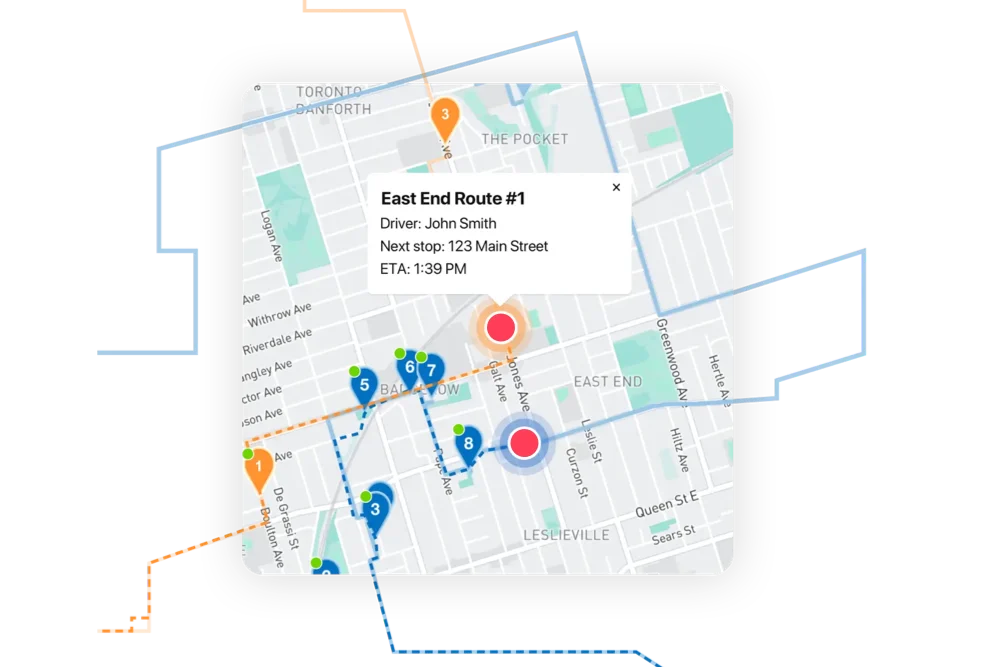
Yes. On Premium/Enterprise plans you can display a live driver pin on tracking pages when the driver is 1–10 stops away.
EasyRoutes auto-builds a route inventory drivers use as a loading checklist, with Summary, Items, and Orders views in the app. See: Using the Delivery Driver app
Yes. If a scheduled start time is set, routes can be auto‑assigned and dispatched to the selected driver when created.
See: Auto‑Dispatch
Pricing is based on plan tier plus the number of driver seats in your subscription; optional SMS is usage‑based. Scale seats up/down anytime.
See: Pricing · Pricing & Plans FAQ
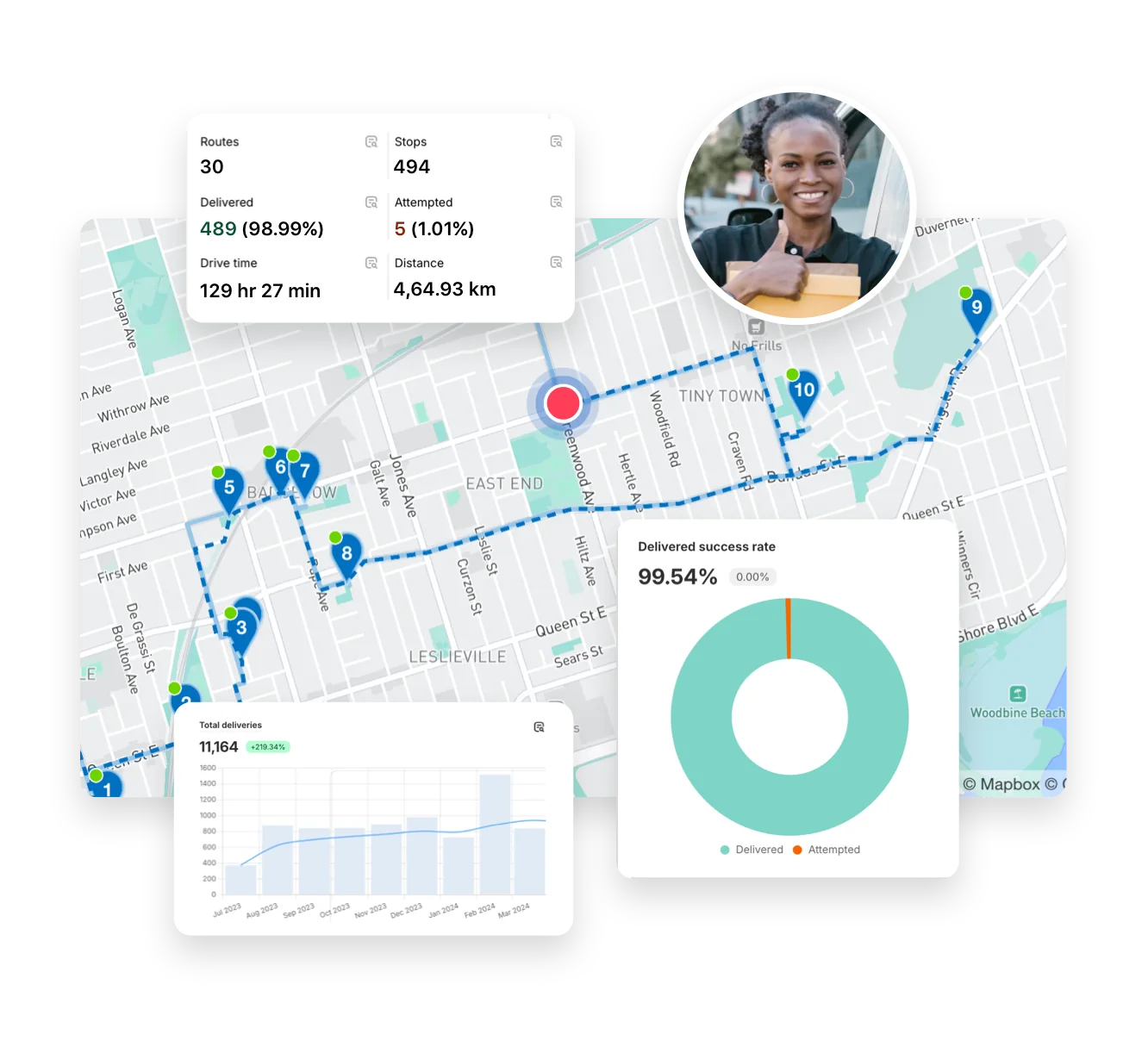
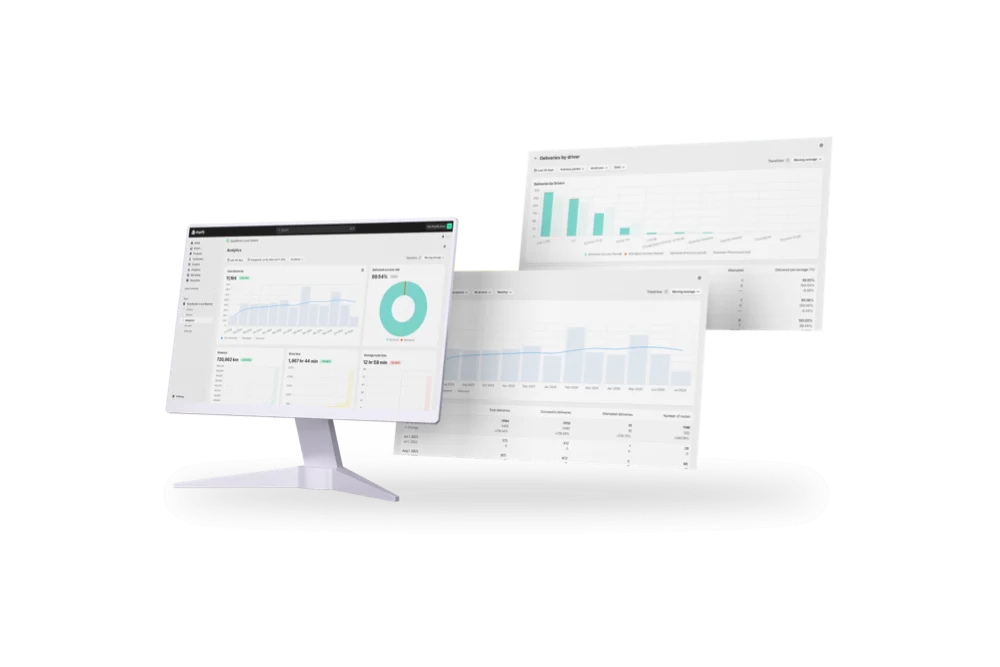
Delivery Analytics shows totals and trends for stops and routes, including completed vs. missed deliveries, average delivery time, per‑driver performance, and route metrics over a chosen period.
See: Delivery Analytics