Assign drivers based on location, performance, or workload. Update routes mid-shift, and stay in sync with your team, no matter the size.

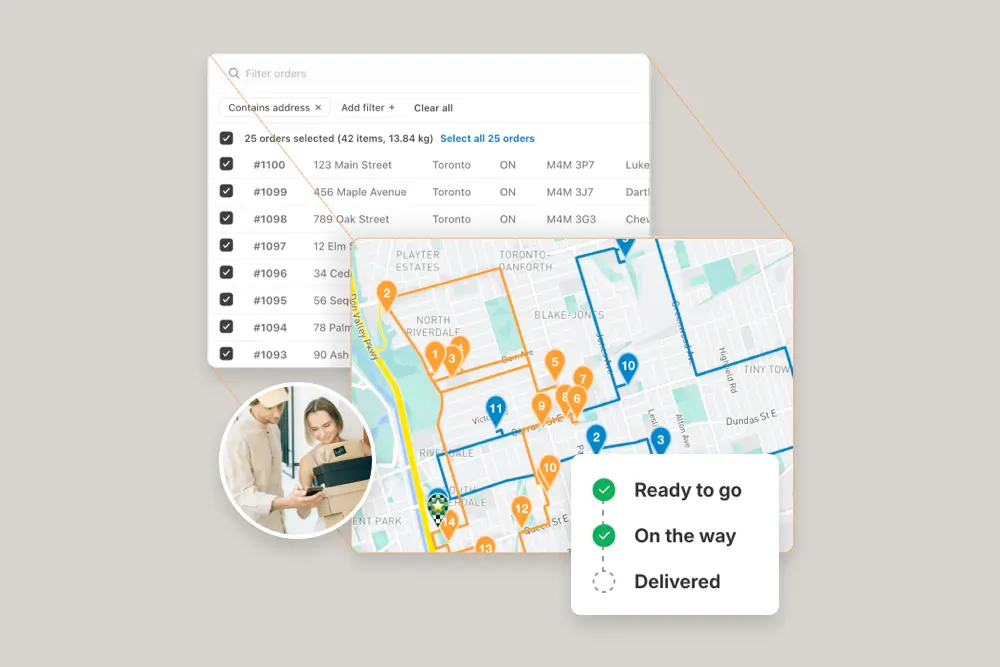
EasyRoutes’ driver management and dispatch tools give businesses the control and flexibility needed to efficiently coordinate delivery teams at scale. With a centralized dashboard, dispatchers can easily assign routes to multiple drivers, balance workloads, and track progress in real time—all without leaving Shopify. The EasyRoutes platform supports custom delivery windows, stop durations, and route configurations, allowing teams to adapt quickly to changing demands.
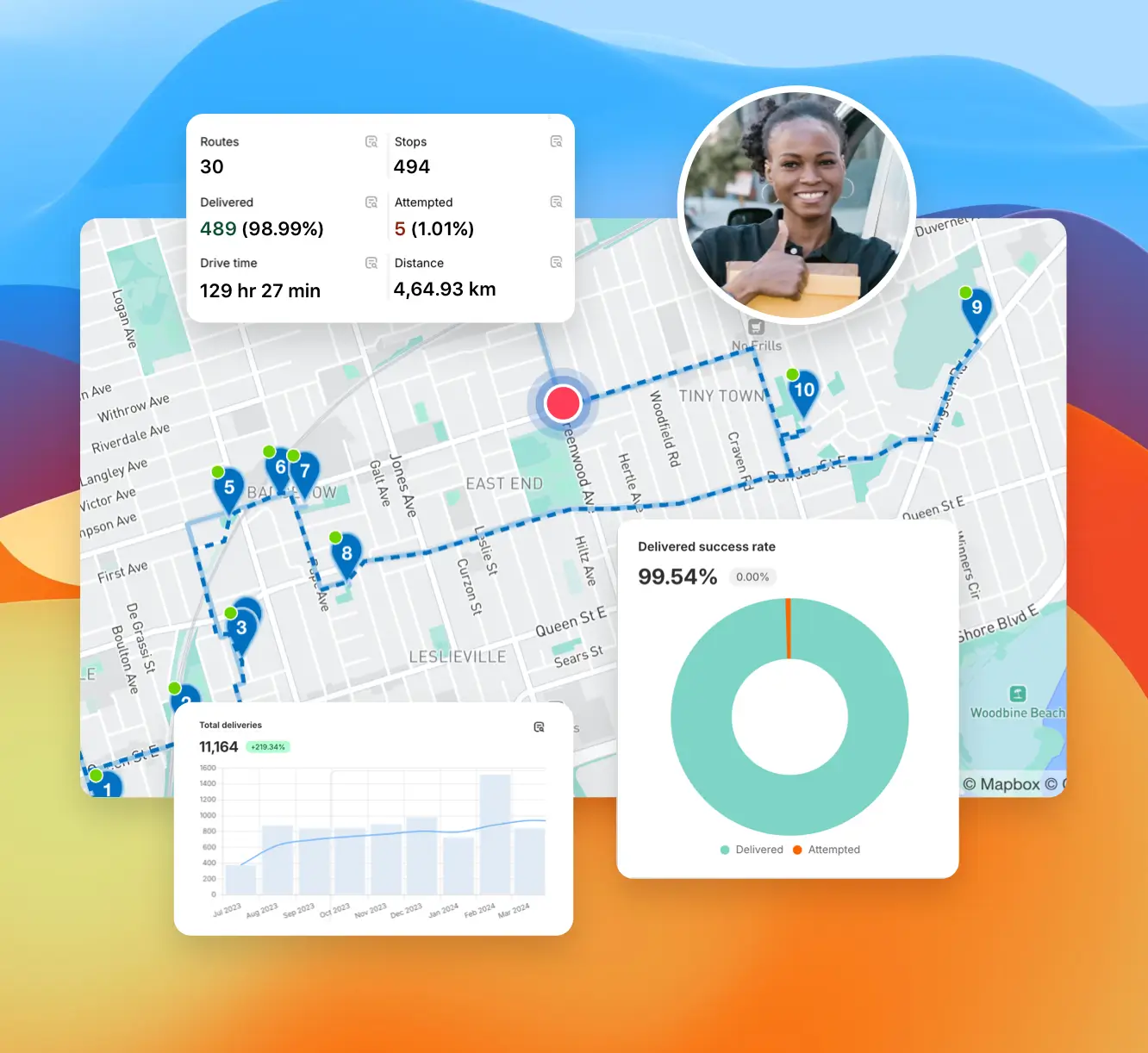
As drivers update their progress through the mobile app, dispatchers can monitor completion status, identify issues early, and ensure on-time delivery. This seamless coordination between planning and execution improves delivery accuracy, enhances team productivity, and helps businesses consistently deliver an outstanding customer experience.

Invite drivers from the Drivers & Vehicles tab of your EasyRoutes navigation menu. Enter a driver's phone number and they’ll receive a link to install and sign in to the app.
See: Adding a Driver
You can add, remove, and switch drivers in a way that is flexible with your business at anytime from within EasyRoutes. If you need more active drivers, then you'll need to add more driver seats on your plan.
Driver seats are active licenses you assign to drivers. You pay only for active seats and can toggle seats on/off anytime without deleting the driver profile.
Yes. Control what drivers can do and see: allow/disable re‑ordering or re‑optimizing stops and choose which customer fields are visible in the app.
Yes. Assign routes to drivers directly, or share a self‑assign link so eligible drivers can claim routes. Drivers complete deliveries in the EasyRoutes Delivery Driver mobile app.
Yes. If a scheduled start time is set, routes can be auto‑assigned and dispatched to the selected driver when created.
See: Auto‑Dispatch
No. Each route has one assigned driver at a time. To share the work, split stops across multiple routes or use self‑assign links on separate routes.
See: Driver Assignment
Yes. Generate a dispatch link that lets eligible drivers claim a route themselves; the first to claim becomes the assigned driver.
See: Driver Self‑Assign
Yes. Assigned drivers receive a push notification when a route is dispatched to them, linking straight into the route in the EasyRoutes Delivery Driver mobile app.
Yes. Route Groups let you create, monitor, and dispatch multiple routes at once, and track all drivers within the group on one map view.
See: Route Groups
Dispatchers use the web app. EasyRoutes for Shopify is accessible inside the Shopify mobile app; EasyRoutes for Web runs in any mobile browser for on‑the‑go monitoring.
Vehicle Profiles store details like type, make, model, and fuel economy; create them under Drivers & Vehicles, assign one to a route, then track metrics and filter Analytics by vehicle. See: Vehicle Profiles