














Delivery Operations Software for Operations Managers

Growth should make things easier, not harder. EasyRoutes gives operations managers the systems to handle more deliveries with the same team, and the insights to prove it's working.

⭐⭐⭐⭐⭐ 4.9 stars Trusted by 5,000+ Businesses

Flower Delivery: The Million RosesMattress Delivery: SonnoPizza Delivery: SliceGass Delivery: Gas GuysFood Delivery: Redstart FoodsBread Delivery: Butter & Crust

Contact sales

Delivery Operations Software for Operations Managers

"EasyRoutes is an excellent solution for route planning and route management. Intuitive and effective—both myself and my delivery team could not now operate without it."

— eStreet

Automated route optimization

Replace hours of manual route planning with one-click optimization. EasyRoutes' algorithm generates efficient routes in seconds, accounting for time windows, capacity constraints, and traffic patterns. Your team spends time on improvements, not daily planning.

Real-time operational visibility

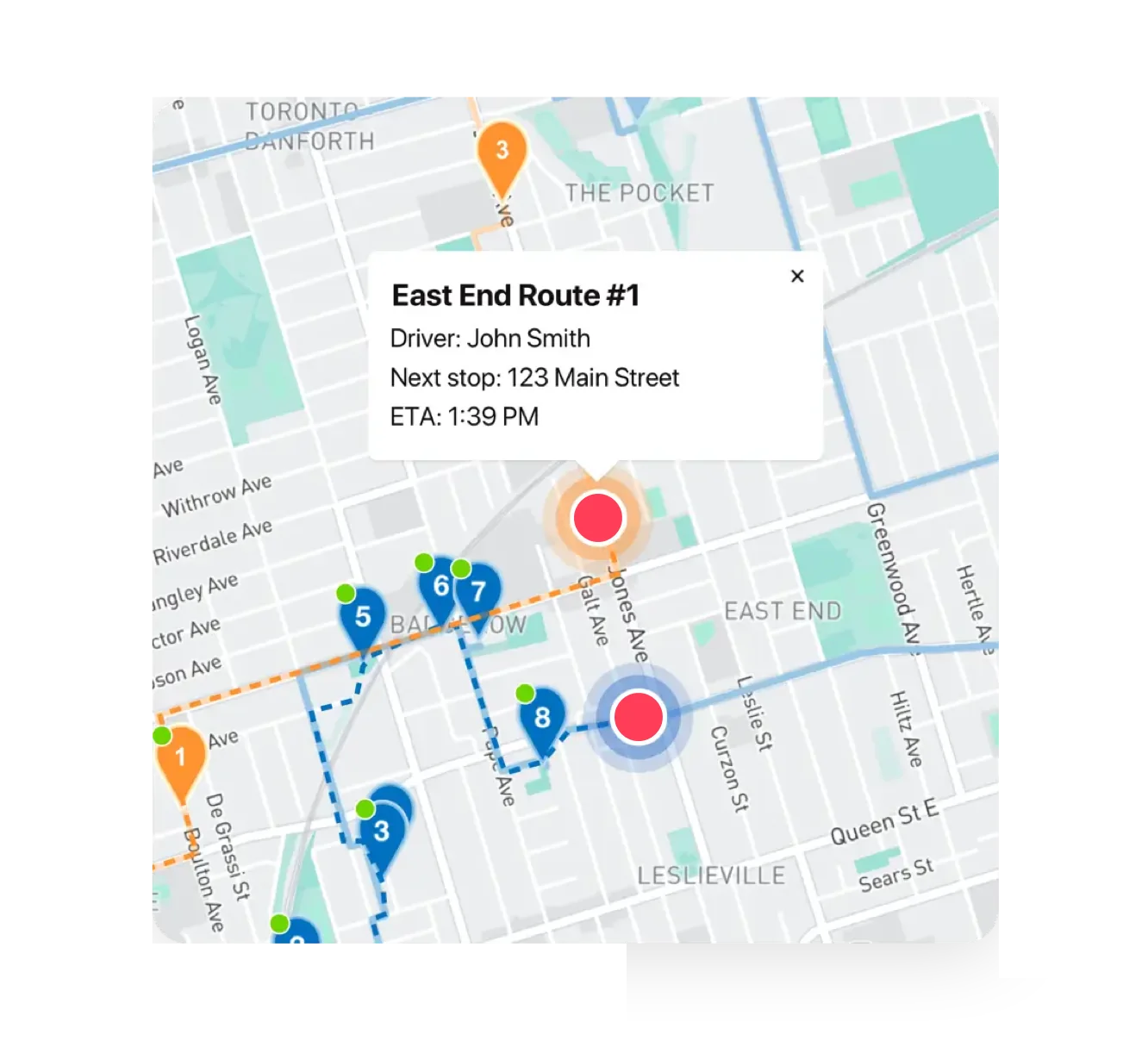
See every active route on a live map, and track progress against delivery schedules. Identify delays before they become customer complaints. Spot patterns, highlight bottlenecks, and make data-driven decisions about your operation.

Automated customer communications

Stop fielding 'Where's my order?' calls. EasyRoutes automatically notifies customers when deliveries are on the way and provides tracking pages with real-time driver location and ETAs. Communication becomes an automated system, not a manual task.

Performance analytics

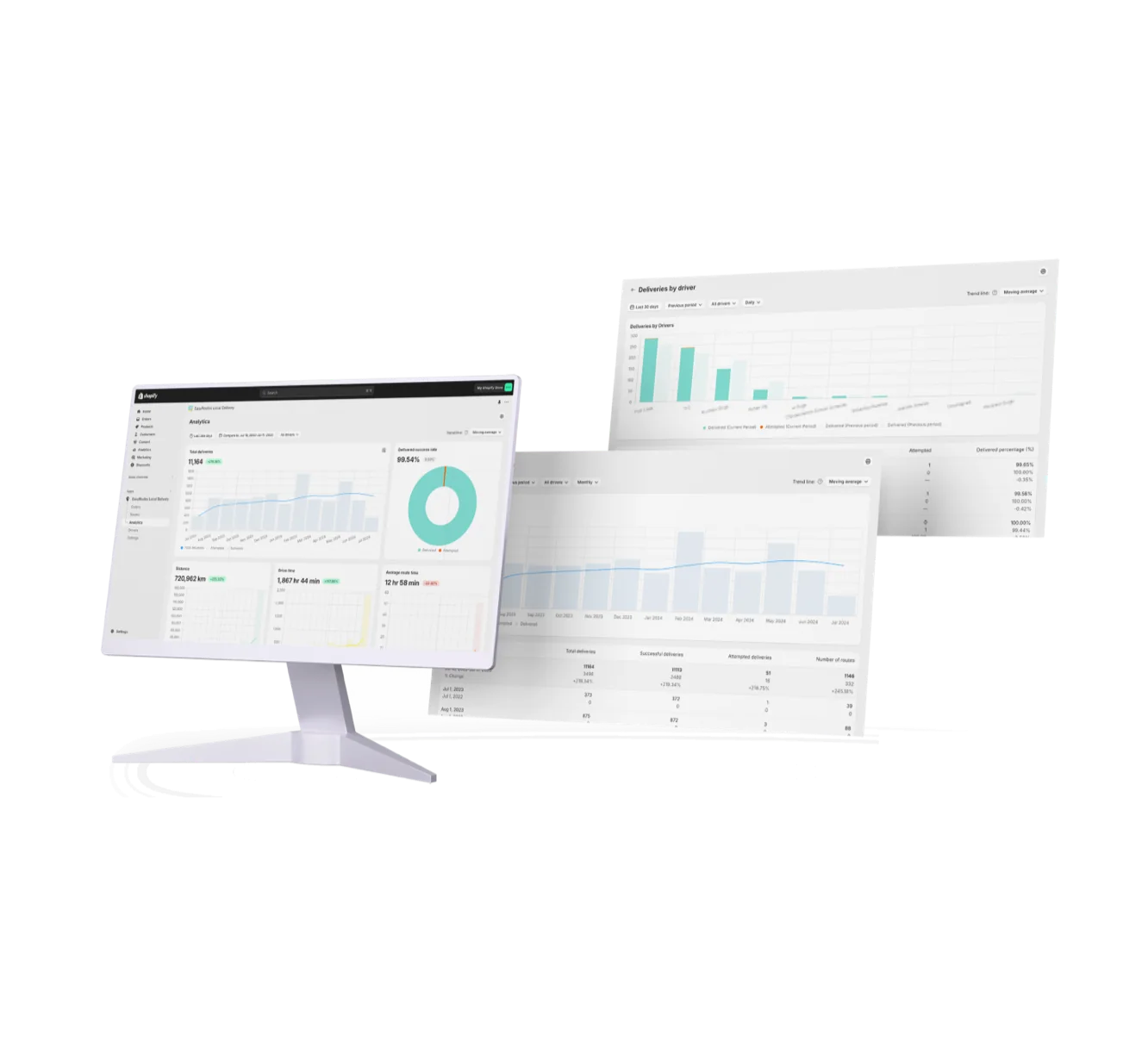
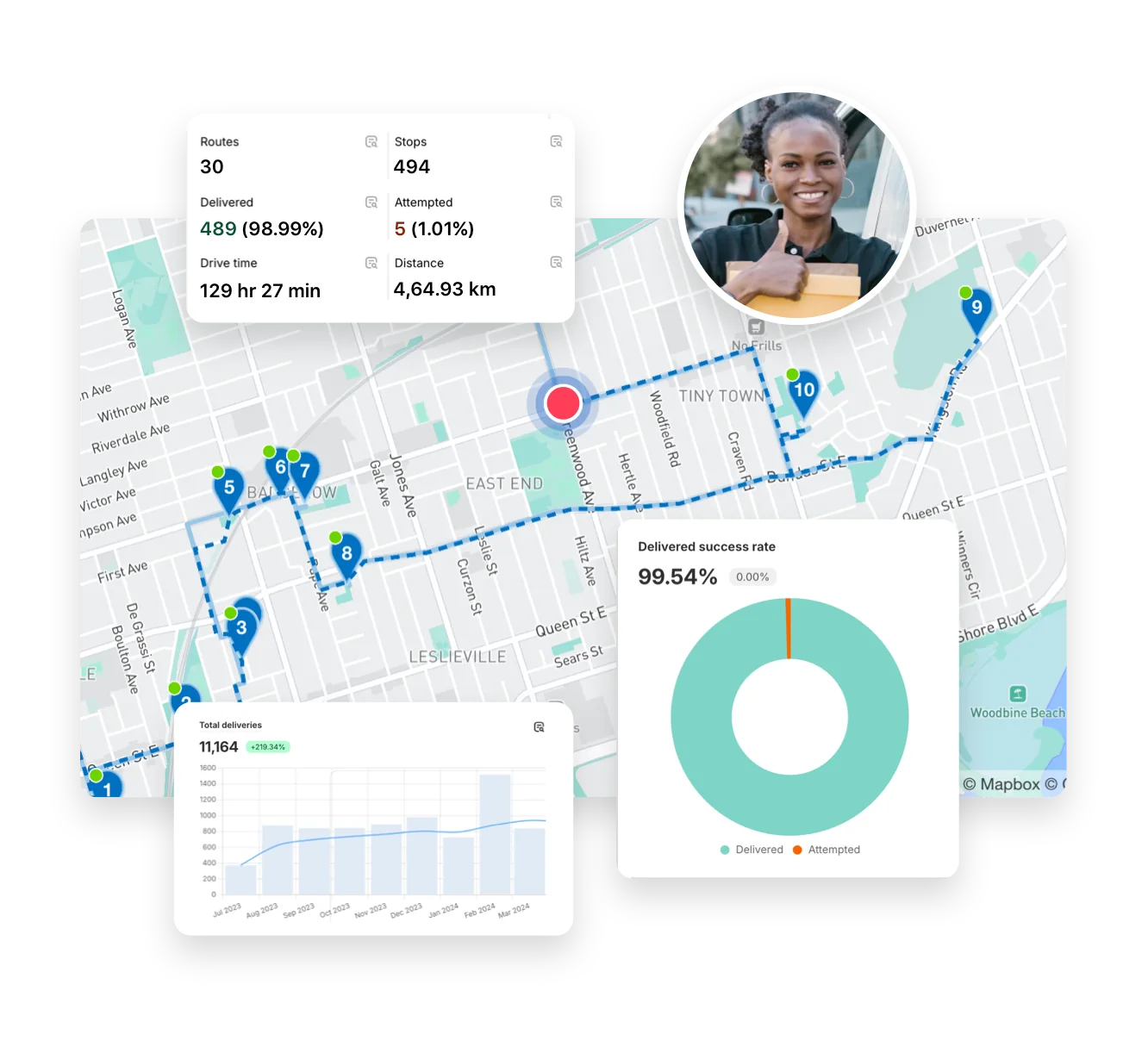
Track the metrics that matter: deliveries completed, on-time performance, driver efficiency, and more. EasyRoutes provides the data you need to demonstrate operational improvements, justify investments, and identify opportunities for optimization.

Scale operations without scaling problems

• Most operations report saving 2-4 hours daily on route planning alone

• Full control to override optimized routes when your judgment matters

• Changes push automatically to affected drivers' phones in real-time

• Export data for further analysis or track trends over time within the platform

Get Started with EasyRoutes

  • Try it free for 14 days—no commitment required
  • If you're using Shopify, just install the app and sync your orders
  • If you're not on Shopify, import a CSV, connect via Zapier, or sync with EasyRoutes' API
  • Our support team is here to help you migrate routes, drivers, and workflows
Get Started with EasyRoutes

Frequently asked questions

How does EasyRoutes optimize my routes?

EasyRoutes optimizes deliveries using your selected orders, start & end locations, stop time intervals, time windows, and route limits. You can balance routes, respect capacities, and re‑optimize as plans change.

See: Route Options · EasyRoutes 101

What real-time tracking data can I see as an admin?

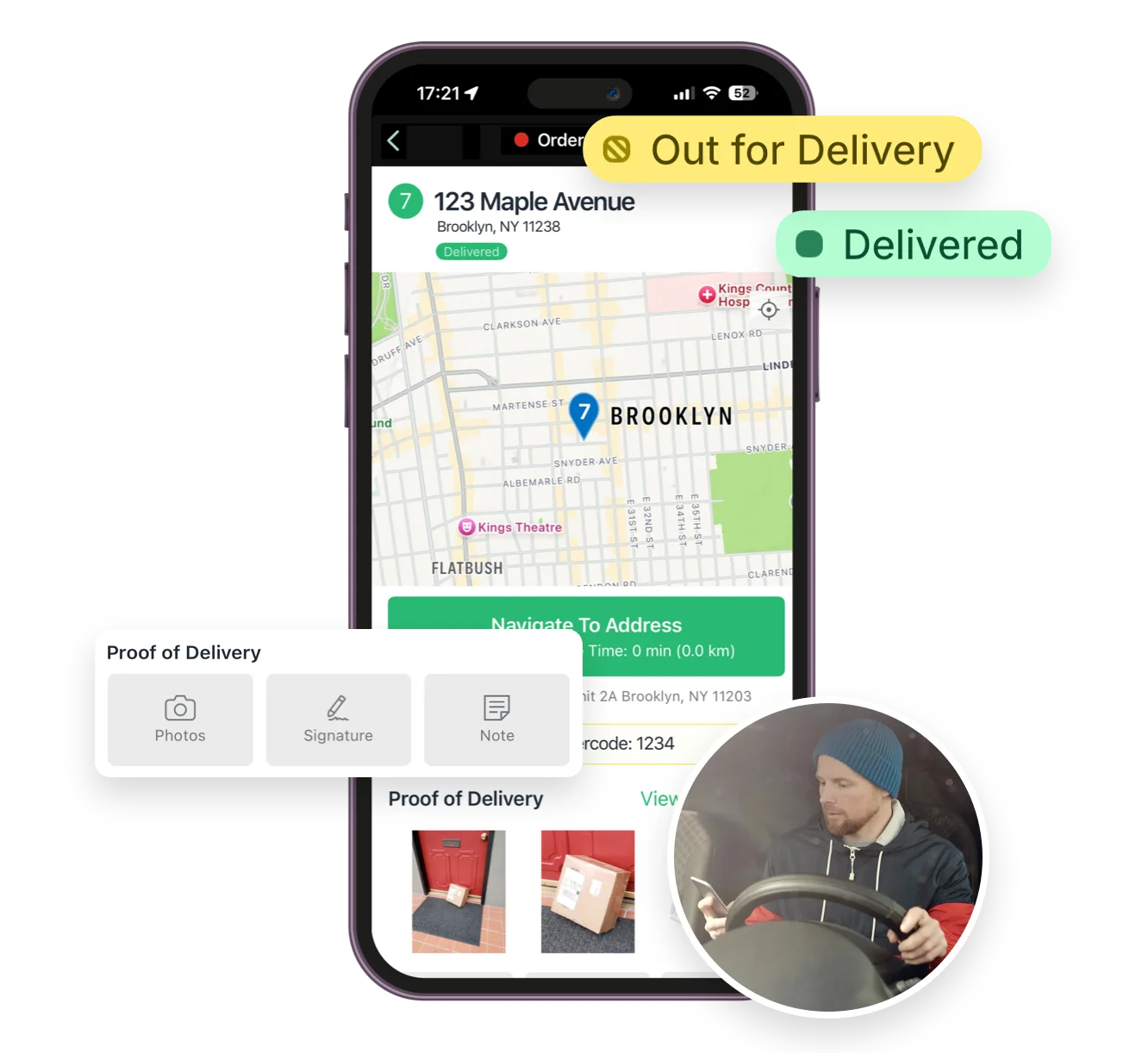
The route’s Tracking tab shows live driver location, recent path, next/current stop, and real‑time stop status, completion times, and proof of delivery events.

See: Real-Time Driver Location Tracking · Activity Feed

Can I notify customers of delays with EasyRoutes?

Yes. Use the customizable Rescheduled notification (email/SMS) to explain delays, provide a new ETA/date, and include the tracking link.

See: Delivery Notifications

What data does Delivery Analytics provide?

Delivery Analytics shows totals and trends for stops and routes, including completed vs. missed deliveries, average delivery time, per‑driver performance, and route metrics over a chosen period.

See: Delivery Analytics

Can I track driver performance?

Yes. Delivery Analytics reports completion rates, average delivery times, and success rates; filter by driver or date and export to CSV.

See: Analytics

Can I export my routes for reporting or analysis?

Yes. Export route and stop data — including links to proof of delivery — to CSV for reconciliation or further analysis with external tools.

See: Export routes/stops

How do my route planners and other staff access EasyRoutes?

EasyRoutes for Shopify is embedded in the Shopify Admin — team members with Shopify access can open EasyRoutes from the admin navigation or search. EasyRoutes for Web uses a standalone login; admins can invite additional users to collaborate with specific permissions. Both products let you control who can plan routes, dispatch, and manage drivers.

See: Getting started · Add collaborators

How do I manage my drivers?

You can add, remove, and switch drivers in a way that is flexible with your business at anytime from within EasyRoutes. If you need more active drivers, then you'll need to add more driver seats on your plan.

See: Add a driver · Activate/deactivate drivers

What is the Activity Feed in EasyRoutes?

The Activity Feed is a real‑time, account‑wide log of route, stop, and driver events (e.g., dispatches, status changes, proof of delivery).

See: Activity Feed

What is my on-time delivery rate and how is it measured?

Your on-time rate is the share of deliveries completed within their scheduled window, based on stop completion timestamps; view it by period and driver in Analytics. See: Analytics

What types of proof of delivery does EasyRoutes support?

EasyRoutes supports delivery photos, e‑signature, driver notes, and automatic timestamps (with GPS location when available) to provide a complete delivery record.

See: Proof of Delivery

Can multiple stores use a single EasyRoutes account?

Each EasyRoutes for Shopify install connects to a single Shopify store. To combine data, import stops via CSV/API/webhooks or use EasyRoutes for Web to plan with external sources.

See: Multiple Shopify stores