Free Delivery Driver App

Your route, your phone, zero hassle. The EasyRoutes Delivery Driver mobile app puts everything you need, one tap away: optimized routes, turn-by-turn navigation, delivery details, and one-tap proof of delivery.

⭐⭐⭐⭐⭐ 4.8 stars Trusted by 5,000+ Businesses

Flower Delivery: The Million RosesMattress Delivery: SonnoPizza Delivery: SliceGass Delivery: Gas GuysFood Delivery: Redstart FoodsBread Delivery: Butter & Crust

Contact sales

Free Delivery Driver App

"Both the [EasyRoutes] app and the driver app are very easy to navigate. Our delivery team have had 0 complaints about the functionality of the app."

— Spray-Free Farmacy

Routes that make sense

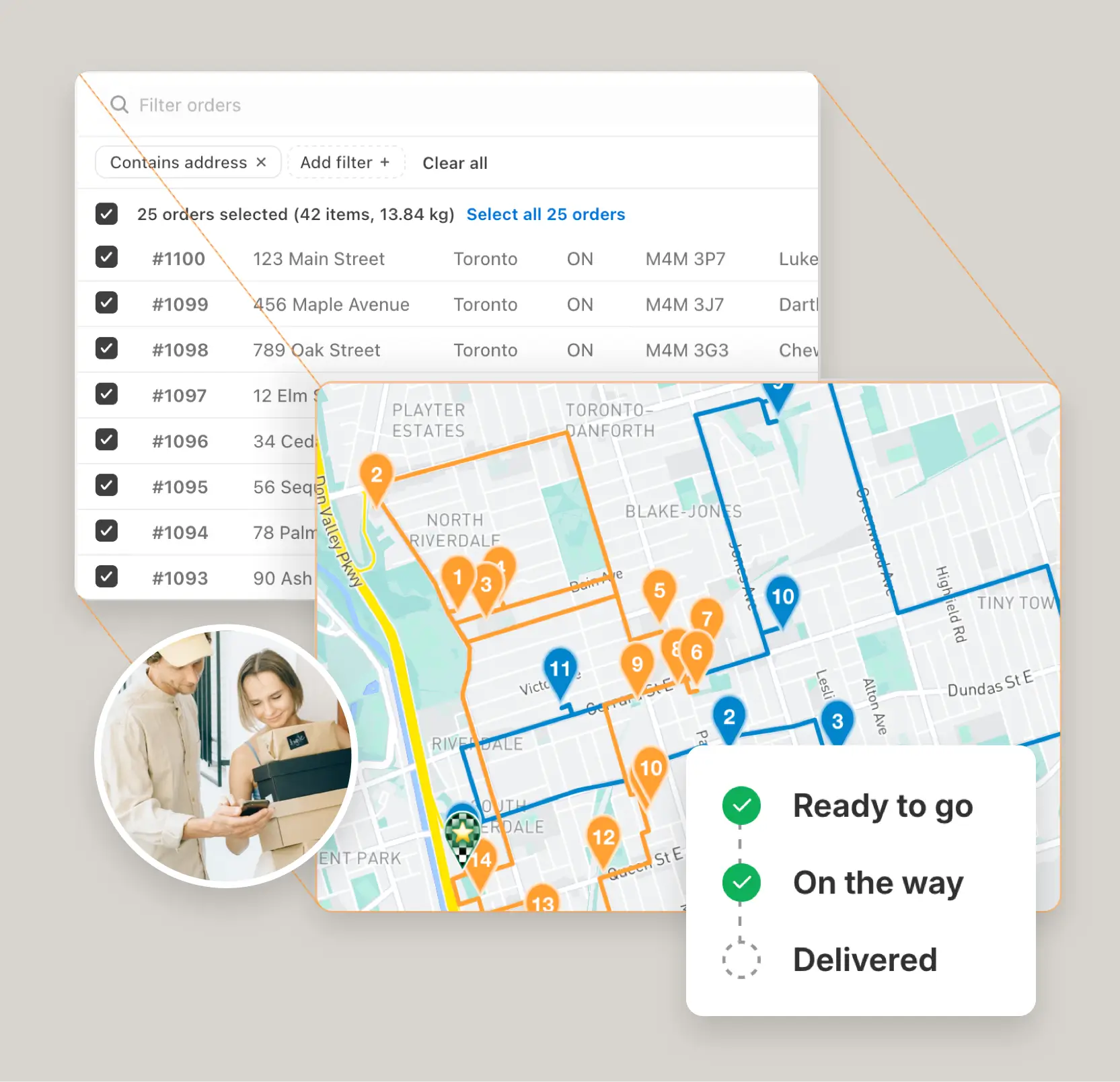
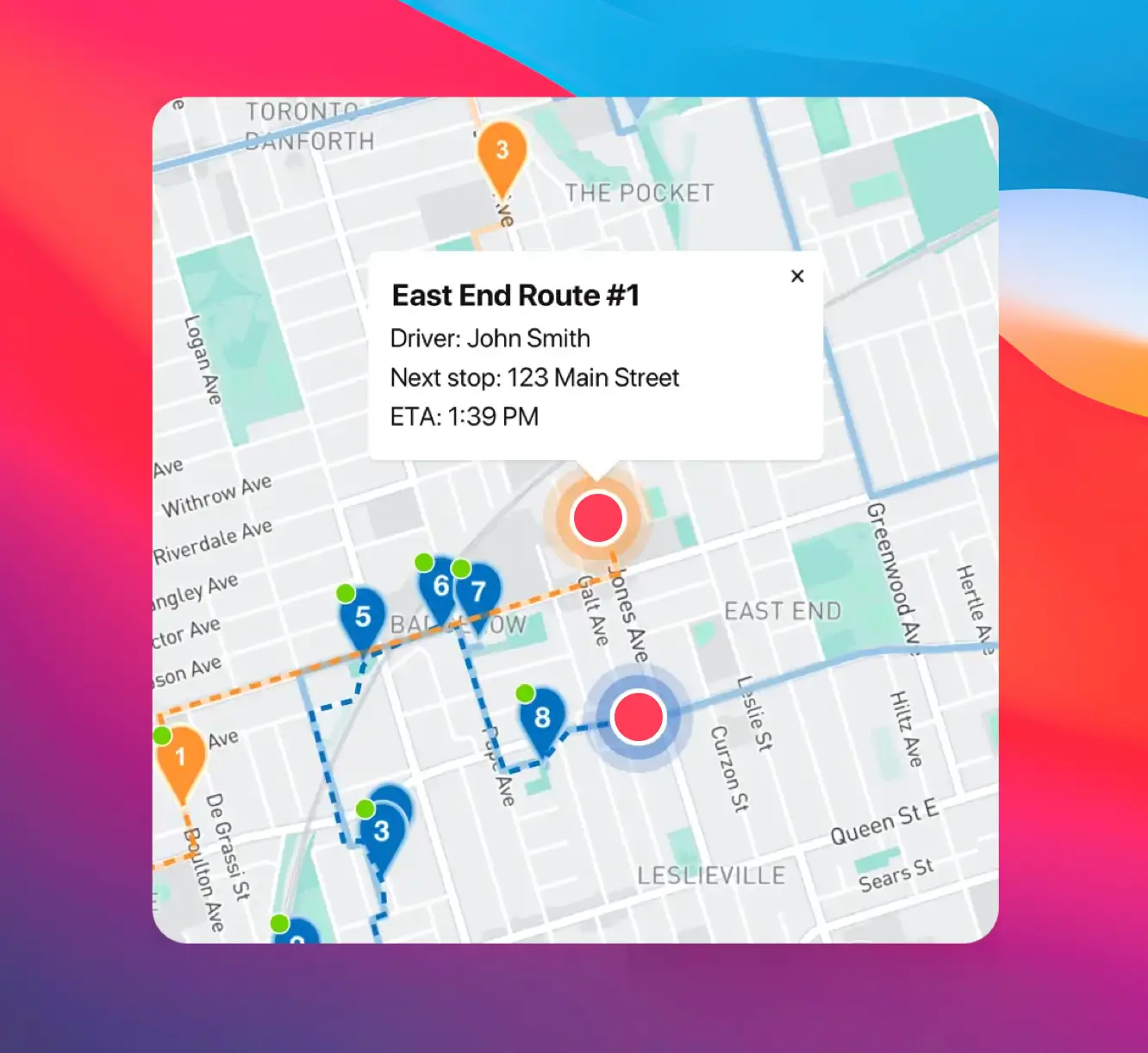
Routes are optimized to minimize your total drive time. Stops are sequenced efficiently, accounting for traffic and realistic travel times. Less time driving between stops, faster route completion, and more predictable finish times.

Built-in navigation

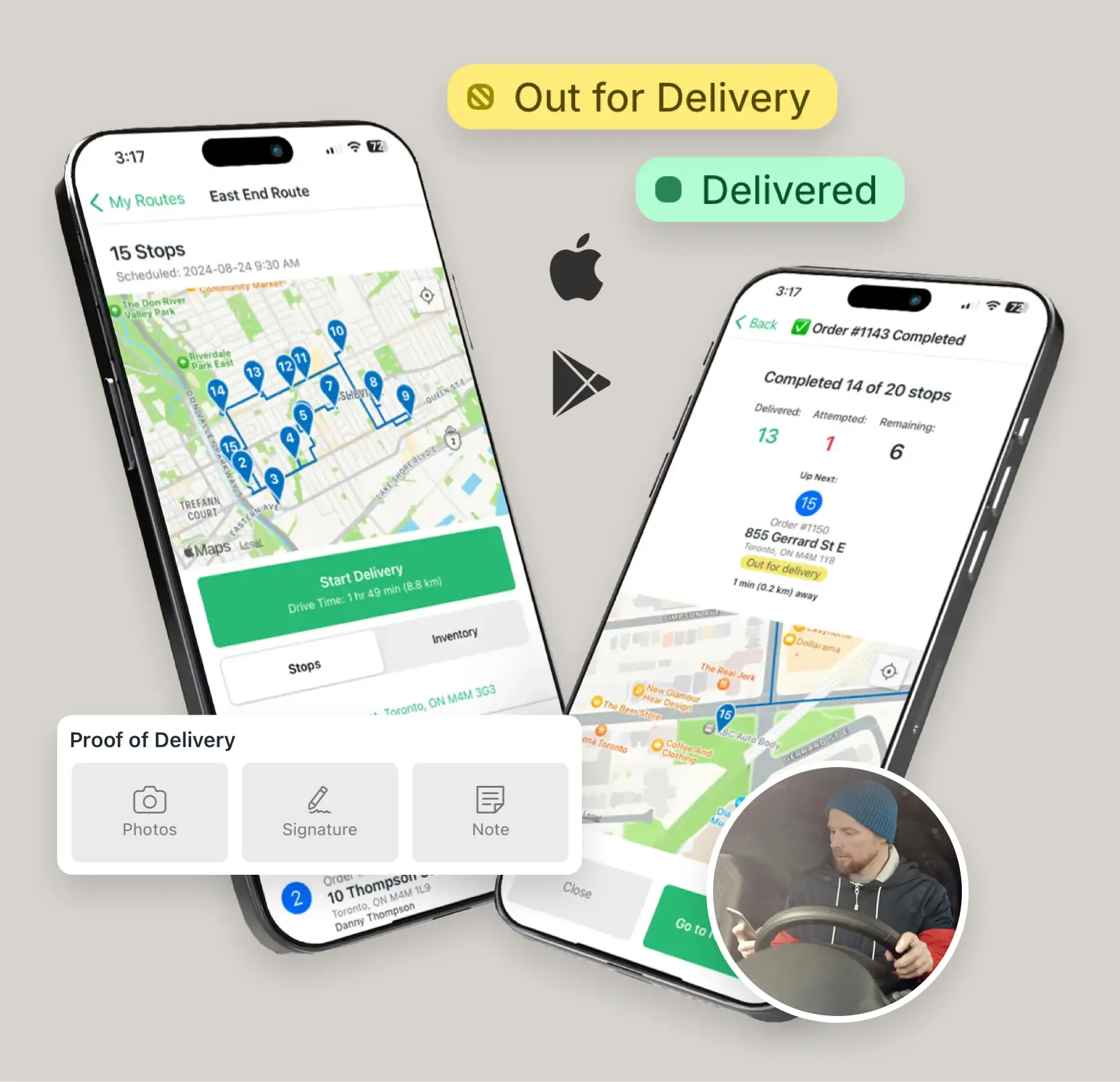
Tap any stop and launch navigation instantly. EasyRoutes connects with Google Maps, Apple Maps, or Waze, so you get reliable directions without manually entering addresses. No switching apps or copying information.

Everything you need at each stop

Customer name, address, phone number, delivery notes, special instructions — it's all on your screen. Need to call the customer? Tap their number directly from the app. Everything is organized and accessible.

Simple proof of delivery

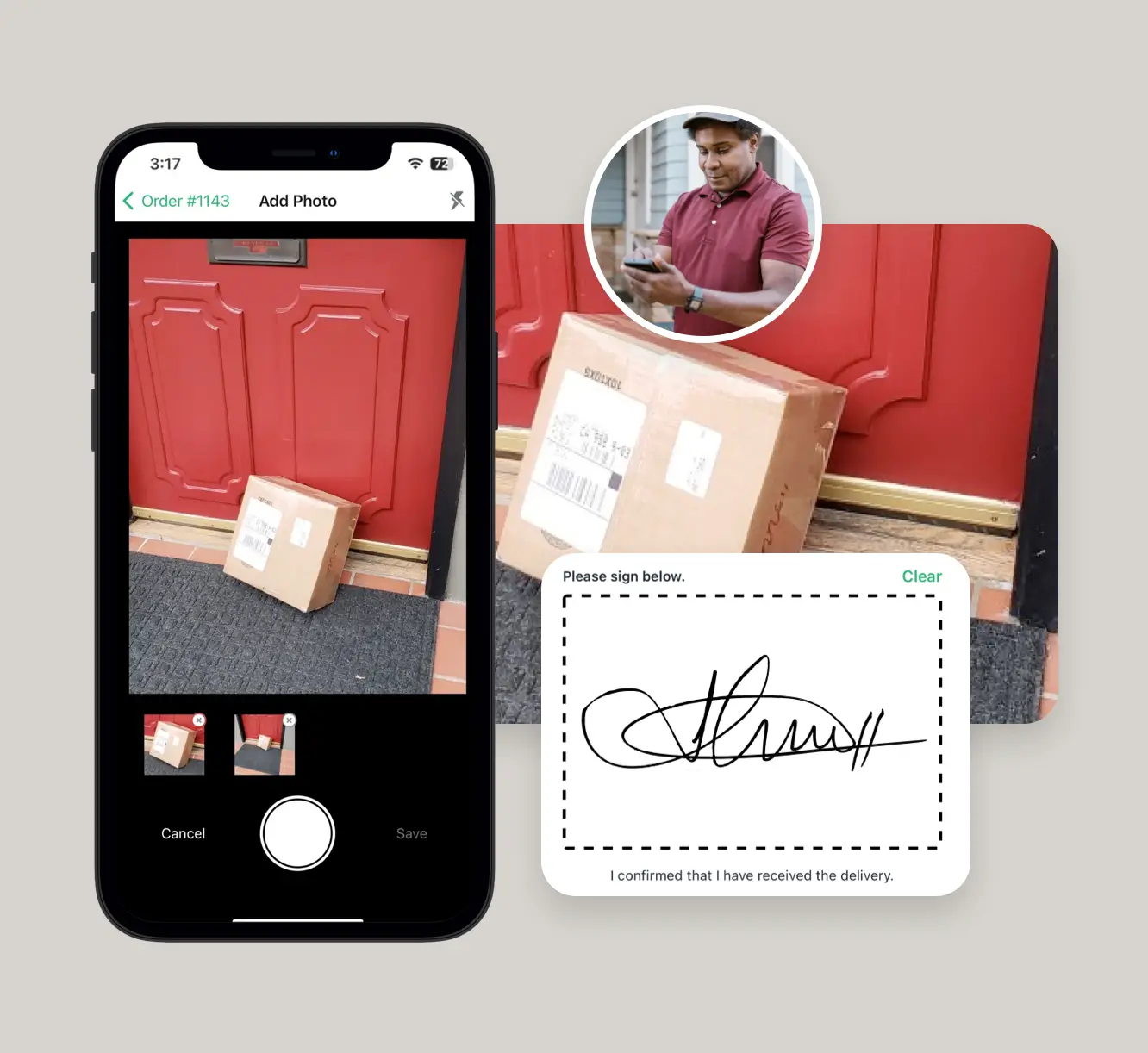
Mark deliveries complete with a tap. Capture a photo, or collect a signature if required. The app guides you through proof of delivery and uploads everything automatically. Documentation is handled without extra effort.

Free on iOS and Android

• Completely free for drivers — your company pays for the platform, you just download the app

• Works on iPhone & iPad with iOS 15.1+ and Android 7.0+ devices

• No training required — if you can use Google Maps, you can use EasyRoutes

• Works with Google Maps, Apple Maps, and Waze for navigation

Get Started with EasyRoutes

  • Try it free for 14 days—no commitment required
  • If you're using Shopify, just install the app and sync your orders
  • If you're not on Shopify, import a CSV, connect via Zapier, or sync with EasyRoutes' API
  • Our support team is here to help you migrate routes, drivers, and workflows
Get Started with EasyRoutes