
We've added a new optional field to imported orders and saved stops, allowing users to attach a custom reference URL.
When attached to an order/stop, clicking the name of that order/stop from the EasyRoutes Orders and Route pages (found within the Order column on the left-hand side of these pages) will open the URL's address in a new tab - particularly useful for quickly referencing non-Shopify order details directly when they're imported from external ERPs or alternate eCommerce platforms.
To add an external URL to an order or stop:
- From EasyRoutes: Access the Actions menu (three dots icon) on the far right-hand side of any imported order or saved stop; in the Order fields panel on the right-hand side of the page that appears, input an URL within the Order reference URL box highlighted below:
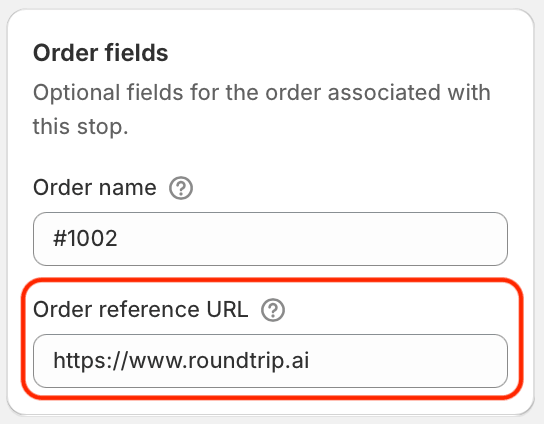
- Via EasyRoutes' APIs: Use the new orderReferenceURL field when initially importing stops, updating stops that have already been imported, or when updating stops on an existing route; the same field's contents (where available) will also be returned when querying routes or stops via the API. Full details on working with this new field can be found in the API changelog entry for this update.
Note: Orders synced automatically via EasyRoutes' integration with Shopify remain tied directly to their respective Shopify order, maintaining a clickable reference to an order's details within the Shopify Admin.