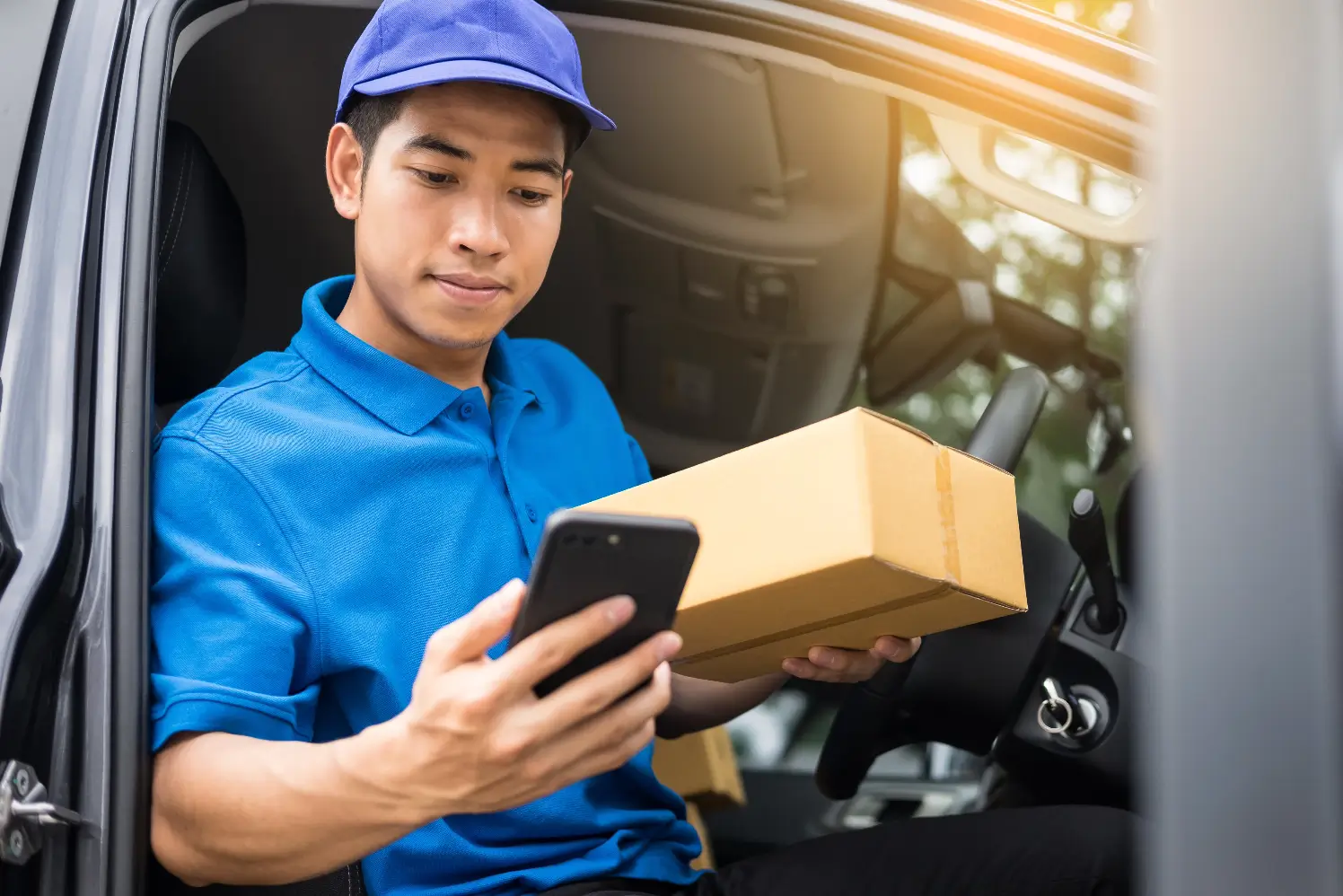
📵 EasyRoutes Delivery Driver: Offline Mode
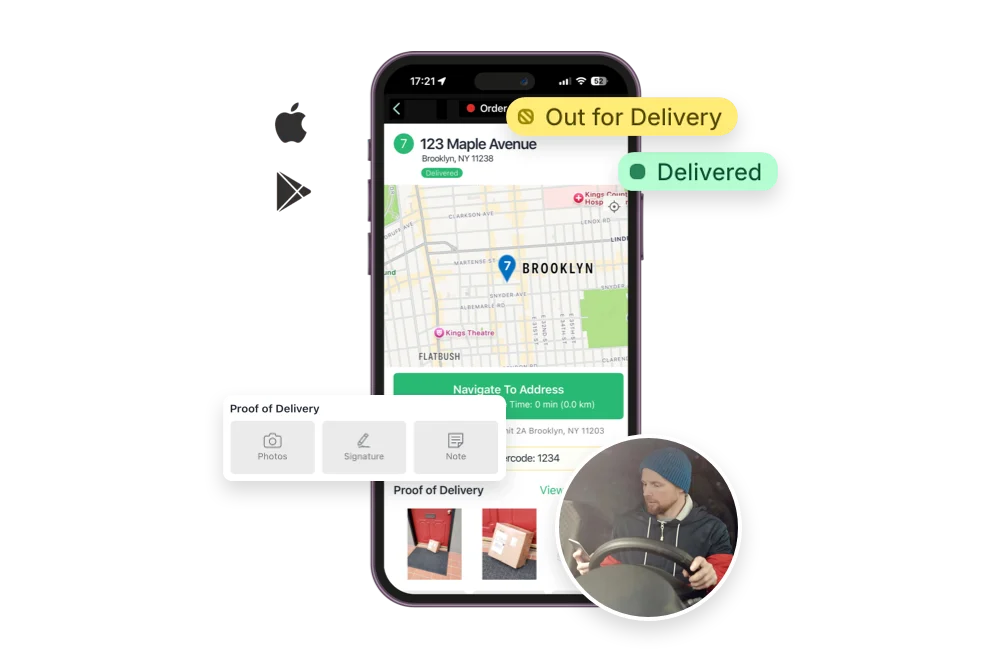
One of our users' most-requested features is now live: we've launched offline support in the EasyRoutes Delivery Driver app. Drivers can now keep moving through internet dead zones, parking garages, rural areas, and elevators without missing a beat. Every action taken on a route is saved on the driver's device and syncs automatically the moment a connection is restored.
Even with no signal, drivers can now:
- Open and start any route that was pre-loaded while online.
- Mark stops delivered or attempted, and mark a route complete.
- Capture proof of delivery: photos, eSignatures, barcode scans, and delivery notes.
- Complete stop tasks and update item quantities on imported stops.
- See a clear on-screen indicator when they're offline, and when changes are still waiting to sync.
When drivers reconnect, queued changes upload automatically, route by route. And because each action is timestamped on the device, your activity feed, admin view, and customer tracking pages all reflect when a delivery event actually happened, not when the driver's phone came back online.
Offline support requires version 2.0.4 or above of the EasyRoutes Delivery Driver mobile app for both Android and iOS devices.
For a full breakdown on how offline support works, as well as a few best practices for the smoothest experience on the road, see the support article for this new feature.
🧑💻 New API Functionality
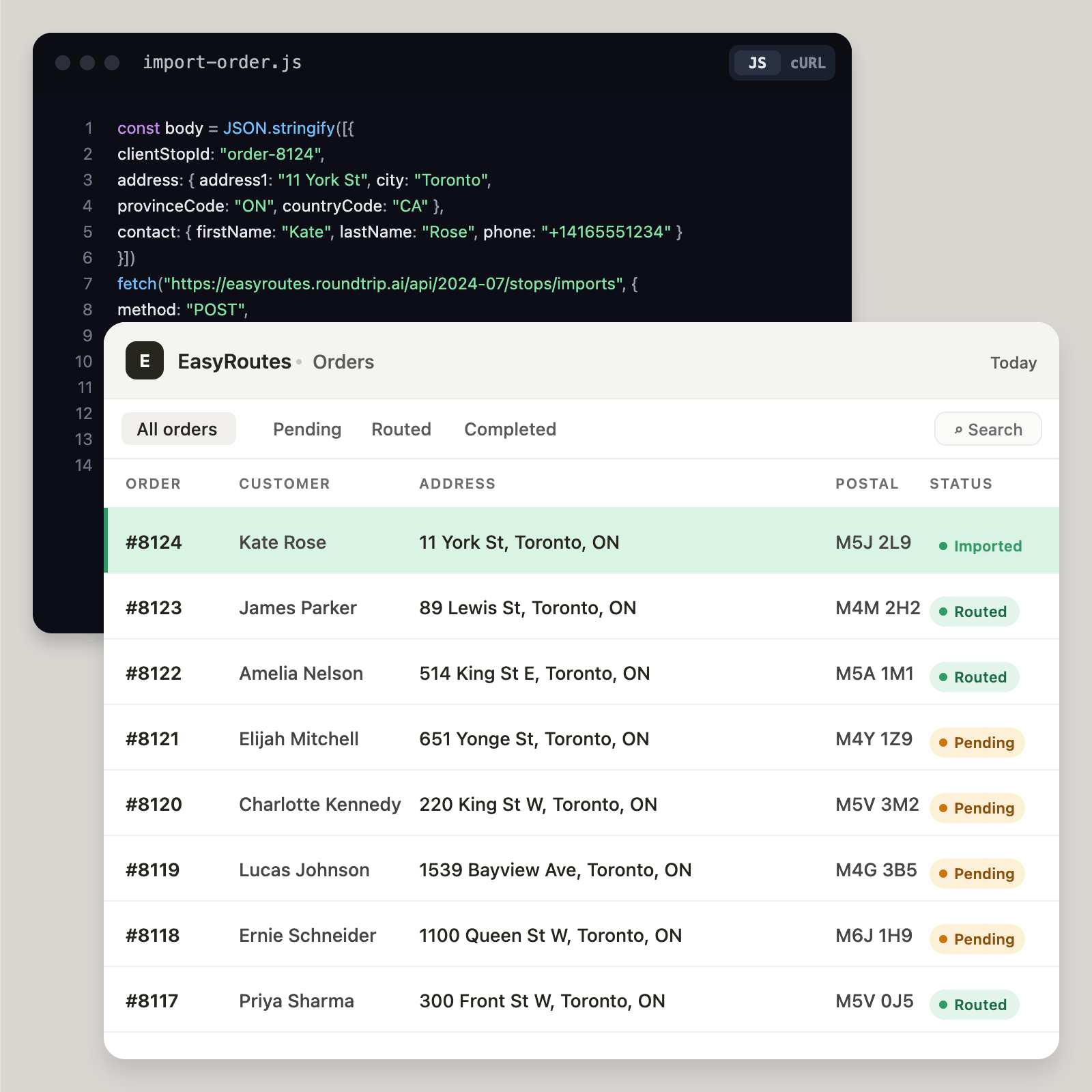
For developers building custom integrations, there's now more options than ever to interact with stops, routes, drivers, and vehicles via EasyRoutes' APIs. API access is now enabled by default on every paid plan, and users can input a developer's contact email so we can reach out directly with any integration issues.
A rebuilt developer experience. We've consolidated every API reference, guide, and code sample into a standalone (and AI agent-friendly) EasyRoutes Developer Docs Portal, which also features a dedicated API changelog, tracking each new API endpoint and feature as they launch.
More endpoints and resources. Create, dispatch, assign, and reoptimize routes and stops programmatically, and manage your fleet through our new Vehicles API.
Full control over stops and routes. New improvements to the UpdateRoute and Update route stop endpoints let you change almost anything on an existing route, right down to individual imported stops, without a full re-import.
Custom external order URLs. Attach a reference URL to any imported order or saved stop, in-app or via the API, so a stop's name in the EasyRoutes admin links straight to its details in your ERP or external eCommerce platform.
Safer, more predictable integrations. Idempotency-key support to prevent duplicate requests on retry, and an on-demand Shopify order re-sync make the API more predictable than ever.
Explore the expanding list of EasyRoutes integration possibilities — with full request and response samples — in the new Developer Docs Portal.
📍 Route Planning & Interface Improvements
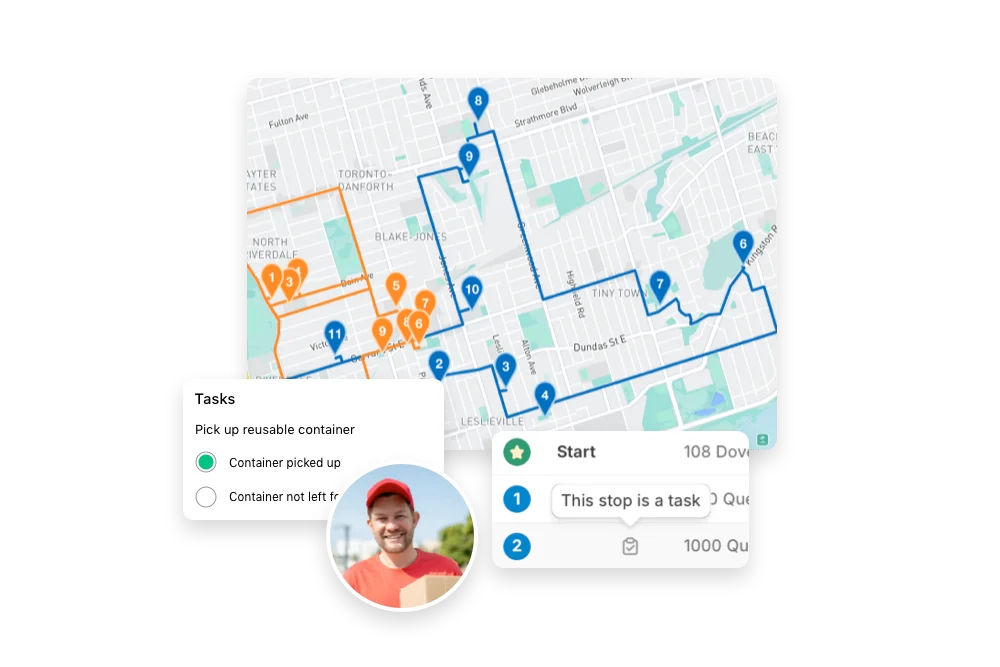
We've made a range of improvements across the EasyRoutes interface to help you plan routes faster, and keep the right information in view when it's most relevant.
Smarter filtering and views. Finding the right orders and routes is now even easier: we've added a Yesterday filter to the Routes page, and a Created on filter for imported stops on the Orders page. We've also added a new filter & support for Shopify's new In Progress fulfillment status, and included a new setting allowing users to set which version of the EasyRoutes Orders page (Orders, All stops, Saved, or Imported, where applicable) opens when initially accessing our Shopify app — find it in your EasyRoutes Settings > Orders tab, under the new Default tab dropdown menu.
More from your exports. Route Tags can now be included as an optional field in your route exports, and we've added a new export tool directly on the Driver and Vehicle pages so you can pull relevant data without adding extra steps.
Everyday planning touches. Bulk actions are now available on the Import History tab, the address book remembers your auto-fill field selections, and the Orders page now surfaces each order's most recent route by default. For teams managing more than one store or eCommerce platform, imported stops now support a custom reference URL so order links open in the right account every time.
🤳 New Tracking & Notification Features
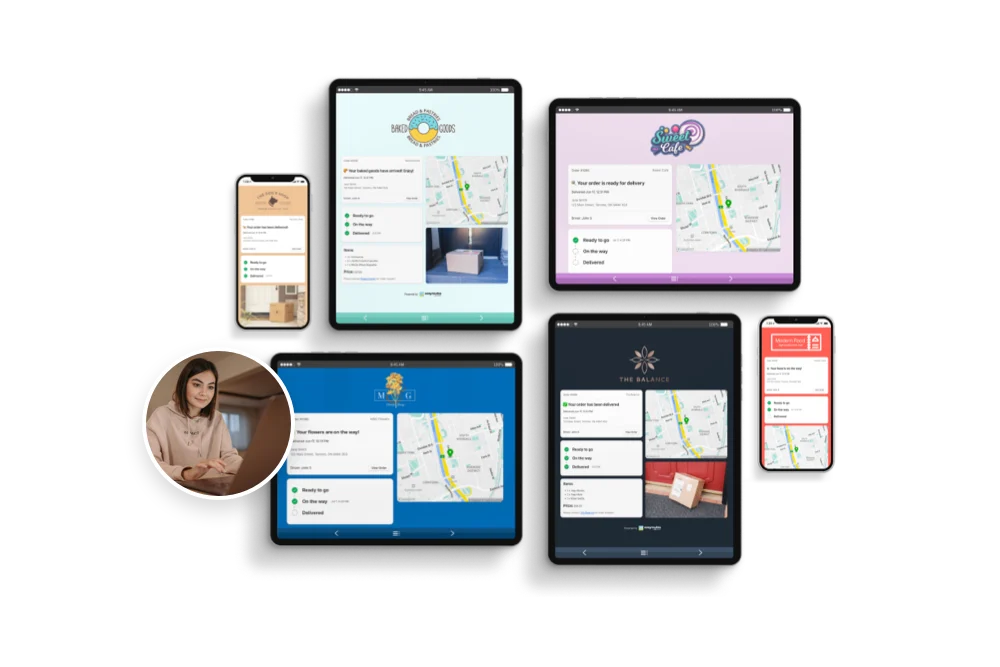
We've also expanded options for keeping customers in the loop, and added new options for sharing proof of delivery.
Notify a whole route group at once. You can now send select customer notifications for an entire route group in a single action, rather than one route at a time, saving even more time when you're dispatching several routes at once.
More proof of delivery for your customers. Captured eSignatures can now be displayed on customer order tracking pages, and you can include both the eSignature and the time it was captured directly in your email notification templates.
📱 EasyRoutes Delivery Driver v2.0.7
The EasyRoutes Delivery Driver mobile app for both iOS and Android devices has been updated to version 2.0.7.
This release features mobile offline support as highlighted above, a new setting to require proof of delivery photos at a route's start and/or end stops, in-app filtering for Not started, In progress, or Completed routes, a new safeguard preventing barcode scan deletion on stops already marked delivered or attempted, as well as minor bug fixes & improvements to eSignature capture, photo attachments, and overall app stability.
Drivers will need to update to the latest version of the mobile app (version 2.0.7 or above) in order to take advantage of these new features and improvements within the EasyRoutes Delivery Driver mobile app.
Other product updates
(👀 there's some good stuff in here!)
- Archived delivery zones now remain visible on the map when they're selected; zones can be re-activated from your EasyRoutes Settings > Delivery Zones tab.
- Workflows handle invalid configurations more gracefully, with clearer errors when something's set up in an incompatible manner.
- Clearer messaging when a route is too long to generate turn-by-turn directions.
- Fix for CSV imports incorrectly categorizing item counts as order tags.
- Fix for an issue where route group orders sent to external printing apps could be missing their order IDs.