














« Back to features

Keep Customers Informed and Happy

Send branded delivery notifications and live tracking links. Reduce "Where's my order?" calls and improve the customer experience with every stop.

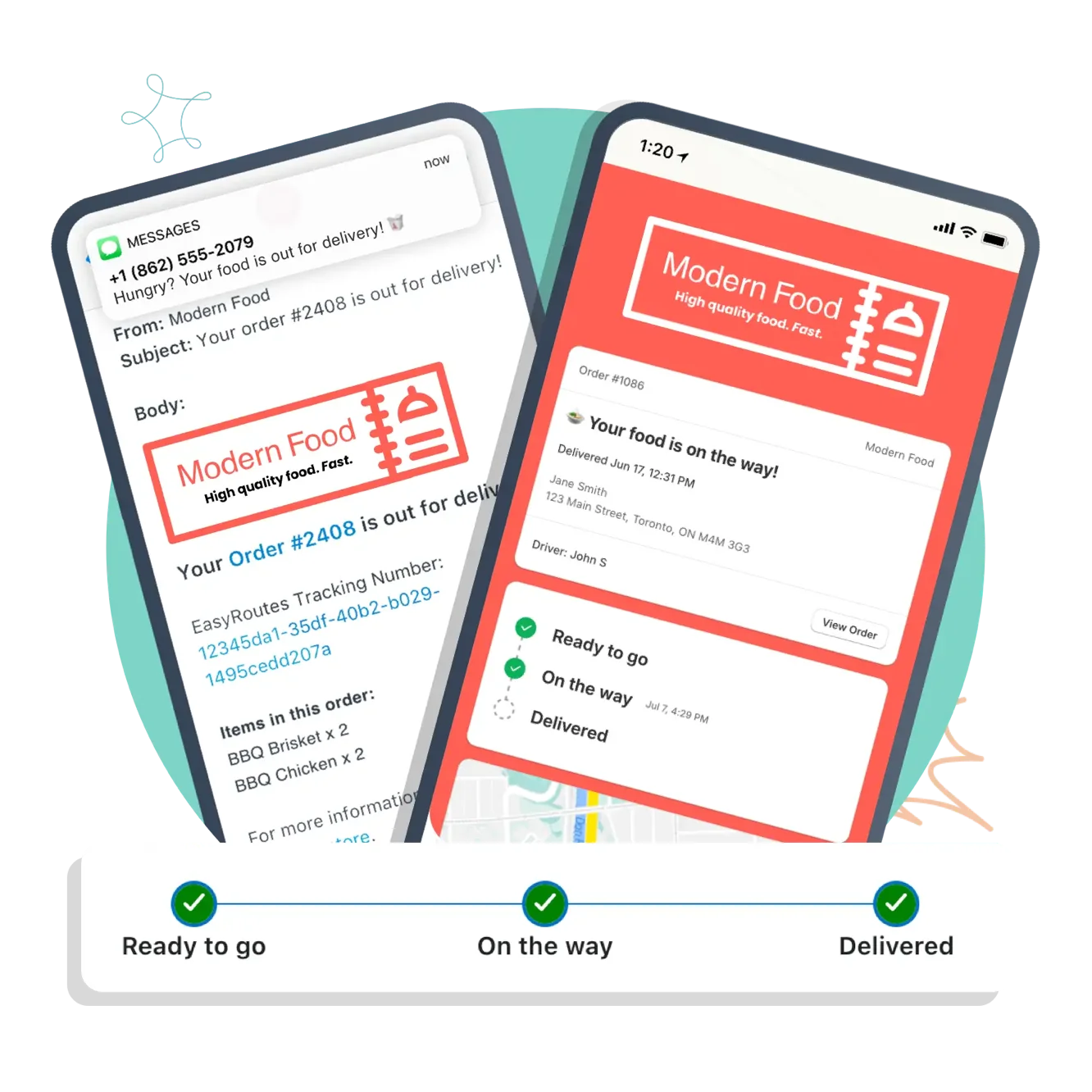
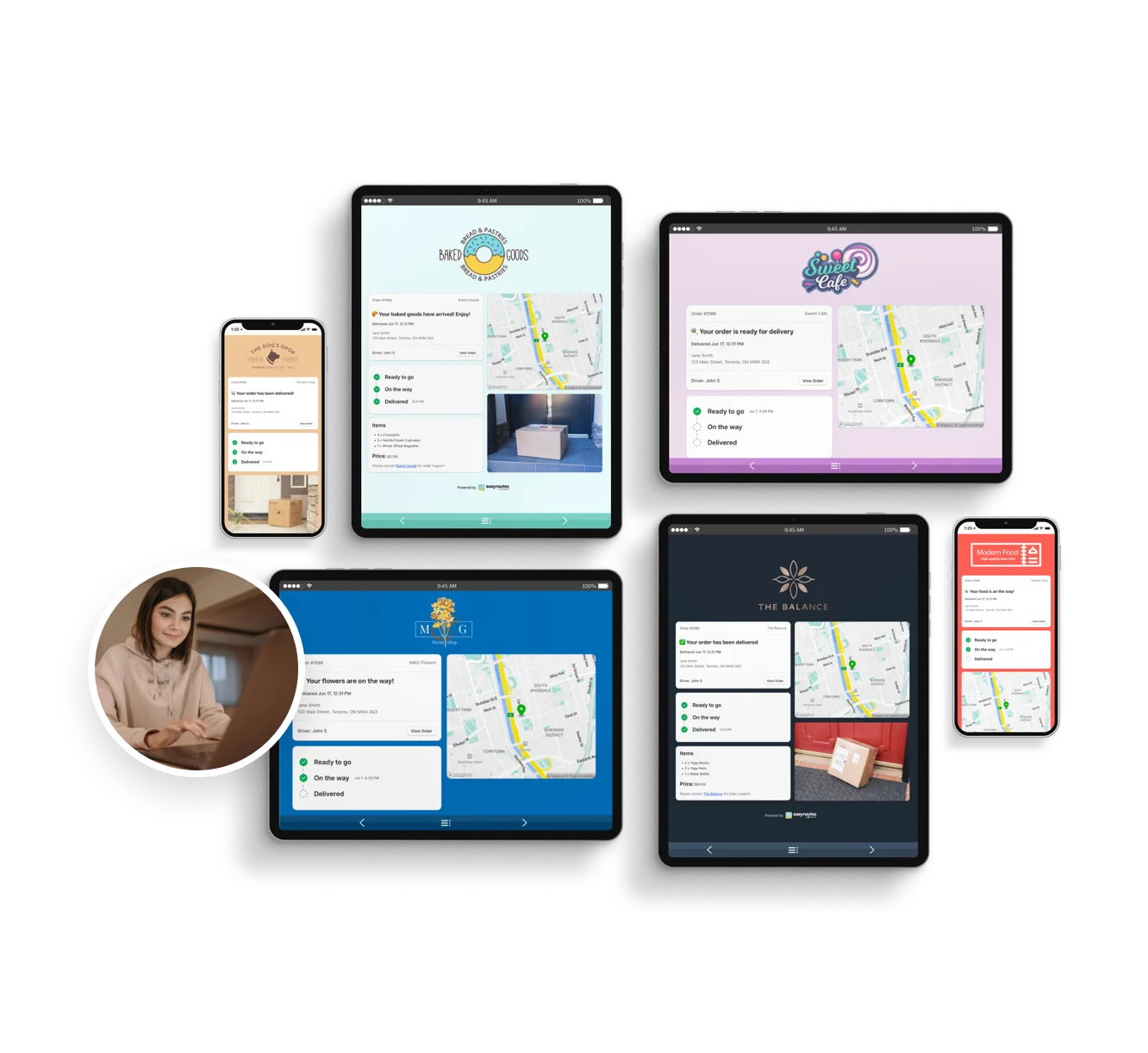
Automatically send email and SMS notifications for key delivery status events
Provide every detail upfront and eliminate “Where is my order?” inquiries
Fine-tune customer notifications and tracking pages to match your brand

“Customers are well-informed throughout every step of the delivery process, resulting in increased satisfaction and fewer support inquiries.”

Notifications & Tracking

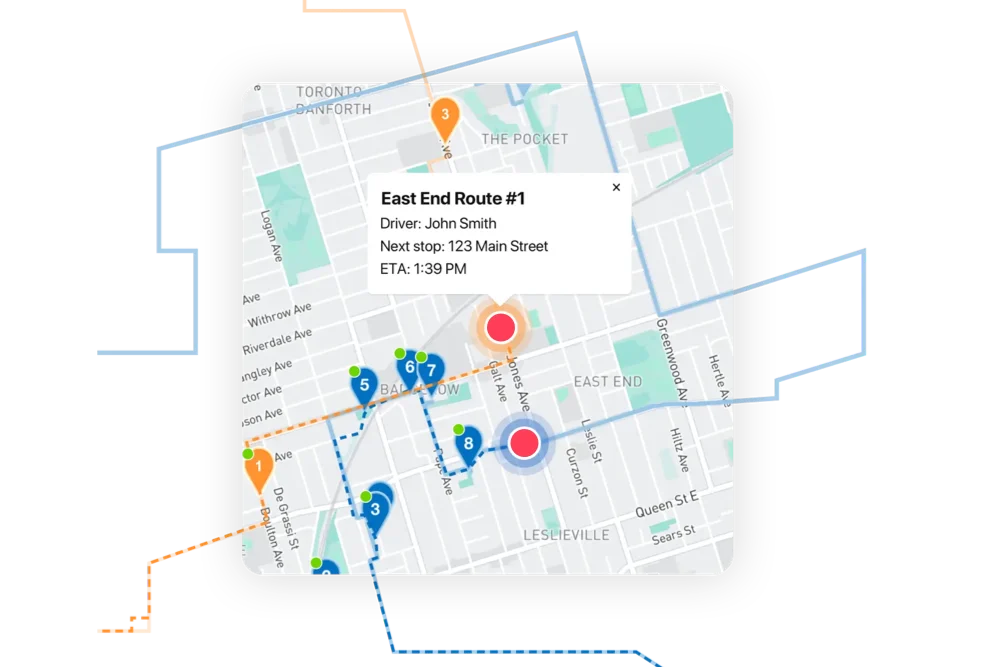
EasyRoutes’ customer notifications and tracking features keep recipients informed every step of the way, reducing support inquiries and improving customer satisfaction with a transparent delivery experience. Automated updates via email and SMS share real-time ETAs, delivery statuses, and driver GPS location, so customers always know when to expect their order.

This proactive communication minimizes “Where is my order?” calls and builds trust through timely, accurate updates. Businesses benefit from fewer manual interventions, while drivers stay focused on deliveries instead of fielding calls. The result is a smoother, more predictable experience for everyone involved—from dispatchers and drivers to end customers.

Keep Customers Informed and Happy

⭐⭐⭐⭐⭐ 4.8 stars Trusted by 5,000+ Businesses

Flower Delivery: The Million RosesMattress Delivery: SonnoPizza Delivery: SliceGass Delivery: Gas GuysFood Delivery: Redstart FoodsBread Delivery: Butter & Crust
Proof of Delivery

Proof of Delivery

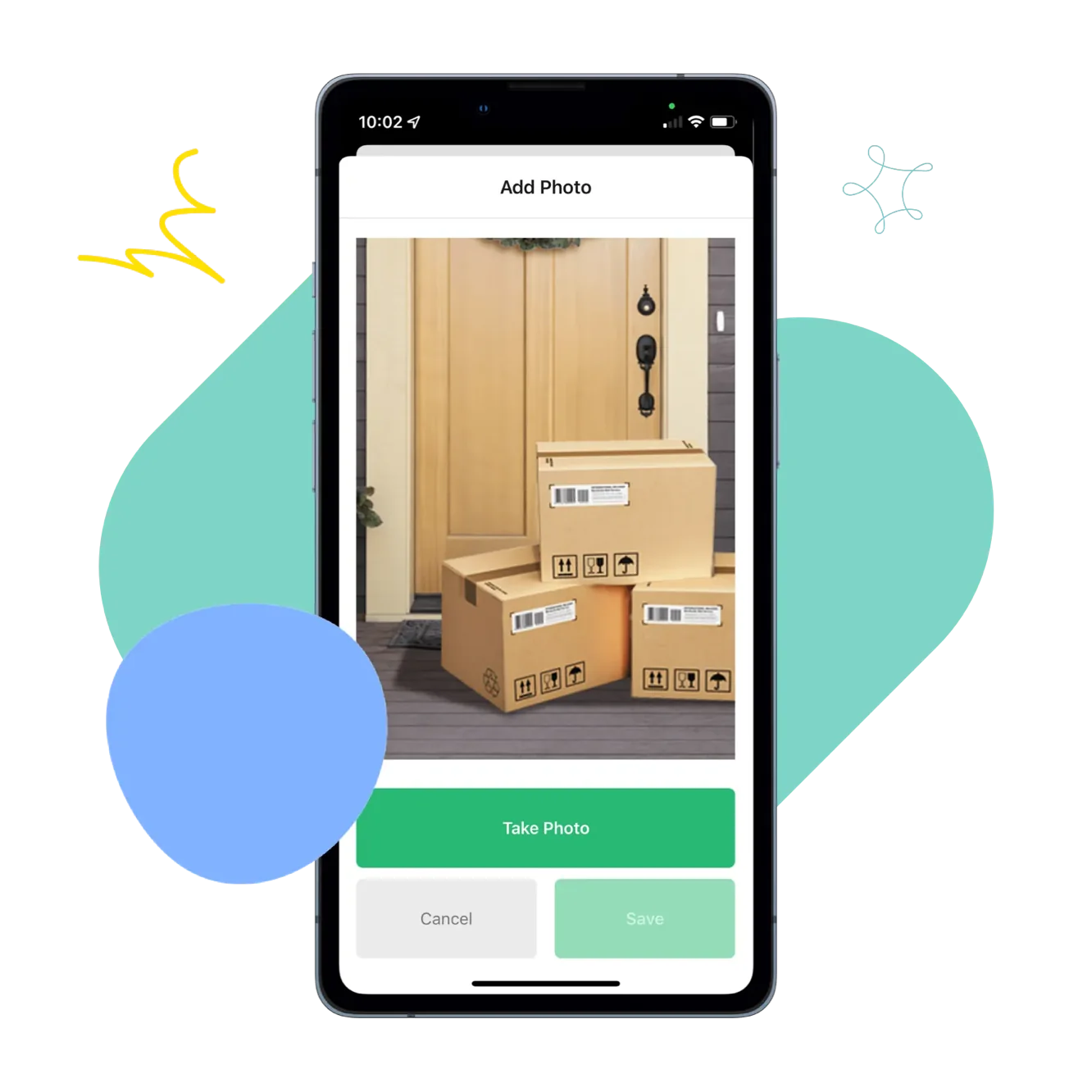
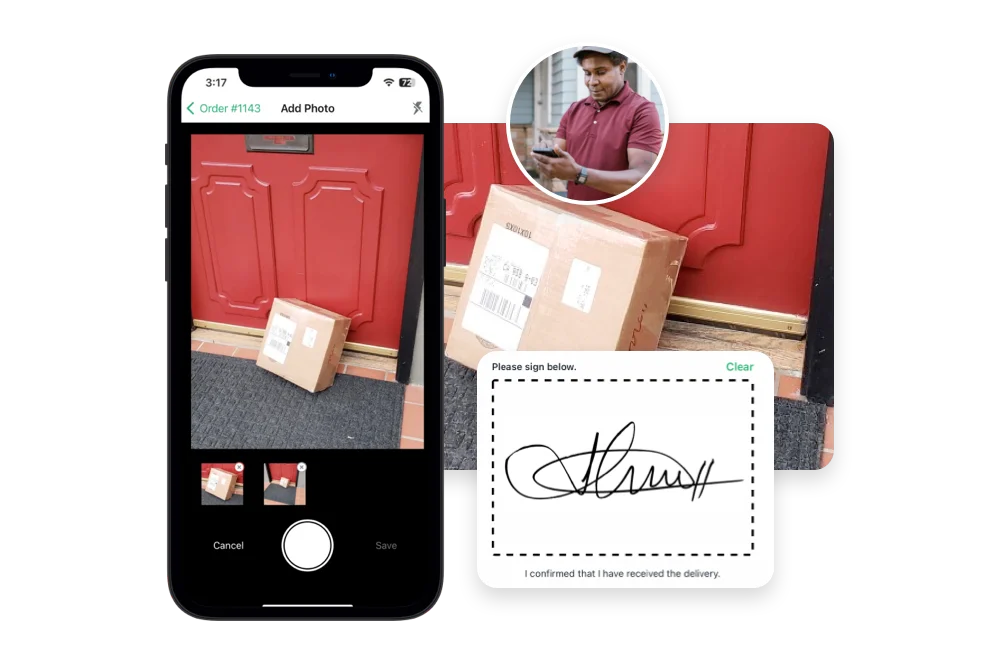
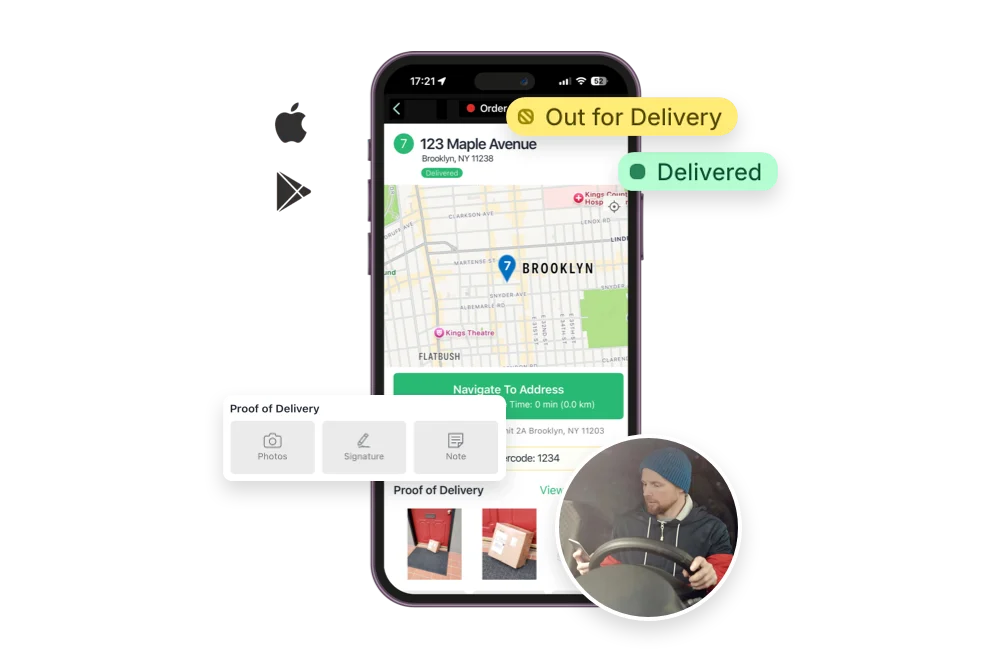
Collect photos, signatures, notes, and geo-stamped confirmations for every order. Protect your team and your bottom line.
Route Management

Route Management

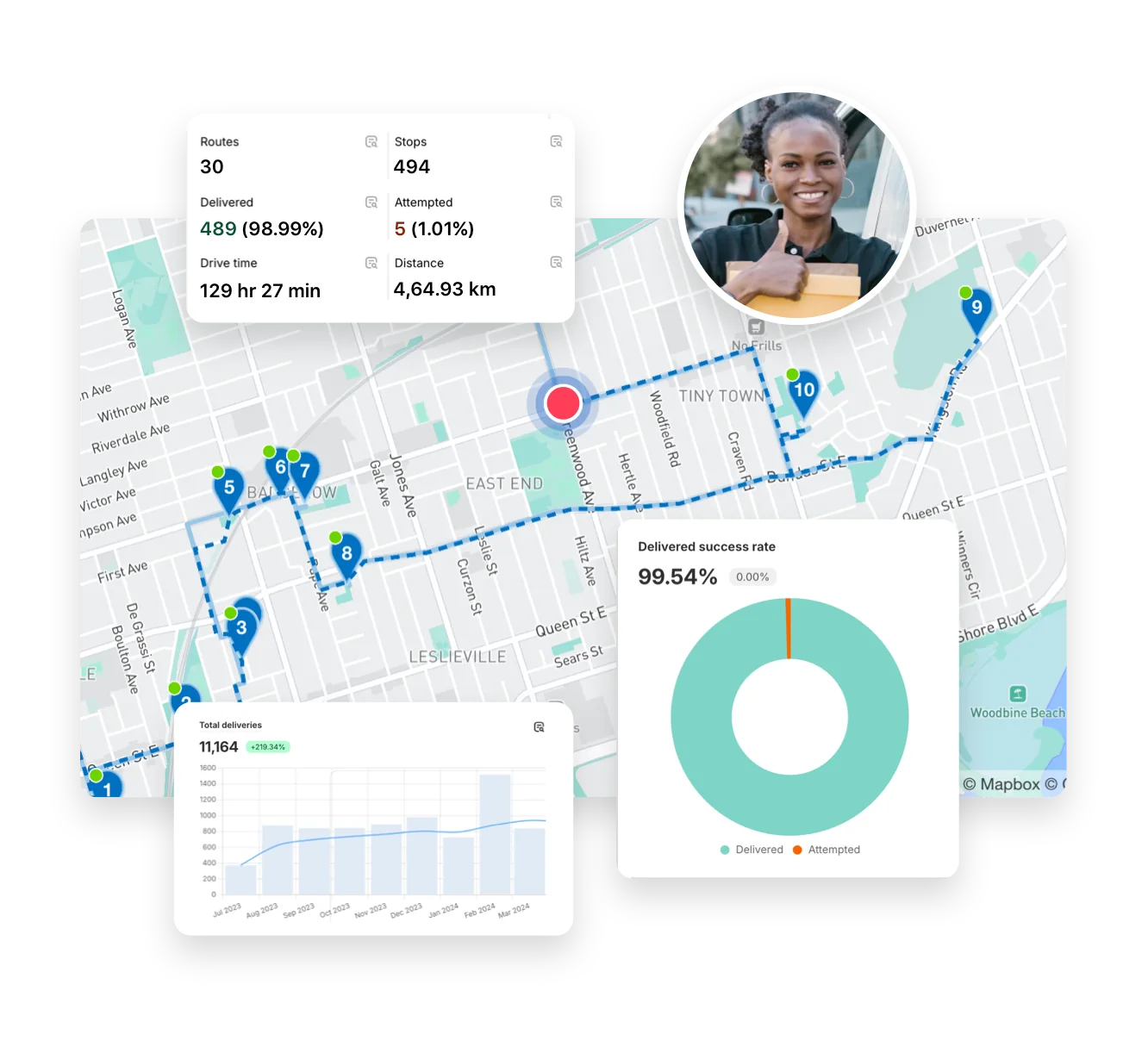
Handle last-minute order changes, reassign deliveries, and make real-time updates without disrupting your team or your customers.
Optimized Route Planning

Optimized Route Planning

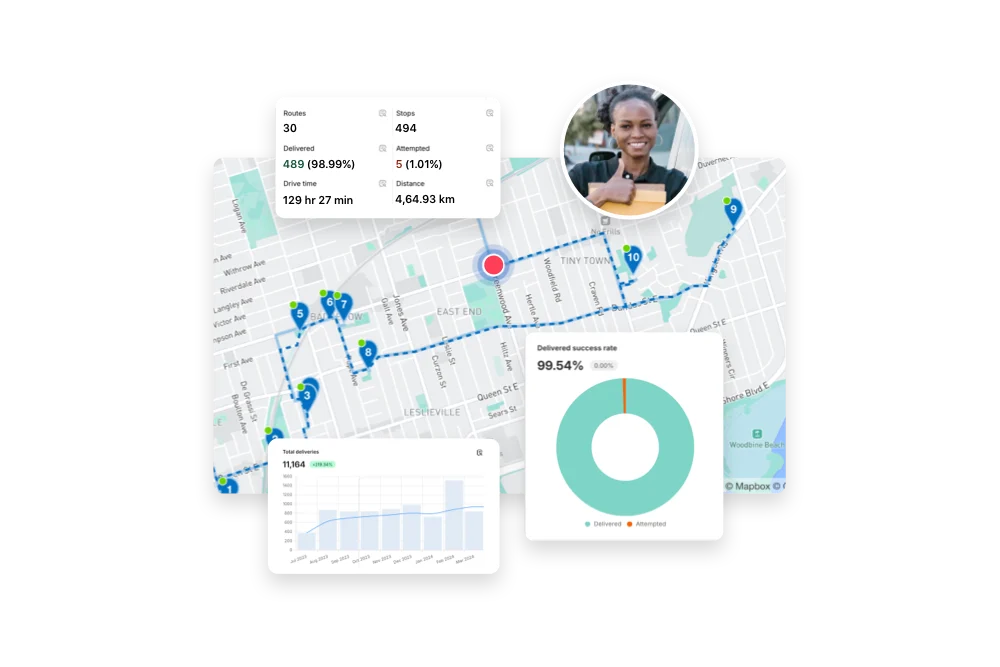
Automatically generate efficient, cost-saving routes using real-time traffic, delivery windows, and order priorities—then edit on the fly.