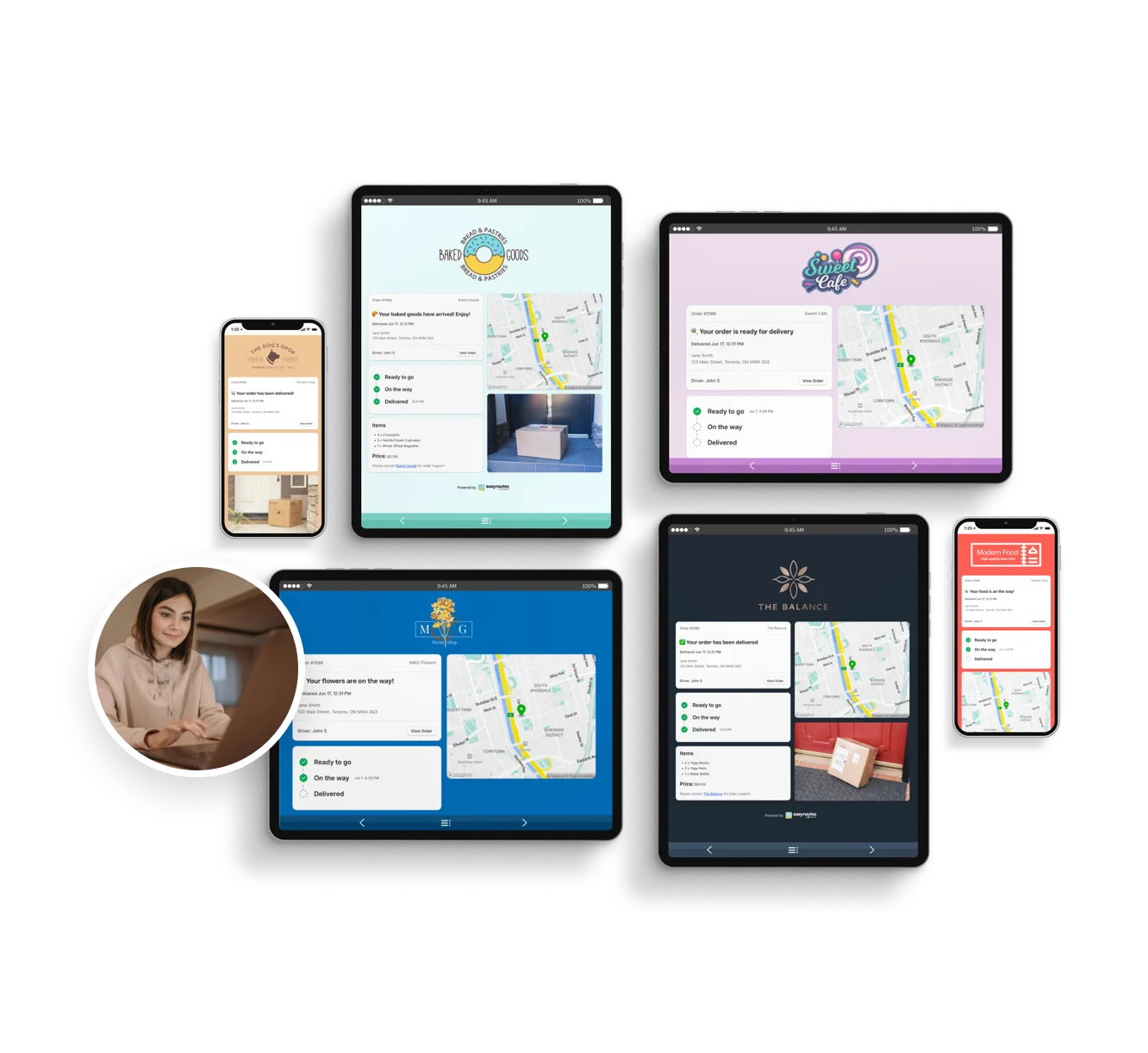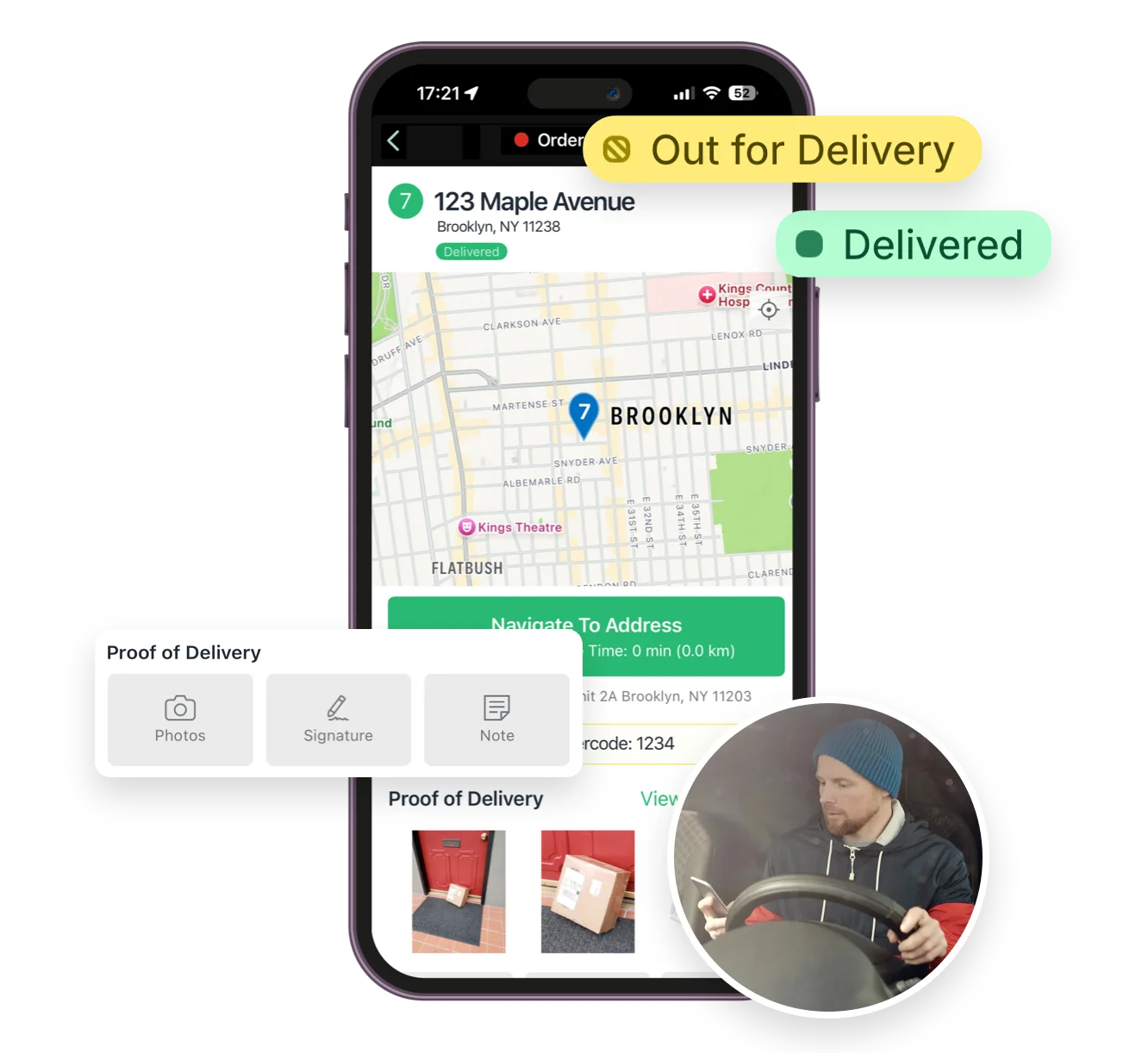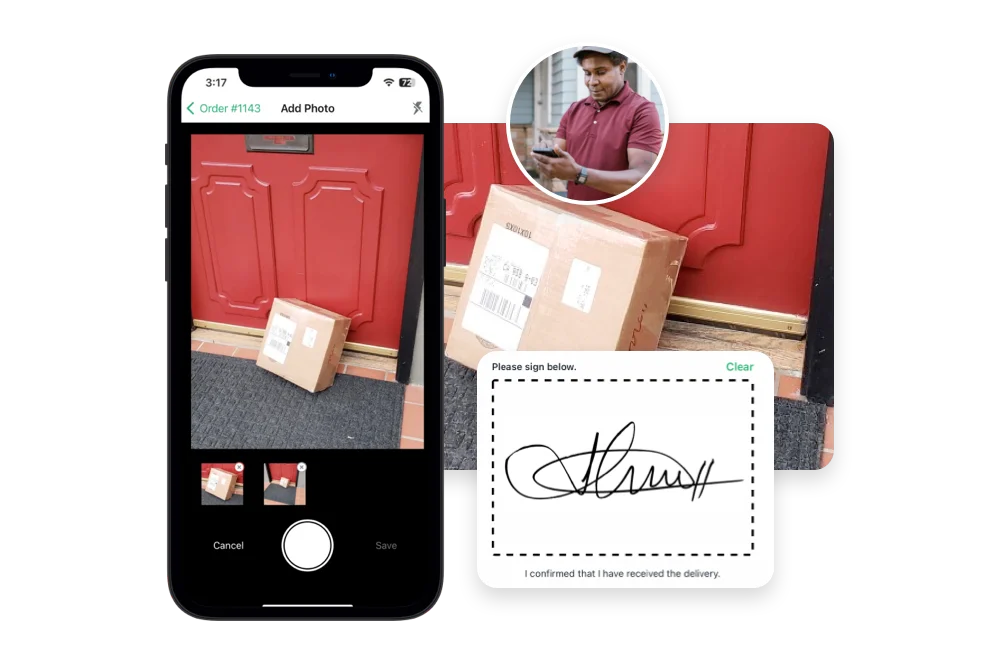


Compare EasyRoutes with Spoke Route Planner. Both platforms offer route optimization, but only EasyRoutes includes Shopify syncing, packing tools, proof of delivery, customer tracking links, and team-friendly features like claimable routes.


If you're comparing EasyRoutes to Spoke Route Planner, you're likely handling local deliveries as a solo driver or small business—and wondering which tool gives you the most flexibility. While Spoke Route Planner is great for solo drivers, EasyRoutes offers even more: built-in packing slips, seamless Shopify order sync, proof of delivery, and better tools for growing delivery workflows.
With EasyRoutes, you can plan optimized routes, manage packing workflows, send tracking updates, and capture proof of delivery—all in one place. Import orders from Shopify, BigCommerce, WooCommerce, and other leading eCommerce platforms, as well as spreadsheets, or any source via API or Zapier.
.webp)
EasyRoutes for Shopify: Fully integrated with your Shopify store. Orders, products, tags, and delivery data sync automatically.
EasyRoutes for Web: Import orders via CSV, Zapier, or API for delivery businesses not using Shopify.
❌ Spoke Route Planner doesn’t integrate with Shopify or automate fulfillment workflows. EasyRoutes works inside Shopify—and syncs orders, tags, and tracking updates with no extra setup.

EasyRoutes is more than a route planner. It includes:
❌ Spoke Route Planner lacks packing tools, branded customer tracking pages, and proof of delivery. EasyRoutes includes these features—even on its basic plans.

❌ Spoke Route Planner is built for solo drivers. EasyRoutes supports one driver or many—with tools that scale as your delivery team grows.

❌ Spoke's paid plans unlock unlimited stops, but lack team features and integrations. EasyRoutes grows with your business—and starts free.


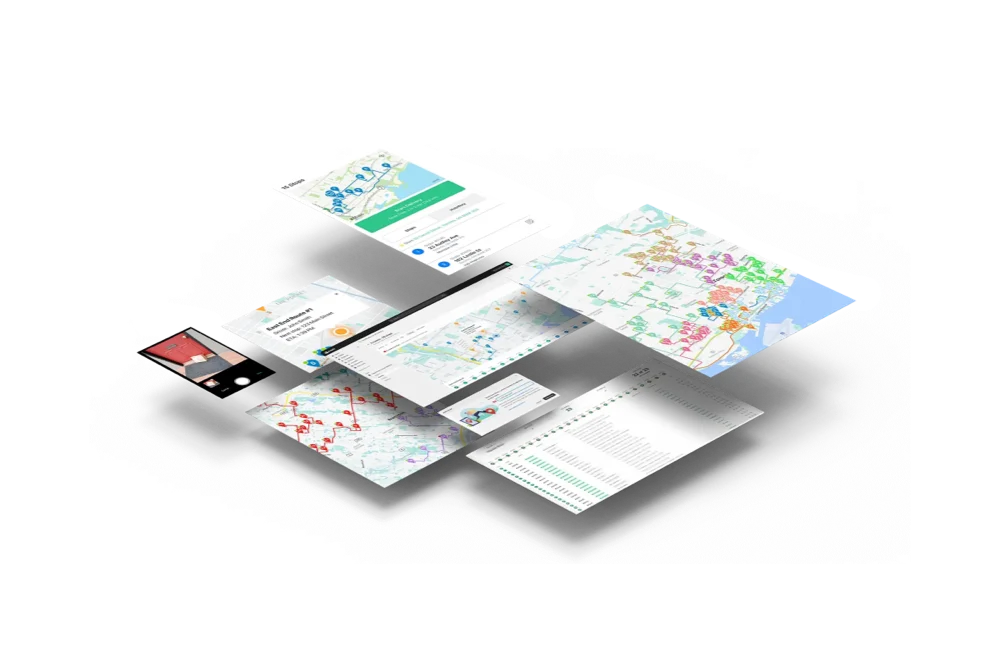
EasyRoutes gives you more than just optimized routes. It gives you a complete last-mile delivery hub—from route planning to dispatch to proof of delivery.
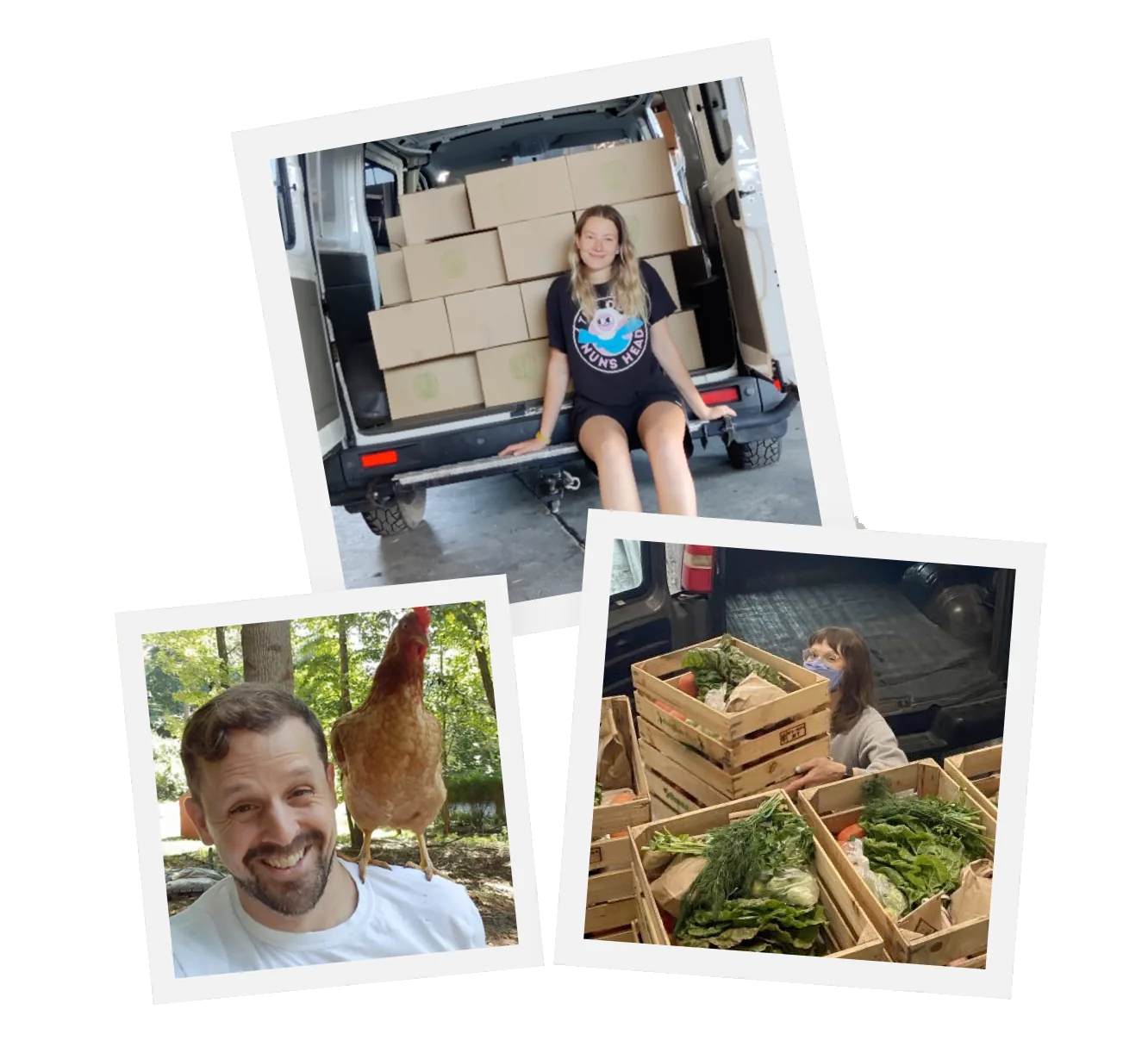
Join thousands of delivery-focused businesses—including florists, bakeries, grocery subscriptions, and meal kits—who trust EasyRoutes to power their local deliveries.
.webp)
Most teams connect, fetch orders, and create their first optimized route in under an hour. Follow the onboarding checklist to reach your “aha” moment fast.
See: Getting Started
Use the API to import stops, create and optimize routes, assign/dispatch to drivers, update stop/route status, and retrieve route data and history.
See: Routes API
Yes. Select stops on a route and choose Send to another route, or drag between routes on a Route Group. Re‑optimize after moving to refresh ETAs.
Yes. Export routes/stops to CSV to get timestamps and URLs to proof items for archiving or analysis. Pair with Analytics for summary trends.
Yes. Both EasyRoutes for Shopify and EasyRoutes for Web let you print packing slips for every stop in route order. Open a route, click Print, check Packing slips, and print or save to PDF.
Yes. Enable Delivery Ratings so customers can leave star ratings and optional comments on the tracking page after delivery. Export results or review per driver from their profile pages.
See: Delivery Ratings
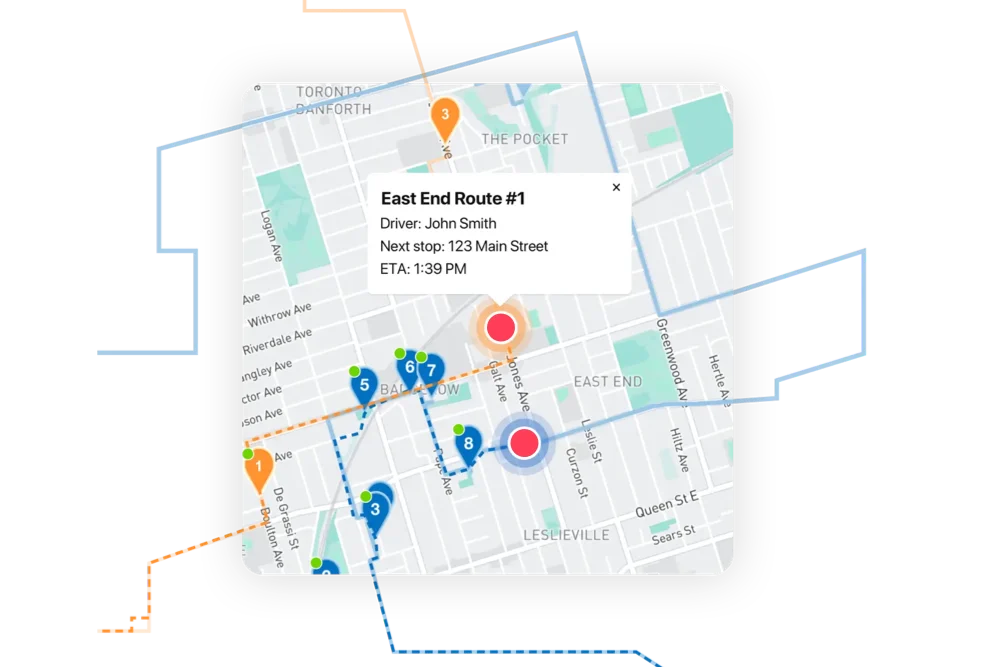
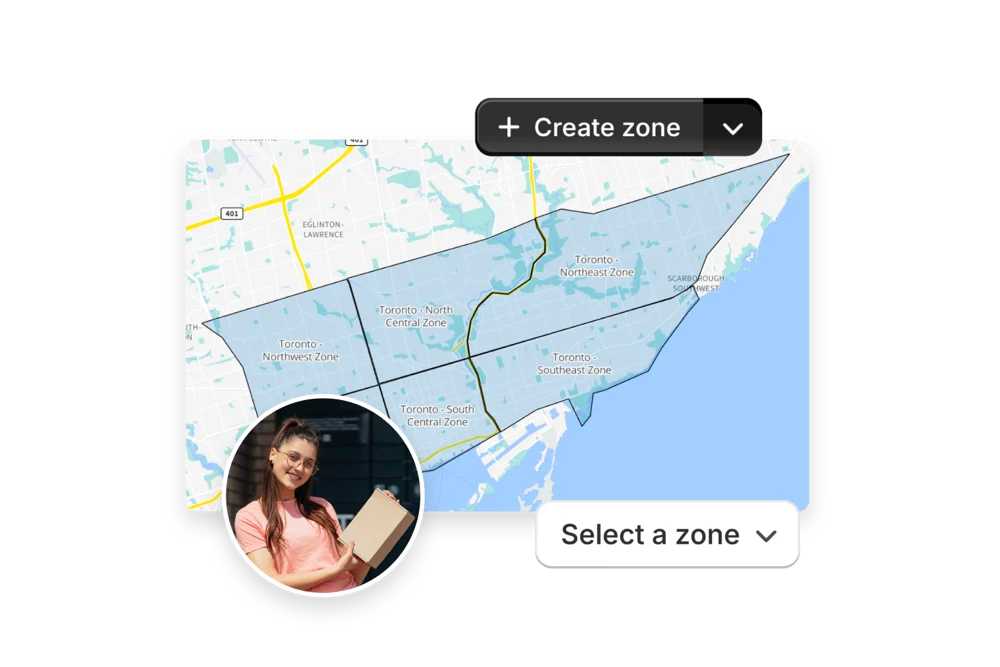
Yes. Open a Route Group to view multiple live driver locations and statuses on one screen; each driver pin is colour‑coded by route.
Yes — if enabled. Planners can allow drivers to manually reorder stops and or re‑optimize remaining stops mid‑route.
Yes. Assign a driver and dispatch so the route appears in the EasyRoutes Delivery Driver mobile app, and a push notification is sent.
See: Dispatching Routes
No. Subscriptions are month‑to‑month; upgrade/downgrade at any time and charges are prorated when your plan changes.
See: Prorated billing
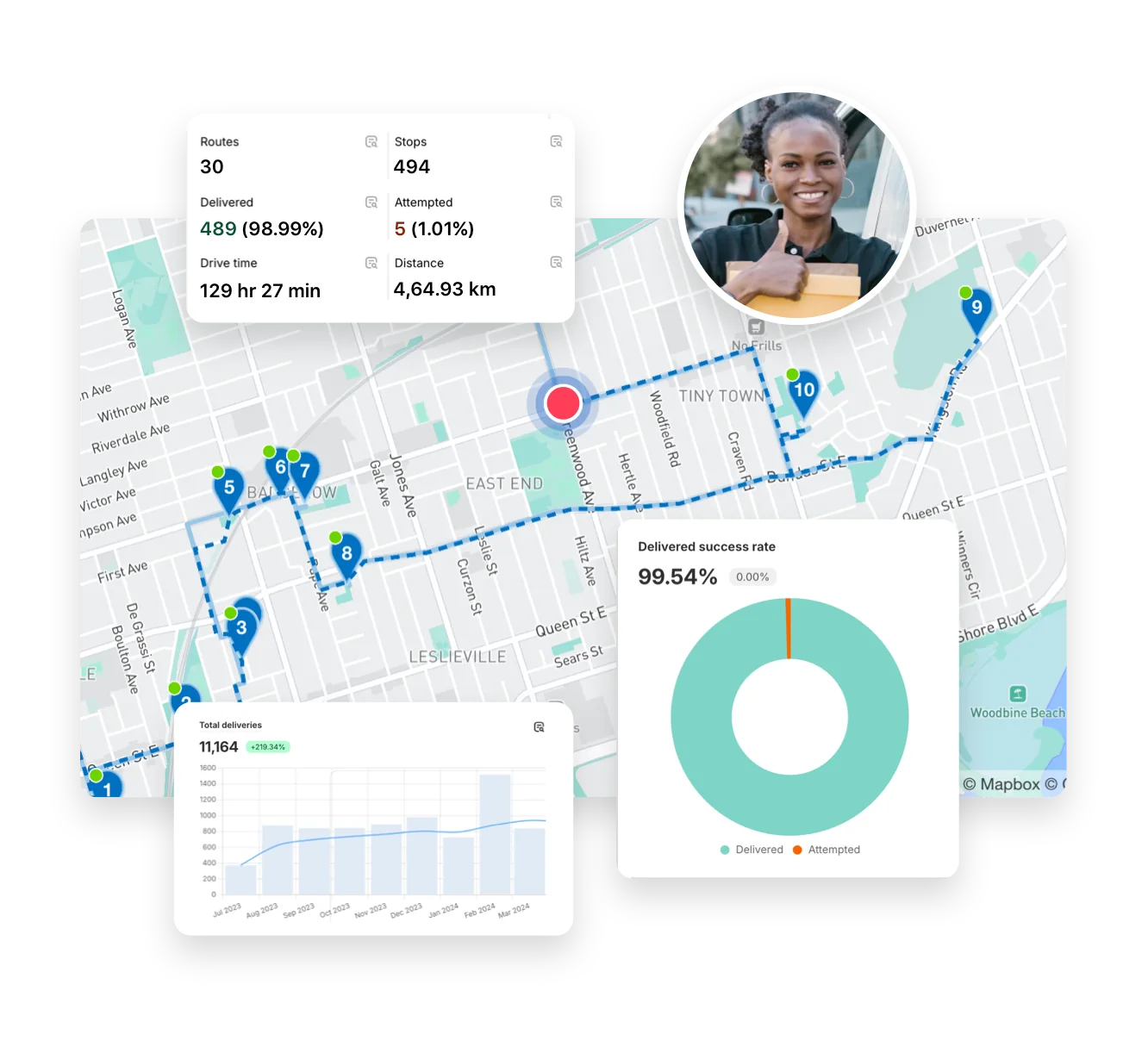
EasyRoutes tracks route distance and time in Analytics; pair Vehicle Profiles (which store fuel economy) and break data down by vehicle to gauge fuel and cost, and compare periods for savings. See: Analytics