Reduce Customer Support with EasyRoutes

Cut down on delivery-related support tickets. EasyRoutes provides clear tracking, real-time driver locations, and proof of delivery — backed by analytics that help your team identify and resolve issues before they happen.

⭐⭐⭐⭐⭐ 4.9 stars Trusted by 5,000+ Businesses

Flower Delivery: The Million RosesMattress Delivery: SonnoPizza Delivery: SliceGass Delivery: Gas GuysFood Delivery: Redstart FoodsBread Delivery: Butter & Crust

Contact sales

Reduce Customer Support with EasyRoutes

"This app by far has to be the most useful app I have ever installed...[EasyRoutes] saves us hours in a day in how we run our delivery schedule compared to the old traditional ways...I highly recommend this app."

Proof of delivery

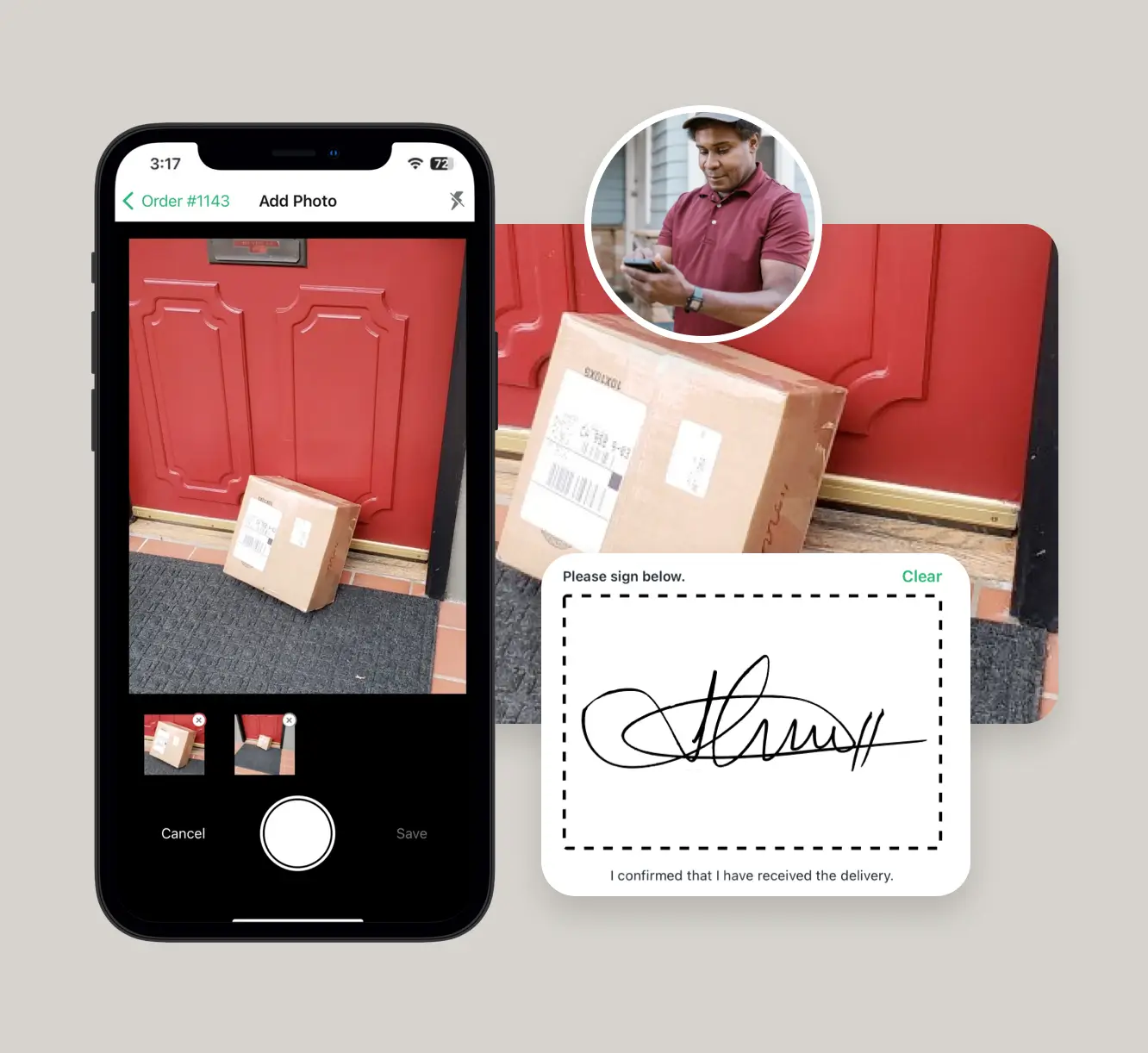
Eliminate uncertainty with photo confirmations, eSignatures, barcode scans, and delivery notes.

When customers have quick and easy access to when and where their order was delivered, there’s less need to call or email your support team.

Proof of delivery

Tracking pages & notifications

Keep customers informed every step of the way.

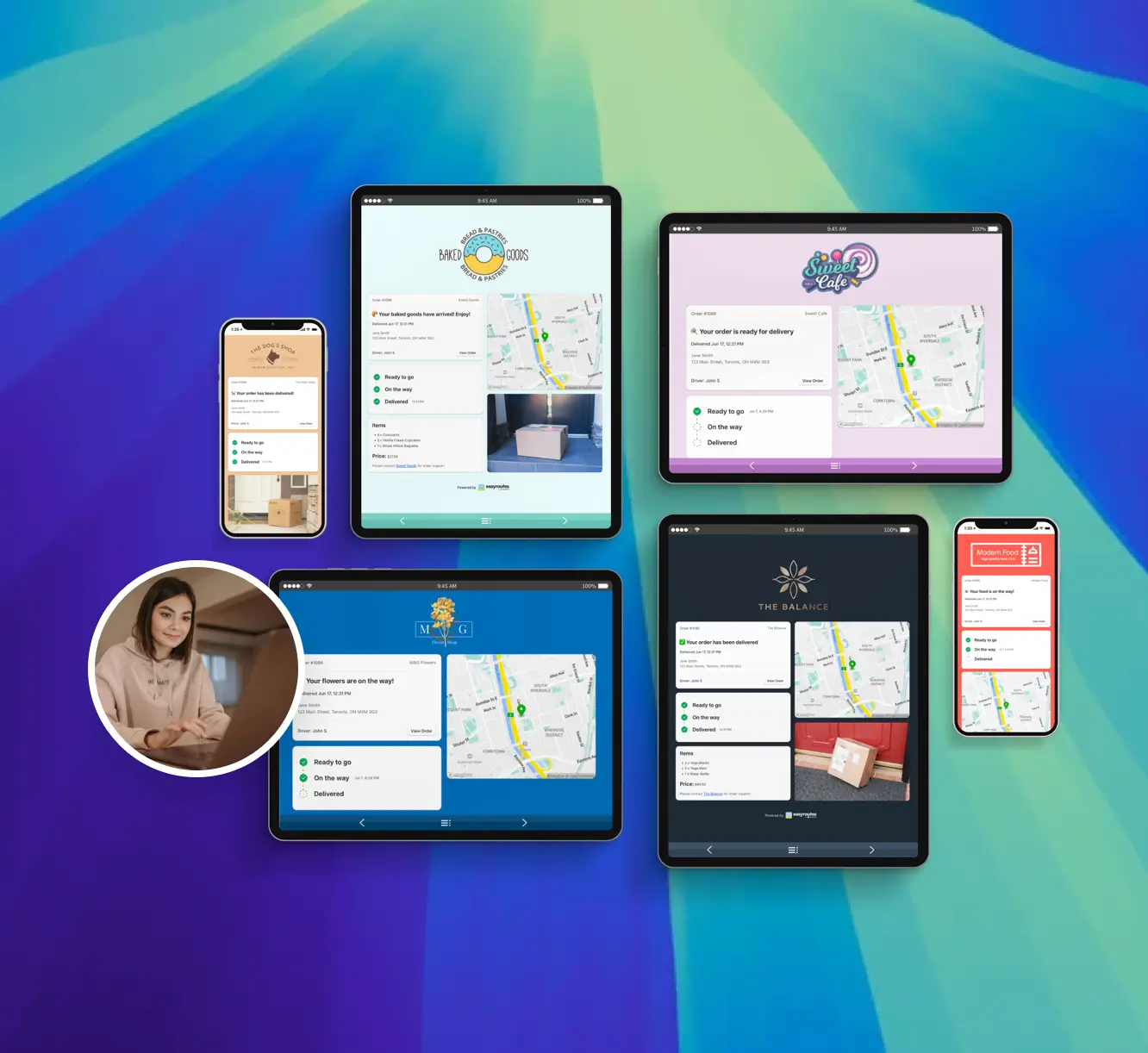
Branded tracking pages and automated SMS/email notifications reduce “Where is my order?” inquiries by providing accurate, real-time updates on delivery progress.

Tracking pages & notifications

Track drivers in real time

Give your support team the visibility they need to respond quickly.

Real-time GPS tracking helps staff pinpoint driver locations, communicate ETAs confidently, and resolve issues before they escalate.

"I wouldn’t use any other app for my drivers!"
- Solstice Savory Pies

Track drivers in real time

Detailed analytics & activity feed

Spot recurring problems before they become support headaches.

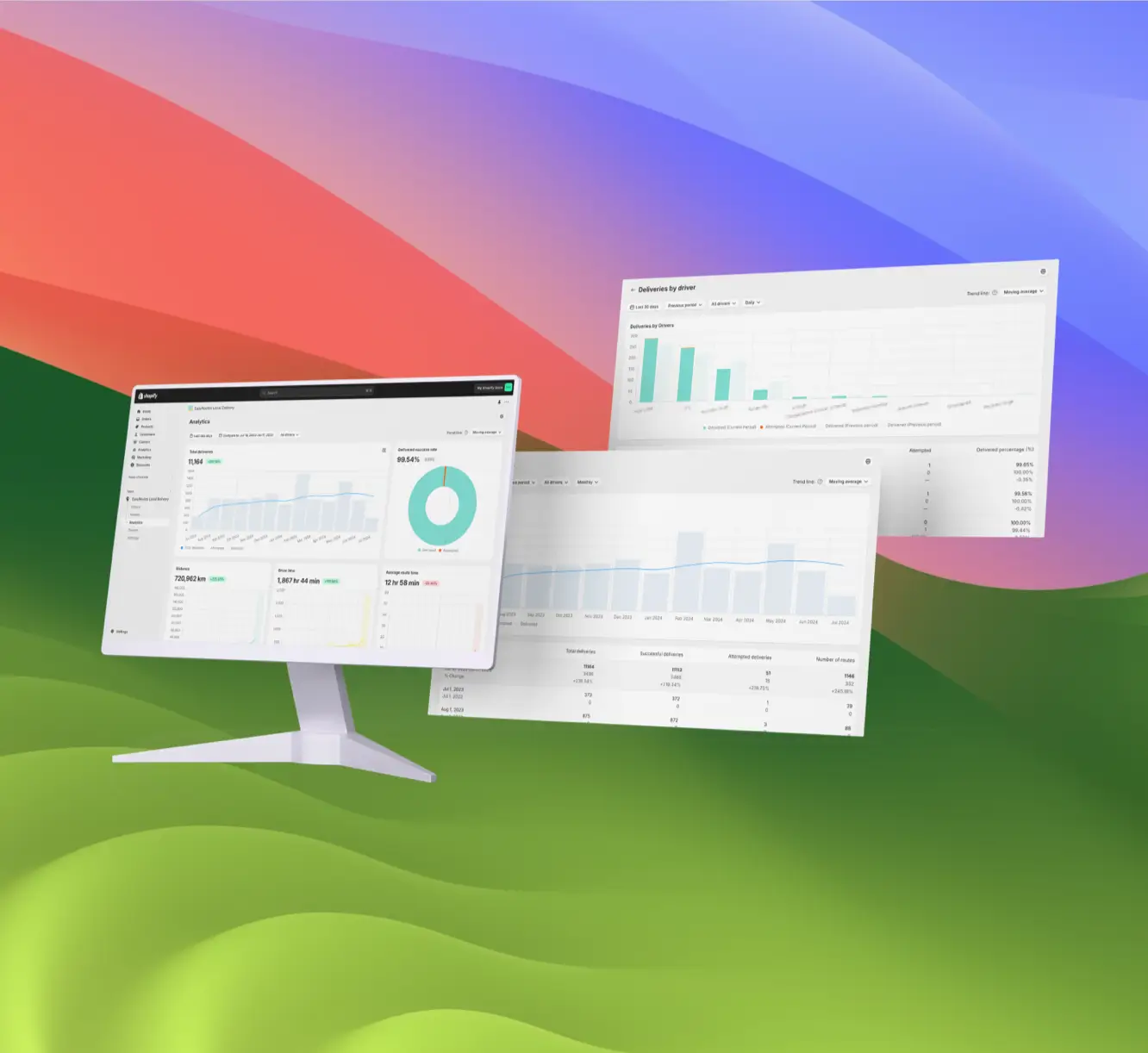
EasyRoutes logs driver activity and delivery events so your team can investigate missed deliveries, identify trends, and improve future performance.

Detailed analytics & activity feed

Even more for customer support staff

  • Get started in minutes with no complex setup — just install and go.
  • Equip drivers with turn-by-turn directions, stop details, and delivery tools on the go.
  • Automatically generate route-specific packing slips and inventory lists.
  • Easily adapt to more orders, more drivers, and more routes as your business expands.
Even more for customer support staff

Get Started with EasyRoutes

  • Try it free for 14 days—no commitment required
  • If you're using Shopify, just install the app and sync your orders
  • If you're not on Shopify, import a CSV or connect via Zapier
  • Our support team is here to help you migrate routes, drivers, and workflows
Get Started with EasyRoutes

Frequently asked questions

What kinds of proof of delivery can EasyRoutes capture?

EasyRoutes supports delivery photos, e‑signature, driver notes, and automatic timestamps (with GPS location when available) to provide a complete delivery record.

See: Proof of Delivery

Can proof of delivery be shared with customers?

Yes. You can show proof of delivery items (photos, e‑signature timestamp, and driver notes) on customer tracking pages and include links in email/SMS notifications. Configure this from your EasyRoutes Settings, in the Order Tracking and Customer Notifications tabs.

See: Sharing Proof of Delivery · Order Tracking Pages

Will customers see proof of delivery along with live driver tracking?

Yes. If enabled in Order Tracking settings, photos, e‑signature confirmation, and driver notes appear on the tracking page alongside live status updates.

See: Proof of Delivery · Order Tracking Pages

Can I send tracking links via SMS?

Absolutely. Add tracking links to SMS notifications (available on Premium/Enterprise subscription plans) so customers can follow their delivery. Usage‑based fees apply.

See: SMS Notifications · SMS Pricing

Can I notify customers of delays with EasyRoutes?

Yes. Use the customizable Rescheduled notification (email/SMS) to explain delays, provide a new ETA/date, and include the tracking link.

See: Delivery Notifications

Can customers give feedback from their tracking page?

Yes. Enable Delivery Ratings so customers can leave star ratings and optional comments on the tracking page after delivery. Export results or review per driver from their profile pages.

See: Delivery Ratings

How is real-time driver location displayed to customers?

You can show a live GPS pin on customer tracking pages when the driver is approaching. Configure this in EasyRoutes Settings → Order tracking and pair with email/SMS notifications for maximum visibility.

See: Real-Time Driver Location Tracking · Order Tracking Pages

What information can I see in real-time tracking as an admin?

The route’s Tracking tab shows live driver location, recent path, next/current stop, and real‑time stop status, completion times, and proof of delivery events.

See: Real-Time Driver Location Tracking · Activity Feed

What is the Activity Feed in EasyRoutes?

The Activity Feed is a real‑time, account‑wide log of route, stop, and driver events (e.g., dispatches, status changes, proof of delivery).

See: Activity Feed

Can I view missed delivery reasons?

Yes. Analytics shows counts of missed deliveries; individual stop pages display the reason provided by the driver (e.g., no answer, inaccessible).

See: Missed Delivery Reasons

What data does Delivery Analytics provide?

Delivery Analytics shows totals and trends for stops and routes, including completed vs. missed deliveries, average delivery time, per‑driver performance, and route metrics over a chosen period.

See: Delivery Analytics