EasyRoutes vs. Onfleet: Best Proof of Delivery and Tracking?

Compare EasyRoutes with Onfleet. EasyRoutes offers route optimization, real-time tracking, and proof of delivery—plus built-in packing tools, seamless Shopify integration, and flat-rate pricing for growing delivery teams.

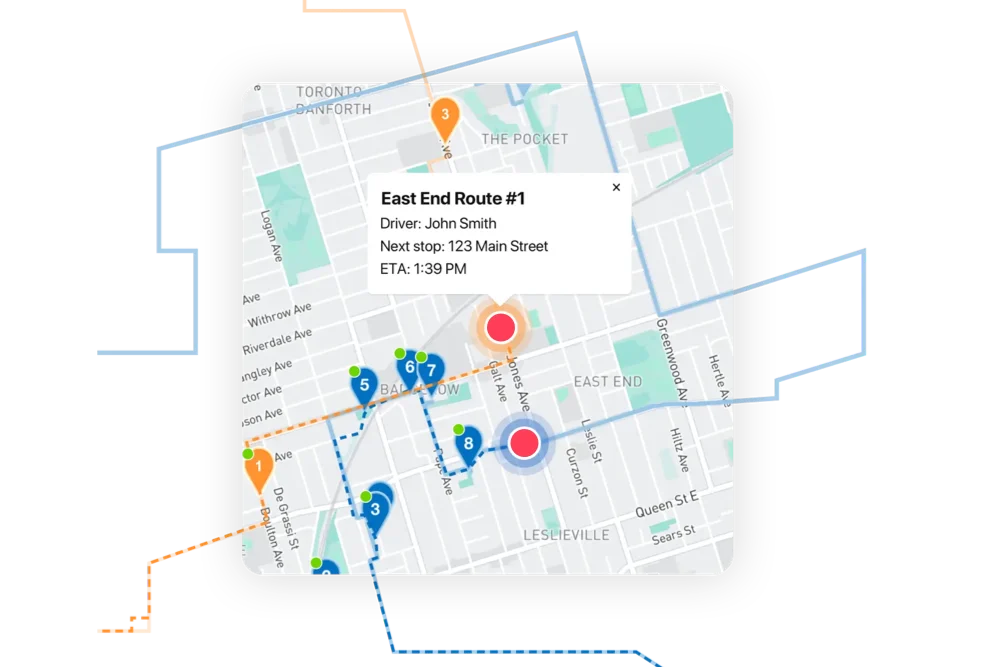
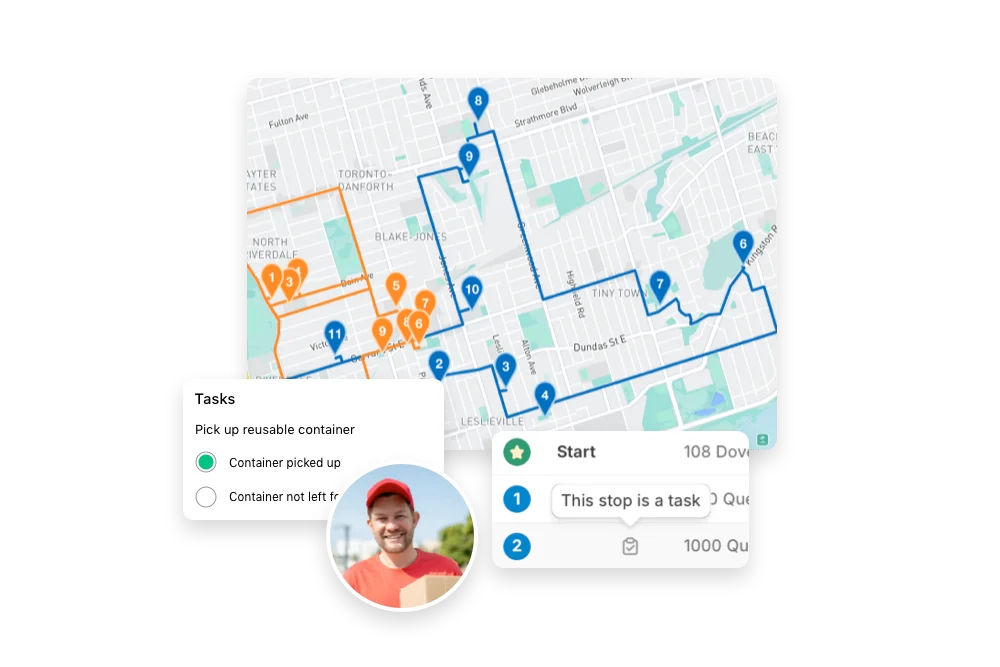
EasyRoutes dashboard preview showing optimized routes and delivery stops on a map
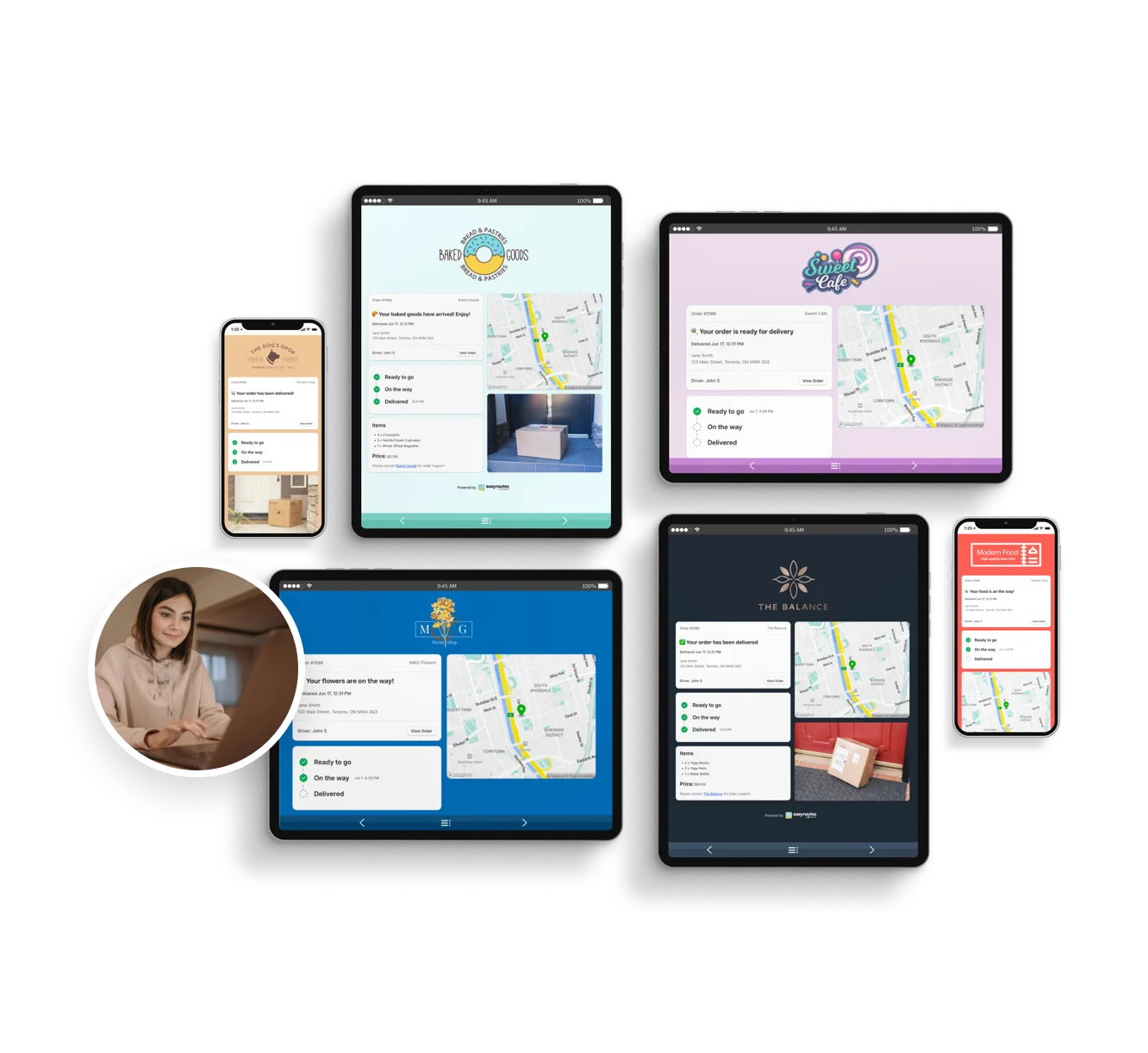
Customizable order tracking pages.
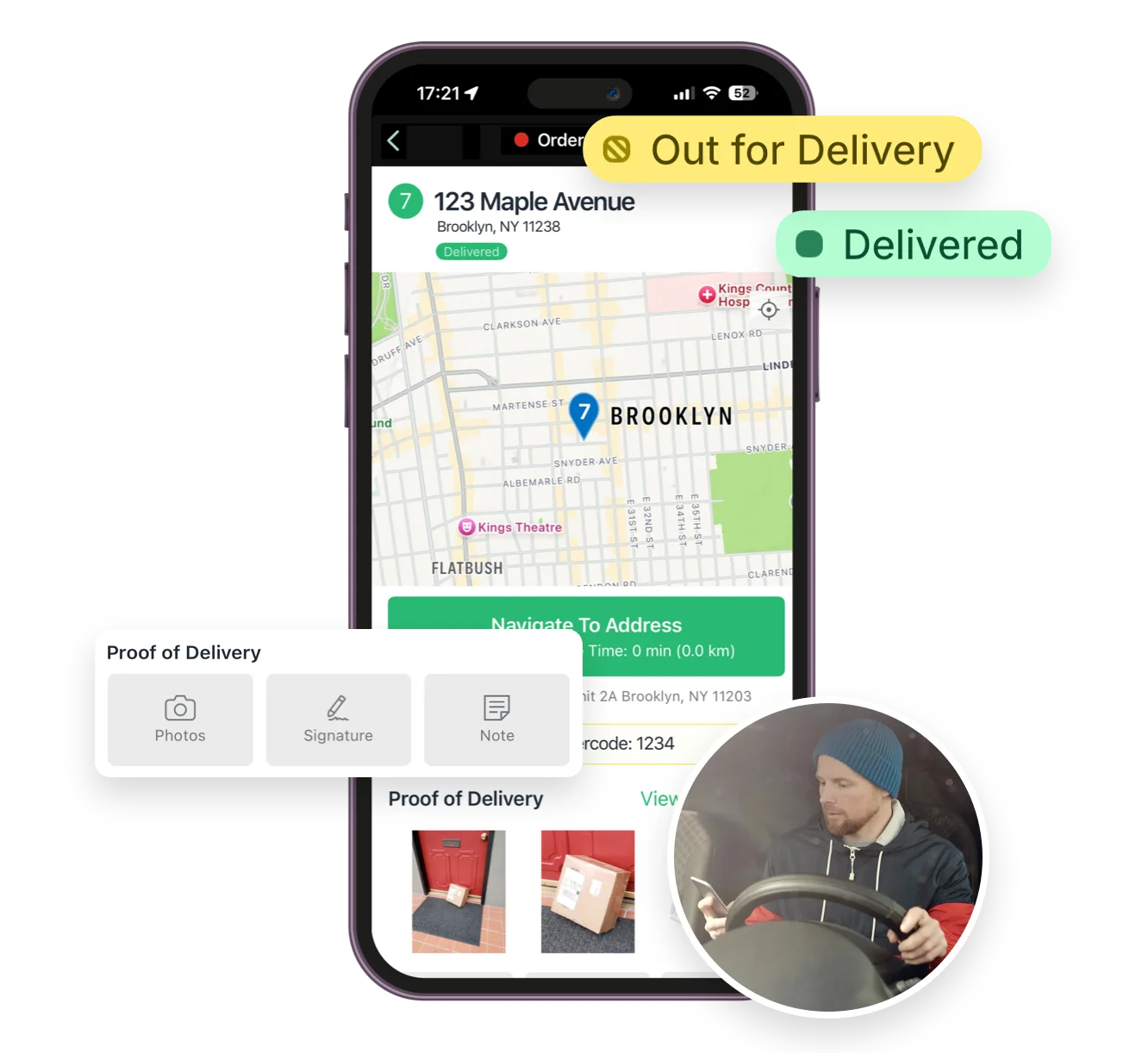
Mobile delivery driver app for iOS and Android
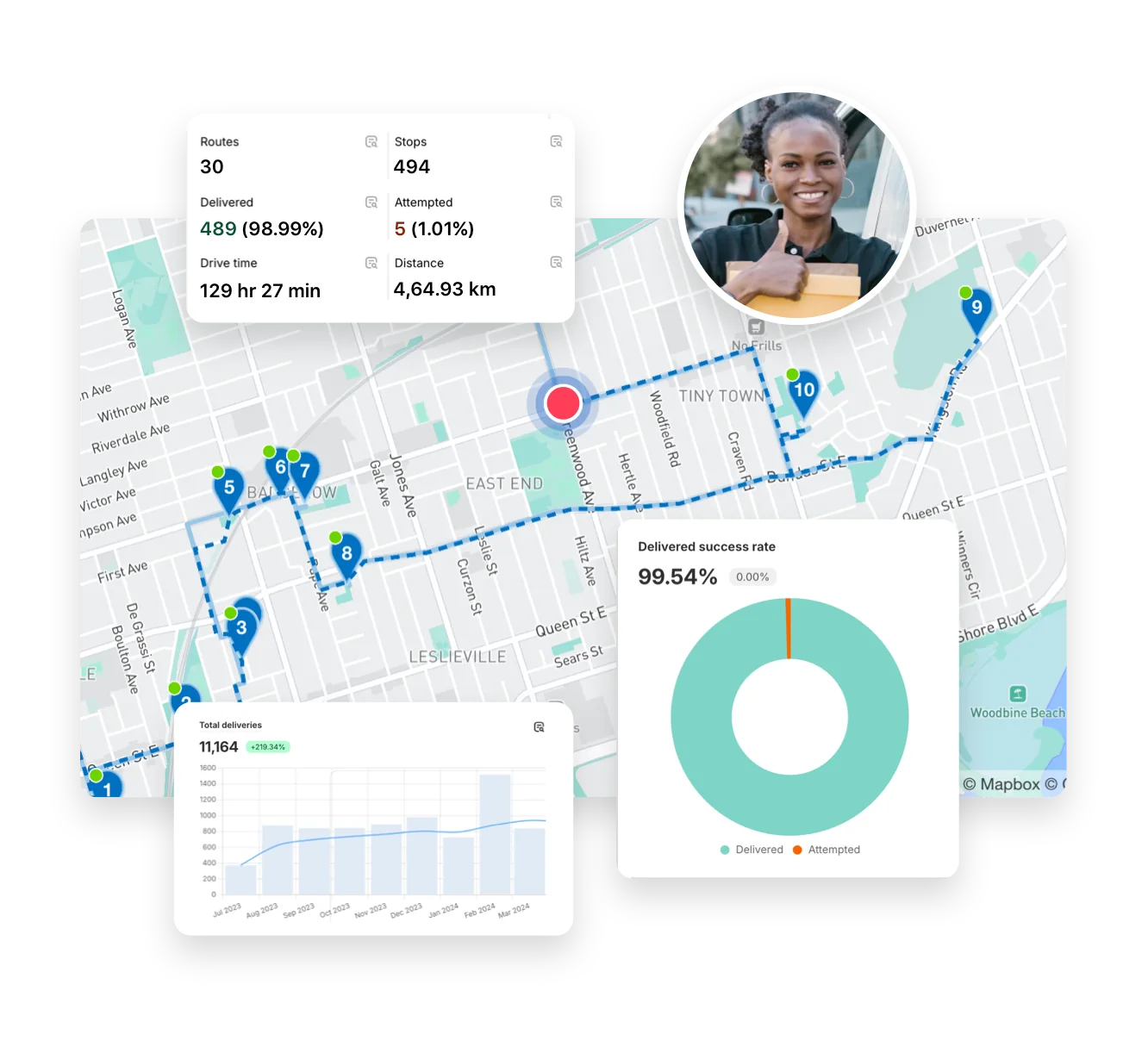
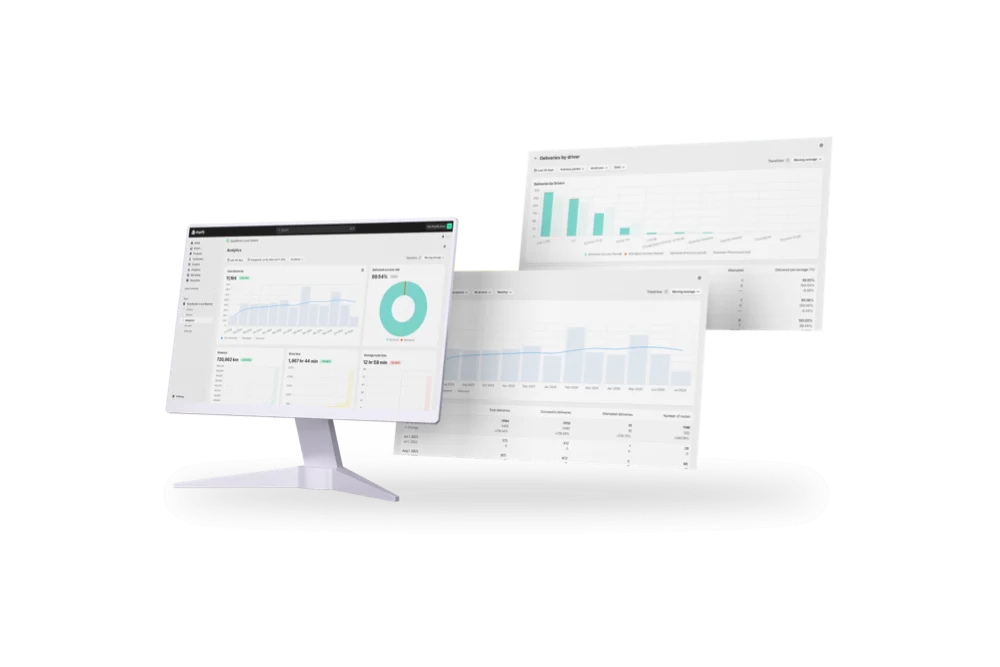
Full delivery analytics package
EasyRoutes interface highlighting tracking notifications delivery analytics and driver tools
Autopilot for your Delivery Workflow

⭐⭐⭐⭐⭐ 4.9 stars Trusted by 5,000+ Businesses

Flower Delivery: The Million RosesMattress Delivery: SonnoPizza Delivery: SliceGass Delivery: Gas GuysFood Delivery: Redstart FoodsBread Delivery: Butter & Crust

Built for Merchants, Not Just Route Planners

With EasyRoutes, you get route optimization, live driver tracking, branded customer updates, and proof of delivery—without Onfleet’s complexity, contracts, or high minimums. Whether you’re a local delivery team or a growing Shopify merchant, EasyRoutes is the faster, more flexible Onfleet alternative.

With EasyRoutes, you get optimized routing, real-time driver tracking, proof of delivery, customer notifications, and workflow automation—without the enterprise complexity or cost. Import orders from Shopify, BigCommerce, WooCommerce, and other leading eCommerce platforms, as well as spreadsheets, or any source via API or Zapier.

The EasyRoutes Team

Why Delivery Teams Switch from Onfleet to EasyRoutes

1) Native Shopify Integration + Web Version Flexibility

EasyRoutes for Shopify: Fully integrated with your Shopify store. Orders, products, tags, and delivery data sync automatically.

EasyRoutes for Web: Import orders via CSV, Zapier, or API for delivery businesses not using Shopify.

❌ Onfleet requires API setup, developer support, or third-party tools—especially for Shopify users. EasyRoutes lives inside Shopify—for an experience that just works.

1) Native Shopify Integration + Web Version Flexibility

2) End-to-End Delivery Tools Included

EasyRoutes is more than a route planner. It includes:

  • Route optimization without developer setup
  • Built-in packing lists for easy order prep
  • Proof of delivery with photos, signatures, and notes
  • Live GPS tracking included—no hidden costs
  • Shopify-powered customer updates with branded tracking

❌ Onfleet lacks packing slips, product-level order views, and task checklists. EasyRoutes includes them by default.

2) End-to-End Delivery Tools Included

3) Designed for Delivery Teams, Not Just Drivers

  • Drag-and-drop dispatch with flexible route groups
  • Mobile view with full item-level order details
  • Claimable route links—no manual assignments needed
  • Live status updates for in-house teams and customers
  • Stop-by-stop driver checklists for repeatable workflows

❌ EasyRoutes includes branded tracking links and customizable SMS/email updates. Onfleet charges extra.

3) Designed for Delivery Teams, Not Just Drivers

4) Transparent, Predictable Pricing

  • Free plan for up to 50 deliveries/month
  • Mobile view with full item-level order details
  • No mandatory sales calls or contracts
  • Scale your team, not your bill

❌ Onfleet starts at $550+/month for just 2,500 tasks, with costs rising as delivery volume grows. EasyRoutes offers flat-rate, per-driver pricing from $39/month and a free tier—no per-task billing.

4) Transparent, Predictable Pricing

Packed with features to make delivering easy, like...

Route Management

Route Management

Handle last-minute order changes, reassign deliveries, and make real-time updates without disrupting your team or your customers.
Activity Feed

Activity Feed

Get a timeline of every delivery event — from route creation to completion. Spot delays, monitor accountability, and respond faster to issues.
API & Zapier Automations

API & Zapier Automations

Use the EasyRoutes API and Zapier to automate order imports, route creation, dispatch, and delivery status updates — connecting your operations to the tools you already use.

Who Should Choose EasyRoutes Over Onfleet?

  • Shopify merchants doing local deliveries
  • Teams that need packing, routing, dispatch, and delivery in one place
  • Delivery managers who want driver accountability (POD, GPS, task checklists)
  • Anyone tired of juggling spreadsheets, APIs, or expensive usage tiers

EasyRoutes gives you more than just optimized routes. It gives you a complete last-mile delivery hub—from route planning to dispatch to proof of delivery.

Join thousands of delivery-focused businesses—including florists, bakeries, grocery subscriptions, and meal kits—who trust EasyRoutes to power their local deliveries.

Who Should Choose EasyRoutes Over Onfleet?

How to Move from Onfleet to EasyRoutes

  • Try it free for 14 days—no commitment required
  • If you're using Shopify, just install the app and sync your orders
  • If you're not on Shopify, import a CSV or connect via Zapier
  • Our support team is here to help you migrate routes, drivers, and workflows
How to Switch from Routific to EasyRoutes

Frequently asked questions

What is EasyRoutes and who is it for?

EasyRoutes is a delivery management and route optimization platform for merchants, local delivery teams, and logistics operators. It helps you plan routes, dispatch to drivers, track progress in real time, and notify customers. Works with Shopify and integrates with other e-commerce platforms via EasyRoutes for Web.

See: Getting Started with EasyRoutes

Can multiple stores use a single EasyRoutes account?

Each EasyRoutes for Shopify install connects to a single Shopify store. To combine data, import stops via CSV/API/webhooks or use EasyRoutes for Web to plan with external sources.

See: Multiple Shopify stores

How does EasyRoutes optimize my routes?

EasyRoutes optimizes deliveries using your selected orders, start & end locations, stop time intervals, time windows, and route limits. You can balance routes, respect capacities, and re‑optimize as plans change.

See: Route Options · EasyRoutes 101

Can proof of delivery items be shared with customers?

Yes. You can show proof of delivery items (photos, e‑signature timestamp, and driver notes) on customer tracking pages and include links in email/SMS notifications. Configure this from your EasyRoutes Settings, in the Order Tracking and Customer Notifications tabs.

See: Sharing Proof of Delivery · Order Tracking Pages

Can I print my route details for drivers?

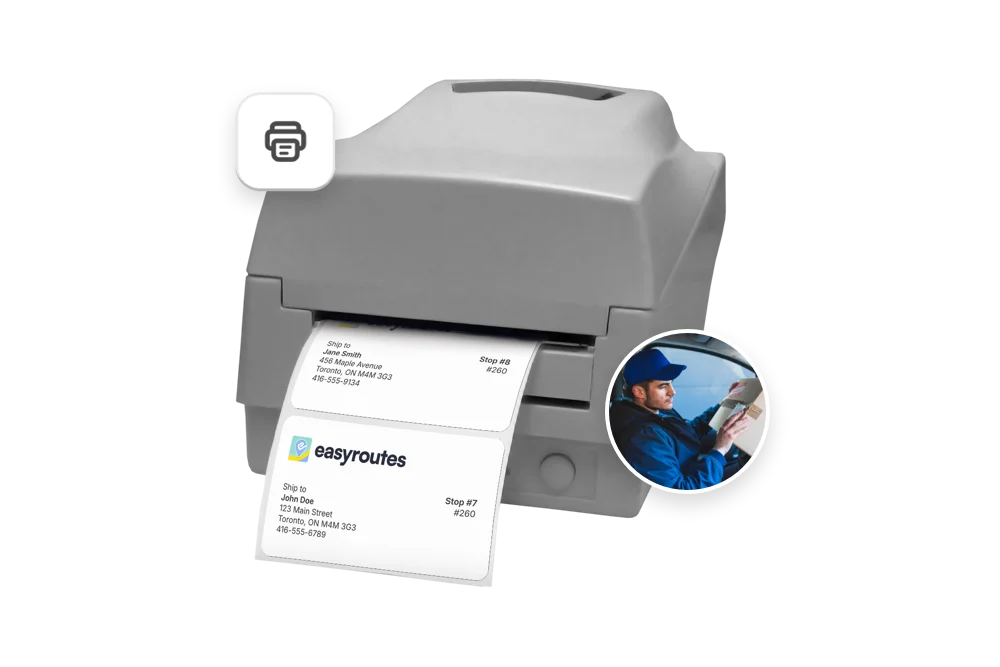
Yes. Print route summaries, packing slips/labels, and inventory lists from the route’s Print menu, or save as PDF for digital sharing.

See: Print a route · Route Inventory/Packing List

Will EasyRoutes add tracking links to my Shopify orders?

Yes. When you fulfill through EasyRoutes, a tracking link is added to the Shopify fulfillment so customers can follow their delivery from their order status page.

See: Tracking Pages & Links

How is real-time driver location shared with customers?

You can show a live GPS pin on customer tracking pages when the driver is approaching. Configure this in EasyRoutes Settings → Order tracking and pair with email/SMS notifications for maximum visibility.

See: Real-Time Driver Location Tracking · Order Tracking Pages

Where can drivers download the EasyRoutes Delivery Driver app?

The EasyRoutes Delivery Driver app is available for iOS and Android. Use our official download links to install and sign in with your driver phone number.

See: Where can I download the EasyRoutes Delivery Driver app?

Can I auto-dispatch routes?

Yes. If a scheduled start time is set, routes can be auto‑assigned and dispatched to the selected driver when created.

See: Auto‑Dispatch

How are driver seats billed?

Billing is seat‑based. Pay only for the number of driver seats included in your plan, and assign seats to any drivers in your roster and toggle seats on/off as needed. Charges are prorated when you add or remove seats mid‑cycle.

See: Managing Seats · Prorated Billing

Does EasyRoutes work with wholesale orders?

Yes. Any Shopify order (including wholesale and/or B2B) can be added to routes as long as it contains a shipping address. You can also correct addresses - or add one to stops without - prior to routing.

See: Shopify Items & Fulfillments · Add a missing address