Eliminate Manual Route Planning with EasyRoutes

Still planning delivery routes using manual processes? Get started with EasyRoutes to eliminate errors, sync delivery orders automatically, and dispatch routes to our intuitive and easy-to-use mobile app.

⭐⭐⭐⭐⭐ 4.9 stars Trusted by 5,000+ Businesses

Flower Delivery: The Million RosesMattress Delivery: SonnoPizza Delivery: SliceGass Delivery: Gas GuysFood Delivery: Redstart FoodsBread Delivery: Butter & Crust

Contact sales

Eliminate Manual Route Planning with EasyRoutes

"The EasyRoutes app saves us probably 40 hours per week, and I can genuinely say it would be hard to run our business without it...It's fast and easy but also has reduced the errors that came from manually entering details and changes outside of Shopify."

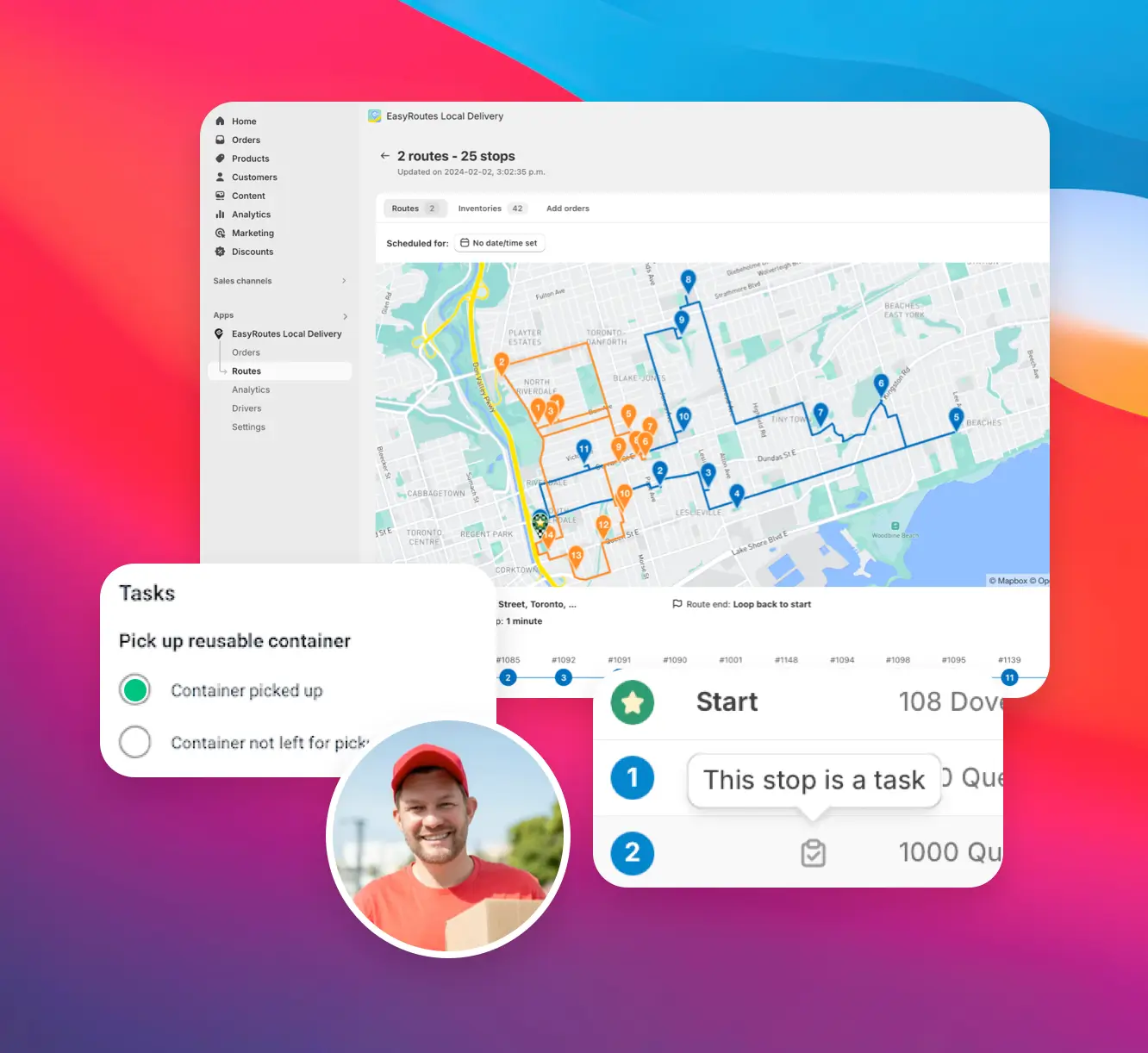
Quick & easy setup

Skip the complicated setup and get started in minutes.

EasyRoutes connects directly to Shopify or your tech stack via API, so you can start planning and dispatching routes without any complicated configuration.

Quick & easy setup

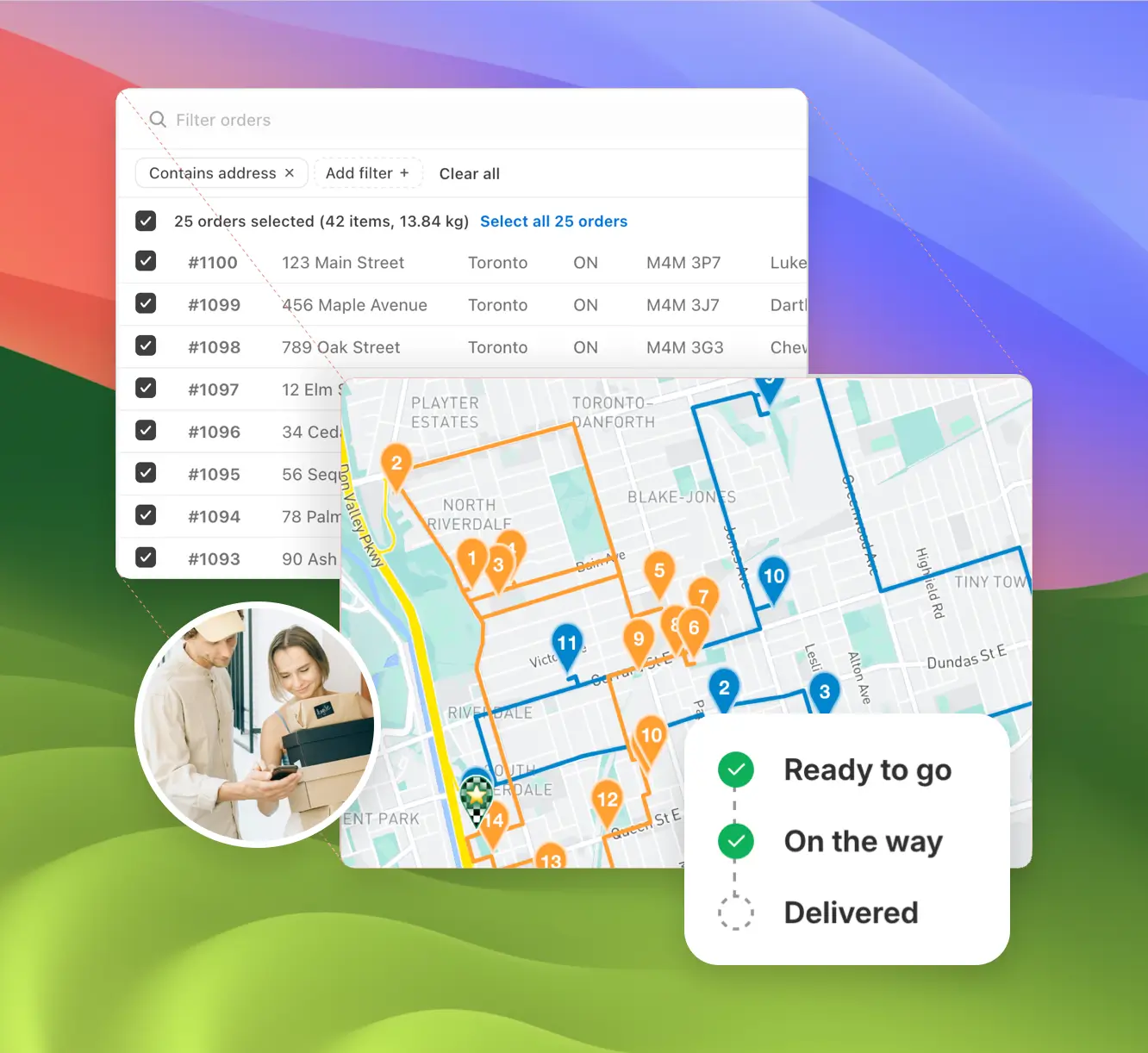
Automatic order sync

Say goodbye to spreadsheets: orders sync automatically from Shopify, or via EasyRoutes' flexible APIs for any other eCommerce platform.

Your delivery planning is always up to date — no manual data entry, order exports, or copy-pasting required.

Automatic order sync

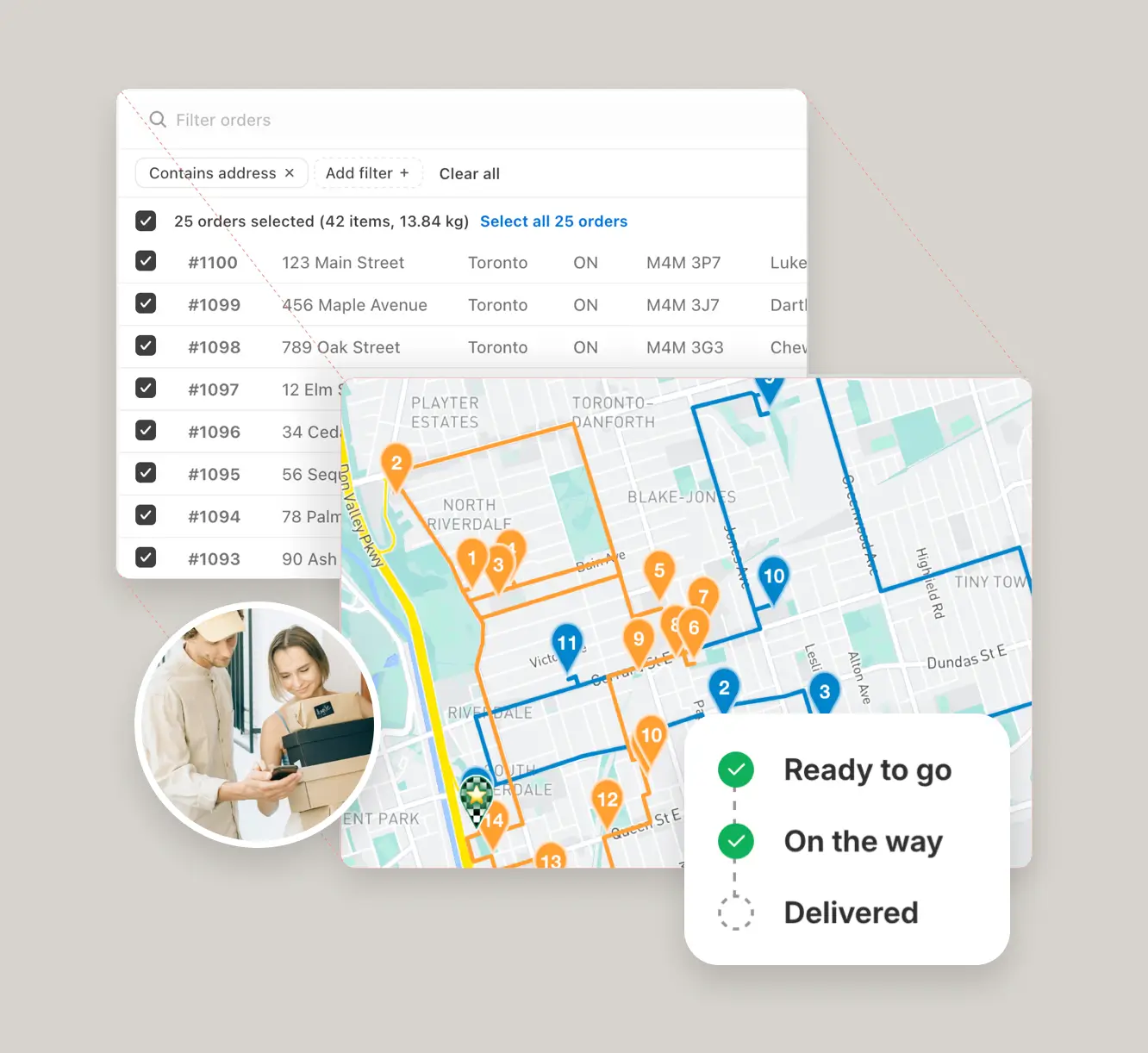
Optimized route planning

Build smarter routes in seconds with one-click route optimization.

EasyRoutes reduces planning time, minimizes mistakes, and ensures every stop is sequenced for speed, accuracy, and efficiency.

"I wouldn’t use any other app for my drivers!"
- Solstice Savory Pies

Optimized route planning

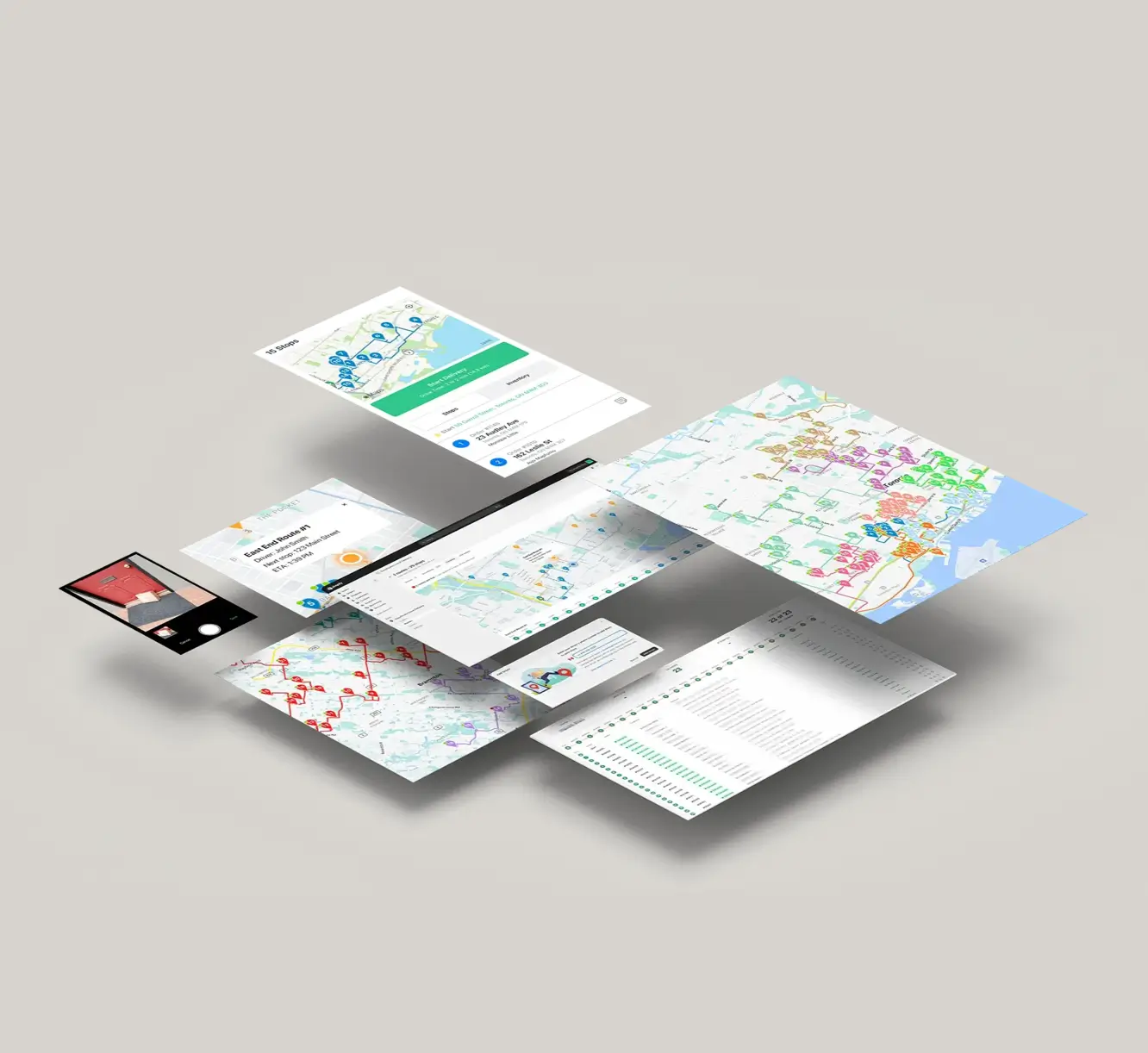
Delivery Driver mobile app

Dispatch routes digitally to drivers with EasyRoutes' intuitive mobile app.

Turn-by-turn directions, delivery notes, and proof of delivery tools make it easy for anyone to successfully complete a route, with no training or complicated paperwork required.

Delivery Driver mobile app

Even more for eliminating manual planning

  • Easily adapt to more orders, more drivers, and more routes as your business expands.
  • Automatically generate route-specific packing slips and inventory lists.
  • Customize tracking pages and notifications to reflect your store’s identity.
  • Capture photos, eSignatures, and notes to confirm every successful drop-off.
Even more for eliminating manual planning

Get Started with EasyRoutes

  • Try it free for 14 days—no commitment required
  • If you're using Shopify, just install the app and sync your orders
  • If you're not on Shopify, import a CSV or connect via Zapier
  • Our support team is here to help you migrate routes, drivers, and workflows
Get Started with EasyRoutes

Frequently asked questions

How quickly can I get started?

Most teams connect, fetch orders, and create their first optimized route in under an hour. Follow the Getting Started guide found in the EasyRoutes support portal to reach your “aha” moment fast.

See: Getting Started

Does EasyRoutes automatically sync orders from Shopify?

Yes. New and updated Shopify orders flow into EasyRoutes automatically so your Orders page stays current for planning. If something looks off, refresh and check your date/location filters.

See: Shopify Items & Fulfillments

Can I import orders into EasyRoutes from spreadsheets?

Yes. Import orders by CSV in Shopify or Web, including item‑level quantities and weights for capacity planning.

See: CSV Import

How does the AI-powered spreadsheet import map my columns?

An AI assistant reads your spreadsheet headers and proposes an initial column-to-field mapping; review the preview and click Edit stops to adjust anything, and EasyRoutes remembers repeat layouts. See: Import orders from a spreadsheet

How does EasyRoutes optimize my routes?

EasyRoutes optimizes deliveries using your selected orders, start & end locations, stop time intervals, time windows, and route limits. You can balance routes, respect capacities, and re‑optimize as plans change.

See: Route Options · EasyRoutes 101

Can I edit routes after they’ve been created?

Yes. Add/remove stops, drag‑and‑drop stops to reorder them, change drivers or schedules, and re‑optimize at any time.

See: Edit Routes

Can I move orders between different routes?

Yes. Select stops on a route and choose Send to another route, or drag between routes on a Route Group. Re‑optimize after moving to refresh ETAs.

See: Move orders to another route

Does the app provide turn-by-turn navigation?

Yes. Drivers can launch directions via Google Maps, Apple Maps, or Waze from each stop, and pick a default navigation app in their mobile app settings.

See: Selecting a Navigation App

Where can drivers download the EasyRoutes Delivery Driver app?

The EasyRoutes Delivery Driver app is available for iOS and Android. Use our official download links to install and sign in with your driver phone number.

See: Where can I download the EasyRoutes Delivery Driver app?

Can I print my route details for drivers?

Yes. Print route summaries, packing slips/labels, and inventory lists from the route’s Print menu, or save as PDF for digital sharing.

See: Print a route · Route Inventory/Packing List

Does EasyRoutes work without Shopify?

Yes. EasyRoutes for Web lets you plan and manage deliveries without a Shopify store. Import orders by CSV/API/webhooks or add manual stops.

See: Apps & Integrations

How do I switch to EasyRoutes from another delivery app?

Switching is quick. On Shopify, install EasyRoutes and orders sync automatically — no data migration. For orders from other systems, import by CSV/spreadsheet (an AI assistant maps your columns), Zapier, or API, then set route options and add drivers. Most merchants are live the same day. Works with both EasyRoutes for Shopify and EasyRoutes for Web. See: Getting Started