Every Order Source. One Delivery System.
Bring orders into EasyRoutes from Shopify, spreadsheets, Zapier, or the API — and add custom stops anytime. One system for every delivery.
“It's easy to add in additional stops for orders not collected within Shopify so you can use this app for your entire business.”

Order Sync
Getting orders into your delivery workflow shouldn't depend on which platform they come from. EasyRoutes gives businesses multiple paths in — a native Shopify integration that syncs orders, fulfillments, and tracking in real time; AI-powered spreadsheet imports that automatically map your order details; and Zapier automations that connect your existing tools without a line of code. For merchants on WooCommerce, Wix, Xero, BigCommerce, Squarespace, and other leading eCommerce platforms, EasyRoutes offers step-by-step guides to get up and running with AI-powered imports quickly. However your business takes orders, EasyRoutes turns them into optimized routes.
Need to add a stop that isn't tied to an order? Custom stops let teams add pickups, returns, or ad-hoc deliveries on the fly — no workaround required. Whether you're a Shopify merchant routing hundreds of daily orders or a growing operation pulling from multiple systems, every stop lives in one place, with the same routing, tracking, and proof-of-delivery tools applied across the board.


Shopify orders sync automatically — fulfillments, tracking, and inventory stay in lockstep
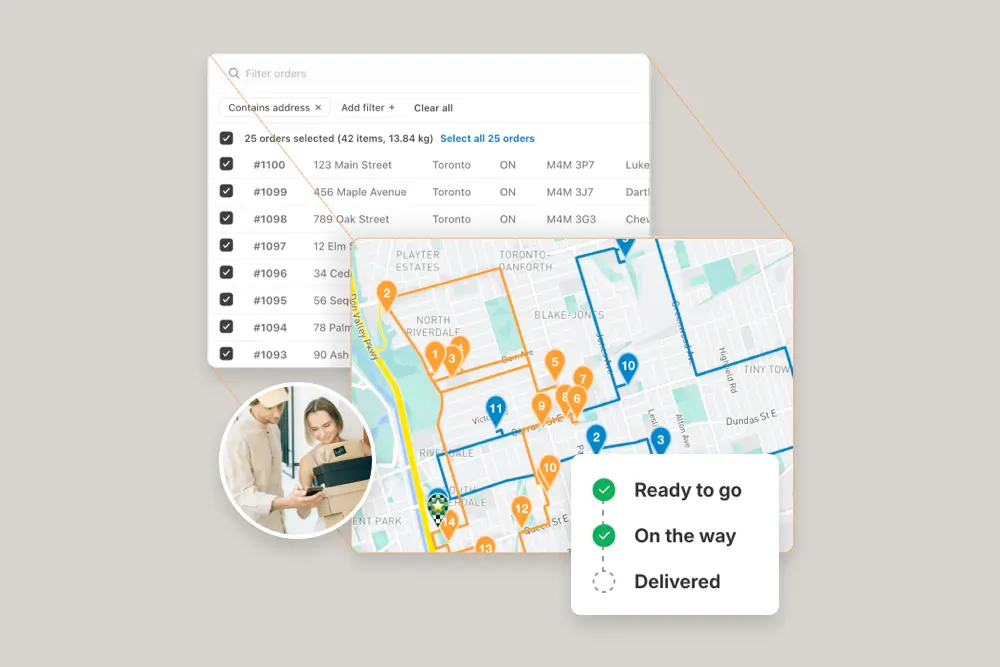
Import from any source with AI-powered spreadsheet mapping, Zapier, or the API
Add custom stops on the fly for pickups, returns, or anything off-platform
⭐⭐⭐⭐⭐ 4.9 stars • Trusted by 5,000+ Businesses