
Optimized route planning
Save hours of manual work with smart route planning that balances speed, distance, delivery windows, and capacity.
Create multiple optimized routes in just a few clicks to get orders on the move faster and more efficiently.


Boost your operational efficiency with EasyRoutes. Integrate seamlessly with Shopify or EasyRoutes' APIs, generate detailed inventories and packing docs in seconds, and deliver faster with optimized routing & our intuitive mobile app.
No credit card required. Cancel any time.
4.9 stars · 5,000+ businesses · 75+ countries
















"Before getting EasyRoutes I used to spend at least 40 minutes daily...Now with EasyRoutes everything is easier, routes are made automatically, dispatched to the drivers and notifications to our customers are in real time."
Save hours of manual work with smart route planning that balances speed, distance, delivery windows, and capacity.
Create multiple optimized routes in just a few clicks to get orders on the move faster and more efficiently.
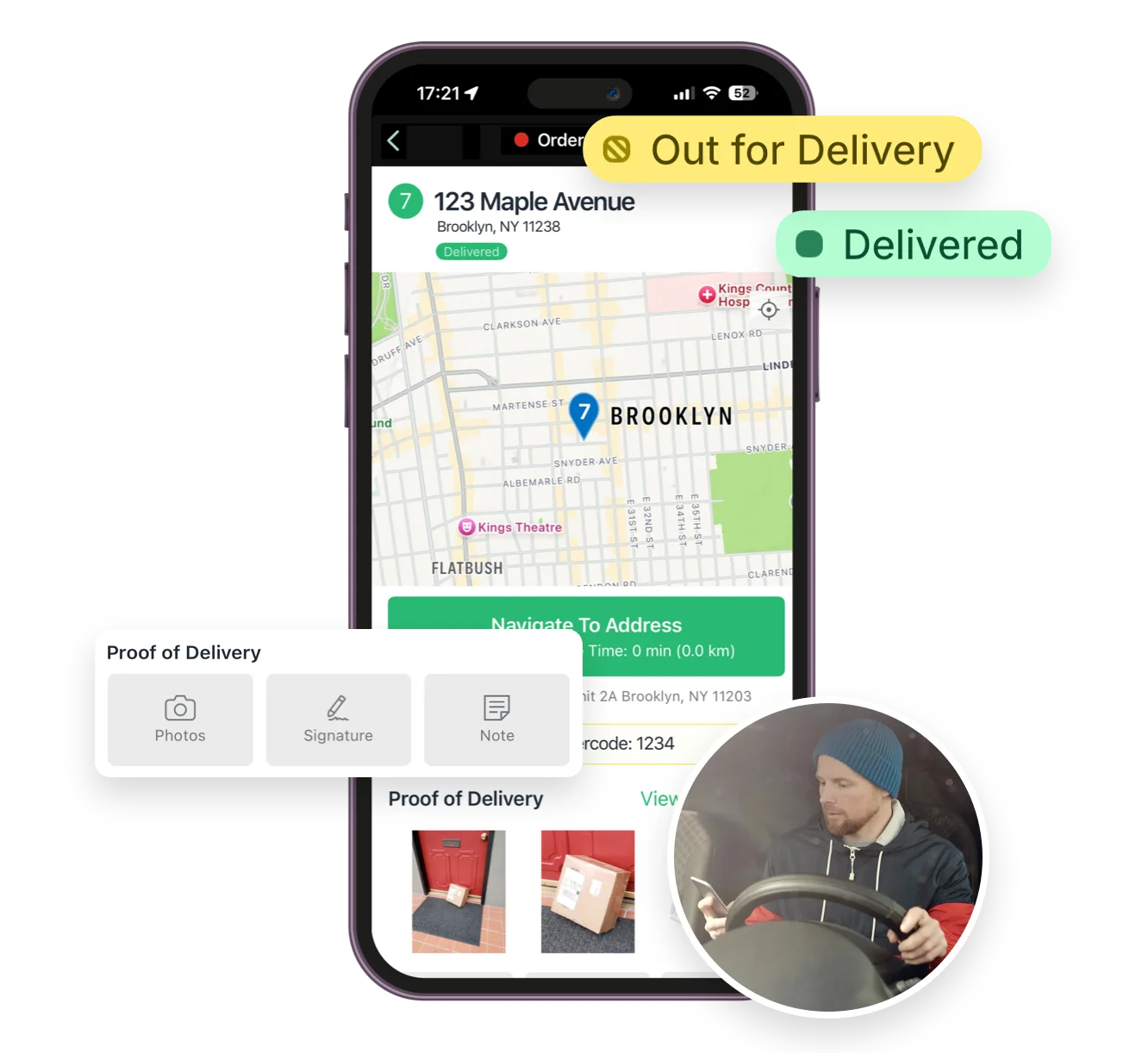
Equip your drivers with our easy-to-use mobile app, guiding them through each route with turn-by-turn directions, digital inventories, stop notes, and live route updates.
Eliminate confusion, reduce missed stops, and minimize the time your drivers spend on the road.
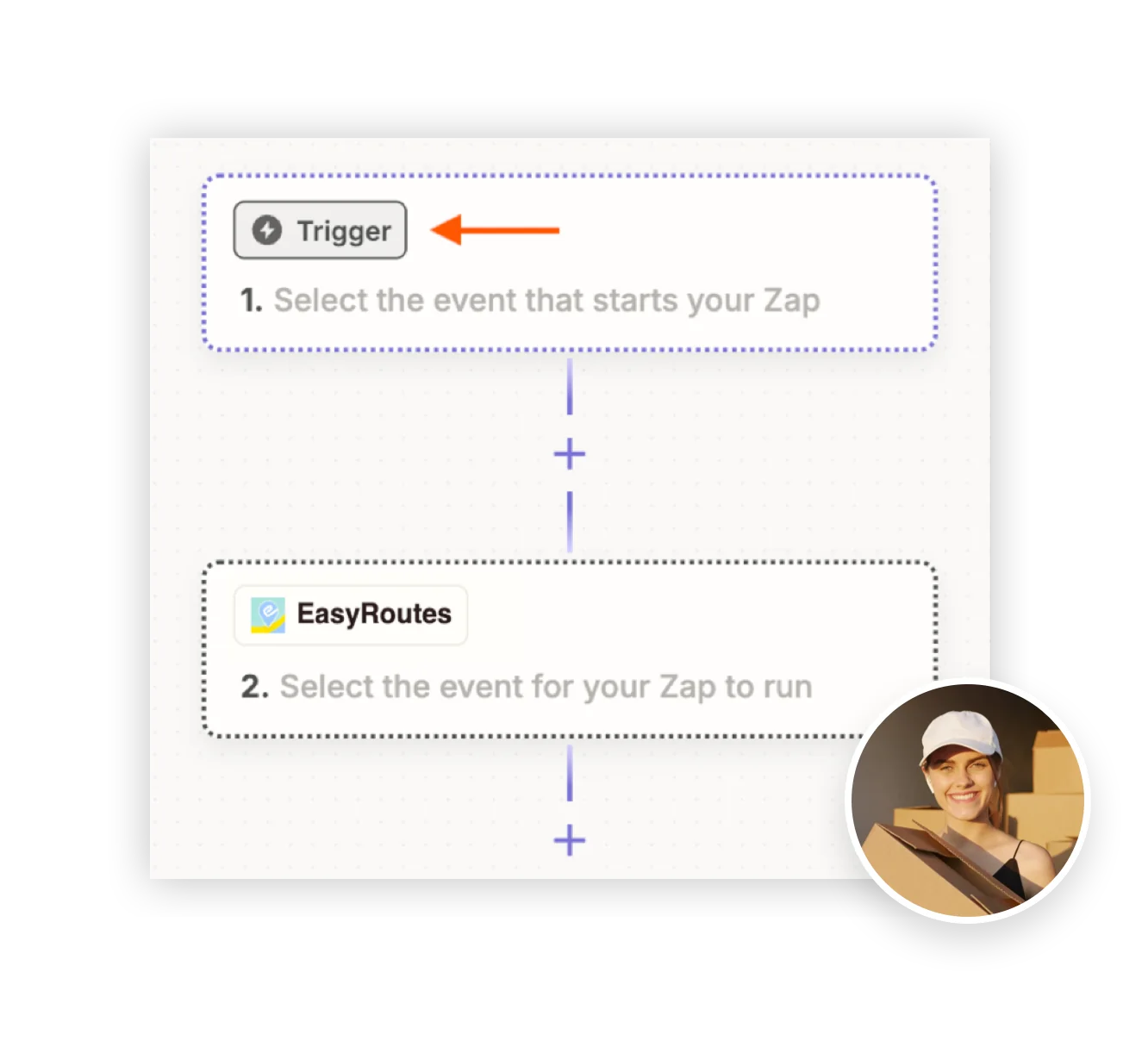
Automate your route planning workflows with deep Shopify integration and flexible API connections.
Orders sync automatically, delivery data flows seamlessly, and your systems stay connected — no manual exports or third-party tools required.
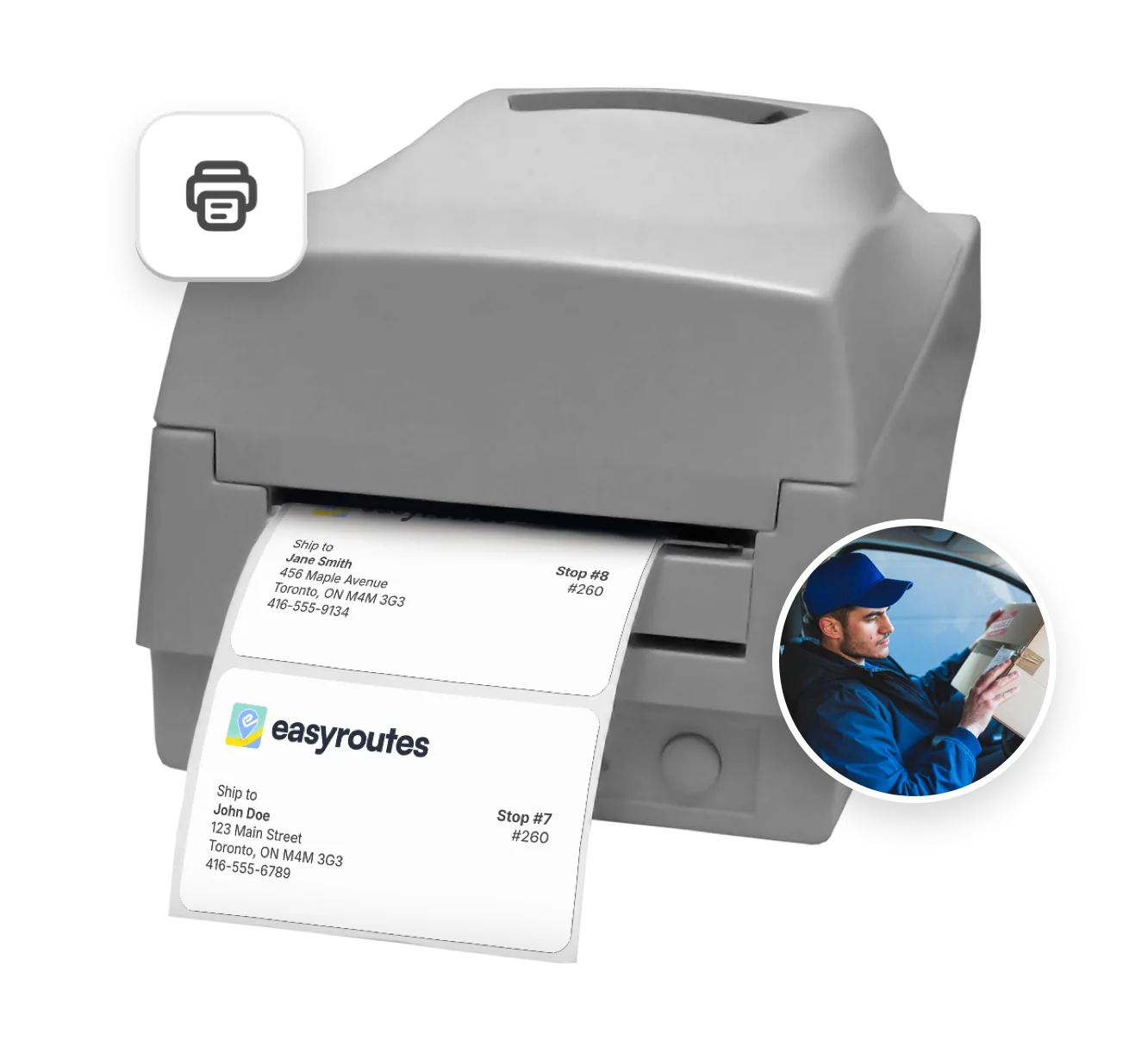
Automatically generate smart packing slips, labels, and inventory lists tailored to each route.
Eliminate packing errors, speed up prep time, and ensure every order hits the road complete and correctly labeled.
EasyRoutes optimizes deliveries using your selected orders, start & end locations, stop time intervals, time windows, and route limits. You can balance routes, respect capacities, and re‑optimize as plans change.
See: Route Options · EasyRoutes 101
Yes. Re‑optimize at any time — after adding or removing stops, changing stop priorities, editing route options, or balancing loads. Drivers can also re-optimize routes delivered out of order, or re‑order stops if enabled from your EasyRoutes Settings.
Yes. If a scheduled start time is set, routes can be auto‑assigned and dispatched to the selected driver when created.
See: Auto‑Dispatch
Yes. Drivers can launch directions via Google Maps, Apple Maps, or Waze from each stop, and pick a default navigation app in their mobile app settings.
EasyRoutes auto-builds a route inventory drivers use as a loading checklist, with Summary, Items, and Orders views in the app. See: Using the Delivery Driver app
Yes. New and updated Shopify orders flow into EasyRoutes automatically so your Orders page stays current for planning. If something looks off, refresh and check your date/location filters.
Yes. EasyRoutes offers a public API and webhooks for integrating with external systems or building custom automation.
See: API Getting Started · Routes API
Yes. Send EasyRoutes webhook events into Zapier and build no‑code workflows (e.g., update Sheets, post to Slack, send emails).
See: Zapier Integration
Yes. Import orders by CSV in Shopify or Web, including item‑level quantities and weights for capacity planning.
See: CSV Import
Yes. Both EasyRoutes for Shopify and EasyRoutes for Web let you print packing slips for every stop in route order. Open a route, click Print, check Packing slips, and print or save to PDF.
Yes. Add your logo, choose which order fields appear, and adjust layout and font sizing from EasyRoutes Settings → Packing Slips & Labels. Options are available in both Shopify and Web.
Workflows save time and reduce errors by automating routine steps, like creating routes with new orders on delivery days, or auto-dispatching routes to assigned drivers, all based on custom scheduling that works for your business. This keeps operations efficient and customers informed.
Learn more: Workflows Guide