














Cut costs. Improve efficiency. Prove results. EasyRoutes provides the route optimization and fleet visibility tools logistics managers need to improve service levels without breaking the bank.
Contact sales

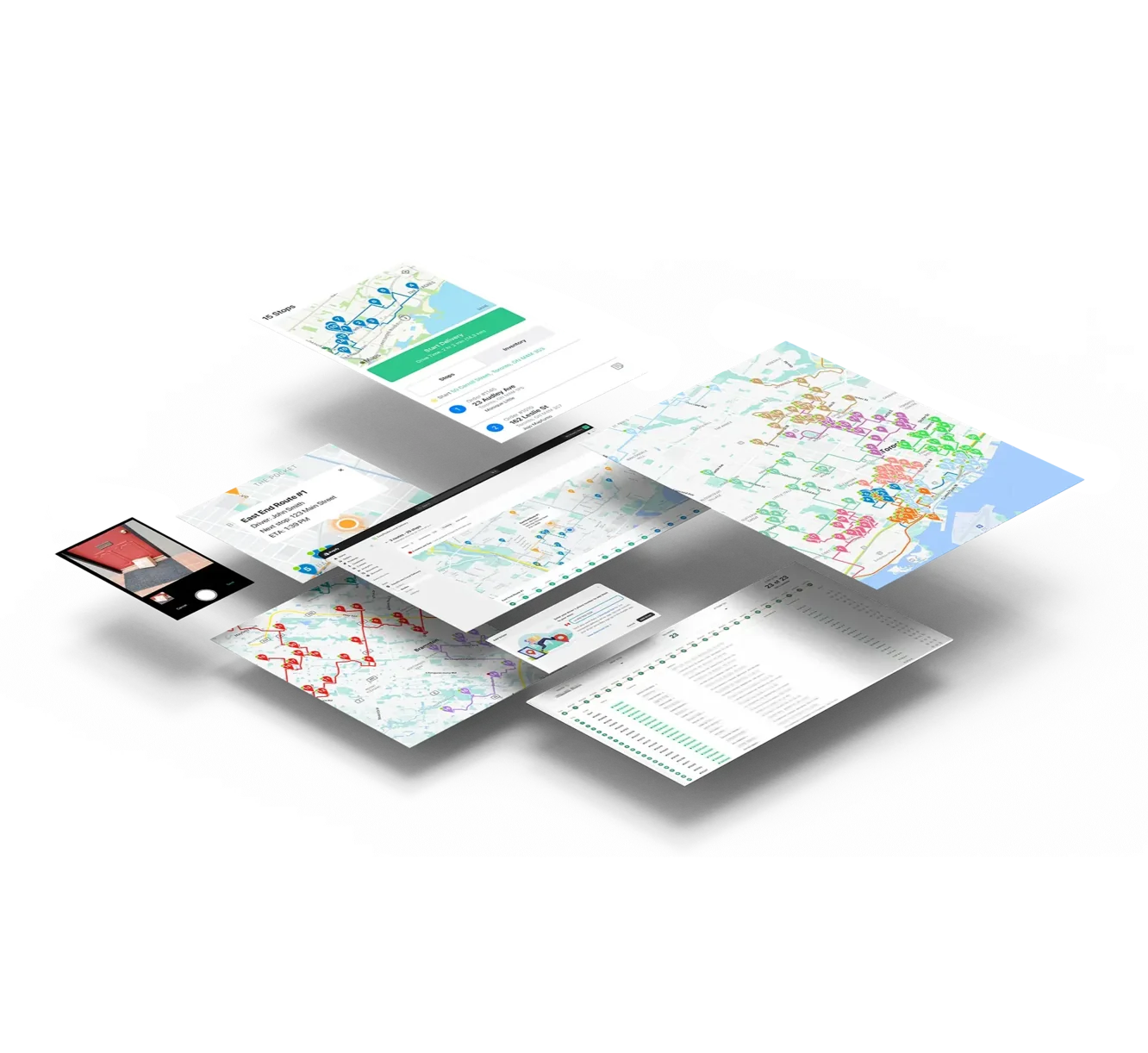
EasyRoutes processes thousands of routing possibilities in seconds. The algorithm considers traffic patterns, time windows, vehicle capacity, and stop priorities — producing routes that consistently beat manual planning by 20-30% on total distance.

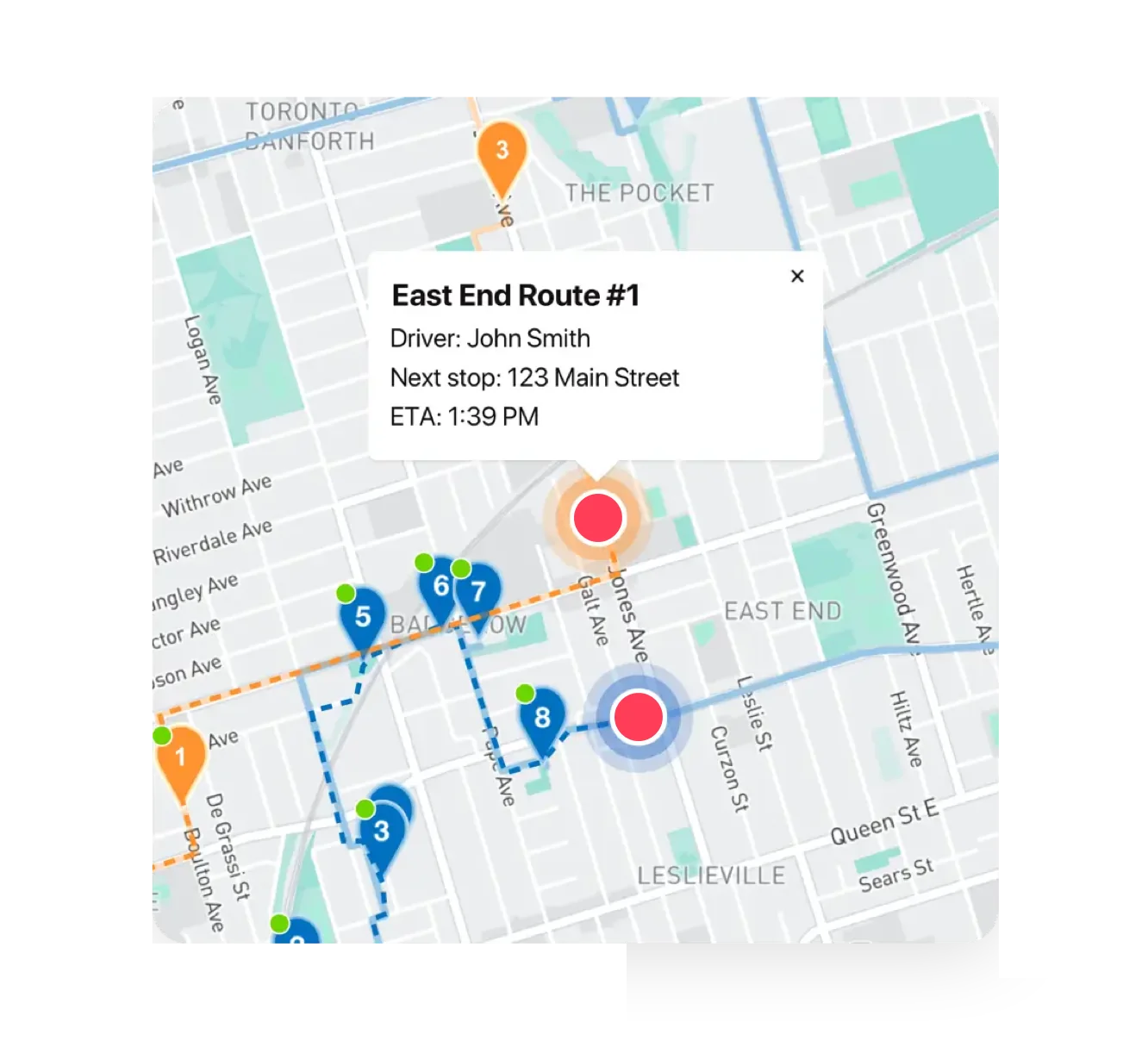
See every vehicle on a live map with current location, completed stops, and remaining route. Monitor progress against schedules across your entire fleet from a single dashboard. Identify delays as they happen, not after customers complain.

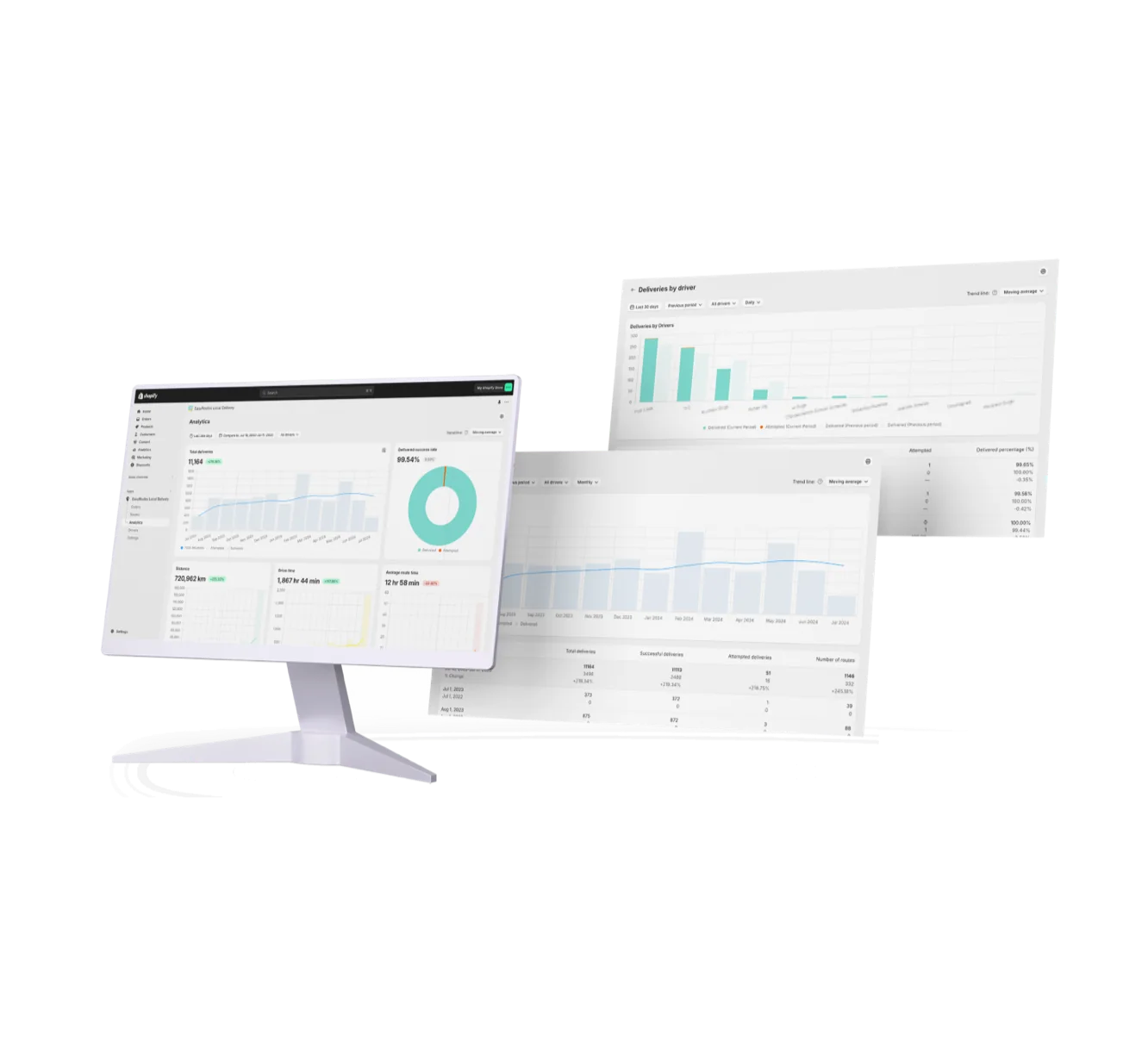
Track miles driven, deliveries per hour, on-time percentage, and driver performance. EasyRoutes collects data automatically and presents it in actionable dashboards. Use this data to demonstrate ROI and make the case for operational investments.

Whether you're managing 5 drivers or 50, EasyRoutes scales without adding complexity. Add vehicles as you grow — the same intuitive interface handles operations of any size. Enterprise-grade optimization without enterprise software complexity and cost.

• Most operations see 20-30% reduction in total route distance vs manual planning
• Core routing and fleet management at a fraction of enterprise software cost
• Handles delivery time windows, vehicle capacity limits, driver schedules, and stop priorities
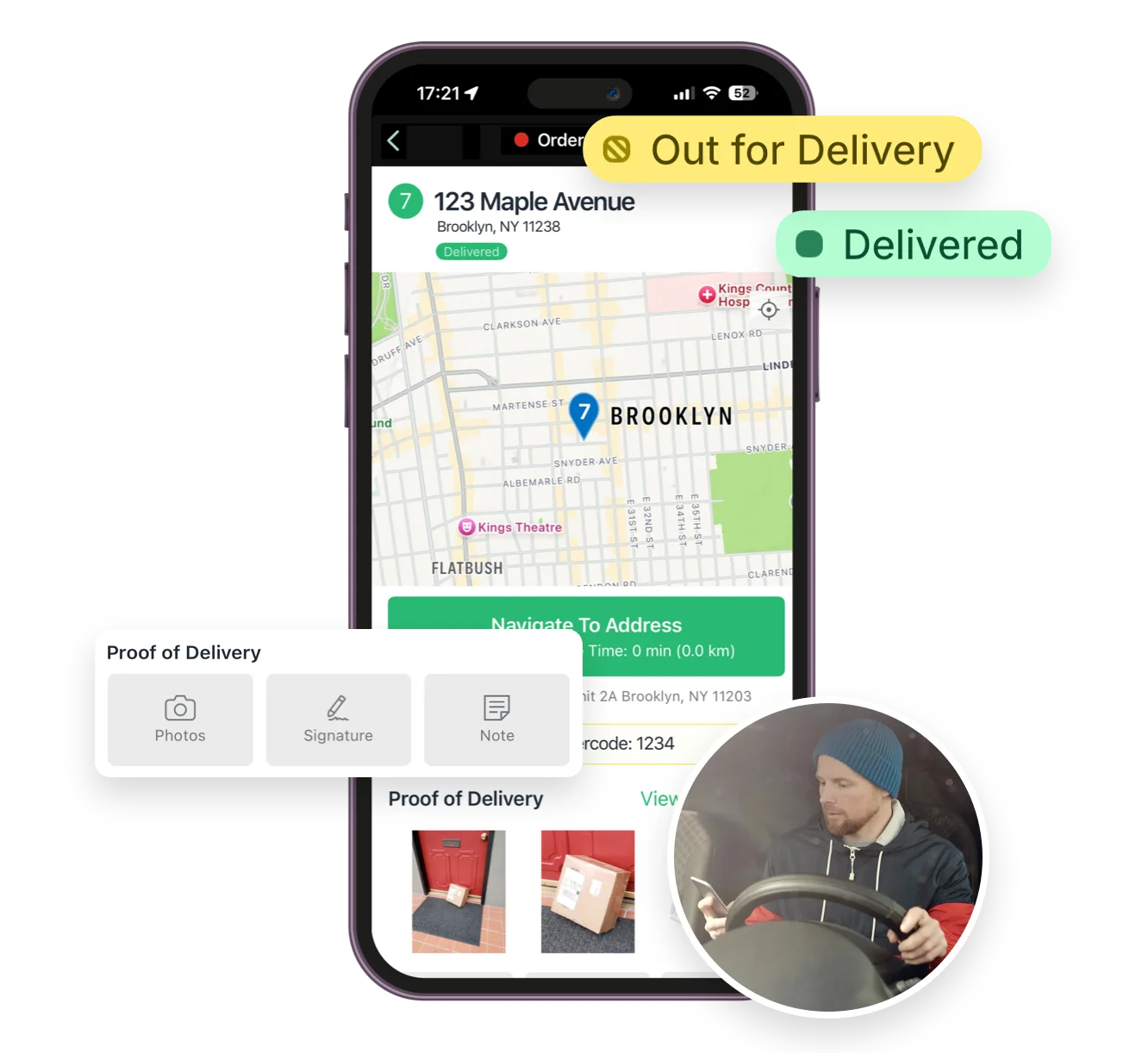
• Routes dispatch directly to drivers' smartphones with real-time updates
.webp)
.webp)
EasyRoutes factors expected traffic into stop sequencing and ETA calculations using live map data, and you can re-optimize any time to recalculate as conditions change. See: Route Options
Vehicle Profiles store details like type, make, model, and fuel economy; create them under Drivers & Vehicles, assign one to a route, then track metrics and filter Analytics by vehicle. See: Vehicle Profiles
Absolutely. Plan with item and weight limits to reflect the capacities of your fleet. Configure and assign Vehicle Profiles for an additional indicator for routes that have specific restrictions by vehicle.
Yes. You can set delivery time windows per stop or import them from supported third‑party date/time apps. EasyRoutes optimizes routes to meet these windows and calculates ETAs accordingly.
Yes. Set specific start/end locations per route to represent different depots or driver home bases and plan accordingly.
Yes. Enable Real‑Time Tracking in Settings → Driver settings (Premium/Enterprise subscription plans) to view live driver location and progress in the Tracking tab of any route.
See: Real‑Time Tracking
Yes. Pick a time period and an optional comparison period, break data down by driver, and use linear or logarithmic trend lines; export any breakdown to CSV. See: Analytics
EasyRoutes tracks route distance and time in Analytics; pair Vehicle Profiles (which store fuel economy) and break data down by vehicle to gauge fuel and cost, and compare periods for savings. See: Analytics
Yes. Export route and stop data — including links to proof of delivery — to CSV for reconciliation or further analysis with external tools.
See: Export routes/stops
Billing is seat‑based. Pay only for the number of driver seats included in your plan, and assign seats to any drivers in your roster and toggle seats on/off as needed. Charges are prorated when you add or remove seats mid‑cycle.
See: Managing Seats · Prorated Billing
Yes. Add scheduled driver breaks to new or existing route, and EasyRoutes will insert a break stop while updating downstream ETAs and total route time.
See: Driver Breaks
Yes. Enable Balance routes to distribute stops as evenly as possible across multiple routes/drivers while respecting other route constraints (like time windows, or item/weight limits).
See: Balance routes · How many routes?