We've added a new control to the All routes view of Route Groups (accessible via the controls in the upper right-hand corner of any route contained in a group, highlighted below), allowing users to trigger select notifications for all or multiple routes contained within that group:
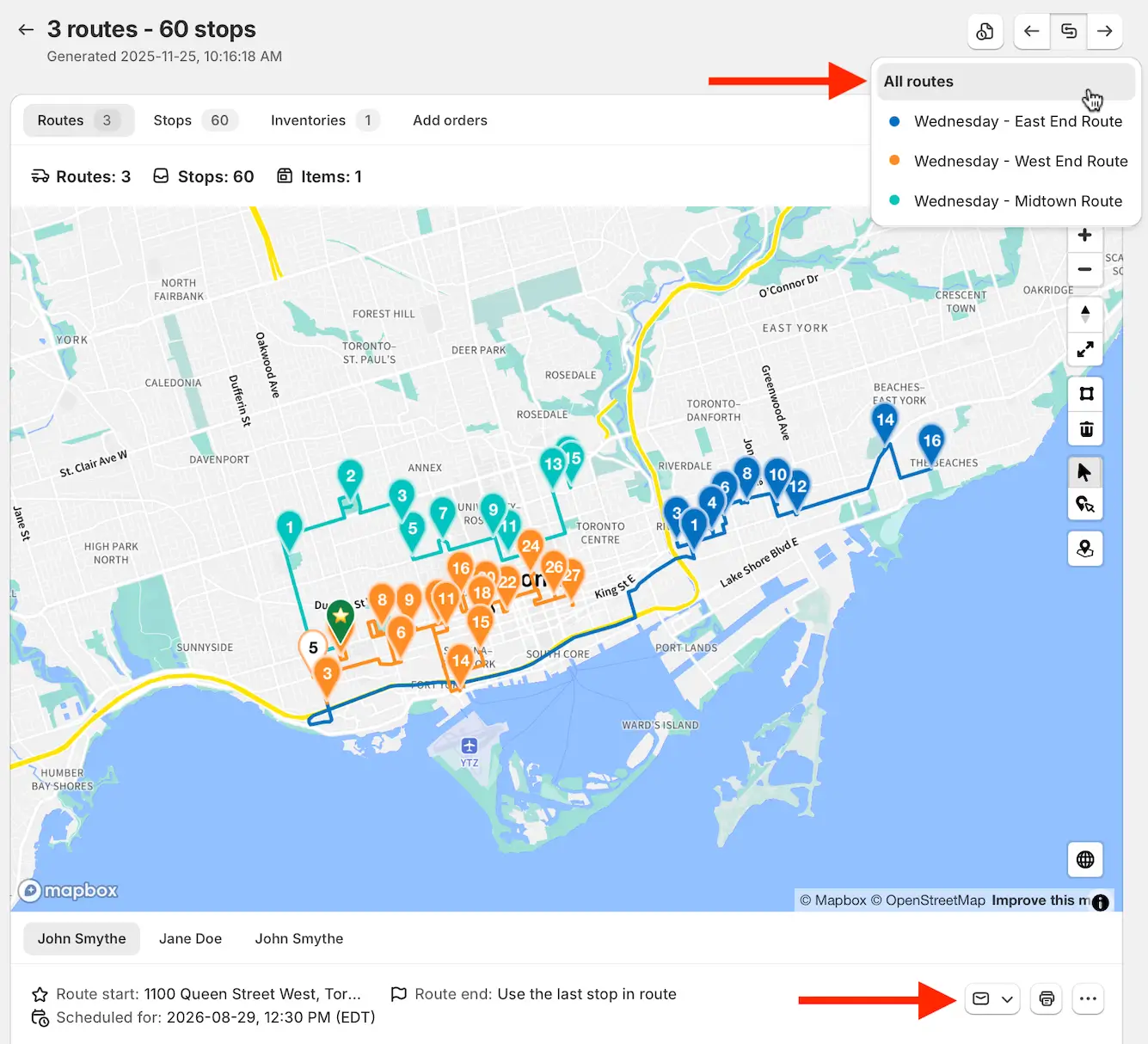
Click the envelope icon below the route map (highlighted above) and select the type of notification to send: Ready for delivery, Scheduled, and Re-Scheduled notifications are currently supported, depending on which type of notifications have already been sent for this group.
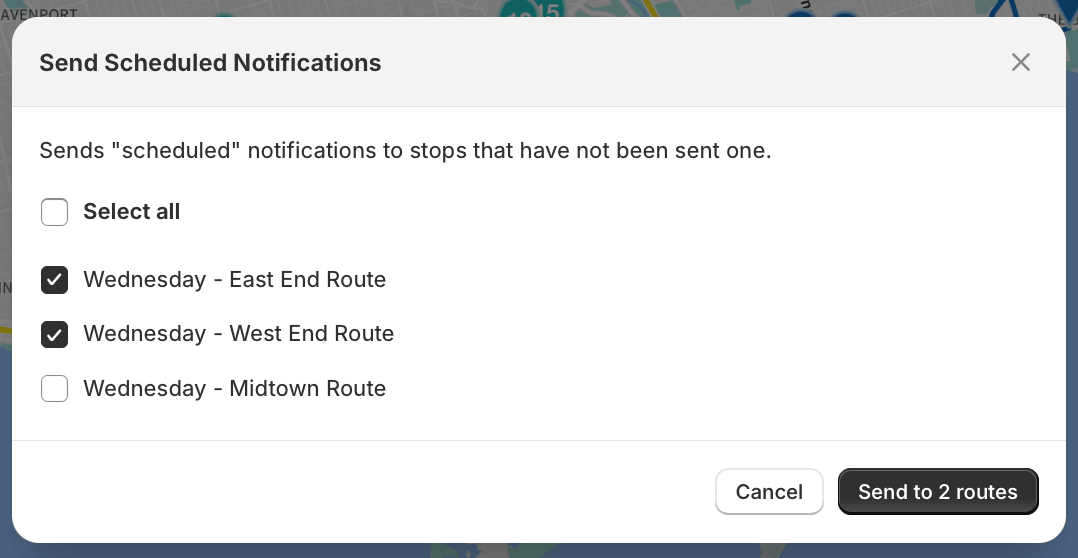
In the confirmation dialog that appears next, users can de-select any checkboxes for routes that should not receive notifications, before clicking the Send to routes button to immediately trigger notifications across selected routes: