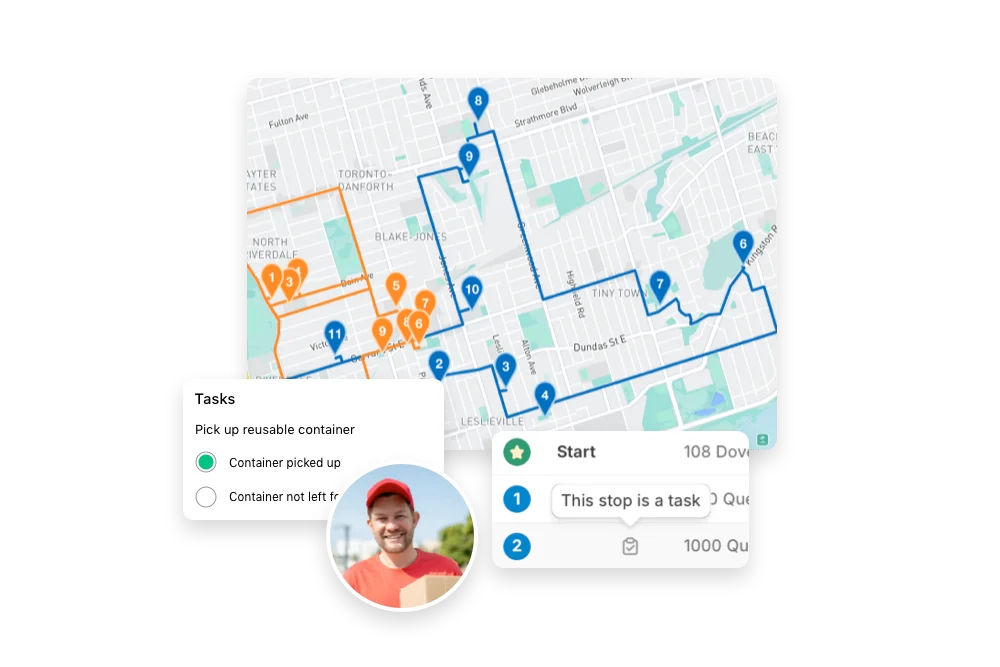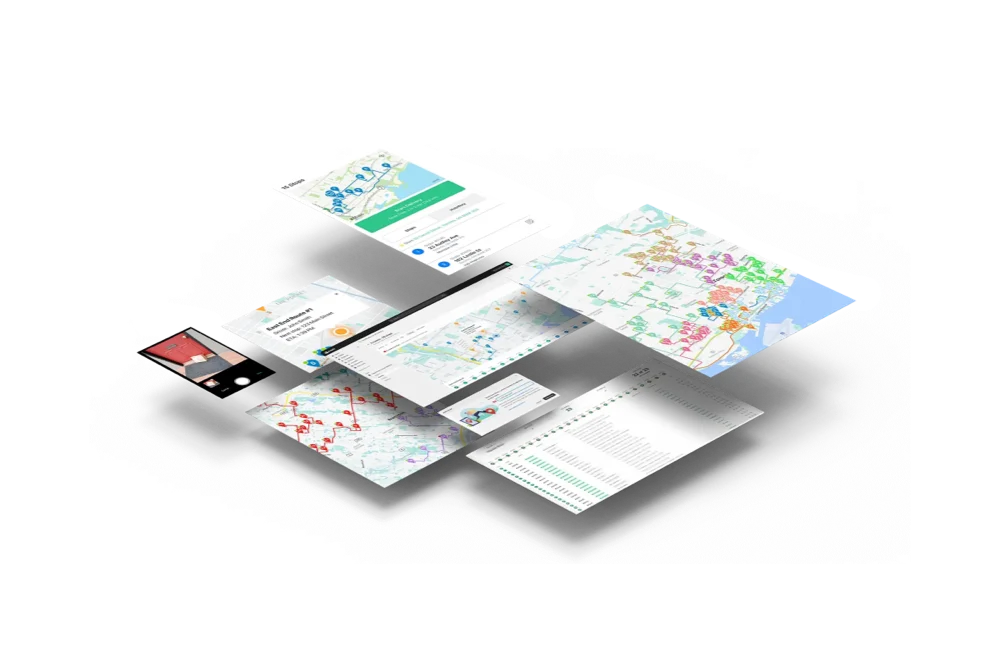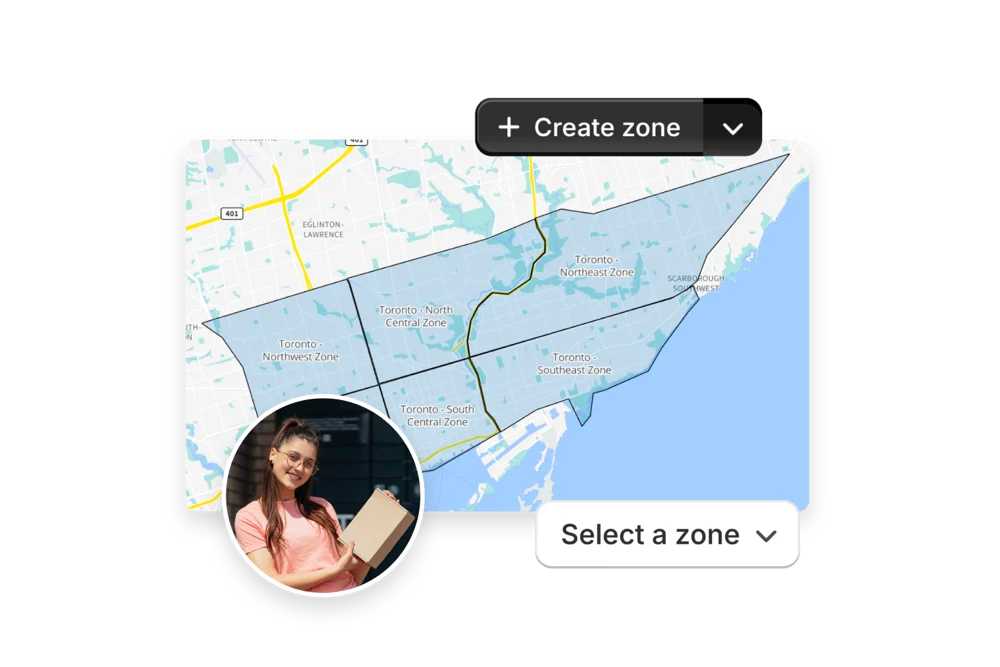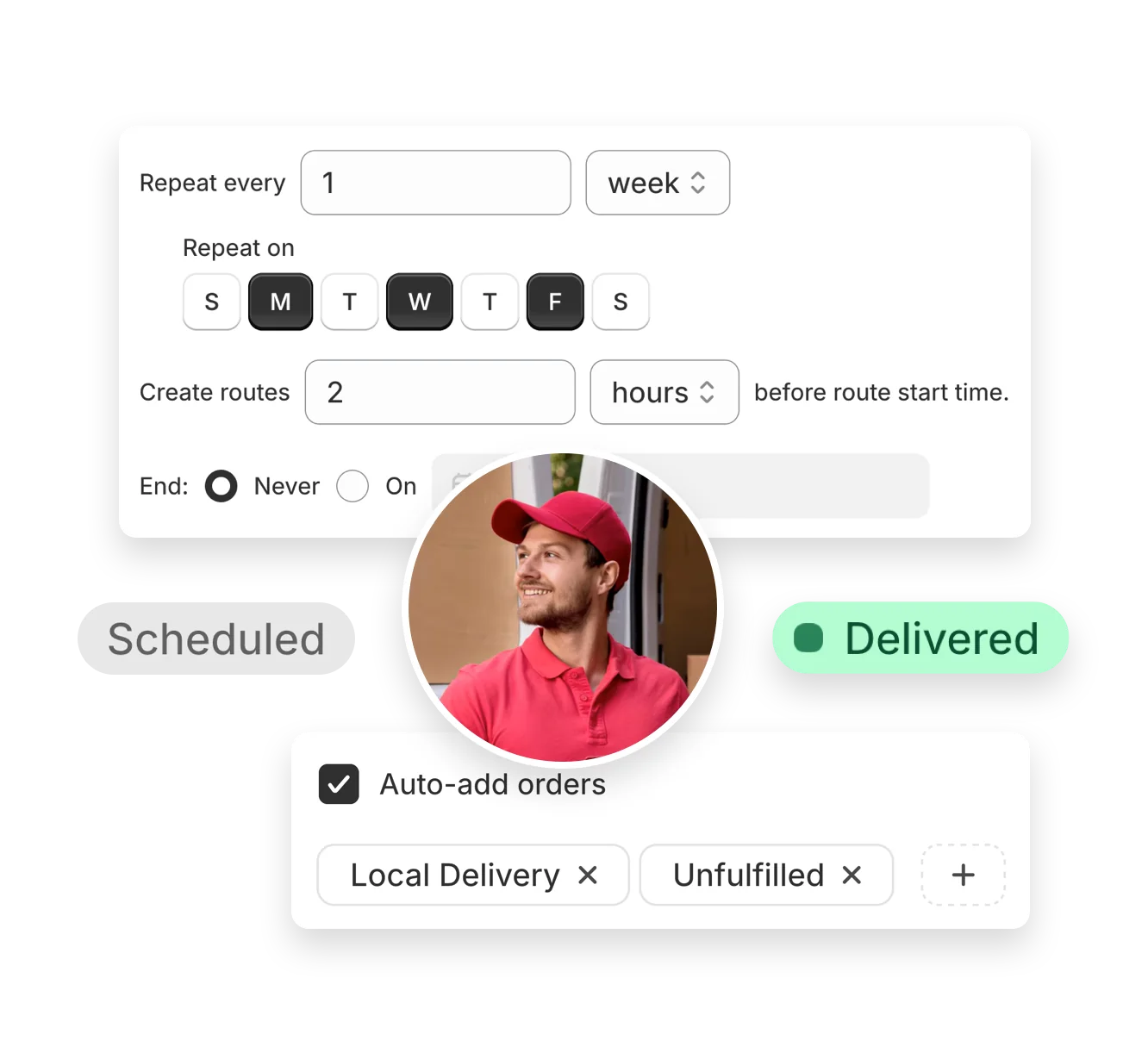















You set the rules — zones, schedules, capacity. Autopilot runs the routes. Review every route before dispatch, or let it run hands-free.

Put route planning on cruise control with EasyRoutes Autopilot. Define when routes should start, how often they repeat, and how far in advance to create them. Use flexible auto-add filters to include only unrouted orders, or any other set of orders you want. Apply any preferred route options, or select any driver in your roster for seamless assignment and dispatch.
Autopilot is perfect for recurring delivery schedules like weekday drops, subscription box cycles, or monthly pickups, so you can wake up every delivery day to routes that are pre-filled and ready to dispatch in seconds.


Workflows are automation tools within EasyRoutes that let you set up custom rules and triggers to handle repetitive delivery management tasks automatically. Instead of manually creating routes, adding orders, and assigning drivers, Workflows can take care of it for you.
See: Workflows Overview
Workflows save time and reduce errors by automating routine steps, like creating routes with new orders on delivery days, or auto-dispatching routes to assigned drivers, all based on custom scheduling that works for your business. This keeps operations efficient and customers informed.
Learn more: Workflows Guide
You can automate tasks such as creating routes from new orders, applying filters to narrow the orders applying to each route, dispatching routes to drivers, sending delivery notifications, and updating Shopify order statuses.
See: Workflow Actions
Yes. Workflows function on a custom scheduling basis that can be adjusted at any time. Any new Shopify orders received prior to the scheduling cut-off will be included in auto-generated routes. A common Workflow is set up to automatically generate routes with new Shopify orders matching certain filters criteria. This ensures your team can start deliveries without manual intervention.
Yes. Workflows can include multiple steps and conditions, such as only dispatching routes to certain drivers if the route exceeds a number of stops, or only adding particular stops if the corresponding order includes certain tags. There are no limits to how many Workflows route planners can create, offering maximum flexibility for businesses with varying delivery schedules.
Yes. Automate with Workflows to create routes on a custom, recurring schedule, or duplicate prior routes and re‑use their settings/stops in just a few clicks.
See: Workflows · Duplicate routes
Yes. If a scheduled start time is set, routes can be auto‑assigned and dispatched to the selected driver when created.
See: Auto‑Dispatch
Workflows can trigger notifications when automatically dispatching routes to drivers, ensuring consistent communication without extra effort from your team. Customers can then receive order status update notifications as soon as a driver starts their route.
Yes. You can create and save Workflows in a draft state, test them with sample data, and only enable them once you’re confident they work as intended.
See: Testing Workflows
No coding is required. EasyRoutes Workflows use a simple “if-this-then-that” style interface where you choose triggers and actions from a menu. This makes Workflows easy to set up without developer knowledge.
See: No-Code Automation
Yes. Workflows are available across both platforms. In Shopify, they integrate tightly with your store’s orders and fulfillments (both Shopify-native and custom/imported stops), while on EasyRoutes for Web, they connect with your imported, custom, or API-generated orders.
See: Workflows Setup
Workflows are available on EasyRoutes Premium and Enterprise plans. These plans unlock automation, advanced customization, and scaling features designed for larger delivery operations.