
Scale as you grow
Grow confidently with tools built for evolving delivery needs.
Whether you're adding last-minute stops to a route, or more drivers to handle a busy delivery weekend, EasyRoutes helps you manage complexity without slowing down.
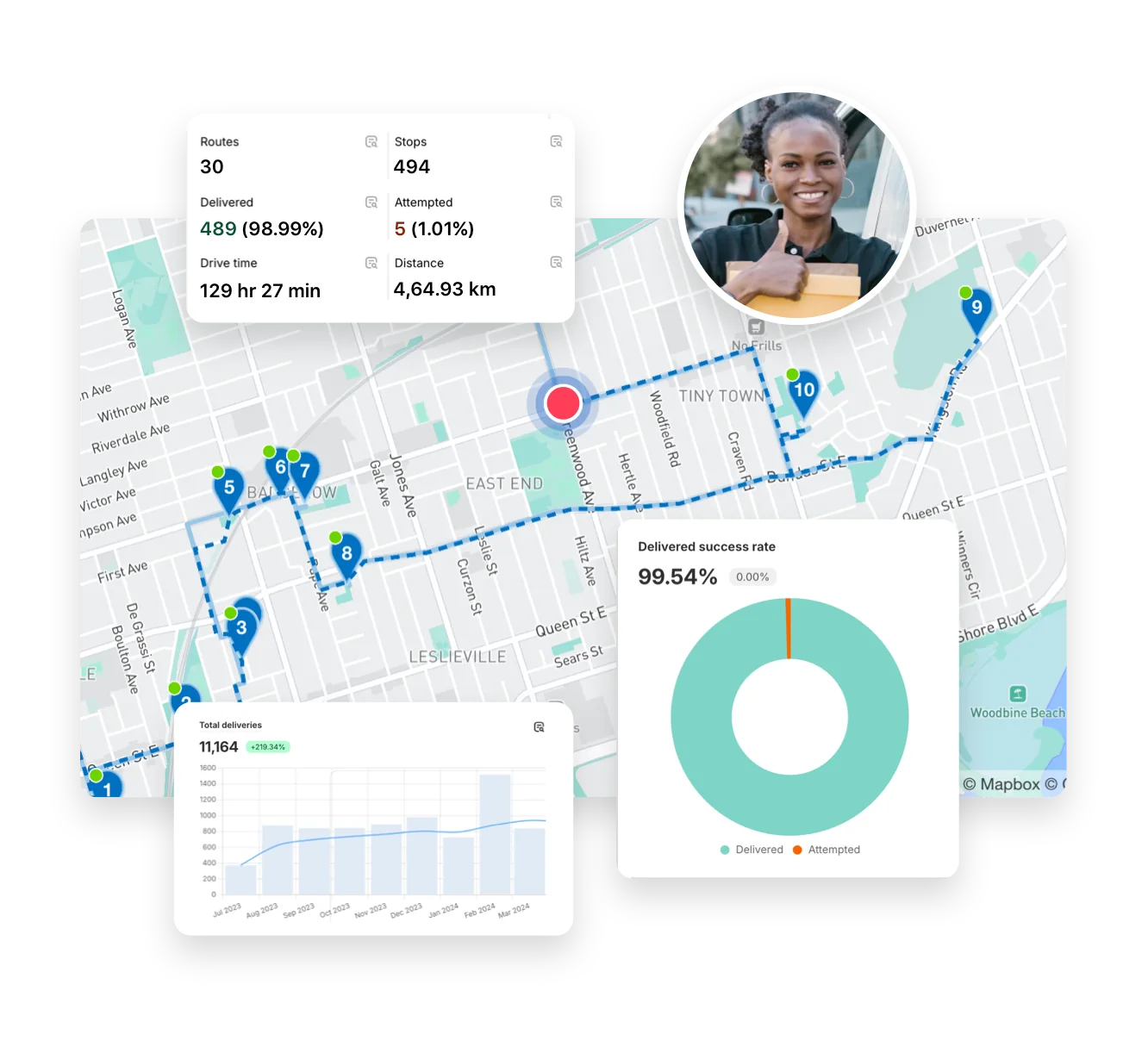

EasyRoutes grows with your business. Scale delivery operations smoothly with tools for route optimization, driver management, and insightful analytics — plus powerful features that flex as your business expands.
No credit card required. Cancel any time.
4.9 stars · 5,000+ businesses · 75+ countries















“Ridiculously helpful and efficient app, perfect to grow our business and to spend as little time as possible to our logistic planning...I'd advise it to any starting business who deals with delivery planning!”
Grow confidently with tools built for evolving delivery needs.
Whether you're adding last-minute stops to a route, or more drivers to handle a busy delivery weekend, EasyRoutes helps you manage complexity without slowing down.
Save time and reduce fuel consumption with smart, scalable route optimization.
Plan multiple routes at once, balance workloads across drivers, and re-optimize as plans change — so your deliveries stay efficient no matter how big your operation gets.

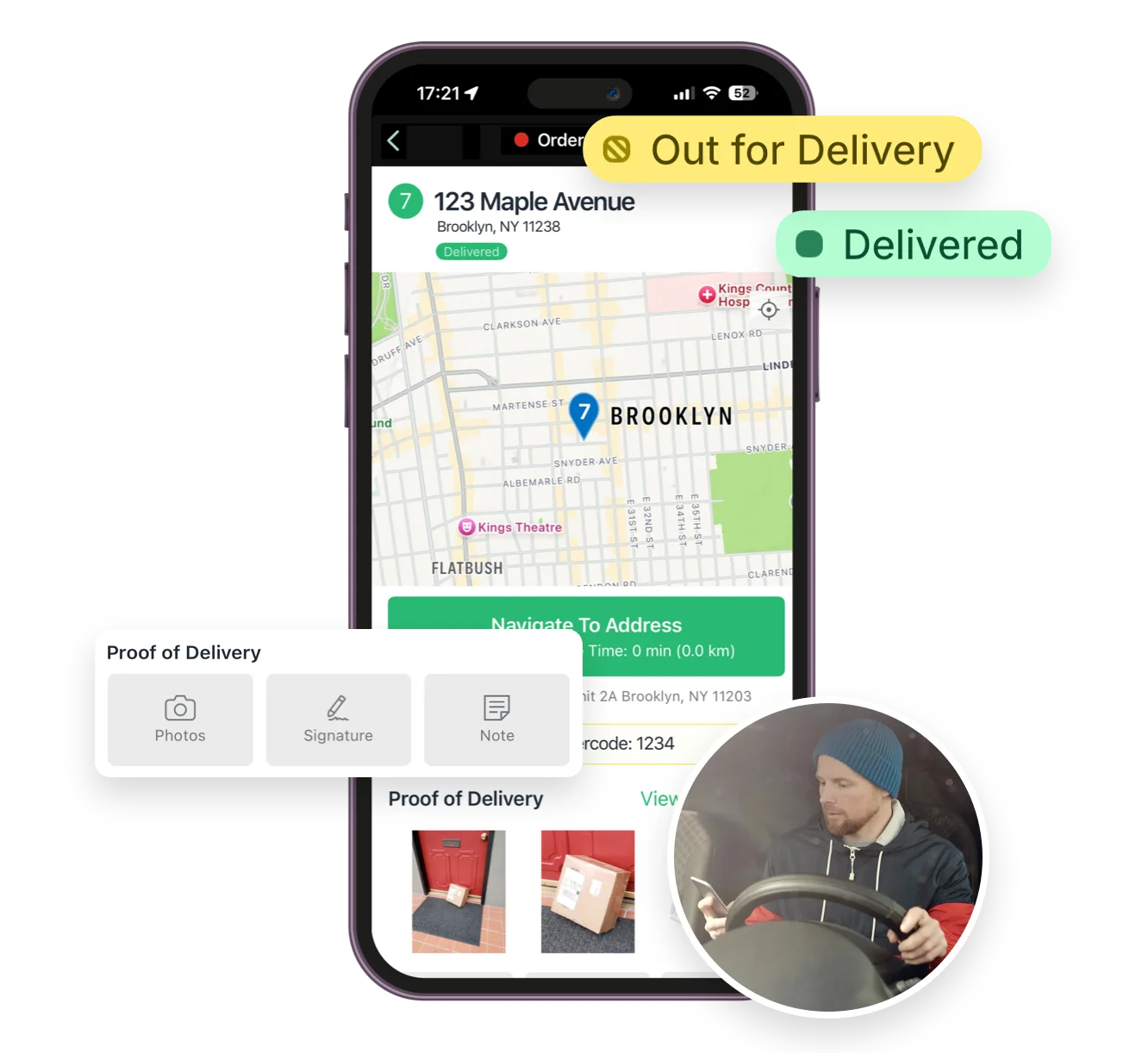
Keep drivers on track with a reliable and easy-to-use mobile app.
From turn-by-turn directions to integrated order notes and proof of delivery, your team stays connected and productive, even as your delivery fleet grows.
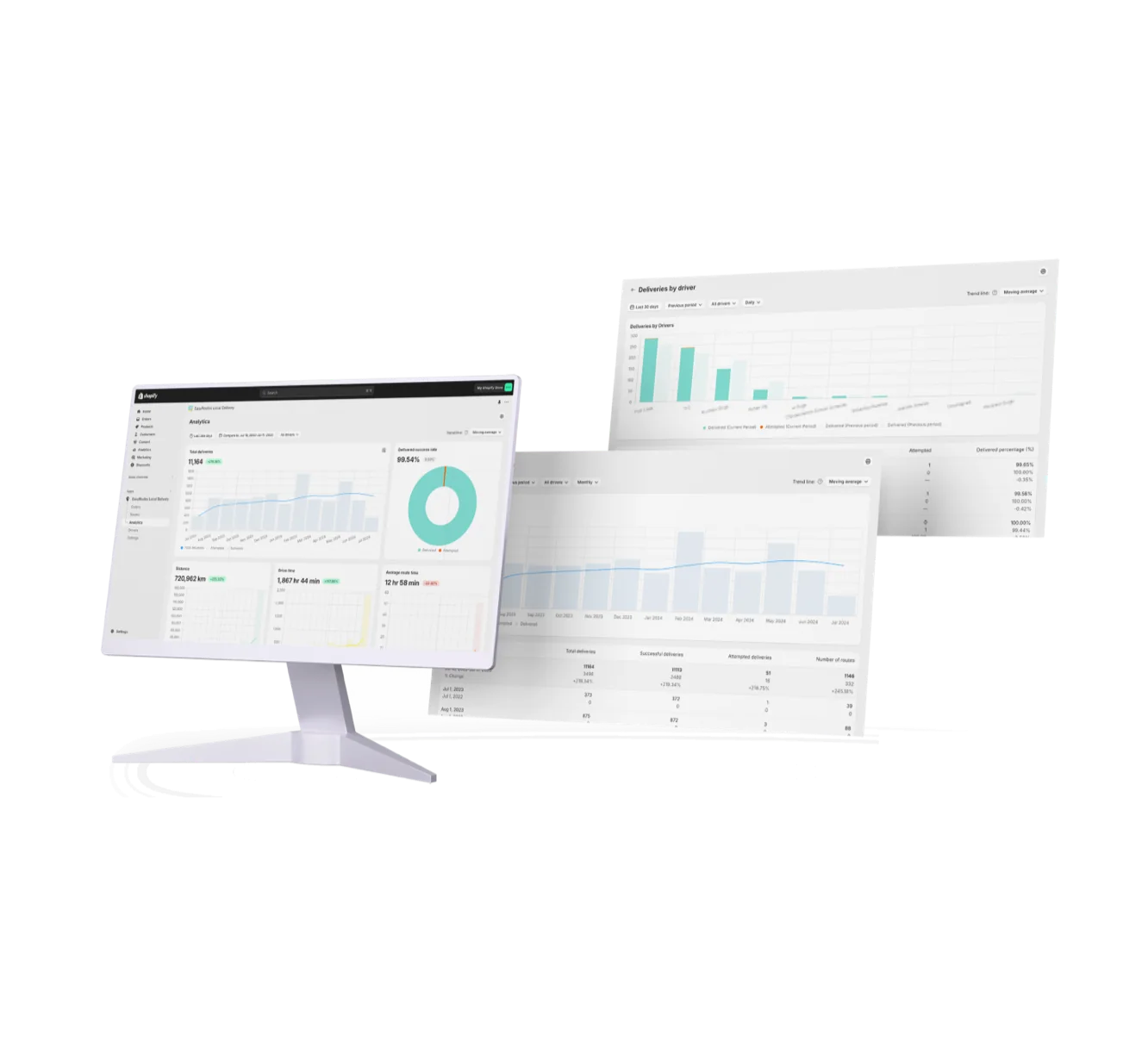
Get full visibility into your delivery performance.
EasyRoutes provides actionable analytics and detailed activity logs to help you measure success, uncover inefficiencies, and make data-driven decisions as your delivery business grows.
Yes. Manage deliveries for multiple depots/warehouses from one account. Create routes with different start/end locations and assign drivers per hub.
Yes. Enable Balance routes to distribute stops as evenly as possible across multiple routes/drivers while respecting other route constraints (like time windows, or item/weight limits).
See: Balance routes · How many routes?
No. Each route has one assigned driver at a time. To share the work, split stops across multiple routes or use self‑assign links on separate routes.
See: Driver Assignment
Yes. If a scheduled start time is set, routes can be auto‑assigned and dispatched to the selected driver when created.
See: Auto‑Dispatch
EasyRoutes optimizes deliveries using your selected orders, start & end locations, stop time intervals, time windows, and route limits. You can balance routes, respect capacities, and re‑optimize as plans change.
See: Route Options · EasyRoutes 101
Yes. Re‑optimize at any time — after adding or removing stops, changing stop priorities, editing route options, or balancing loads. Drivers can also re-optimize routes delivered out of order, or re‑order stops if enabled from your EasyRoutes Settings.
The EasyRoutes Delivery Driver app is available for iOS and Android. Use our official download links to install and sign in with your driver phone number.
See: Where can I download the EasyRoutes Delivery Driver app?
Driver seats are active licenses you assign to people in your driver roster. Activate a seat to let a driver receive routes in the EasyRoutes Delivery Driver app; deactivate a seat to pause access without deleting their profile. You can toggle seats anytime and only pay for the seats on your plan at that moment. Charges/credits are prorated automatically when you add or remove seats.
Delivery Analytics shows totals and trends for stops and routes, including completed vs. missed deliveries, average delivery time, per‑driver performance, and route metrics over a chosen period.
See: Delivery Analytics
Yes. Pick a time period and an optional comparison period, break data down by driver, and use linear or logarithmic trend lines; export any breakdown to CSV. See: Analytics
Pricing is based on plan tier plus the number of driver seats in your subscription; optional SMS is usage‑based. Scale seats up/down anytime.
See: Pricing · Pricing & Plans FAQ
Yes. Create routes in minutes, add last‑minute stops, and re‑optimize during the day. Dispatch instantly to drivers with live tracking and customer notifications.
See: Re‑optimize · Dispatch