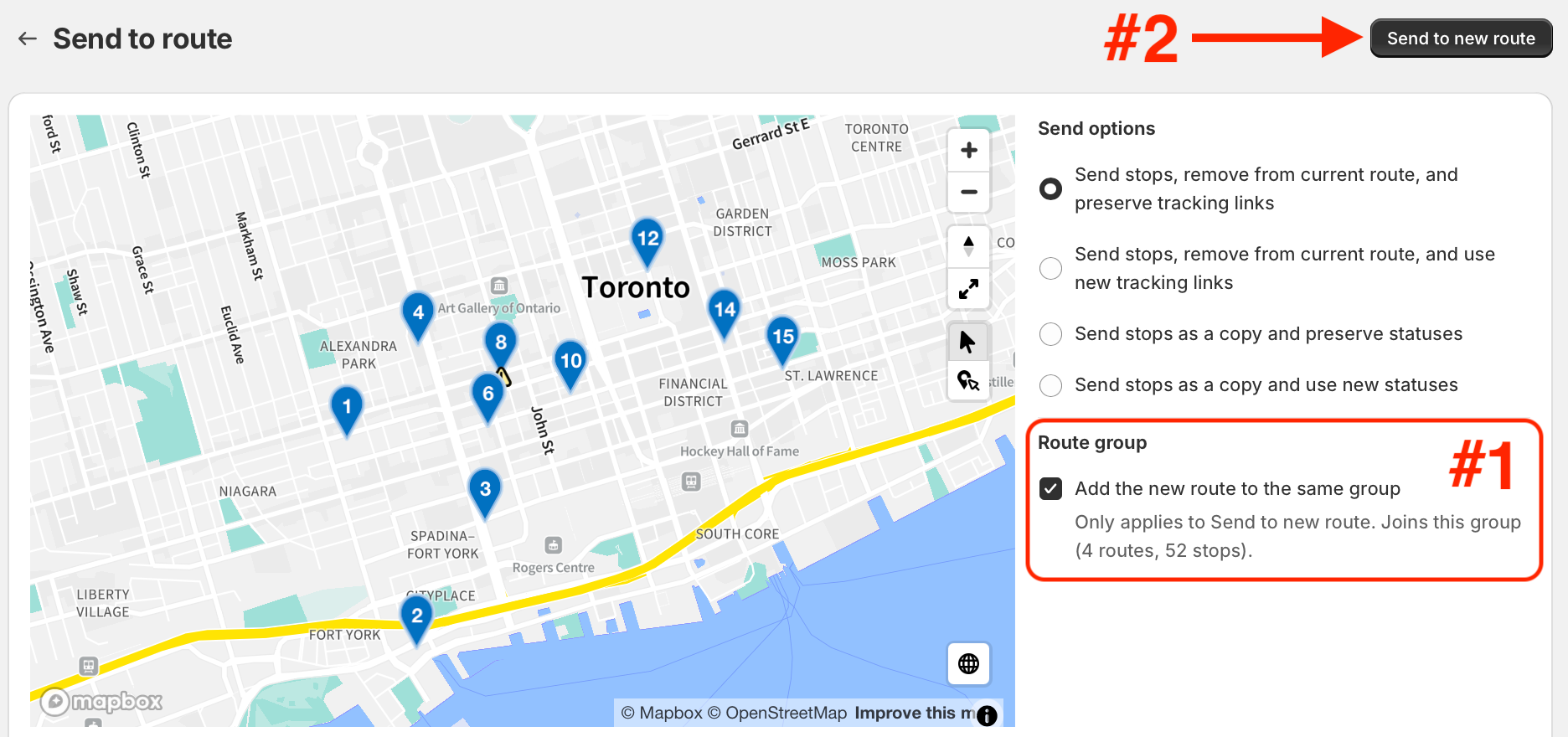
When sending stops to a new route from a route that’s part of a Route Group, users can now choose to create the stops’ new route within the same group the stops were sent from.
The Send options panel now includes a Route group option (#1 in the screenshot below), with an Add the new route to the same group toggle, enabled by default. Its description lists the group’s current routes and stops, so you can see where the new route/stops will land. To complete the send stop operation, click the Send to new route button (#2 in the screenshot below), and the selected stops will appear on a new route within the existing group they were sent from: