EasyRoutes vs. OptimoRoute: Which Offers a Better Last-Mile Experience?

Compare EasyRoutes with OptimoRoute. EasyRoutes offers route optimization, proof of delivery, and driver tracking—plus native Shopify integration, packing slips, claimable routes, and flat-rate pricing for small teams.

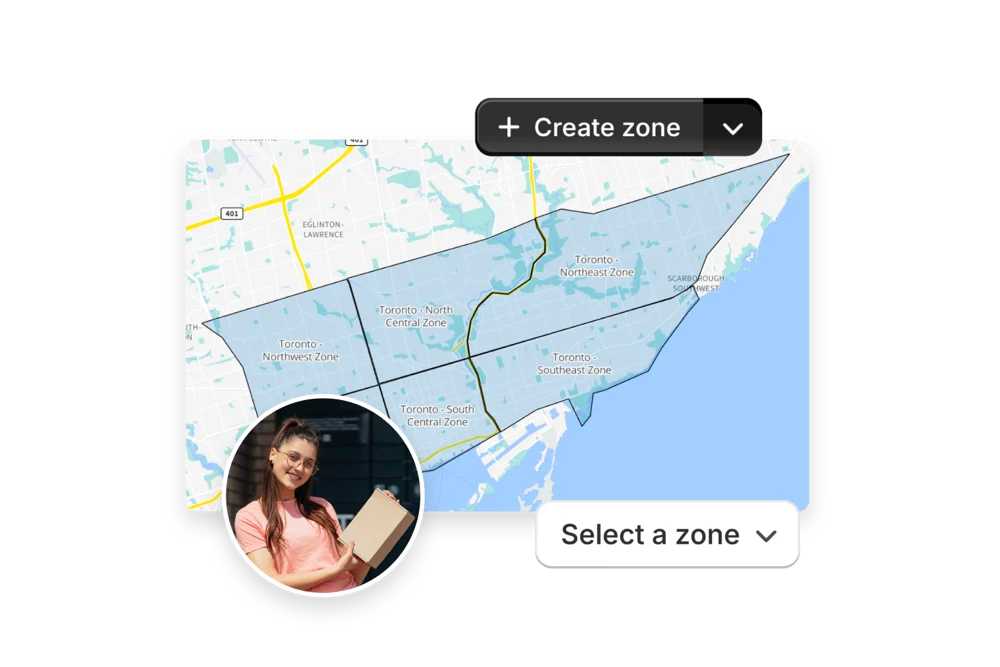
EasyRoutes dashboard preview showing optimized routes and delivery stops on a map
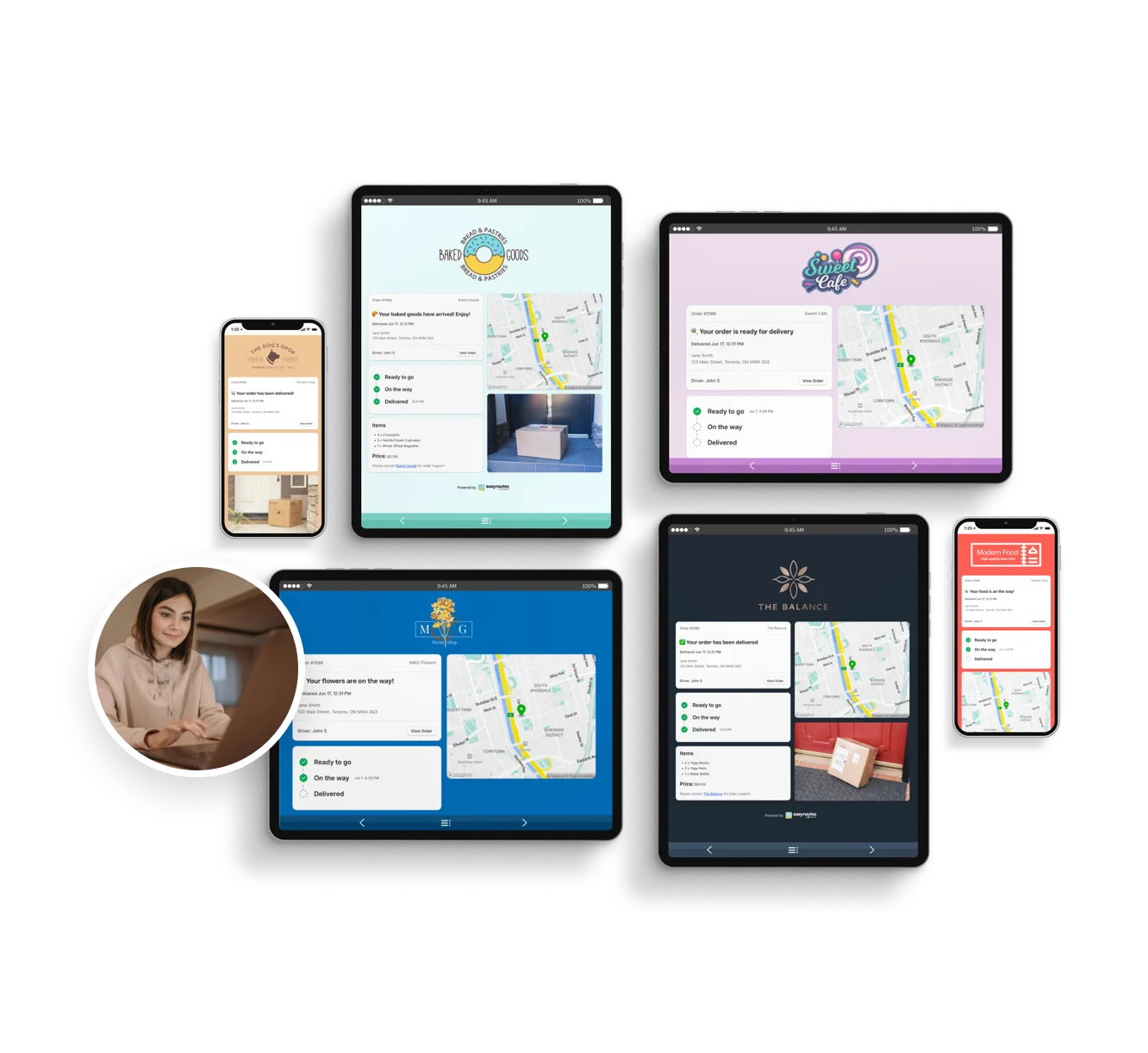
Customizable order tracking pages.
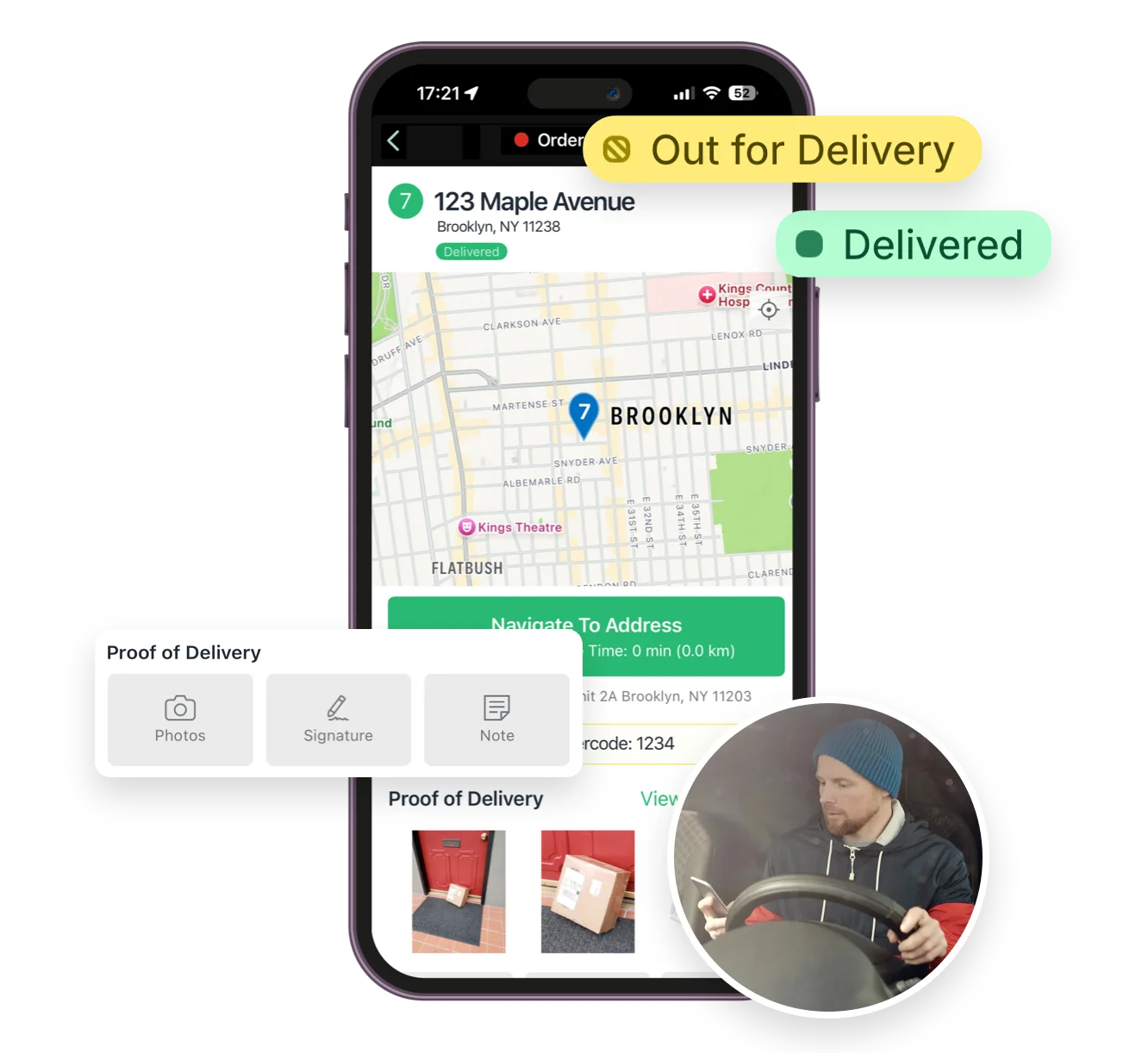
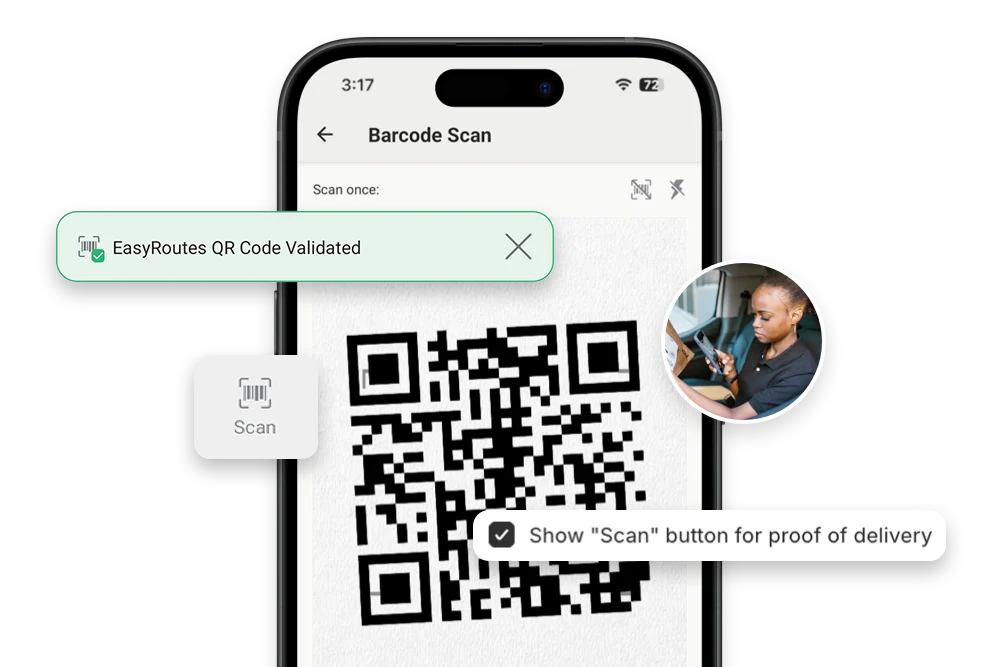
Mobile delivery driver app for iOS and Android
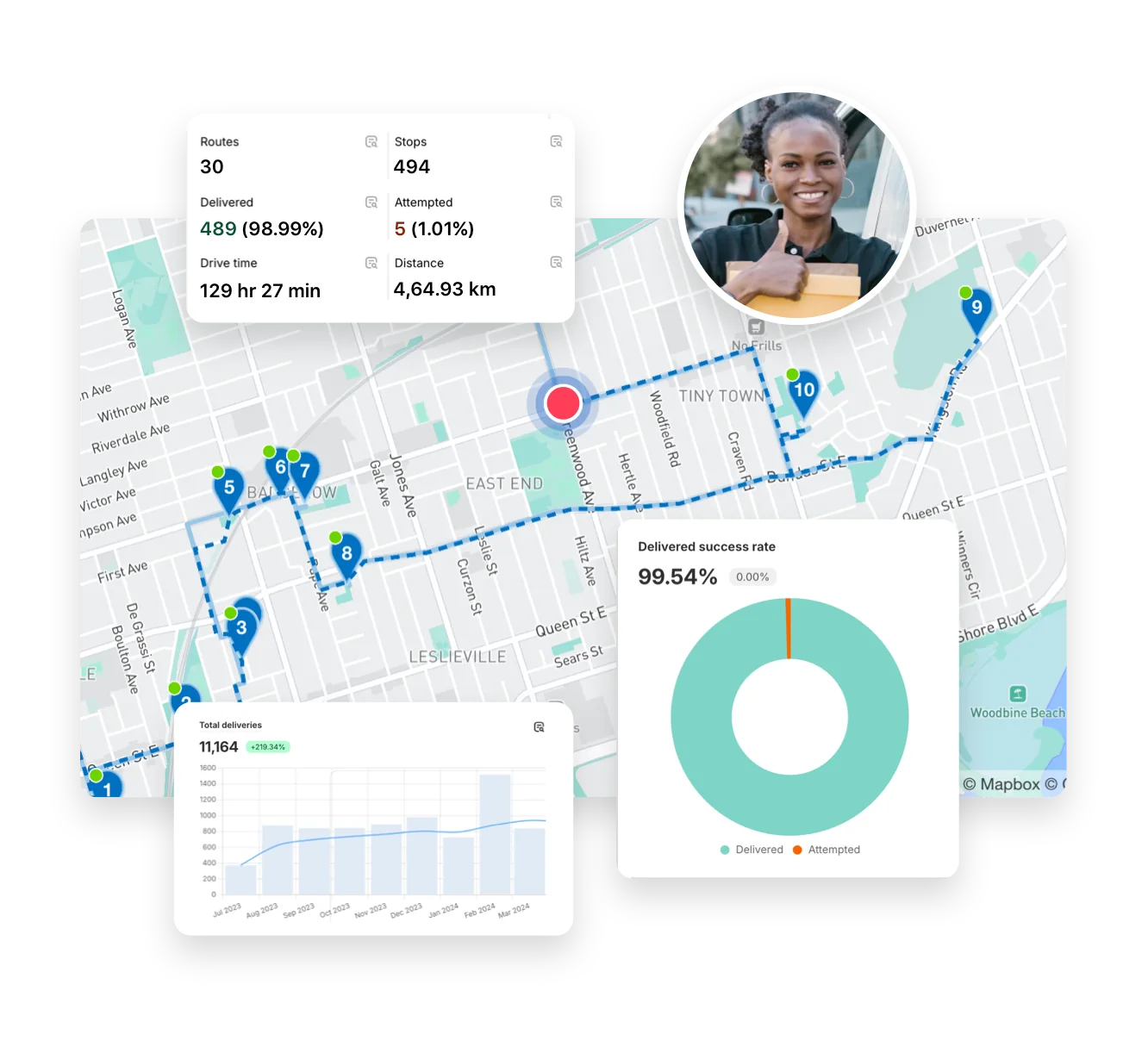
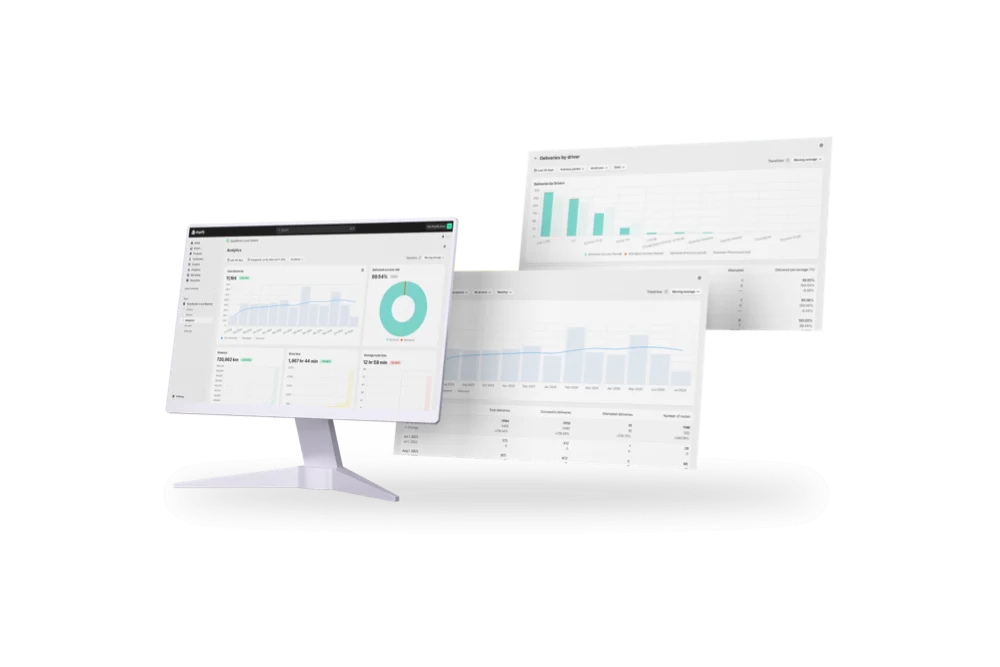
Full delivery analytics package
EasyRoutes interface highlighting tracking notifications delivery analytics and driver tools
Autopilot for your Delivery Workflow

⭐⭐⭐⭐⭐ 4.9 stars Trusted by 5,000+ Businesses

Flower Delivery: The Million RosesMattress Delivery: SonnoPizza Delivery: SliceGass Delivery: Gas GuysFood Delivery: Redstart FoodsBread Delivery: Butter & Crust

Built for Merchants, Not Just Route Planners

If you're comparing EasyRoutes to OptimoRoute, you're likely managing a delivery team looking for the best mix of power and simplicity. While OptimoRoute is packed with logistics features, EasyRoutes offers everything most teams need—optimized route planning, Shopify sync, proof of delivery, and customer notifications—all in a cleaner, more affordable platform.

With EasyRoutes, you get multi-driver route planning, real-time driver tracking, proof of delivery, claimable routes, and Shopify-native workflows—plus packing slips and branded notifications. Import orders from BigCommerce, WooCommerce, and other leading eCommerce platforms, as well as spreadsheets, or any source via API or Zapier.

The EasyRoutes Team

Why Teams Switch from OptimoRoute to EasyRoutes

1) Native Shopify Integration + Web Version Flexibility

EasyRoutes for Shopify: Fully integrated with your Shopify store. Orders, products, tags, and delivery data sync automatically.

EasyRoutes for Web: Import orders via CSV, Zapier, or API for delivery businesses not using Shopify.

❌ OptimoRoute requires API integration or CSV import to connect with Shopify. EasyRoutes works natively inside your Shopify admin—with no additional setup required.

1) Native Shopify Integration + Web Version Flexibility

2) End-to-End Delivery Tools Included

EasyRoutes is more than a route planner. It includes:

  • One-click route optimization for Shopify or imported orders
  • Automatic packing slip generation with product-level visibility
  • Proof of delivery with photos, signature, and notes
  • Live GPS tracking for drivers in the field
  • Branded tracking pages and email/SMS delivery alerts

❌ OptimoRoute lacks built-in packing slips, driver checklists, and claimable routes. EasyRoutes includes these fulfillment tools by default.

2) End-to-End Delivery Tools Included

3) Designed for Delivery Teams, Not Just Drivers

  • Drag-and-drop route editing with saved driver profiles
  • Drivers see full order details, inventories, and notes
  • Claimable route links for part-time and contract drivers
  • One-click dispatch via app or secure web link
  • Stop-level task checklists to standardize delivery workflows

❌ OptimoRoute is designed for dispatch-led teams. EasyRoutes supports both dispatcher-driven and self-claim models for greater flexibility.

3) Designed for Delivery Teams, Not Just Drivers

4) Transparent, Predictable Pricing

  • Free plan for up to 50 deliveries/month
  • Drivers see full order details, inventories, and notes
  • No extra fees for POD, tracking, or notifications
  • Only pay for the number of drivers you actually need

❌ OptimoRoute charges more for features like proof of delivery and live tracking. EasyRoutes includes these in Premium—plus transparent pricing and a free tier.

4) Transparent, Predictable Pricing

Packed with features to make delivering easy, like...

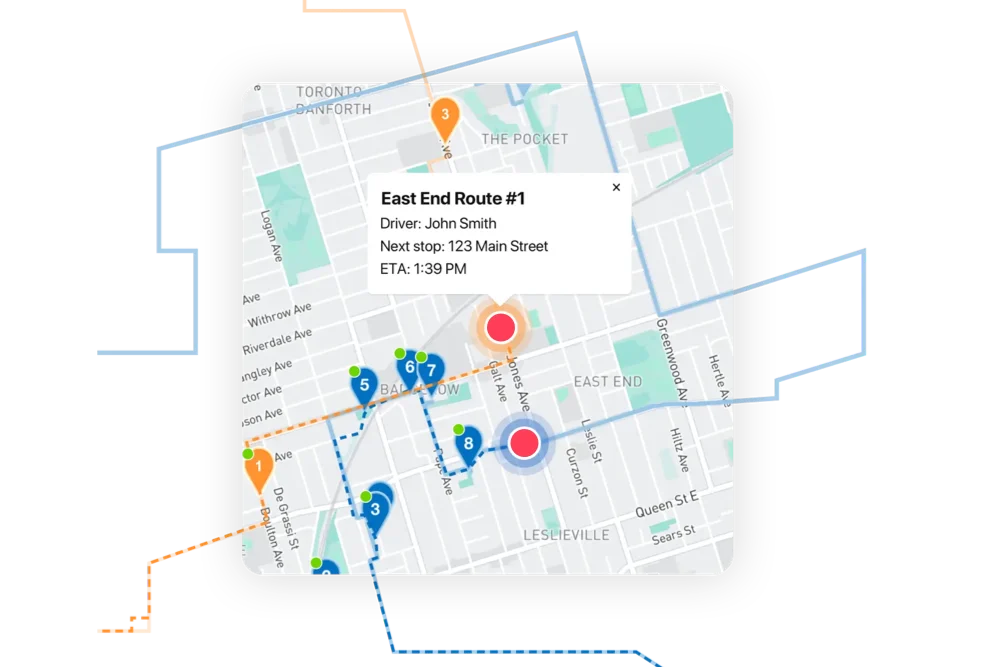
Real-time Driver Tracking

Real-time Driver Tracking

See every active route in real time. Share accurate ETAs with customers, monitor team performance, and ensure deliveries stay on schedule.
Activity Feed

Activity Feed

Get a timeline of every delivery event — from route creation to completion. Spot delays, monitor accountability, and respond faster to issues.
API & Zapier Automations

API & Zapier Automations

Use the EasyRoutes API and Zapier to automate order imports, route creation, dispatch, and delivery status updates — connecting your operations to the tools you already use.

Who Should Choose EasyRoutes Over OptimoRoute?

  • Shopify merchants doing local deliveries
  • Teams that need packing, routing, dispatch, and delivery in one place
  • Delivery managers who want driver accountability (POD, GPS, task checklists)
  • Anyone tired of juggling spreadsheets, APIs, or expensive usage tiers

EasyRoutes gives you more than just optimized routes. It gives you a complete last-mile delivery hub—from route planning to dispatch to proof of delivery.

Join thousands of delivery-focused businesses—including florists, bakeries, grocery subscriptions, and meal kits—who trust EasyRoutes to power their local deliveries.

Who Should Choose EasyRoutes Over OptimoRoute?

How to Move from OptimoRoute to EasyRoutes

  • Try it free for 14 days—no commitment required
  • If you're using Shopify, just install the app and sync your orders
  • If you're not on Shopify, import a CSV or connect via Zapier
  • Our support team is here to help you migrate routes, drivers, and workflows
How to Switch from Routific to EasyRoutes

Frequently asked questions

Who should use EasyRoutes for Shopify?

EasyRoutes for Shopify is best suited for merchants who already sell goods or services within the Shopify ecosystem.  Users can plan optimized delivery routes with all orders received through their Shopify storefront, created via draft orders, or imported manually as custom stops.

EasyRoutes for Shopify integrates seamlessly with the Shopify Admin and dozens of leading third-party apps, making it the ideal choice for Shopify merchants seeking a streamlined local delivery solution.

Can EasyRoutes import orders from spreadsheets?

Yes. Import orders by CSV in Shopify or Web, including item‑level quantities and weights for capacity planning.

See: CSV Import

How does EasyRoutes use real-time traffic in route optimization?

EasyRoutes factors expected traffic into stop sequencing and ETA calculations using live map data, and you can re-optimize any time to recalculate as conditions change. See: Route Options

Can I make proof of delivery mandatory?

Yes. Require photos, e‑signature, and or a driver note individually before a stop can be marked Delivered or Attempted in the driver app.

See: Mandatory PoD

Can I change label sizes?

Yes. Set label size (e.g., 4×6 thermal or A4/Letter) and font scale in EasyRoutes Settings → Packing Slips & Labels, then fine‑tune using your printer’s paper and scale settings.

See: Printing packing labels

Can I send delivery reminders to customers?

Yes. Configure email/SMS templates (e.g., Ready for Delivery, Out for Delivery, Driver is X Stops Away) to remind customers and include tracking links and ETAs.

See: EasyRoutes Notifications

What information can I see in real-time tracking as an admin?

The route’s Tracking tab shows live driver location, recent path, next/current stop, and real‑time stop status, completion times, and proof of delivery events.

See: Real-Time Driver Location Tracking · Activity Feed

Where can drivers download the EasyRoutes Delivery Driver app?

The EasyRoutes Delivery Driver app is available for iOS and Android. Use our official download links to install and sign in with your driver phone number.

See: Where can I download the EasyRoutes Delivery Driver app?

Can I auto-dispatch routes?

Yes. If a scheduled start time is set, routes can be auto‑assigned and dispatched to the selected driver when created.

See: Auto‑Dispatch

How much do SMS messages cost?

SMS messaging rates are determined by the country of the recipient, and are billed on a per-segment basis.

See: SMS pricing · Usage balance & auto-top-up

Does EasyRoutes support Shopify Subscription orders?

Yes. Subscription orders from Shopify can be planned like standard orders. EasyRoutes also integrates with popular subscription/checkout apps.

See: Shopify Subscription Orders · Third‑party apps