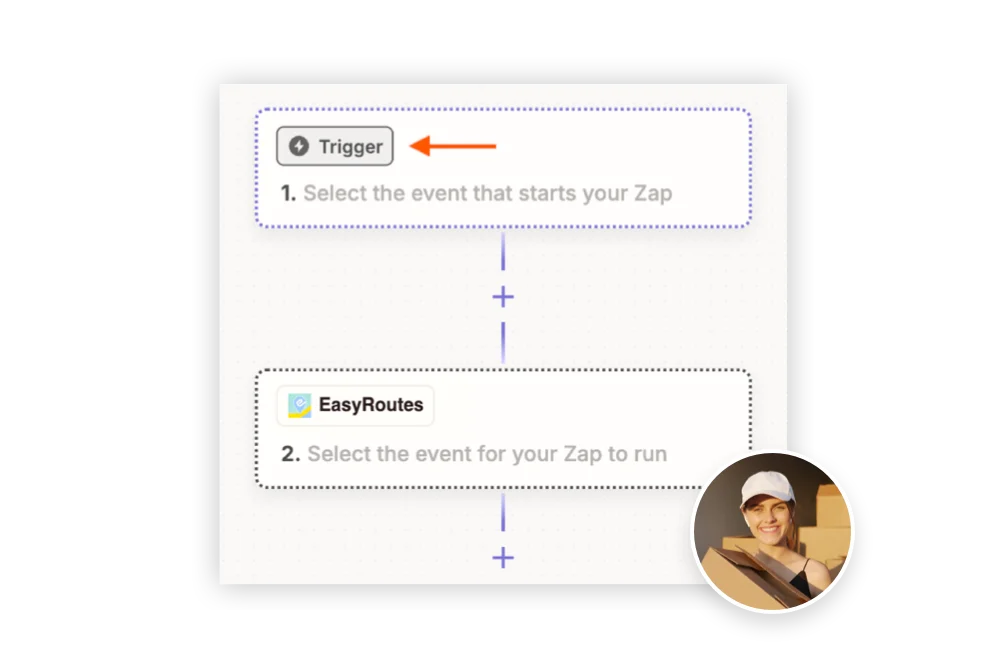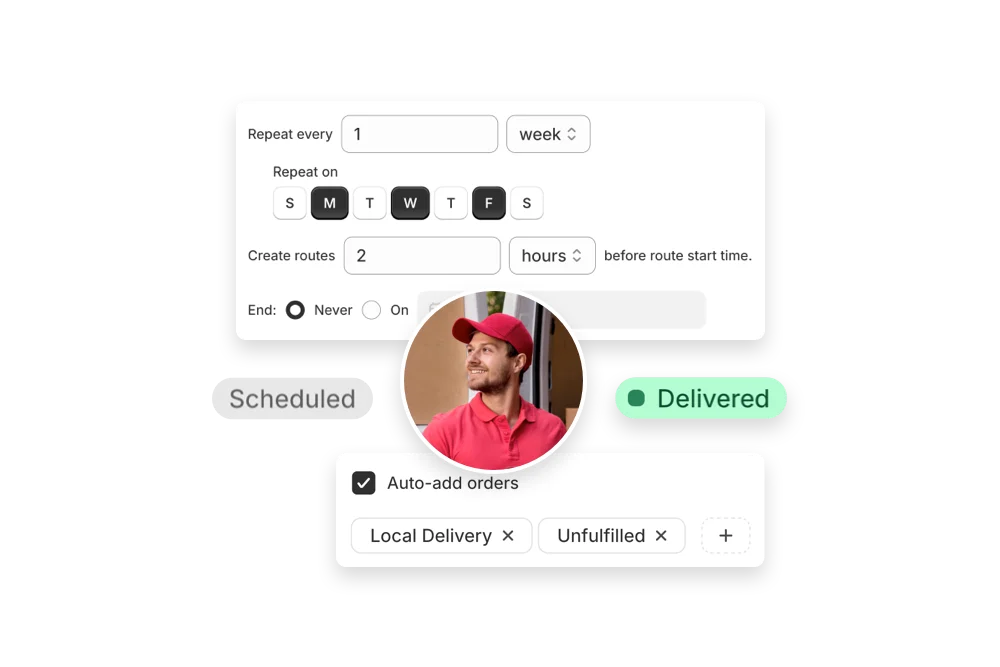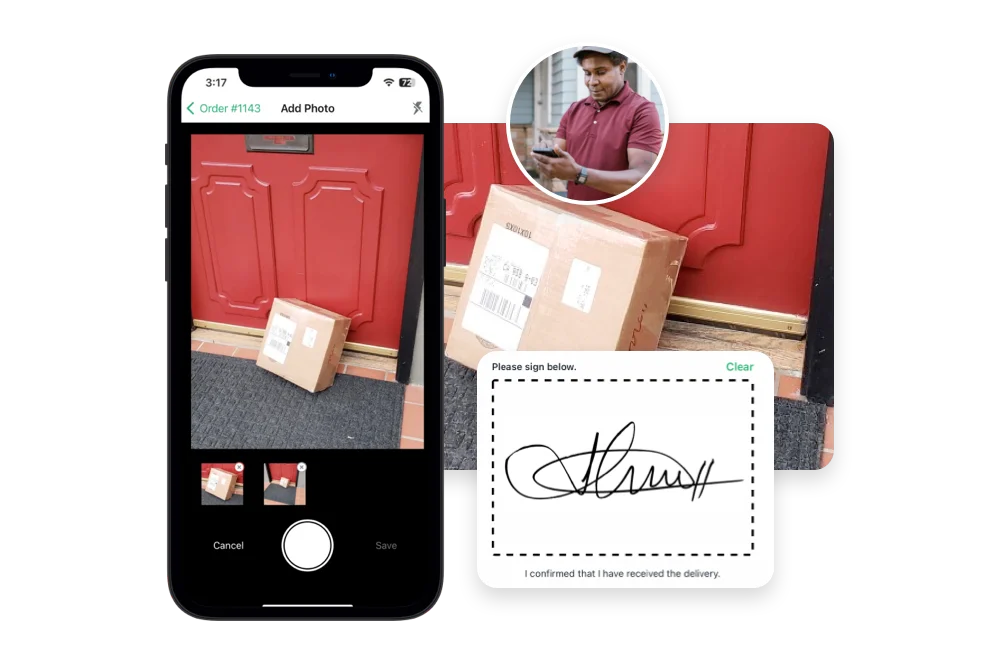


Compare EasyRoutes with Track-POD. Both tools offer routing, tracking, and proof of delivery—but only EasyRoutes includes built-in packing lists, Shopify-native workflows, claimable routes, and simple, transparent pricing for teams of all sizes.


If you're comparing EasyRoutes to Track-POD, you're probably managing local deliveries and need more than just route optimization. While Track-POD is a powerful tool, EasyRoutes is purpose-built for Shopify merchants and fulfillment workflows, without the steep learning curve or complicated enterprise pricing.
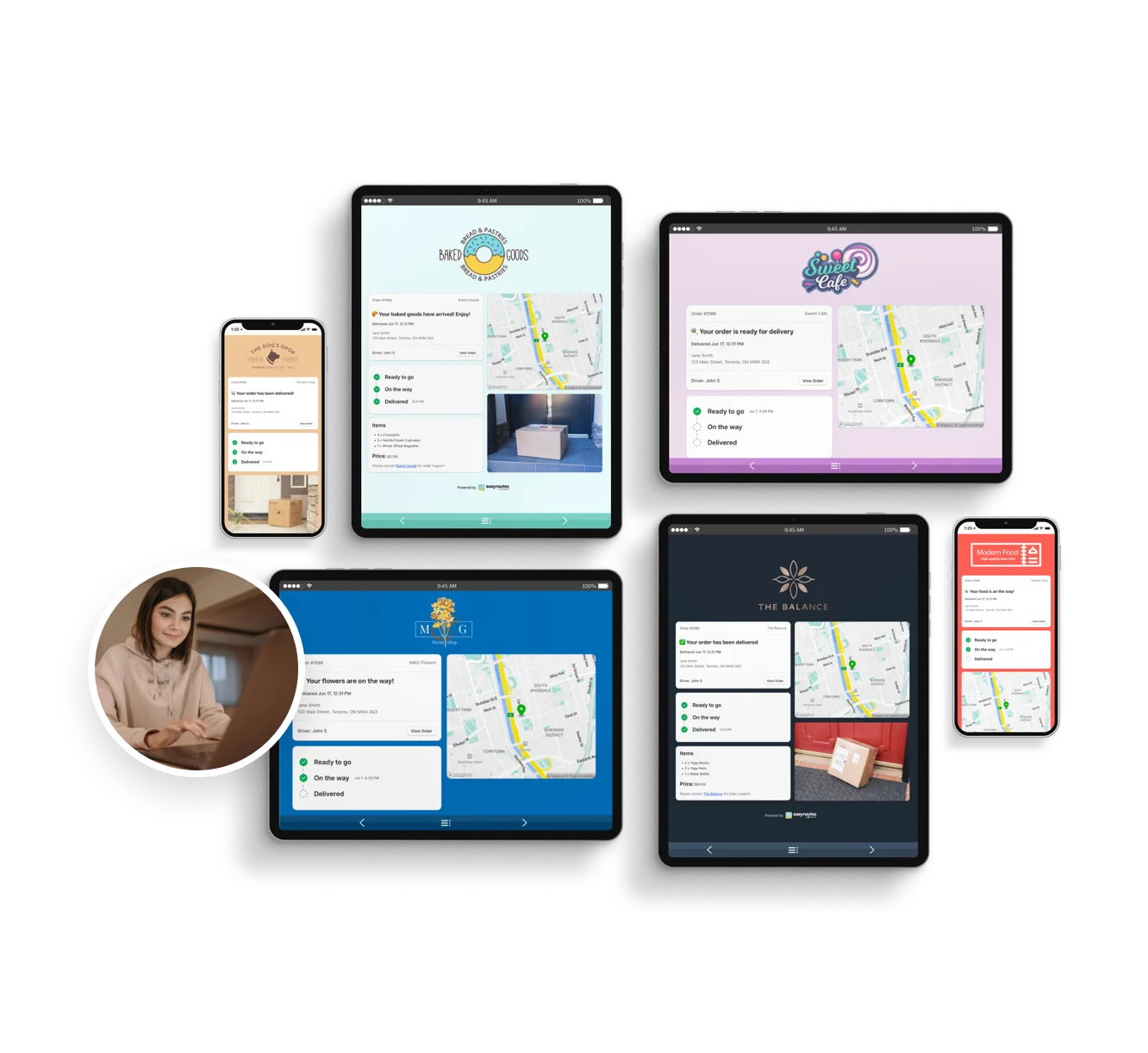
With EasyRoutes, you get route planning, proof of delivery, live GPS tracking, Shopify-native sync, and customer updates—plus built-in packing slips, branded notifications, and flexible team tools like claimable routes. Import orders from BigCommerce, WooCommerce, and other leading eCommerce platforms, as well as spreadsheets, or any source via API or Zapier.
.webp)
EasyRoutes for Shopify: Fully integrated with your Shopify store. Orders, products, tags, and delivery data sync automatically.
EasyRoutes for Web: Import orders via CSV, Zapier, or API for delivery businesses not using Shopify.
❌ Track-POD's Shopify integration lacks live status syncing and requires manual setup. EasyRoutes works natively inside your Shopify Admin with no extra tools.

EasyRoutes is more than a route planner. It includes:
❌ Track-POD lacks built-in packing slips, per-stop product checklists, and claimable routes. EasyRoutes includes these for smoother handoff and delivery.

❌ Track-POD requires dispatcher-assigned routes and multi-driver setup. EasyRoutes supports solo drivers, flex teams, and claimable links out-of-the-box.

❌ Track-POD requires a 3-driver minimum and charges per stop or per seat. EasyRoutes offers flexible, transparent pricing that scales with your team.


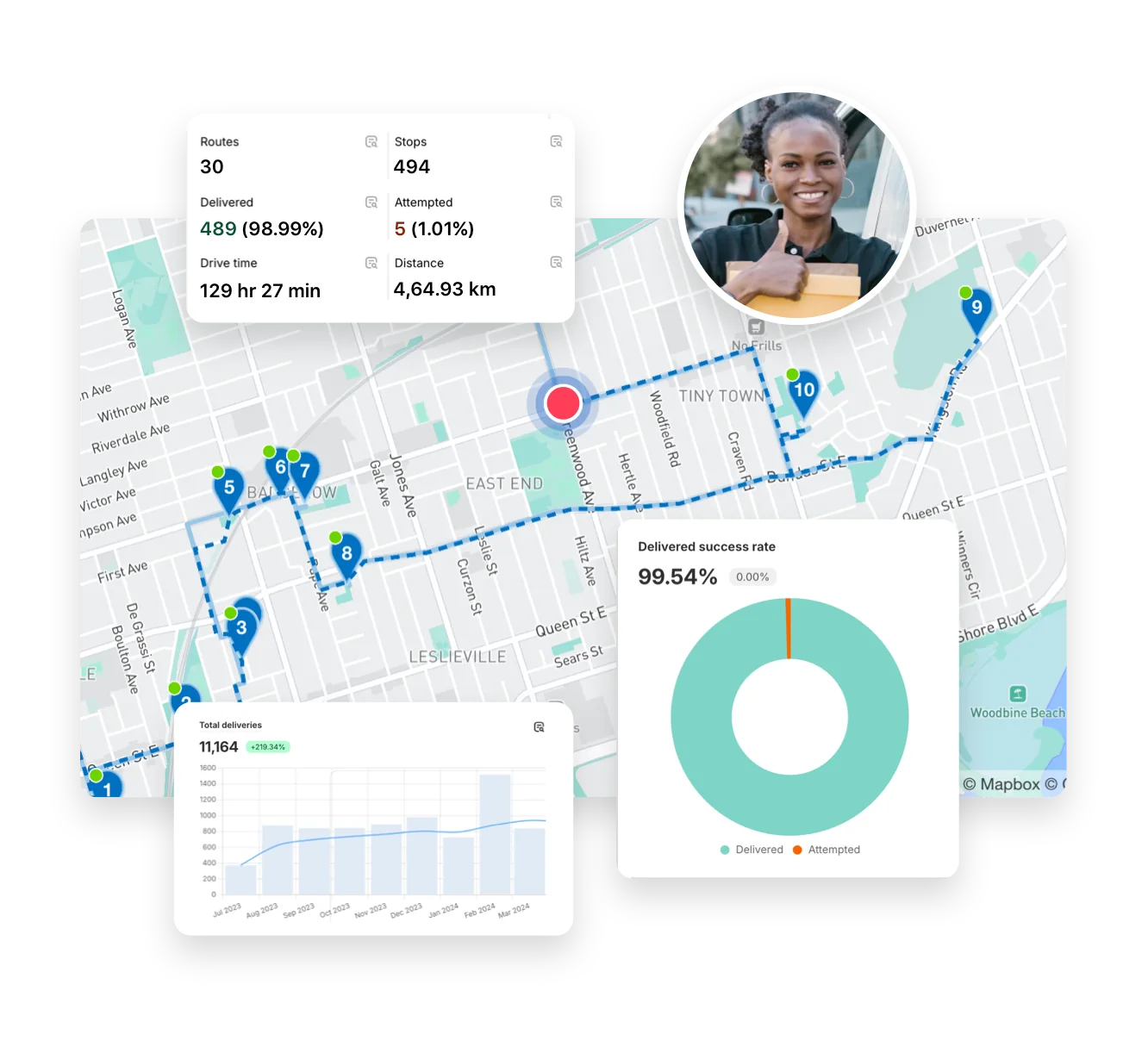
EasyRoutes gives you more than just optimized routes. It gives you a complete last-mile delivery hub—from route planning to dispatch to proof of delivery.
Join thousands of delivery-focused businesses—including florists, bakeries, grocery subscriptions, and meal kits—who trust EasyRoutes to power their local deliveries.
.webp)
Switching is quick. On Shopify, install EasyRoutes and orders sync automatically — no data migration. For orders from other systems, import by CSV/spreadsheet (an AI assistant maps your columns), Zapier, or API, then set route options and add drivers. Most merchants are live the same day. Works with both EasyRoutes for Shopify and EasyRoutes for Web. See: Getting Started
Yes. Use the Routes API to import stops (orders) from any system that can send the required fields, then create or update routes with those stops.
See: API Import
Yes. Enable Balance routes to distribute stops as evenly as possible across multiple routes/drivers while respecting other route constraints (like time windows, or item/weight limits).
See: Balance routes · How many routes?
Yes. PoD can be attached to Attempted deliveries and, if configured in settings, can be required in order to mark a stop as Attempted.
See: Proof of Delivery
Yes. Print Packing labels from the route’s Print menu. Choose one label per stop or per item (package), then customize variables and size. Available in both EasyRoutes for Shopify and Web (paid plans).
See: Label Printing
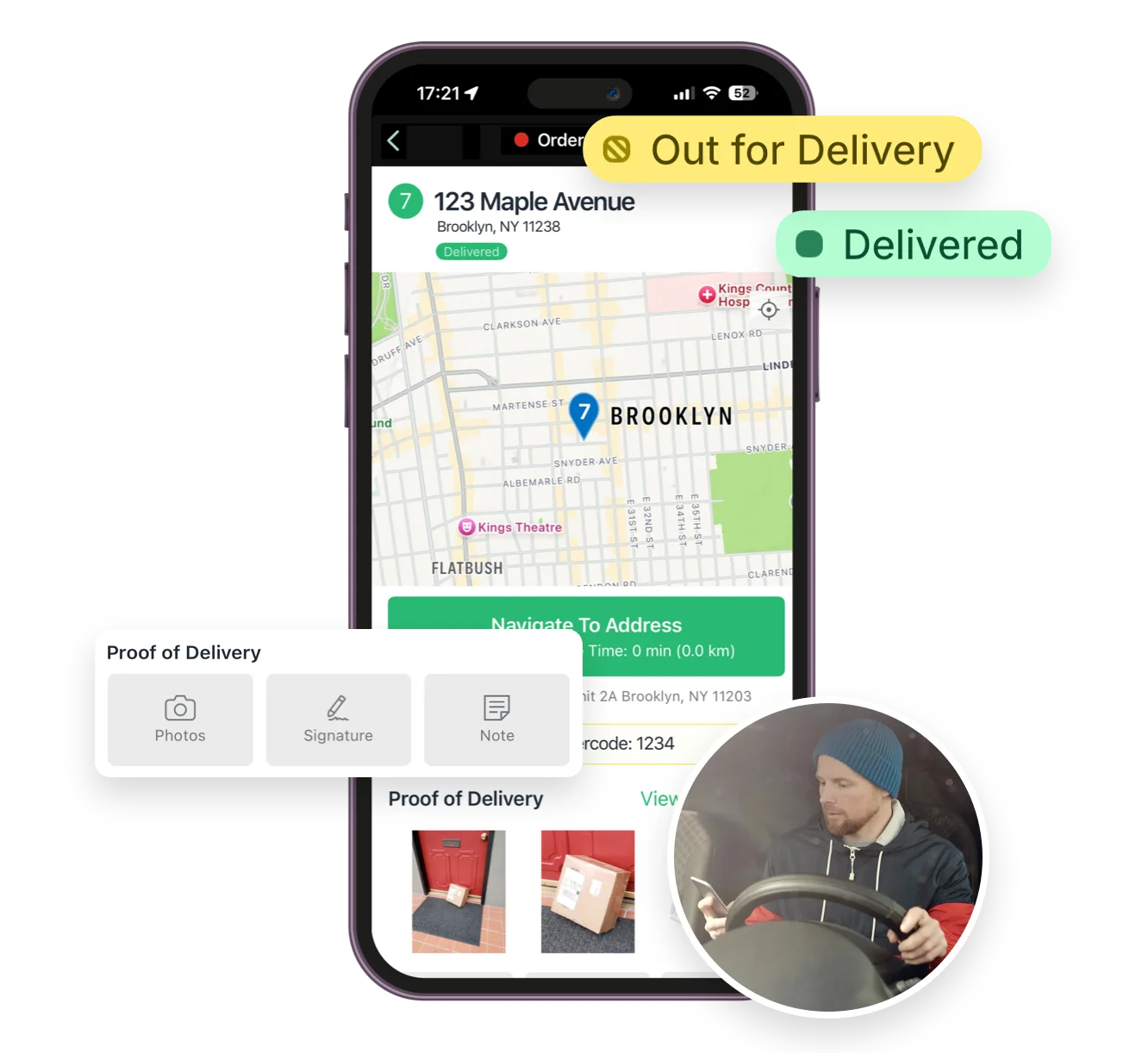
Yes. You can show proof of delivery (photos, e‑signature confirmation, and driver notes) on customer tracking pages for delivered or attempted stops. Enable this from EasyRoutes' Order Tracking settings.
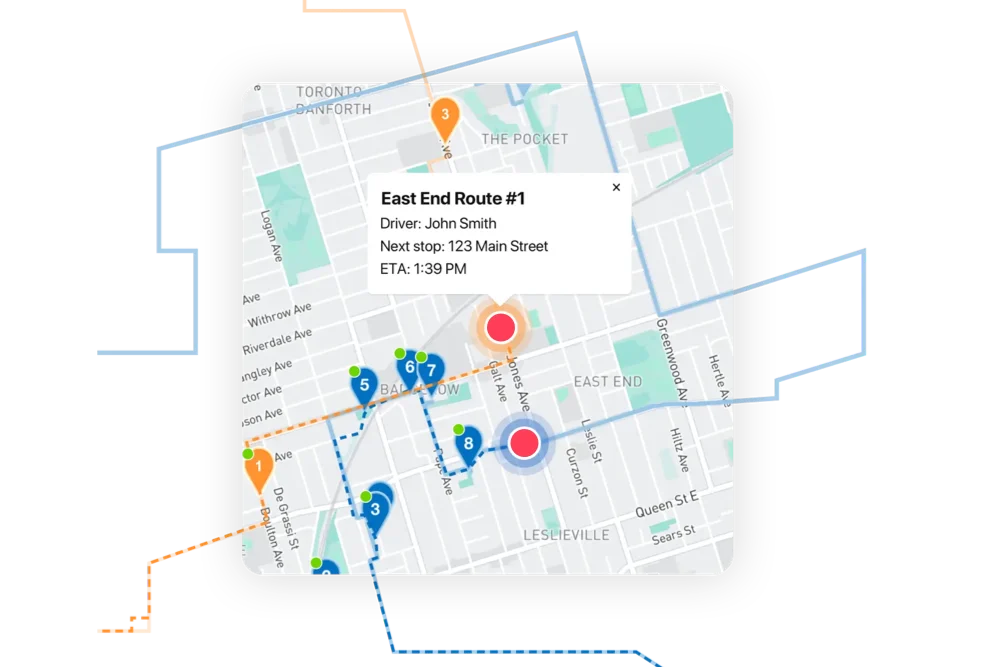
Yes. Enable Real‑Time Tracking in Settings → Driver settings (Premium/Enterprise subscription plans) to view live driver location and progress in the Tracking tab of any route.
See: Real‑Time Tracking
Drivers sign in with the phone number used when they were added as a driver. They’ll receive an SMS code and can then access assigned routes.
No. Each route has one assigned driver at a time. To share the work, split stops across multiple routes or use self‑assign links on separate routes.
See: Driver Assignment
Driver seats are active licenses you assign to drivers. You pay only for active seats and can toggle seats on/off anytime without deleting the driver profile.
The Activity Feed is a real‑time, account‑wide log of route, stop, and driver events (e.g., dispatches, status changes, proof of delivery).
See: Activity Feed