Deliver hot, delicious pizzas on time, every time. Streamline pizza delivery and keep customers coming back for more.
EasyRoutes is a route planning platform designed for pizza delivery services. It helps you create efficient routes, dispatch to drivers, and keep customers updated with real-time tracking. By optimizing routes, you save time, cut fuel costs, and ensure hot pizzas arrive quickly. With features like proof of delivery and customer notifications, EasyRoutes makes last-mile pizza deliveries faster and more reliable.


Keep your customers satisfied with hot, fresh pizza deliveries using optimized routes and real-time tracking. Deliver pizzas quickly and accurately, ensuring they arrive steaming and delicious. Handle bulk orders, provide proof of delivery, and offer flexible routes to meet customer demand during peak hours.
Efficient pizza delivery logistics, driver notes, and live updates help you manage high volumes effortlessly. Build a loyal customer base by providing reliable, on-time deliveries that keep pizza lovers coming back for more.
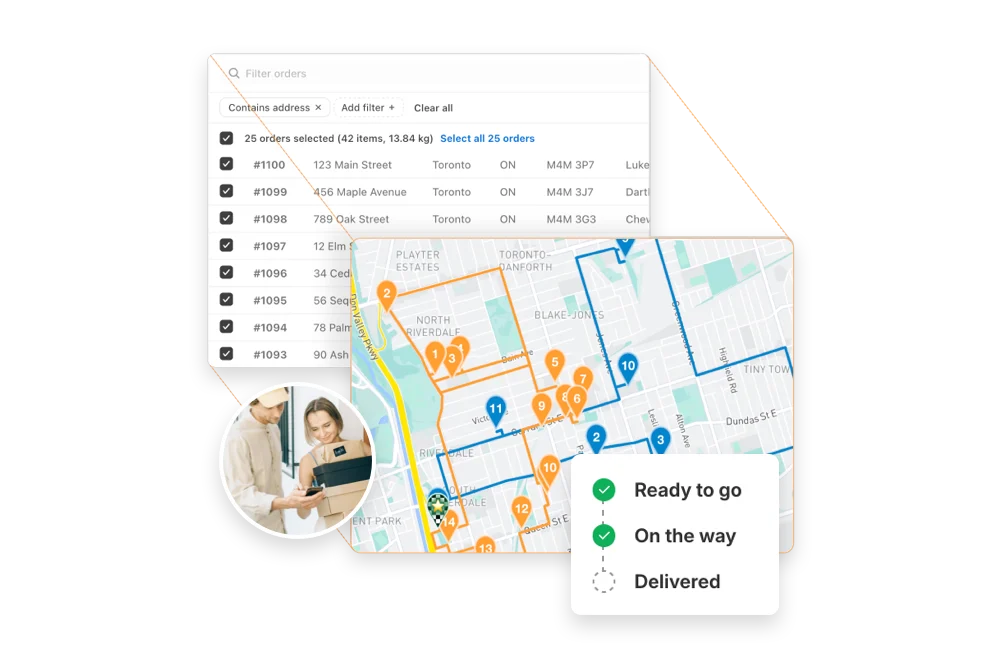
Instantly generate the most efficient routes directly from your orders. Save hours on manual planning and cut delivery costs with powerful, scalable routing built for businesses of every size.
"The best routing app for Shopify merchants."
- Shopify

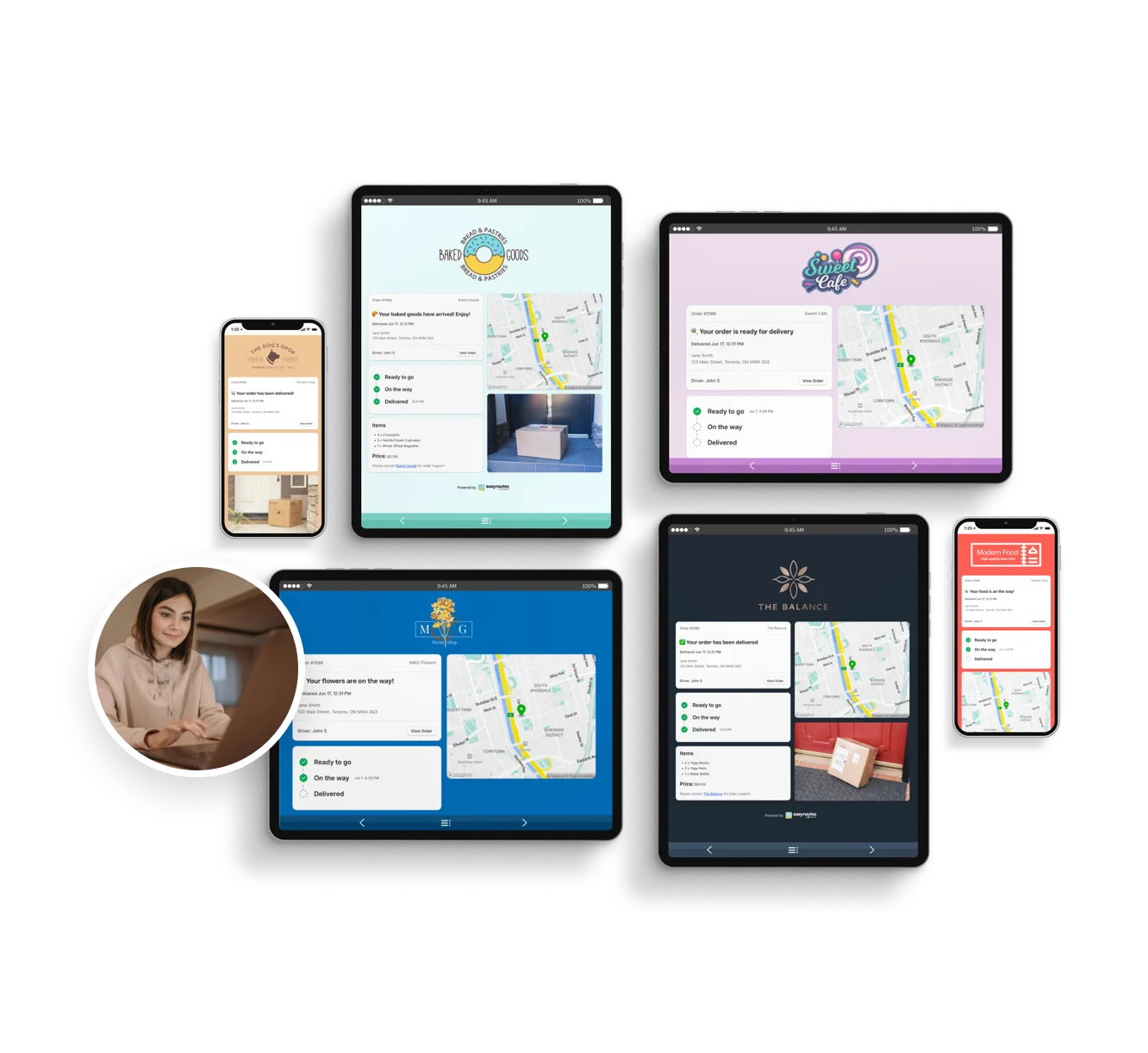
Reduce “Where’s my order?” calls with automated SMS and email notifications. EasyRoutes includes branded tracking pages that match your business — giving customers the visibility they expect.
"Customers are loving the tracking feature...No more 'When's my order coming?' phone calls."
- MB Grocery

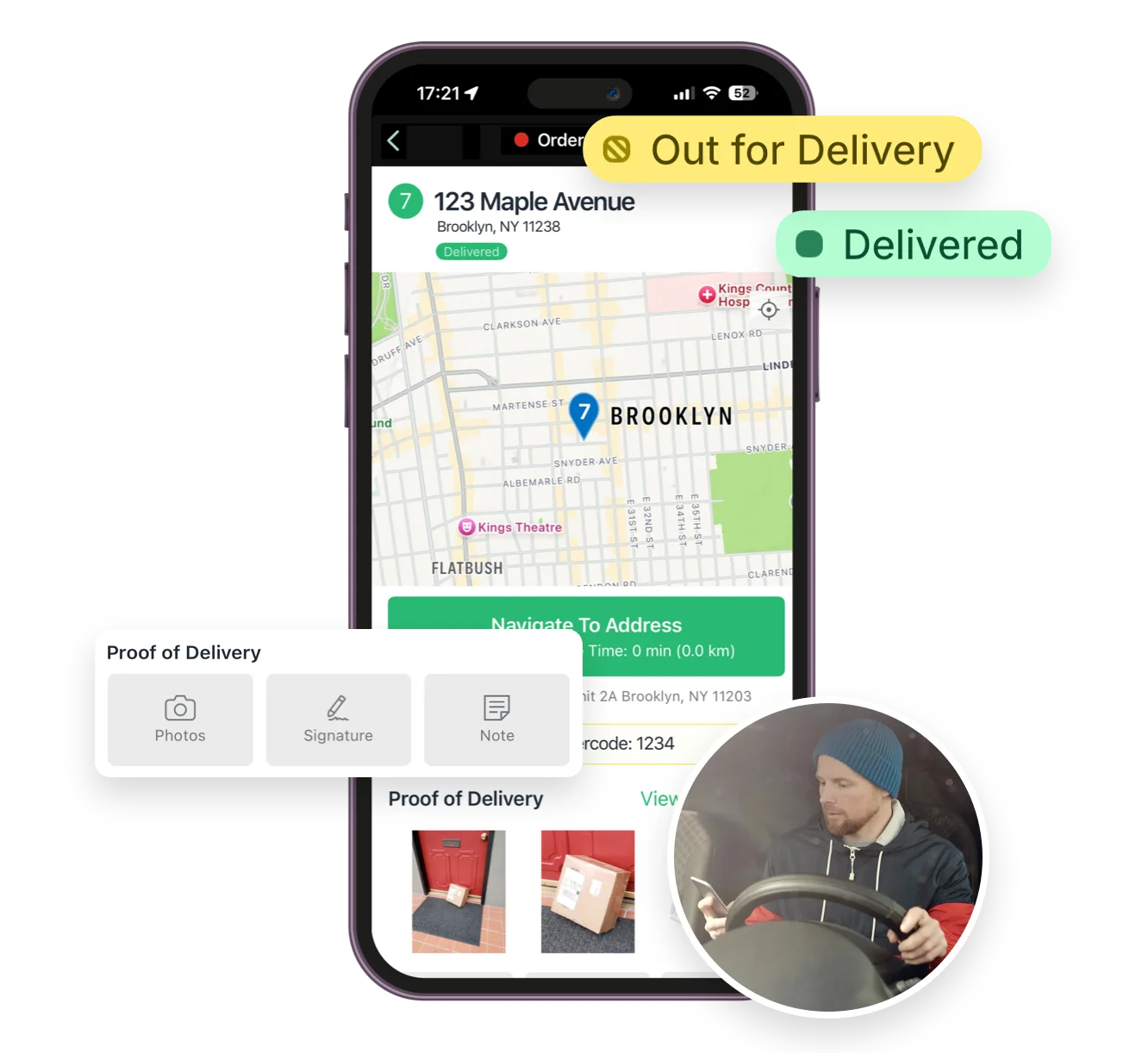
From optimized stop lists to proof of delivery, the EasyRoutes driver app gives your team all the tools they need — on iOS and Android. Turn-by-turn navigation, delivery notes, and customer info all in one place.
"I wouldn’t use any other app for my drivers!"
- Solstice Savory Pies

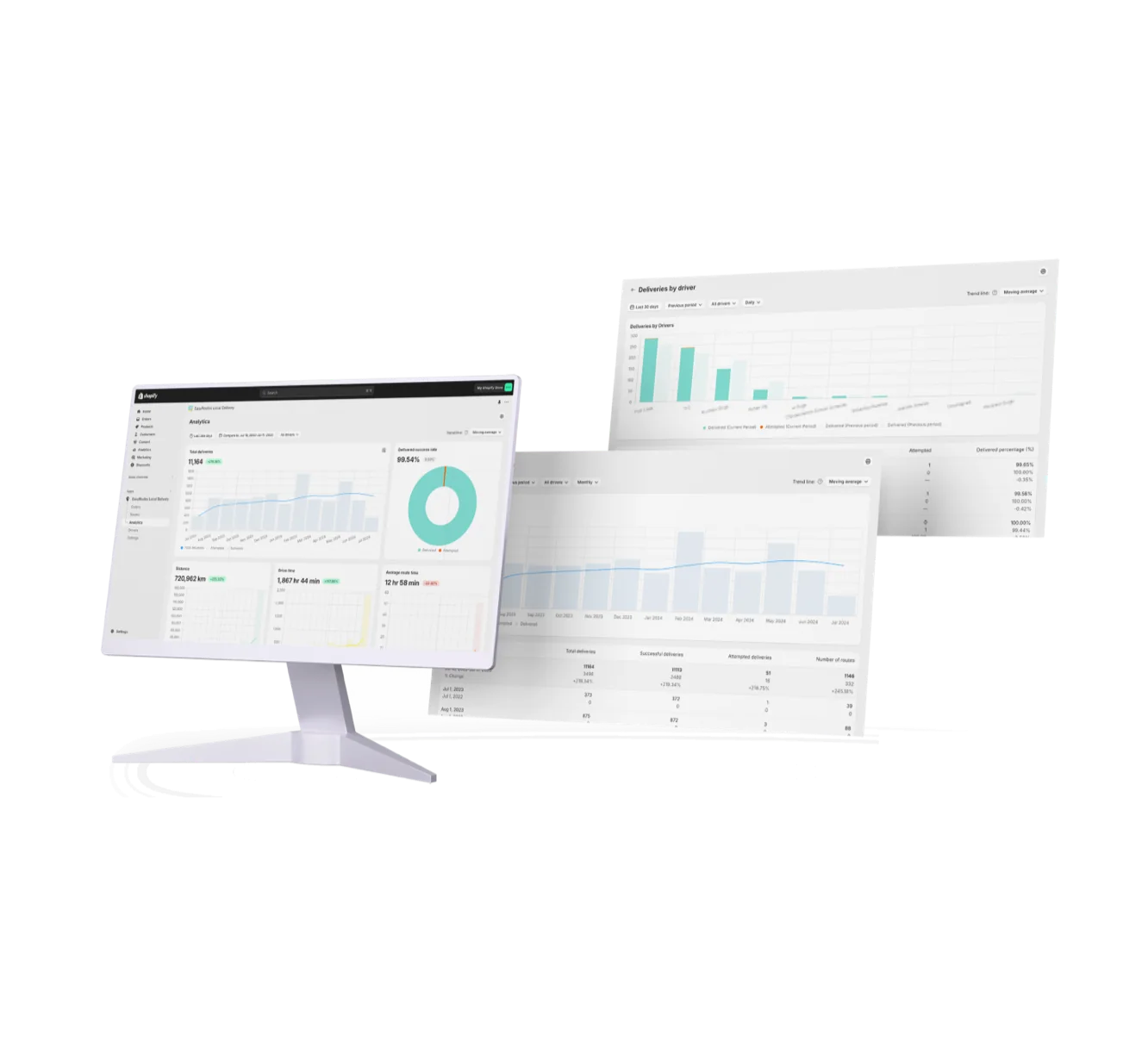
Monitor delivery progress in real time, review performance across your team, and uncover trends with powerful reporting. EasyRoutes helps you make data-driven decisions that scale with your operations.
"It's one of the most useful apps for my business that I have ever installed."
- Bloomen


EasyRoutes optimizes deliveries using your selected orders, start & end locations, stop time intervals, time windows, and route limits. You can balance routes, respect capacities, and re‑optimize as plans change.
See: Route Options · EasyRoutes 101
EasyRoutes factors expected traffic into stop sequencing and ETA calculations using live map data, and you can re-optimize any time to recalculate as conditions change. See: Route Options
Yes. Create routes in minutes, add last‑minute stops, and re‑optimize during the day. Dispatch instantly to drivers with live tracking and customer notifications.
See: Re‑optimize · Dispatch
Yes. Delivery and customer notes from the order can be shown in the driver app; enable these fields in Route/Driver display settings.
Yes. Define custom start and end points per route so planning and ETAs include travel to and from these locations. Supported in EasyRoutes for Shopify and EasyRoutes for Web.
See: Start/End Locations
Yes. On Premium/Enterprise plans you can display a live driver pin on tracking pages when the driver is 1–10 stops away.
ETAs use route distance, stop service times, and historical traffic, and they update during the day as drivers progress. Accuracy improves when addresses and time windows are clean.
Yes. EasyRoutes Premium and Enterprise plans support branded SMS notifications with usage‑based pricing per message segment. Configure templates and funding in Settings.
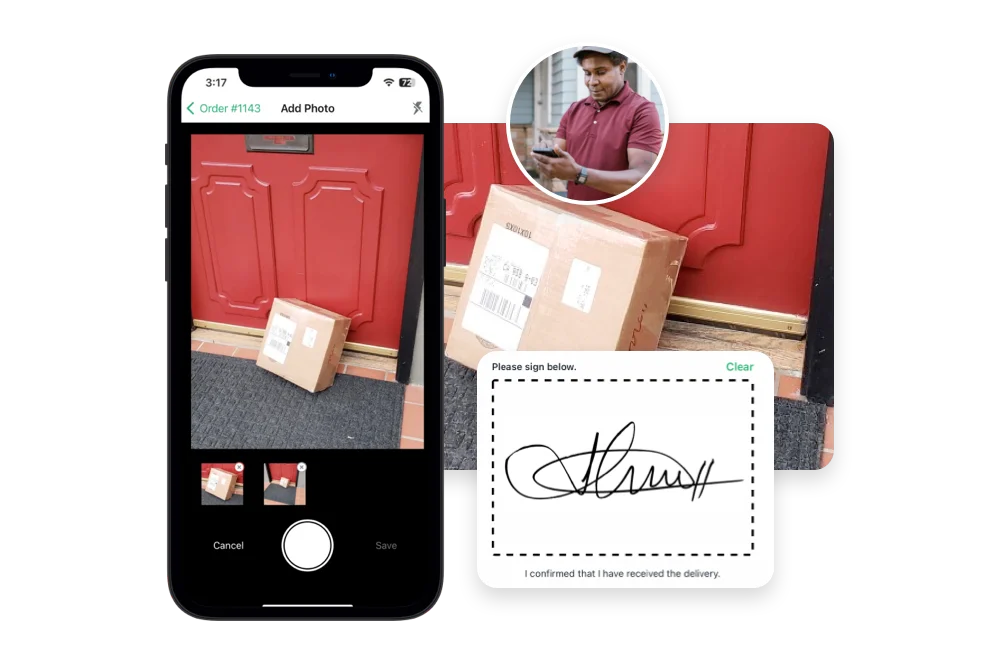
EasyRoutes supports delivery photos, e‑signature, driver notes, and automatic timestamps (with GPS location when available) to provide a complete delivery record.
See: Proof of Delivery
Yes. Use the Time per stop route option to add a service-time buffer at every stop, factored into your ETAs and route length.
Yes. Drivers can complete a stop without a signature by capturing a photo, GPS location, and note as proof the order was left safely.
Mark the stop Attempted with a reason, then use Send to another route to move it onto a new or upcoming route for redelivery.