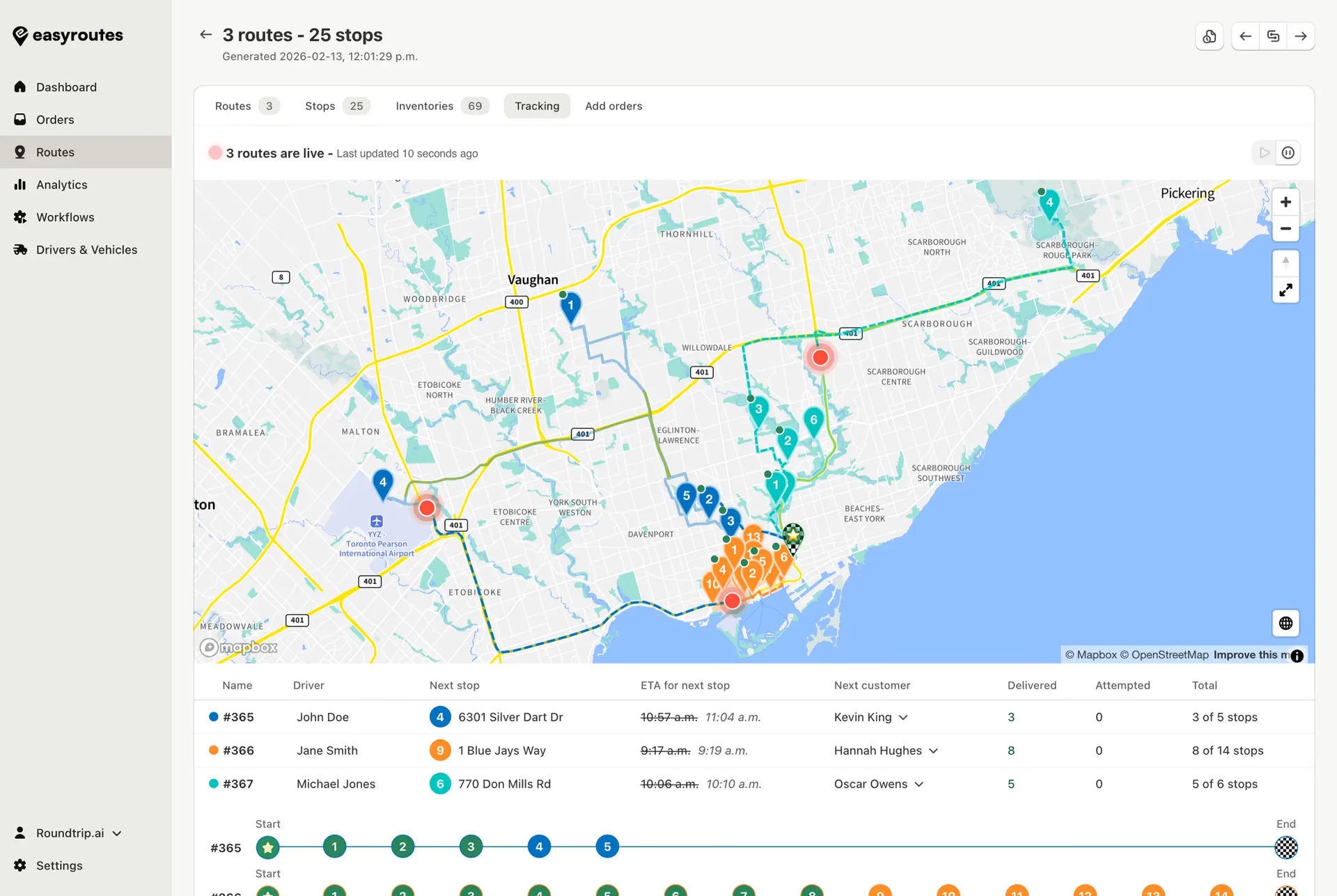
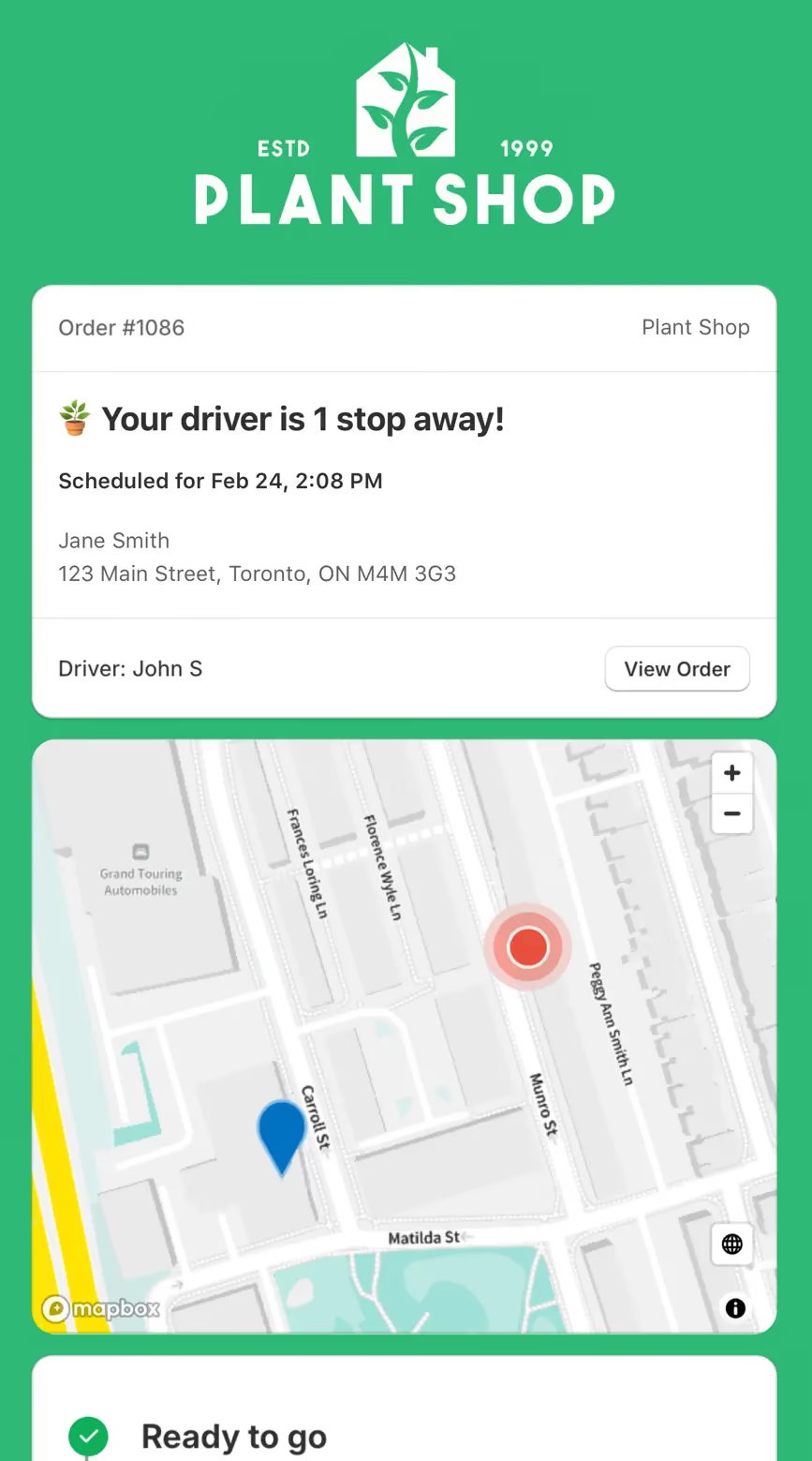
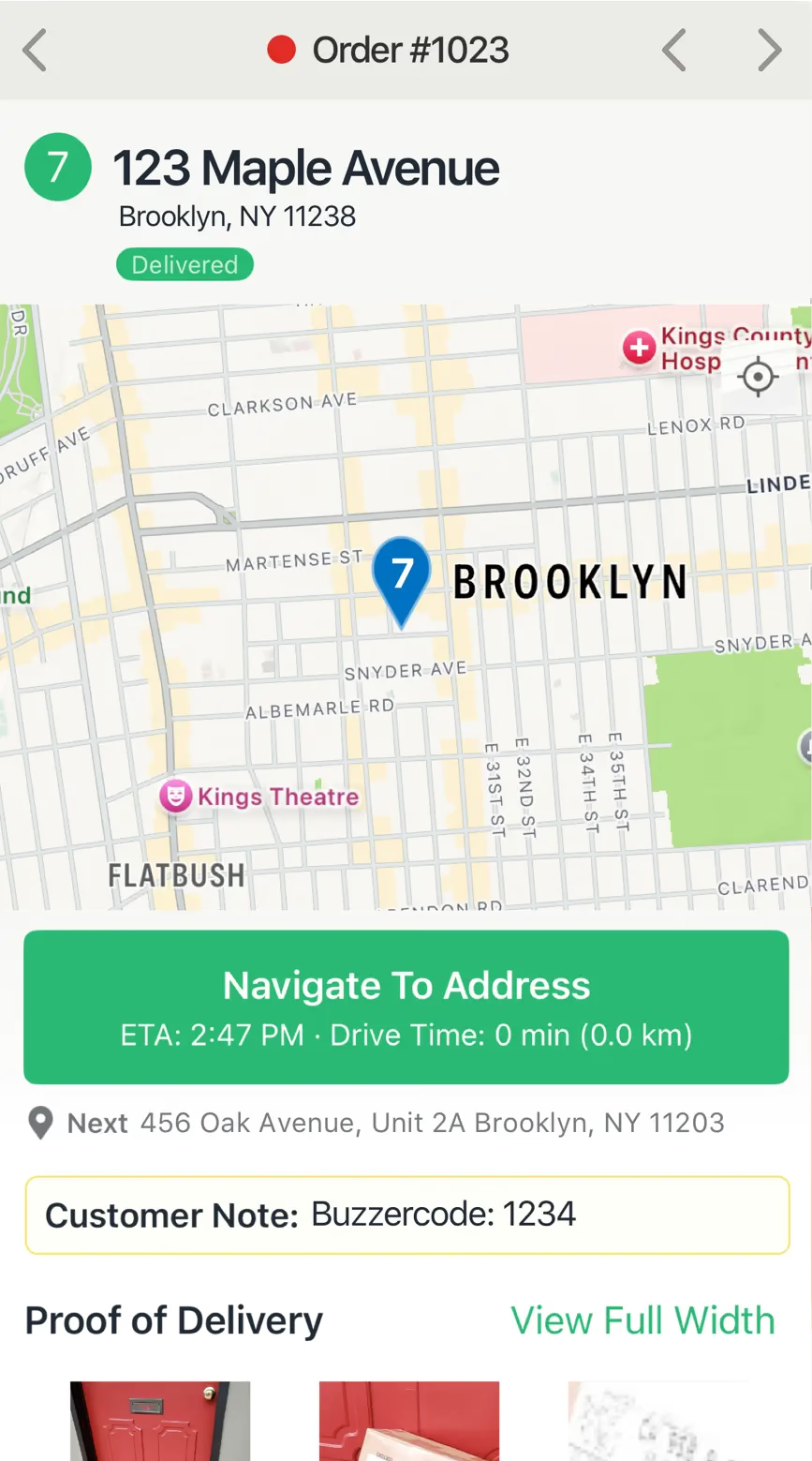
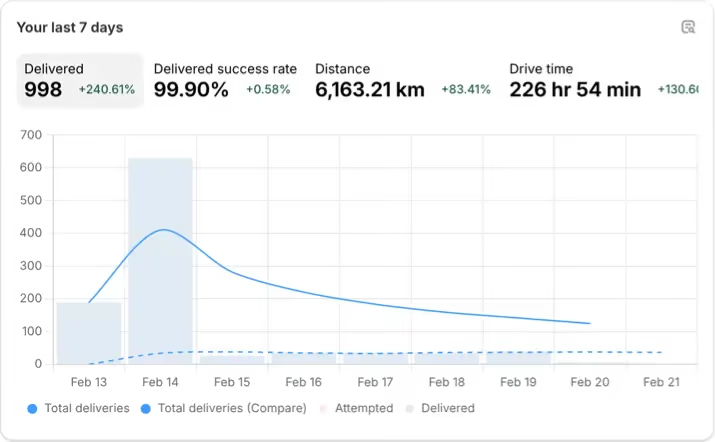
Compare EasyRoutes with Circuit Route Planner (now Spoke). Both offer route optimization, but only EasyRoutes adds Shopify syncing, packing tools, proof of delivery, branded tracking links, and team-friendly features like claimable routes.

⭐⭐⭐⭐⭐ 4.9 stars • Trusted by 5,000+ Businesses






If you're looking at Circuit Route Planner (now rebranded as Spoke), you're probably a solo driver or small delivery team searching for the most capable route planning tool. Circuit Route Planner is popular with individual drivers, but EasyRoutes goes further—with built-in packing slips, native Shopify order sync, proof of delivery, and tools designed to grow with your delivery operation.
EasyRoutes lets you plan optimized routes, generate packing lists, send branded tracking updates, and collect proof of delivery—all from a single platform. Import orders from Shopify, BigCommerce, WooCommerce, and other leading eCommerce platforms, as well as spreadsheets, or any source via API or Zapier.
.webp)
EasyRoutes for Shopify: Fully integrated with your Shopify store. Orders, products, tags, and delivery data sync automatically.
EasyRoutes for Web: Import orders via CSV, Zapier, or API for delivery businesses not using Shopify.
❌ Circuit Route Planner doesn't connect to Shopify or support fulfillment workflows. EasyRoutes works natively inside Shopify—syncing orders, tags, and tracking updates automatically.
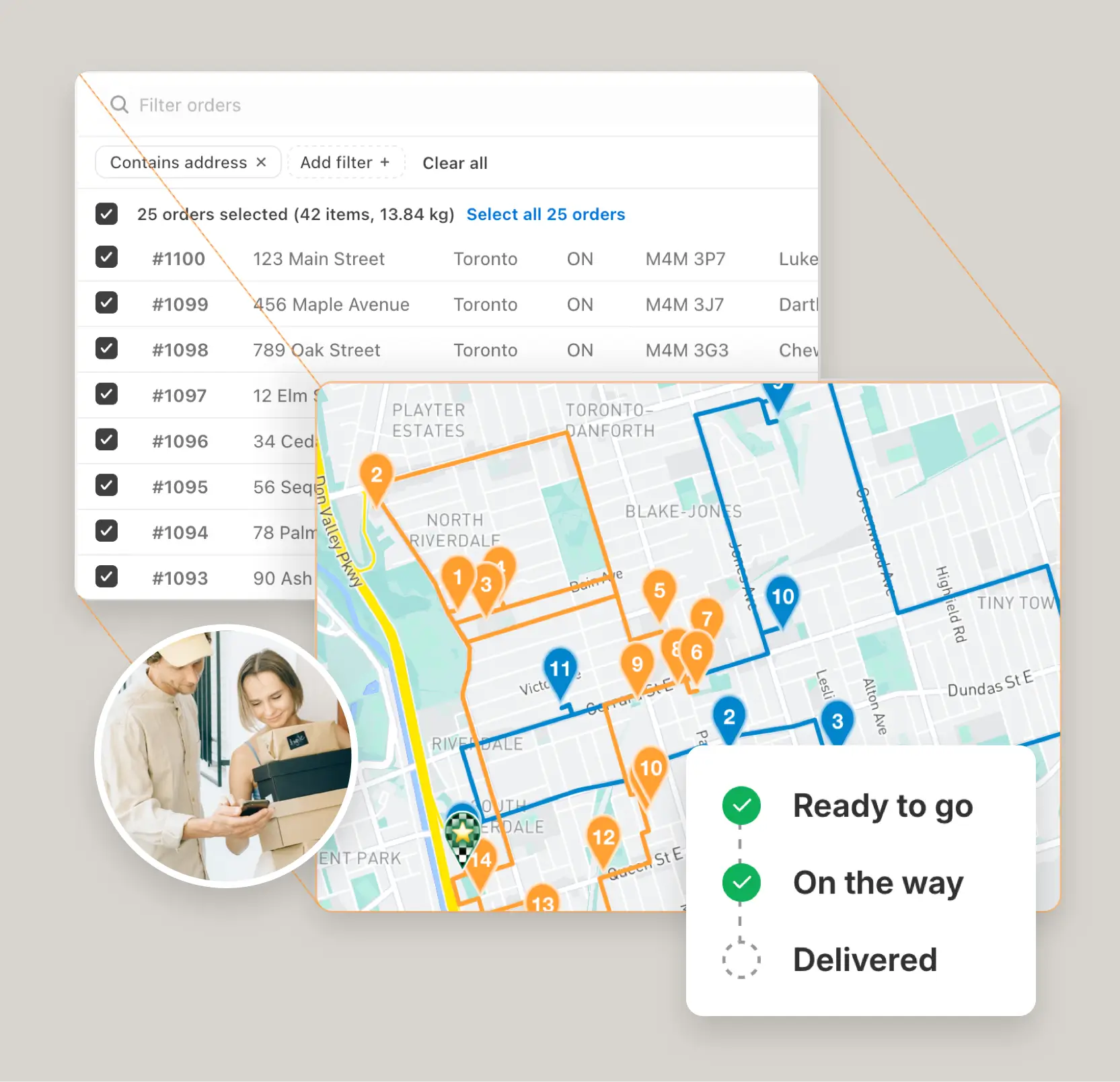
EasyRoutes is more than a route planner. It includes:
❌ Circuit Route Planner doesn't offer packing tools, branded tracking pages, or proof of delivery. EasyRoutes includes all of these—even on its entry-level plans.
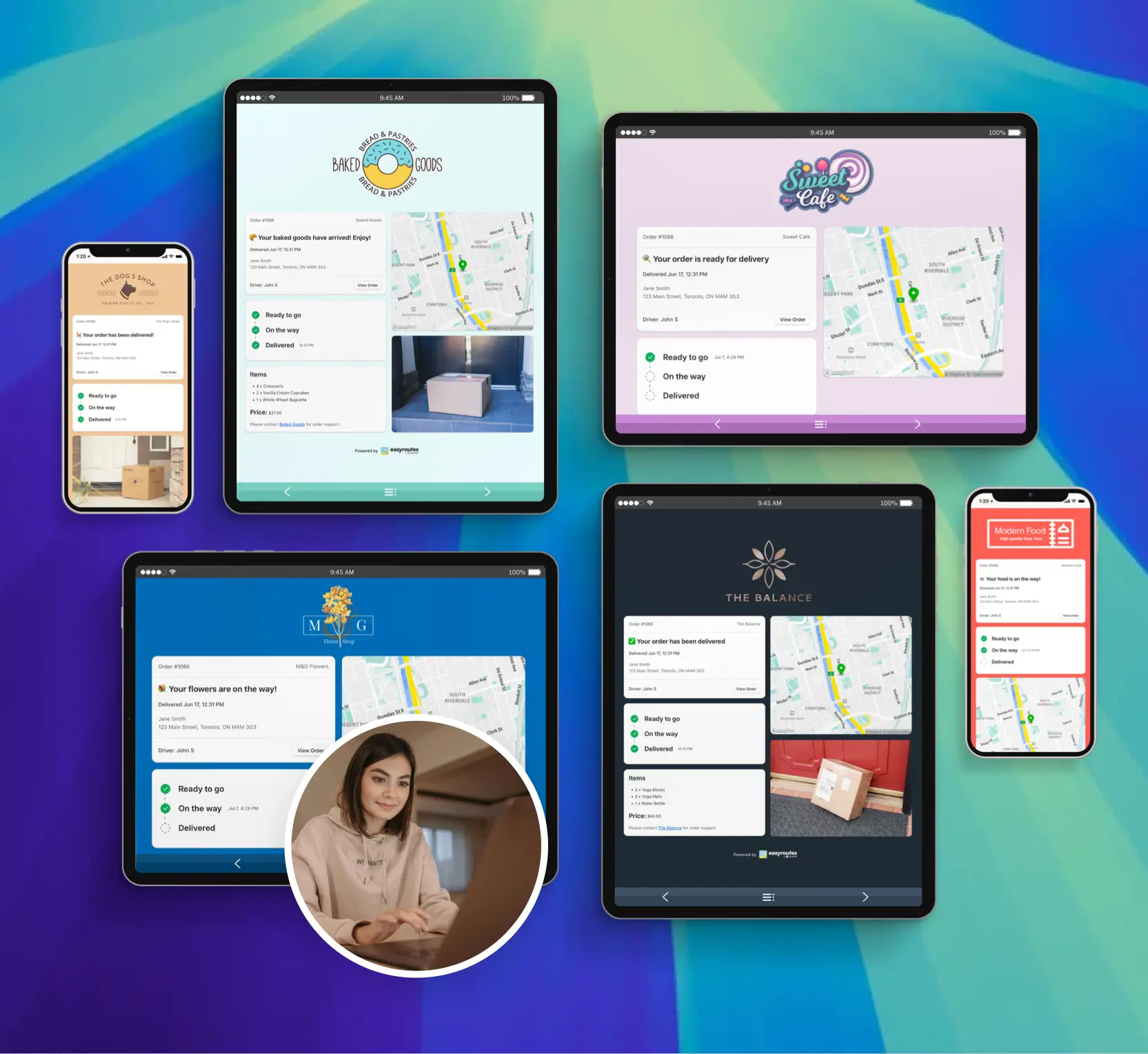
❌ Circuit Route Planner is designed for individual drivers. EasyRoutes supports solo operators and multi-driver teams alike—with tools that scale as you grow.
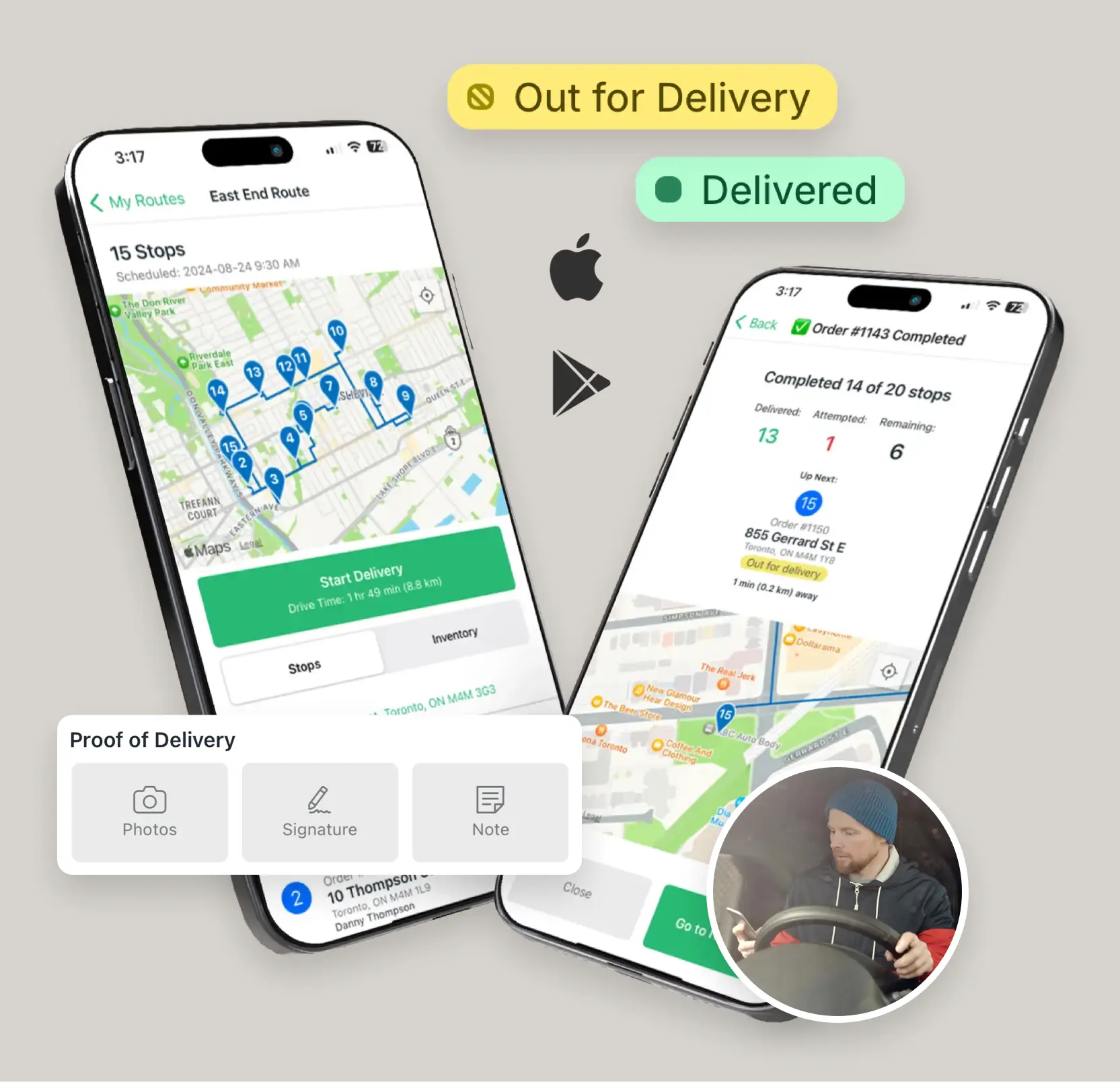
❌ Circuit's paid tiers unlock unlimited stops but don't include team management or eCommerce integrations. EasyRoutes grows with your business—and starts free.
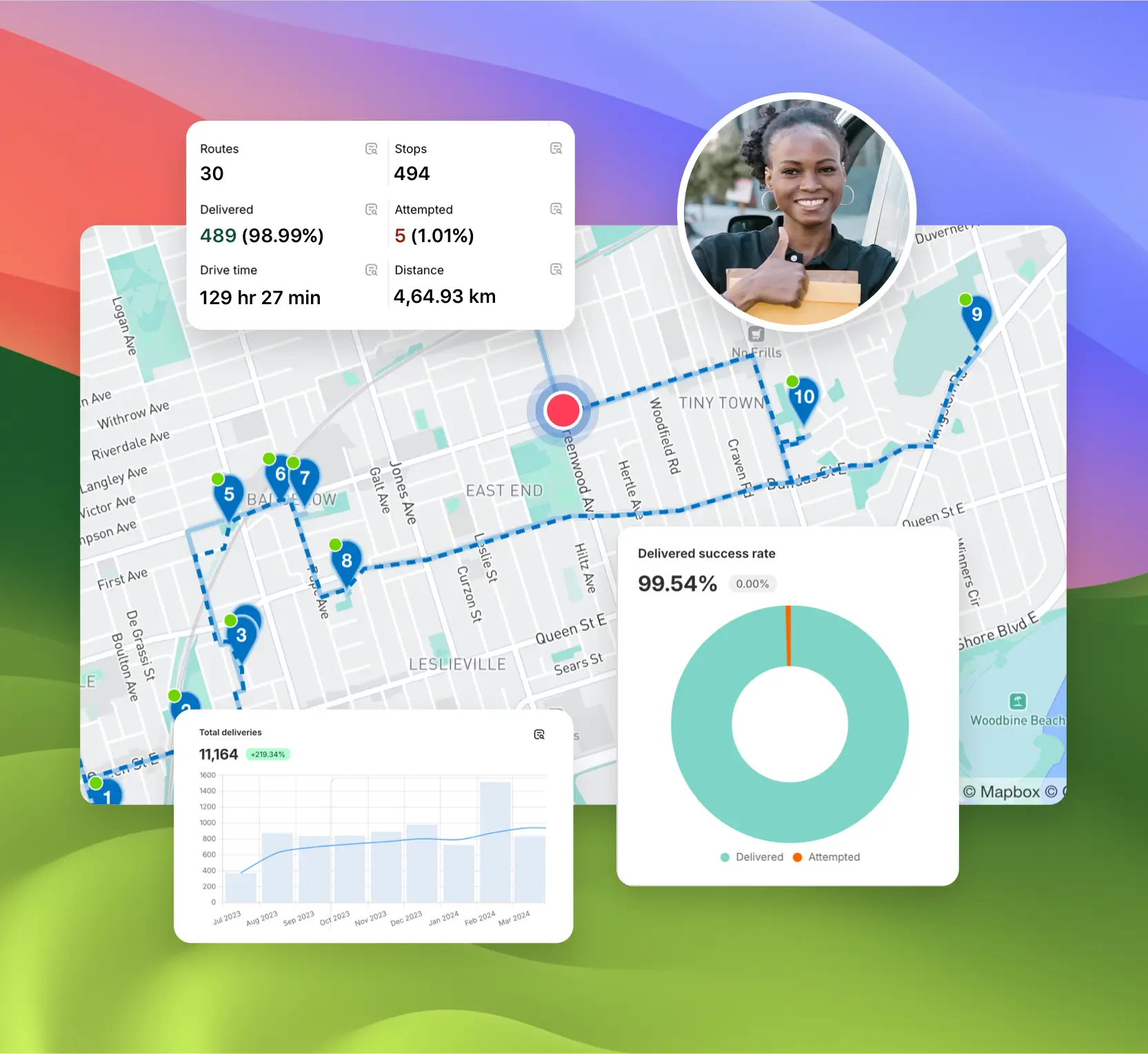
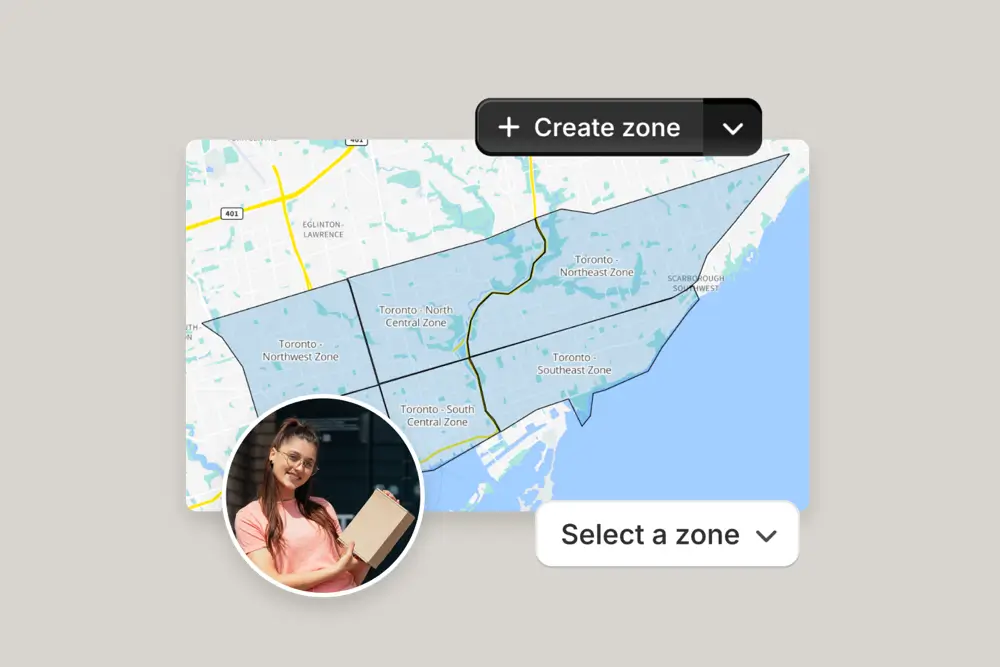
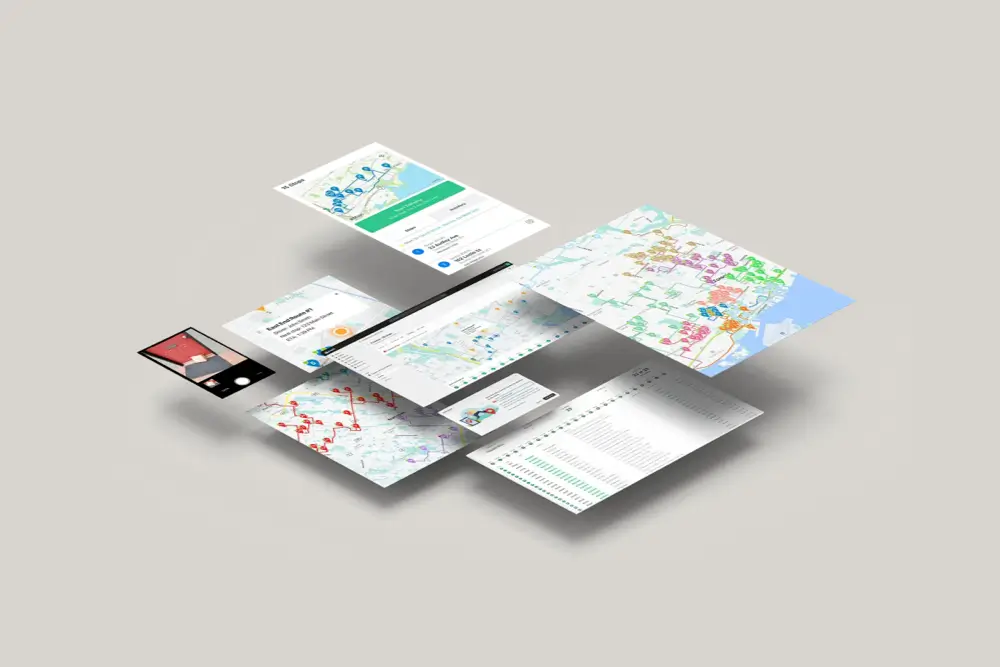

EasyRoutes gives you more than just optimized routes. It gives you a complete last-mile delivery hub—from route planning to dispatch to proof of delivery.
Join thousands of delivery-focused businesses—including florists, bakeries, grocery subscriptions, and meal kits—who trust EasyRoutes to power their local deliveries.
.webp)
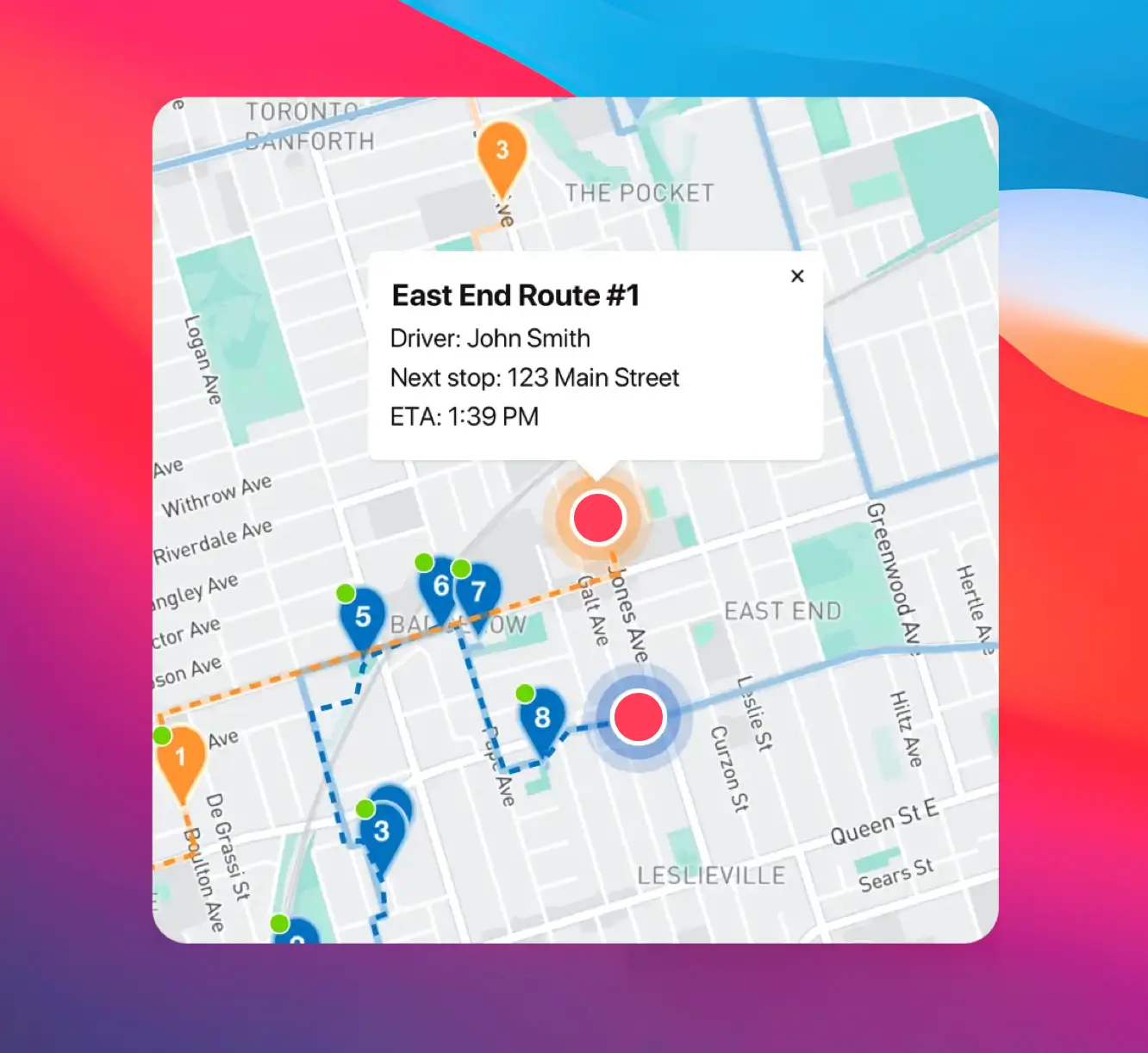
Most teams connect, fetch orders, and create their first optimized route in under an hour. Follow the Getting Started guide found on the EasyRoutes support portal to reach your “aha” moment fast.
See: Getting Started
Yes. EasyRoutes for Web lets you plan and manage deliveries without a Shopify store. Import orders by CSV/API/webhooks or add manual stops.
See: Apps & Integrations
EasyRoutes optimizes deliveries using your selected orders, start & end locations, stop time intervals, time windows, and route limits. You can balance routes, respect capacities, and re‑optimize as plans change.
See: Route Options · EasyRoutes 101
EasyRoutes supports delivery photos, e‑signature, driver notes, and automatic timestamps (with GPS location when available) to provide a complete delivery record.
See: Proof of Delivery
Yes. Print Packing labels from the route’s Print menu. Choose one label per stop or per item (package), then customize variables and size. Available in both EasyRoutes for Shopify and Web (paid plans).
See: Label Printing
Yes. With the Premium plan and above, fully customize email/SMS: add your logo and colors, edit copy/variables, and choose which events send. Works for Shopify orders and imported/manual stops.
Real-time driver tracking is currently available on Premium and Enterprise plans for both EasyRoutes for Shopify and EasyRoutes for Web. Enable it in EasyRoutes Settings → Driver settings.
See: Real-Time Driver Location Tracking · Pricing & Plans FAQ
Yes. Drivers can launch directions via Google Maps, Apple Maps, or Waze from each stop, and pick a default navigation app in their mobile app settings.
Invite drivers from the Drivers & Vehicles tab of your EasyRoutes navigation menu. Enter a driver's phone number and they’ll receive a link to install and sign in to the app.
See: Adding a Driver
No. Subscriptions are month‑to‑month; upgrade/downgrade at any time and charges are prorated when your plan changes.
See: Prorated billing
Add or remove stops on existing routes, then re‑optimize to refresh ETAs and send updates to the driver app. Changes can be made anytime during the day.