EasyRoutes vs. Route4Me: Which Route Planning Tool Is Right for You?

Compare EasyRoutes with Route4Me. EasyRoutes offers route optimization, real-time tracking, and proof of delivery—plus Shopify integration, built-in packing tools, and transparent pricing that scales as your delivery team grows.

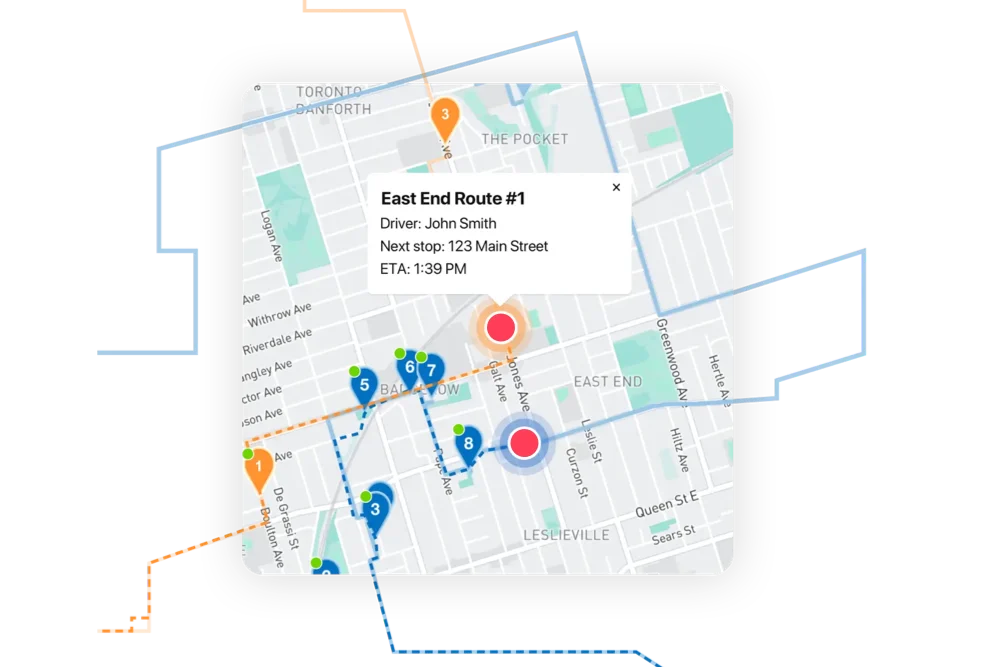
EasyRoutes dashboard preview showing optimized routes and delivery stops on a map
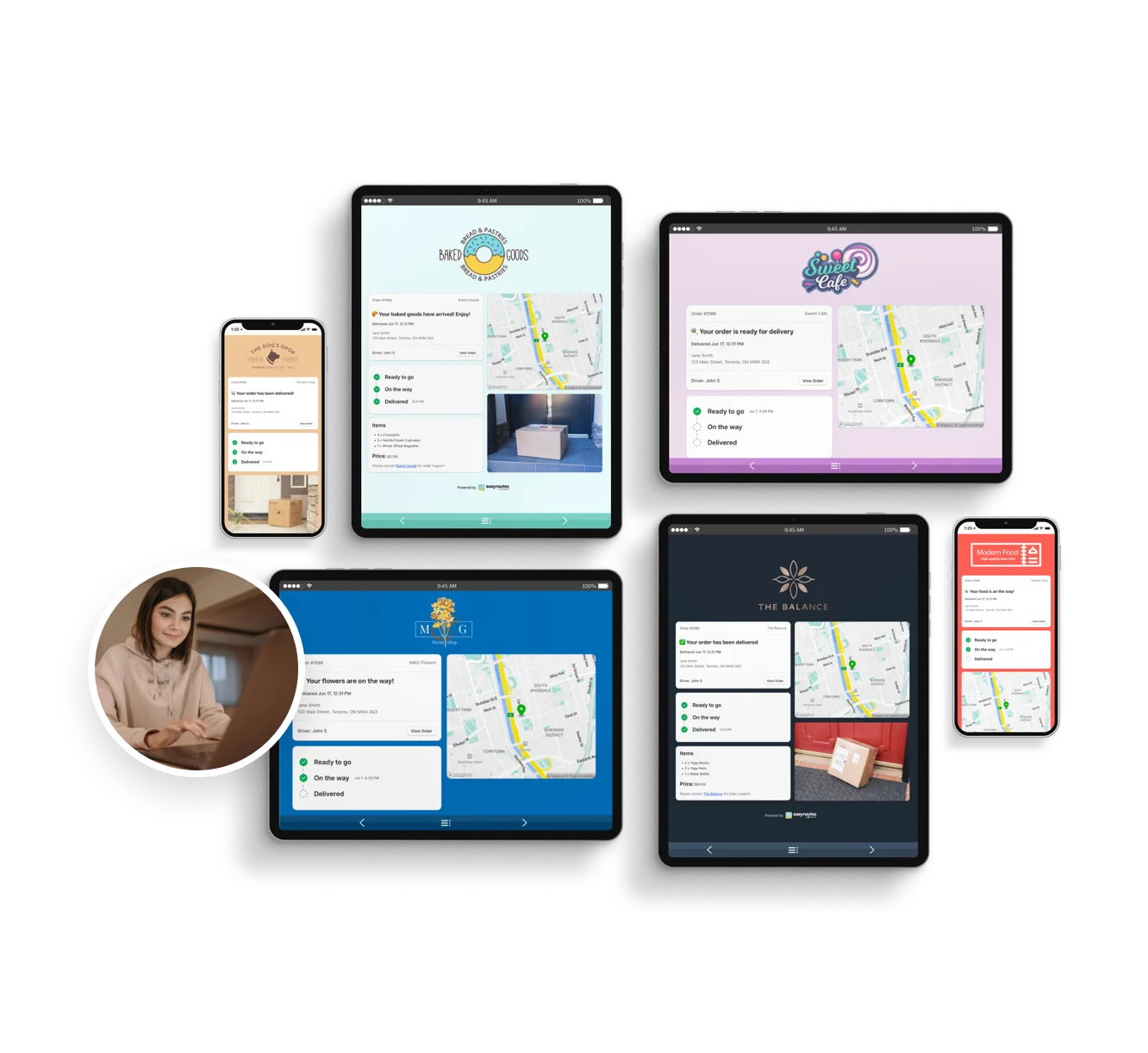
Customizable order tracking pages.
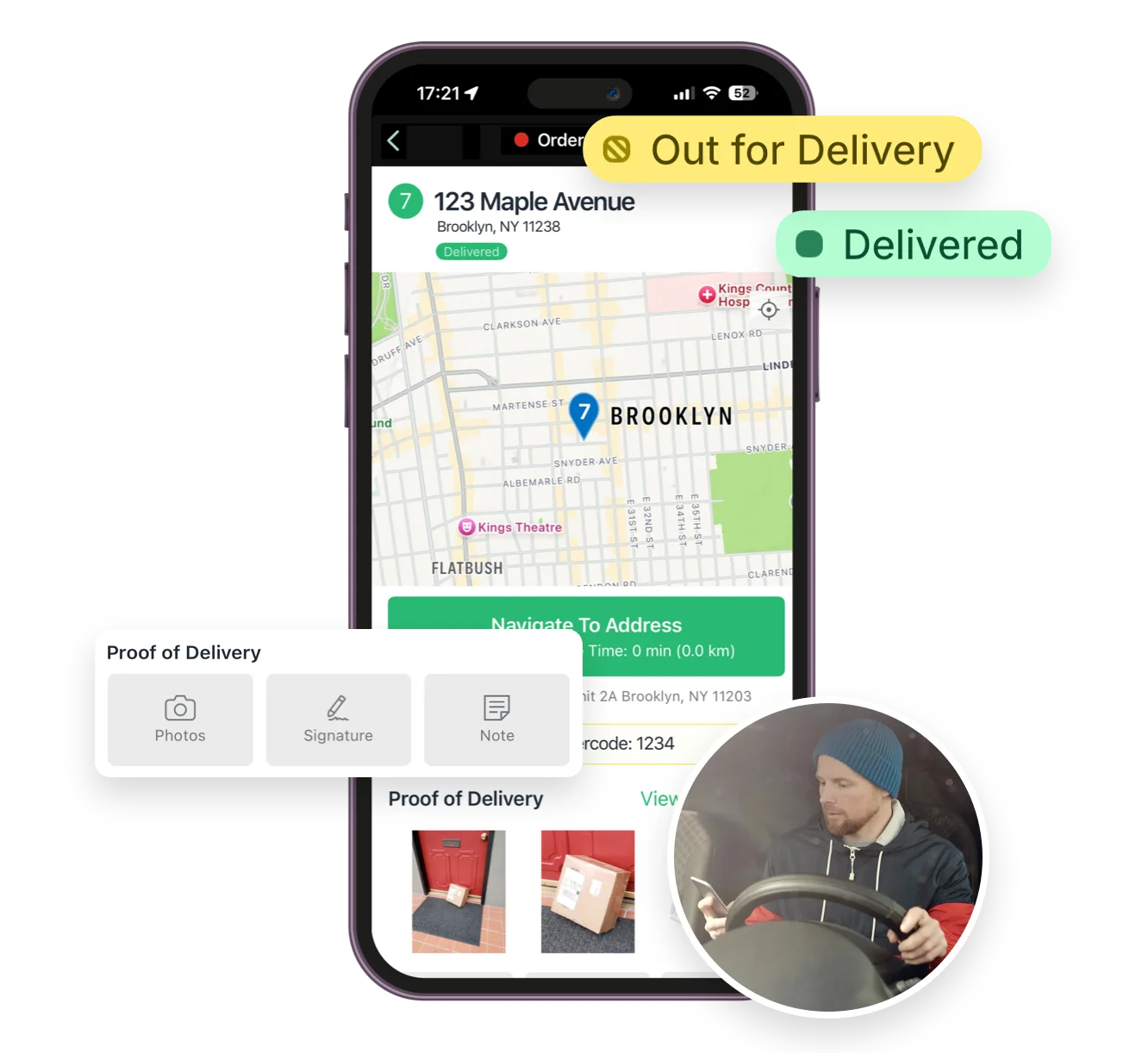
Mobile delivery driver app for iOS and Android
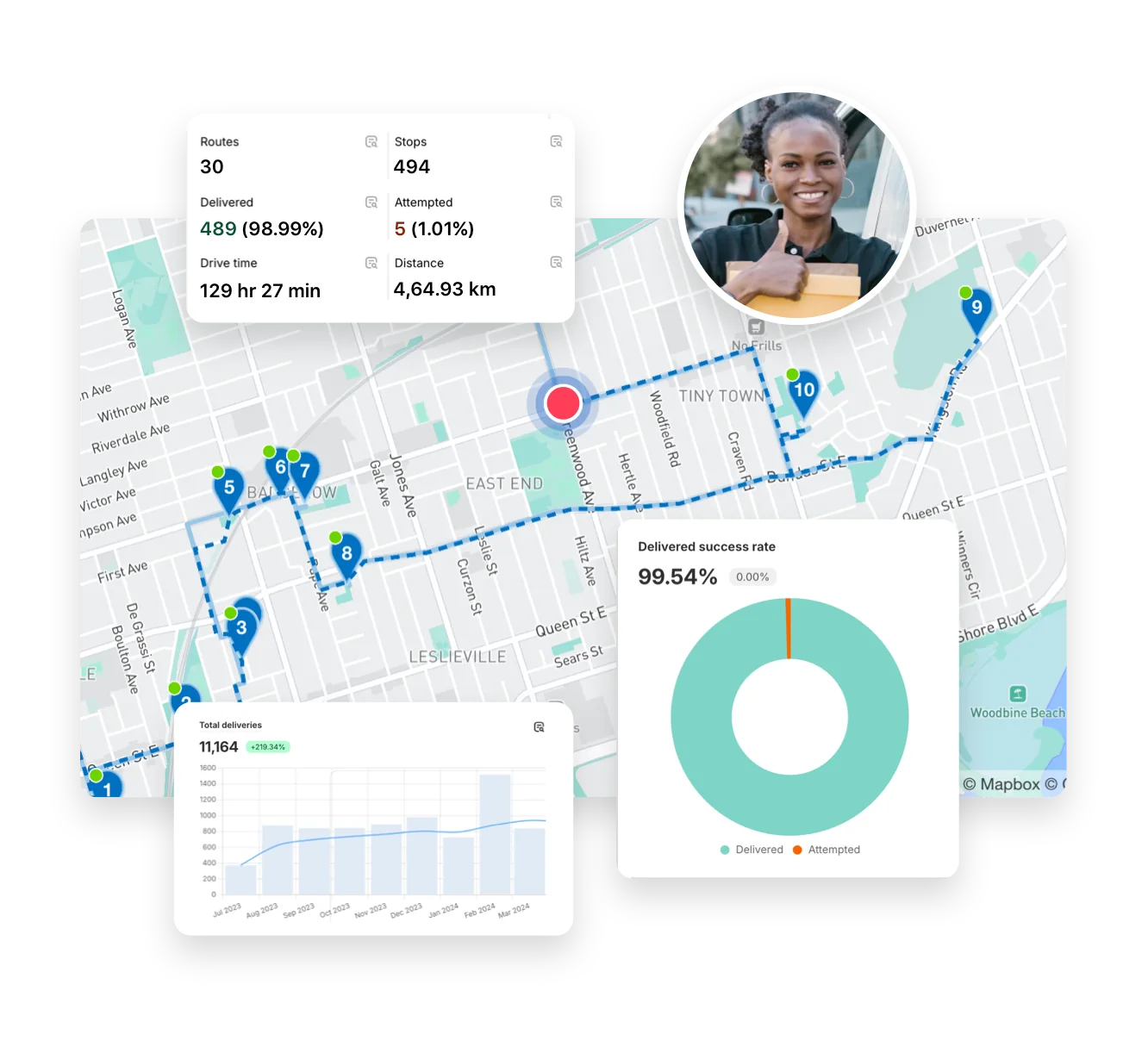
Full delivery analytics package
EasyRoutes interface highlighting tracking notifications delivery analytics and driver tools
Autopilot for your Delivery Workflow

⭐⭐⭐⭐⭐ 4.9 stars Trusted by 5,000+ Businesses

Flower Delivery: The Million RosesMattress Delivery: SonnoPizza Delivery: SliceGass Delivery: Gas GuysFood Delivery: Redstart FoodsBread Delivery: Butter & Crust

Built for Merchants, Not Just Route Planners

If you're comparing EasyRoutes to Route4Me, you're probably managing deliveries and looking for the right tool to streamline routes, drivers, and customer updates. While Route4Me is built for complex enterprise logistics, EasyRoutes is made for merchants and delivery teams of all sizes—offering route planning, packing, driver dispatch, and tracking from any order source, without the extra overhead.

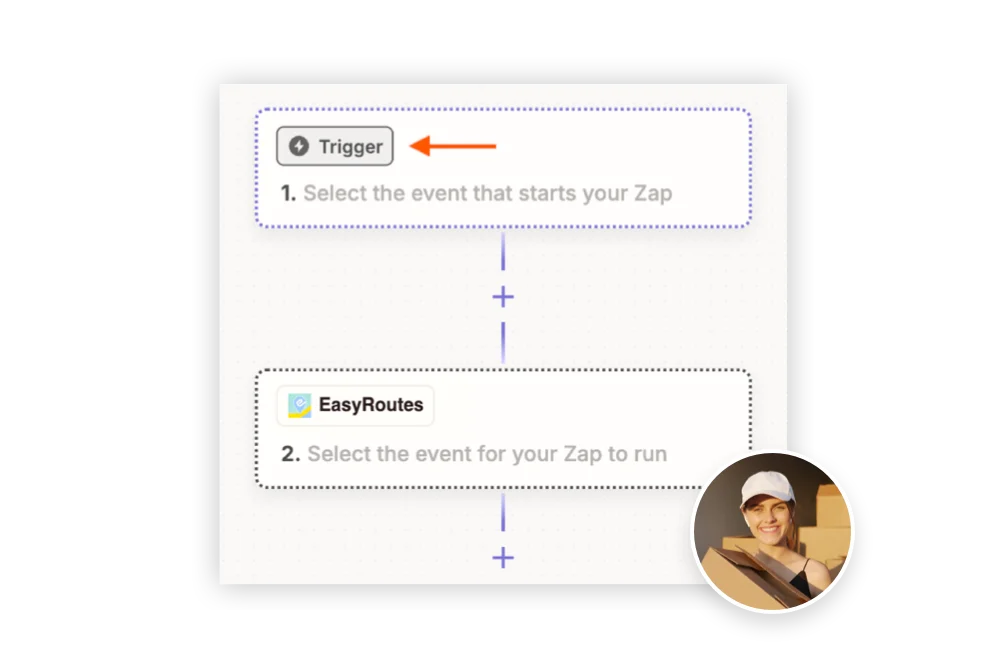
With EasyRoutes, you get optimized routes for multiple drivers, Shopify-native sync, real-time driver tracking, proof of delivery, customer notifications, and workflow automation—all in one easy-to-use platform. Import orders from BigCommerce, WooCommerce, and other leading eCommerce platforms, as well as spreadsheets, or any source via API or Zapier.
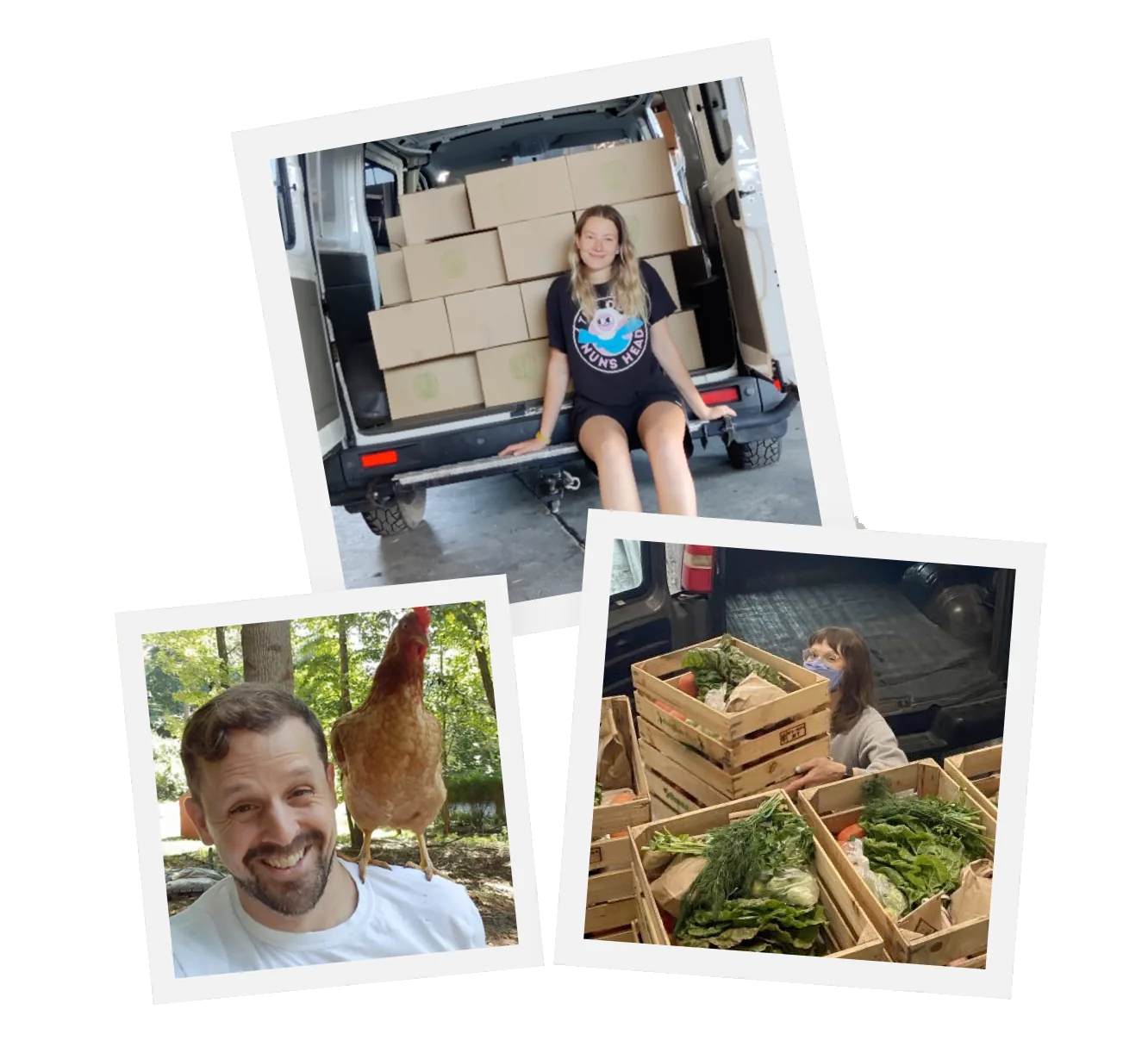

The EasyRoutes Team

Why Delivery Teams Switch from Route4Me to EasyRoutes

1) Native Shopify Integration + Web Version Flexibility

EasyRoutes for Shopify: Fully integrated with your Shopify store. Orders, products, tags, and delivery data sync automatically.

EasyRoutes for Web: Import orders via CSV, Zapier, or API for delivery businesses not using Shopify.

❌ Route4Me requires API keys, account setup, and manual integrations for Shopify users. EasyRoutes works instantly—right from your Shopify admin.

1) Native Shopify Integration + Web Version Flexibility

2) End-to-End Delivery Tools Included

EasyRoutes is more than a route planner. It includes:

  • Optimized multi-driver route planning with drag-and-drop editing and delivery zone filtering
  • Built-in packing slips and product-level stop details
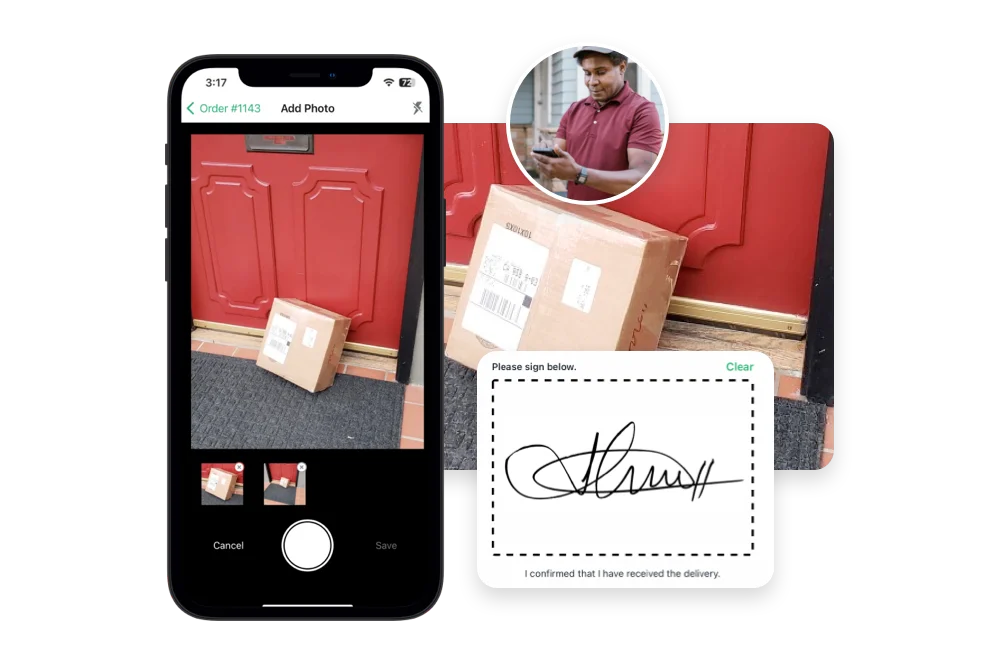
  • Proof of delivery with photos, signatures, and delivery notes
  • Live GPS driver tracking and stop-by-stop updates
  • Branded tracking pages with real-time ETAs and Shopify sync

❌ Route4Me doesn’t include packing slips, order visibility, or stop-level driver tasks. EasyRoutes offers these built in.

2) End-to-End Delivery Tools Included

3) Designed for Delivery Teams, Not Just Drivers

  • Assign and edit routes with drag-and-drop interface
  • Drivers see full order info, products, and notes per stop
  • Claimable route links for flexible teams and solo drivers
  • Live route tracking and customer notifications built in
  • Task checklists for a consistent delivery experience at every stop

❌ Route4Me is built for large-scale logistics—not for fulfillment-focused teams managing orders, products, and customer experiences.

3) Designed for Delivery Teams, Not Just Drivers

4) Transparent, Predictable Pricing

  • Free plan for up to 50 deliveries/month
  • Drivers see full order info, products, and notes per stop
  • No per-stop or usage-based fees
  • Scale your team and only pay for the number of drivers you need

❌ Route4Me's route optimization plans range from $149–$299/month, with key features locked behind higher tiers. EasyRoutes offers transparent, per-driver pricing from $39/month and a free tier.

4) Transparent, Predictable Pricing

Packed with features to make delivering easy, like...

Proof of Delivery

Proof of Delivery

Collect photos, signatures, notes, and geo-stamped confirmations for every order. Protect your team and your bottom line.
Driver Management & Dispatch

Driver Management & Dispatch

Assign drivers based on location, performance, or workload. Update routes mid-shift, and stay in sync with your team, no matter the size.
Activity Feed

Activity Feed

Get a timeline of every delivery event — from route creation to completion. Spot delays, monitor accountability, and respond faster to issues.

Who Should Choose EasyRoutes Over Route4Me?

  • Shopify merchants doing local deliveries
  • Teams that need packing, routing, dispatch, and delivery in one place
  • Delivery managers who want driver accountability (POD, GPS, task checklists)
  • Anyone tired of juggling spreadsheets, APIs, or expensive usage tiers

EasyRoutes gives you more than just optimized routes. It gives you a complete last-mile delivery hub—from route planning to dispatch to proof of delivery.

Join thousands of delivery-focused businesses—including florists, bakeries, grocery subscriptions, and meal kits—who trust EasyRoutes to power their local deliveries.

Who Should Choose EasyRoutes Over Route4Me?

How to Move from Route4Me to EasyRoutes

  • Try it free for 14 days—no commitment required
  • If you're using Shopify, just install the app and sync your orders
  • If you're not on Shopify, import a CSV or connect via Zapier
  • Our support team is here to help you migrate routes, drivers, and workflows
How to Switch from Routific to EasyRoutes

Frequently asked questions

Who should use EasyRoutes for Web?

Choose EasyRoutes for Web if you don’t use Shopify or prefer a standalone planner. Import orders from spreadsheets (CSV), connect webhook events to Zapier for no-code automations, or integrate directly with our API to push/pull data programmatically. It’s ideal for delivery teams moving off manual tools and wanting automation without switching e-commerce platforms.

See: Import orders from CSV · API: Getting Started · Zapier webhooks

Can I import orders from spreadsheets?

Yes. Import orders by CSV in Shopify or Web, including item‑level quantities and weights for capacity planning.

See: CSV Import

Can I edit routes after they’ve been created?

Yes. Add/remove stops, drag‑and‑drop stops to reorder them, change drivers or schedules, and re‑optimize at any time.

See: Edit Routes

Can I make proof of delivery required?

Yes. Require photos, e‑signature, and or a driver note individually before a stop can be marked Delivered or Attempted in the driver app.

See: Mandatory PoD

Which label printers and formats are supported (thermal 4×6, Avery sheets, etc.)?

EasyRoutes prints labels from your browser or as a PDF, so it works with any printer; set size (e.g. 4×6 thermal or A4/Letter), layout, and scale in Settings > Packing Slips & Labels. See: Printing packing labels

Can I notify customers of delays with EasyRoutes?

Yes. Use the customizable Rescheduled notification (email/SMS) to explain delays, provide a new ETA/date, and include the tracking link.

See: Delivery Notifications

What information can I see in real-time tracking as an admin?

The route’s Tracking tab shows live driver location, recent path, next/current stop, and real‑time stop status, completion times, and proof of delivery events.

See: Real-Time Driver Location Tracking · Activity Feed

Can the app work offline?

Yes. If a route is opened while the device is online, the app caches details so drivers can continue working with limited or no connectivity; updates to the route and individual stops will sync back to EasyRoutes when the device is back online.

See: Offline Use

Can I auto‑dispatch routes?

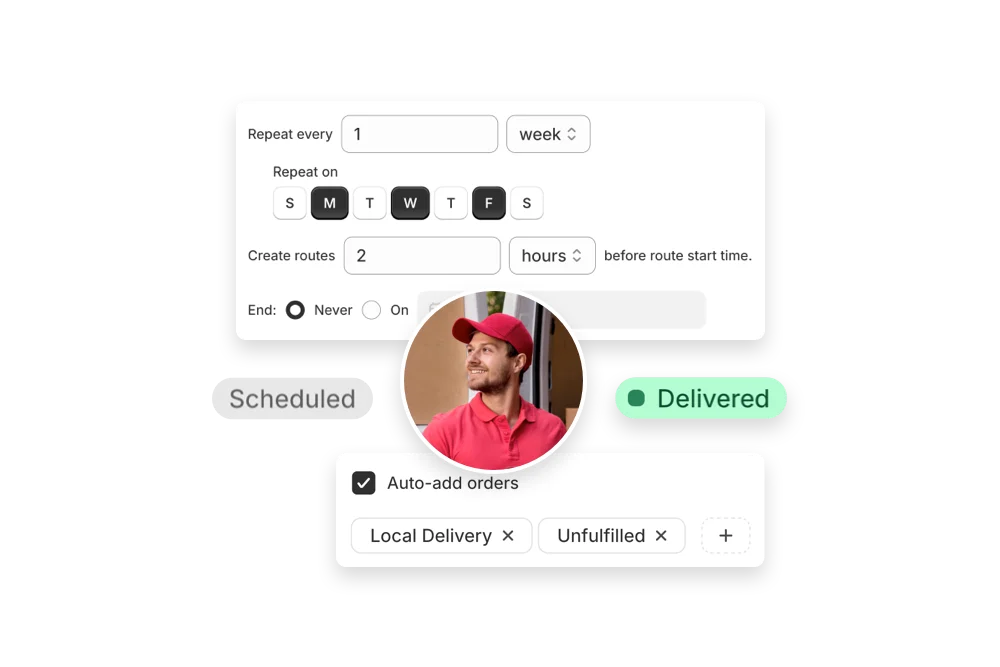
Yes. If a scheduled start time is set, routes can be auto‑assigned and dispatched to the selected driver when created.

See: Auto‑Dispatch

How does billing work for an EasyRoutes plan subscription?

On EasyRoutes for Shopify, our plans work as subscription charges on your Shopify store. To learn more about subscription charges on your Shopify store, review this Shopify Help Center article.

On EasyRoutes for Web, we partner with Stripe for simplified billing. You have full control over your subscription through our customer billing portal.

See: Prorated plan changes · Usage-based SMS balance

What data does Delivery Analytics provide?

Delivery Analytics shows totals and trends for stops and routes, including completed vs. missed deliveries, average delivery time, per‑driver performance, and route metrics over a chosen period.

See: Delivery Analytics