
Driver Tasks added to saved stops are now stored in the Address Book entry for affected stops, meaning that these tasks will persist on any route a saved stop is added to any time in the future.
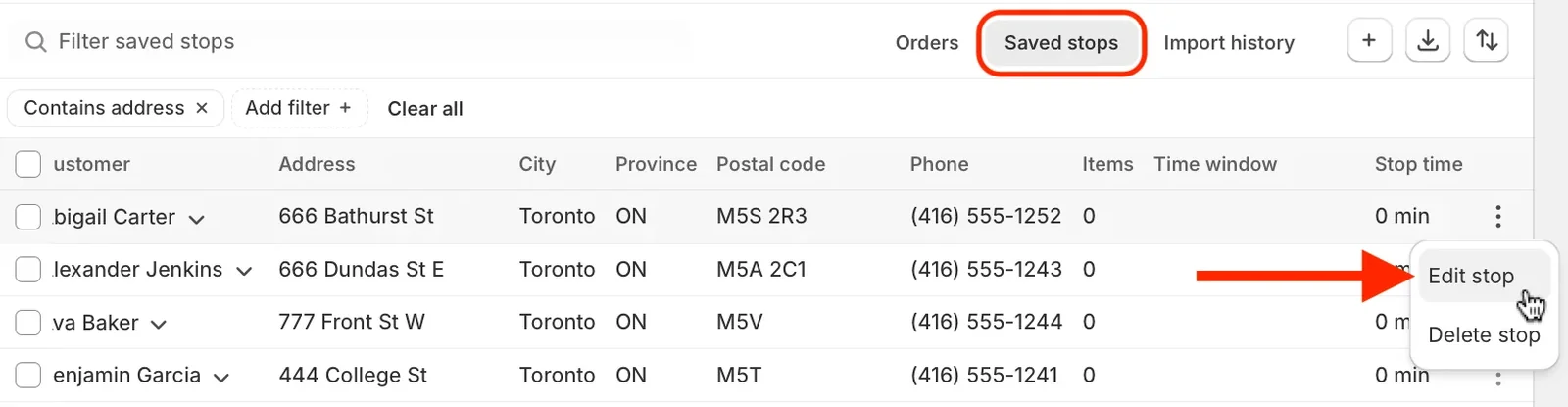
Access the Edit stop menu item for any saved stop on your Orders Page:
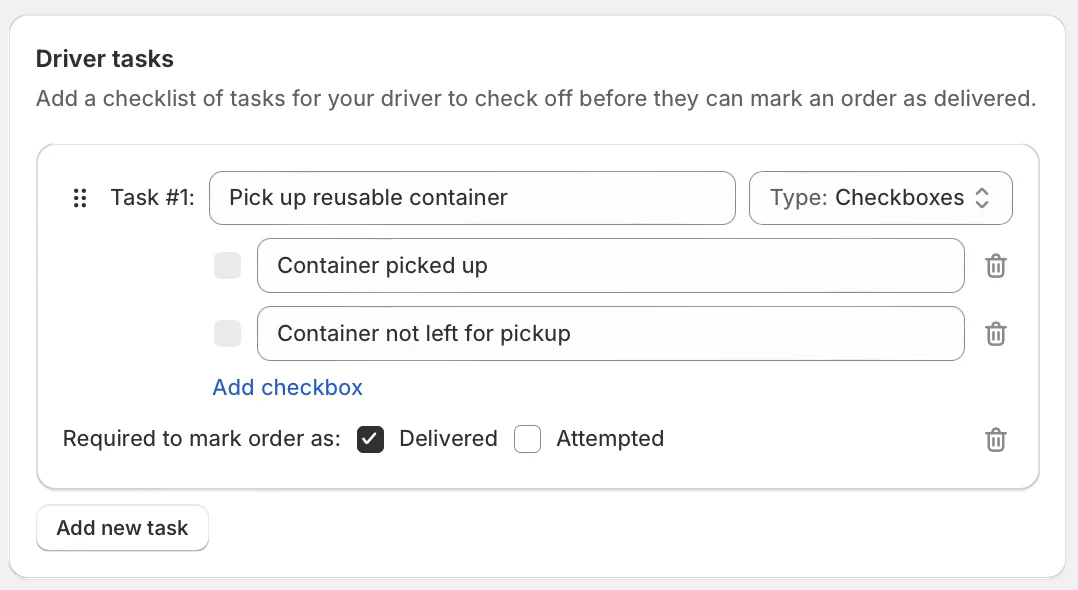
Scroll down to the bottom of the Edit saved stop page, and add/edit task details within the Driver tasks card:
Click the Update button at the top of the page to save your changes.
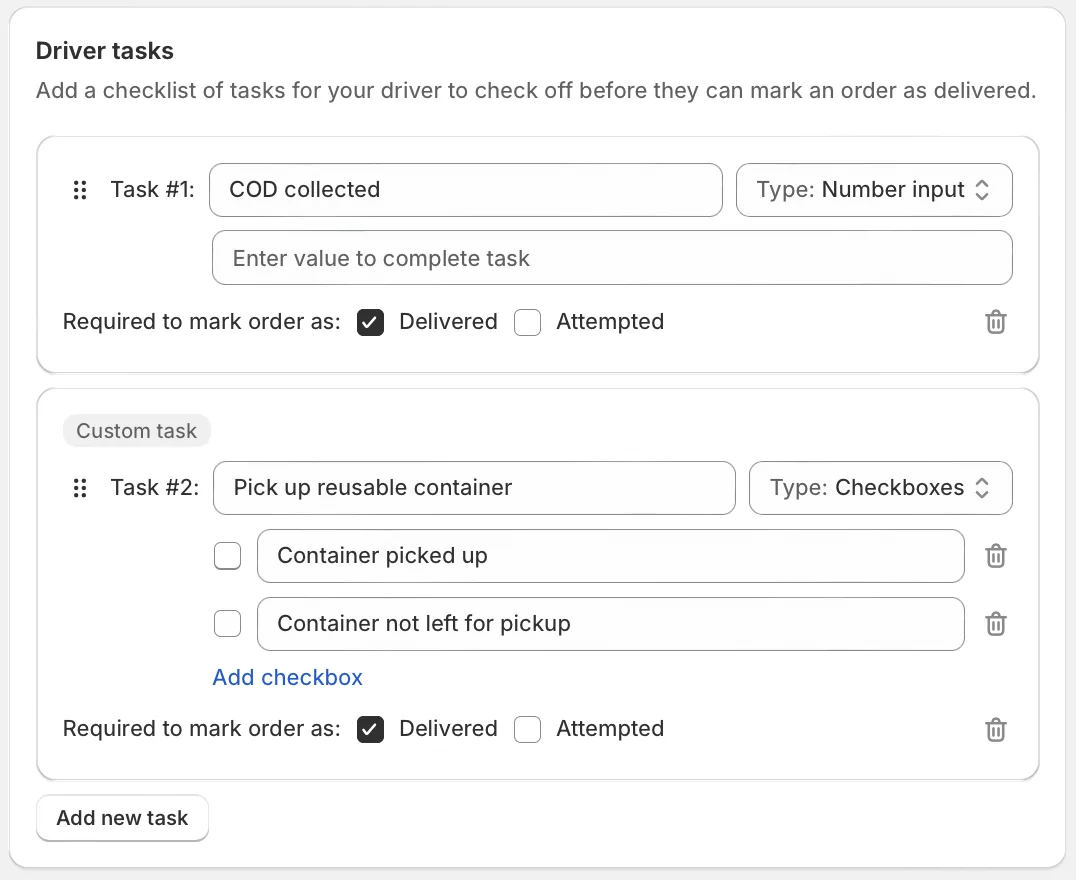
Any tasks saved in this manner will persist across all future routes this saved stop is added to. If future routes have additional Driver Tasks added at the route level, tasks saved to the Address Book will be differentiated with a Custom task banner as shown below:
For full details on enabling, adding, and editing Driver Tasks on your stops and routes, see the support article for this feature.