« Back to features

Plan Routes in Seconds, Not Hours

Automatically generate efficient, cost-saving routes using real-time traffic, delivery windows, and order priorities—then edit on the fly.

"It saves us over 4 hours per week on delivery planning, their AI is perfect at configuring optimal routes, and our drivers finish their routes over 50% faster.”

Optimized Route Planning

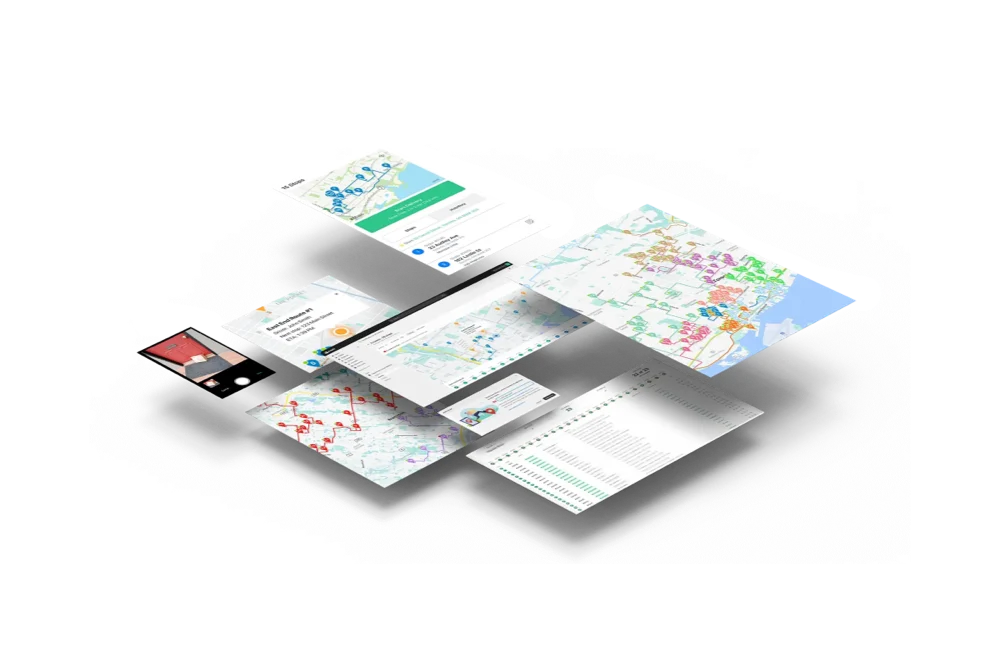
EasyRoutes’ optimized route planning helps businesses of any size streamline deliveries, reduce operational costs, and improve service reliability. Whether you're managing local deliveries, coordinating multiple drivers across a wide geographical area, or responding to last-minute order changes, EasyRoutes generates the most efficient routes based on real-time traffic, delivery time windows, stop priorities, and driver capacity.

EasyRoutes allows route planners to quickly adapt to dynamic delivery conditions—rerouting in-progress routes as needed—so dispatchers can respond accordingly and drivers stay on schedule. With fewer manual planning steps and smarter automation, teams using EasyRoutes spend less time organizing and more time delivering, ensuring faster drop-offs and an exceptional experience for end customers.

Plan Routes in Seconds, Not Hours
Optimize multi-stop routes to complete deliveries more efficiently than ever before
Ensure every mile counts by setting weight or item capacities for each route
Avoid toll roads and u-turns to maximize driver efficiency on the road
⭐⭐⭐⭐⭐ 4.9 stars Trusted by 5,000+ Businesses

Flower Delivery: The Million RosesMattress Delivery: SonnoPizza Delivery: SliceGass Delivery: Gas GuysFood Delivery: Redstart FoodsBread Delivery: Butter & Crust
Smart Delivery Zones

Smart Delivery Zones

Import or draw custom territories on the map, and let EasyRoutes automatically create routes with only the orders that belong to each zone.
Route Management

Route Management

Handle last-minute order changes, reassign deliveries, and make real-time updates without disrupting your team or your customers.
API & Zapier Automations

API & Zapier Automations

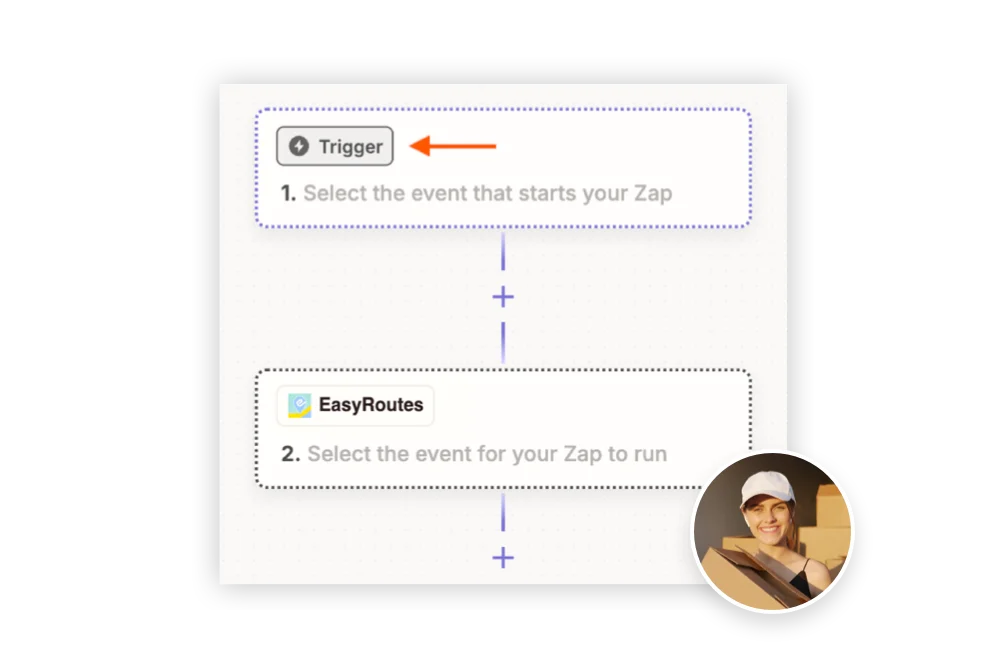
Use the EasyRoutes API and Zapier to automate order imports, route creation, dispatch, and delivery status updates — connecting your operations to the tools you already use.

Frequently asked questions

How does EasyRoutes optimize my delivery routes?

EasyRoutes optimizes deliveries using your selected orders, start & end locations, stop time intervals, time windows, and route limits. You can balance routes, respect capacities, and re‑optimize as plans change.

See: Route Options · EasyRoutes 101

Does EasyRoutes support time windows for deliveries?

Yes. You can set delivery time windows per stop or import them from supported third‑party date/time apps. EasyRoutes optimizes routes to meet these windows and calculates ETAs accordingly.

See: Time Windows · Supported third-party apps

Can I set specific start and end locations for my routes?

Yes. Define custom start and end points per route so planning and ETAs include travel to and from these locations. Supported in EasyRoutes for Shopify and EasyRoutes for Web.

See: Start/End Locations

Does EasyRoutes support different vehicle types or capacities when optimizing?

Yes. EasyRoutes supports Vehicle Profiles you can configure and assign to routes. EasyRoutes also supports capacity planning via item or weight limits per route. Use these with other options (like time windows, or custom start/end locations) to keep plans realistic and drivers on schedule.

See: Vehicle Profiles · Max items/weight per route · Commercial/GPX Export

Can I limit the max duration or stop count on a route?

Yes. EasyRoutes lets you set limits for maximum route duration, maximum stops per route, and maximum items per route. Configure these constraints in Route Options before planning, or when editing a route.

See: Route Options

Does EasyRoutes let me avoid tolls or u-turns?

Yes. Turn on settings to avoid toll roads and u‑turns from the Route Options panel. Enable these options before planning a route, or edit the route after creation and re‑optimize to see them reflected in your route.

See: Route Options

Can I factor driver breaks into my optimized routes?

Yes. Add scheduled driver breaks to new or existing route, and EasyRoutes will insert a break stop while updating downstream ETAs and total route time.

See: Driver Breaks

Can I balance stops evenly across multiple routes?

Yes. Enable Balance routes to distribute stops as evenly as possible across multiple routes/drivers while respecting other route constraints (like time windows, or item/weight limits).

See: Balance routes · How many routes?

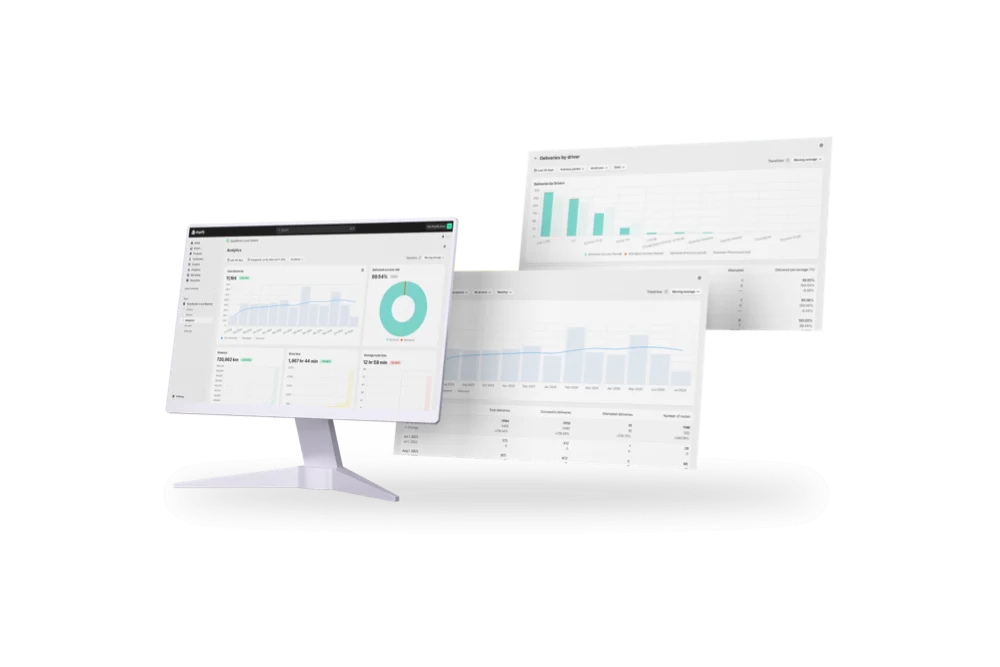
Does EasyRoutes show route distance and duration?

Yes. Routes display estimated distance and drive time after optimization, and update automatically when you add/remove stops and re‑optimize.

See: Route Mileage

Can I re-optimize a route after it’s created?

Yes. Re‑optimize at any time — after adding or removing stops, changing stop priorities, editing route options, or balancing loads. Drivers can also re-optimize routes delivered out of order, or re‑order stops if enabled from your EasyRoutes Settings.

See: Re‑optimize a route · Re‑ordering stops

Can drivers re-order or re-optimize their stops in the app?

Yes — if enabled. Planners can allow drivers to manually reorder stops and or re‑optimize remaining stops mid‑route.

See: Re‑optimize remaining stops

Can EasyRoutes optimize multi-day deliveries?

Yes. Schedule routes across multiple days with configured start times/locations and add an overnight driver break to maintain accurate ETAs.

See: Multi‑Day Scheduling

How does EasyRoutes use real-time traffic in route optimization?

EasyRoutes factors expected traffic into stop sequencing and ETA calculations using live map data, and you can re-optimize any time to recalculate as conditions change. See: Route Options

How do I set stop priorities for optimization?

Use a stop’s Actions menu to mark it High or Low priority (or set several at once); High priority stops are included first when a route hits its limits. See: Priority stops

Can I lock or pin a stop's position in the route?

There’s no dedicated lock toggle; you fix order by arranging stops manually (drag-and-drop), which stays until you re-optimize, and can use start/end locations or Priority stops to influence position. See: Editing routes