
Dispatch Links (a.k.a. Driver Self-Assign to Routes)
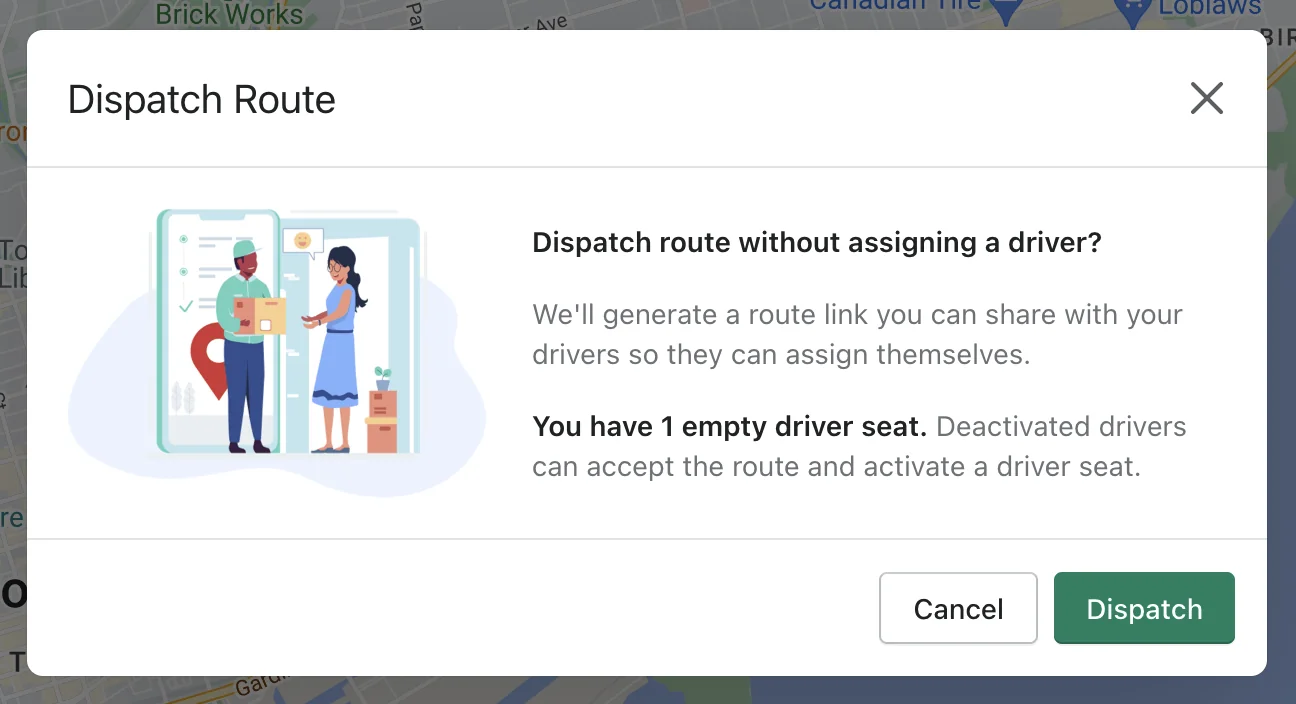
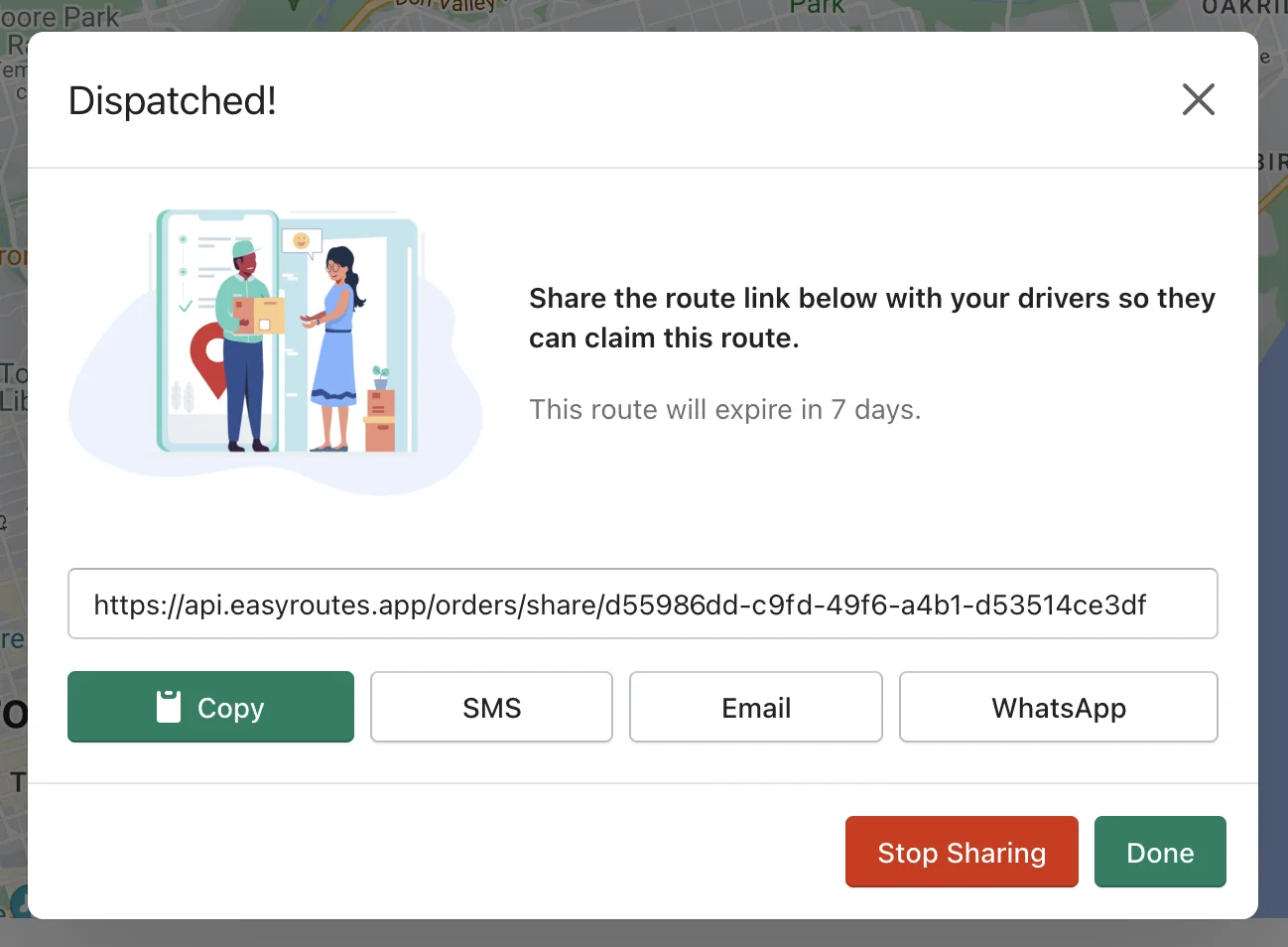
Now you can generate a route link that allows your drivers to assign themselves. We call these Dispatch Links.
You can share a Dispatch Link with any activated driver in your store and they can preview the route and claim it if they want to assign themselves. Deactivated drivers can also claim a route if there are empty active driver seats available.
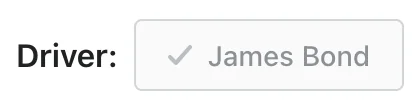
Once a driver claims a route, they will show up as assigned to that route in EasyRoutes.
These Dispatch Links can also be shared with others and viewed on the EasyRoutes Delivery Driver app as a read-only version of the delivery route and route inventory.
New Driver Management Tab & Features

We've uplifted and Driver Management from the Settings to it's own top-level tab and have beefed it up with more information to help you with managing your drivers.
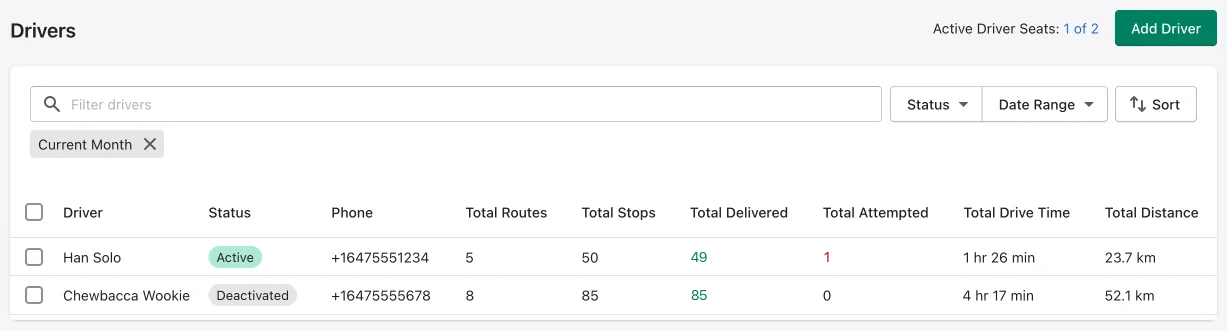
You can apply date ranges and sort and filter to get the information you need. We also provide a quick shortcut to view all your driver's routes on the Routes tab.
3) New Delivery Notification Features
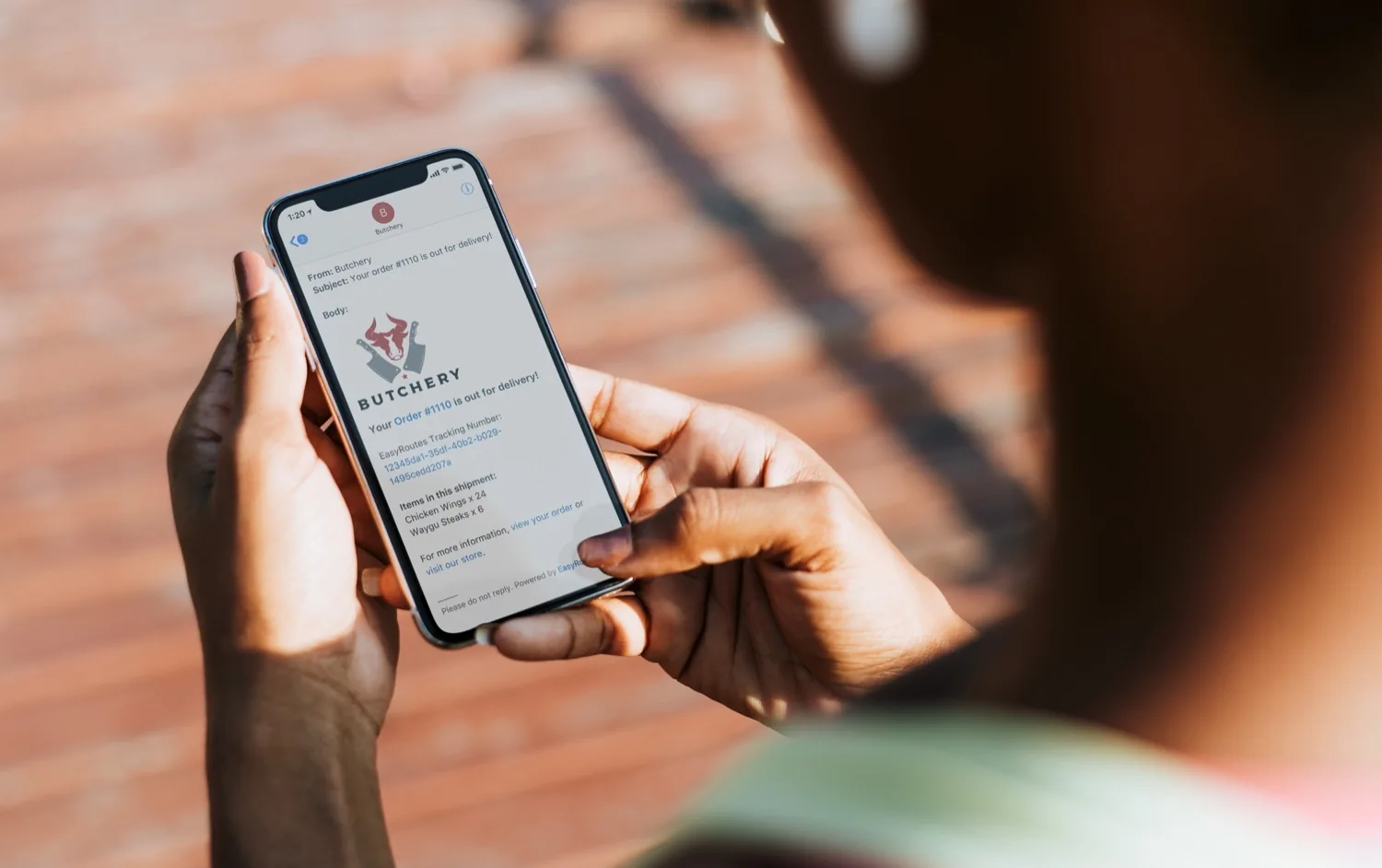
a) Send Delivery Notifications to Imported Stops: Now you can send EasyRoutes email and SMS delivery notifications to imported stops from outside of Shopify!
Whether you are adding a custom stops to a route or importing orders via CSV, EasyRoutes can now send our customizable notifications to those customers.
b) Customer is N Stops Away Delivery Notifications:
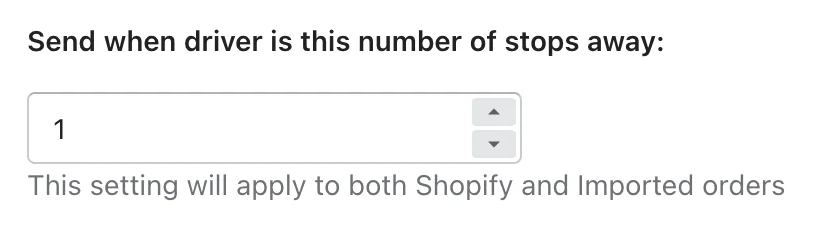
Send an email and/or SMS delivery notification to customers when your driver is a specified number of stops away from them.
c) Plus more:
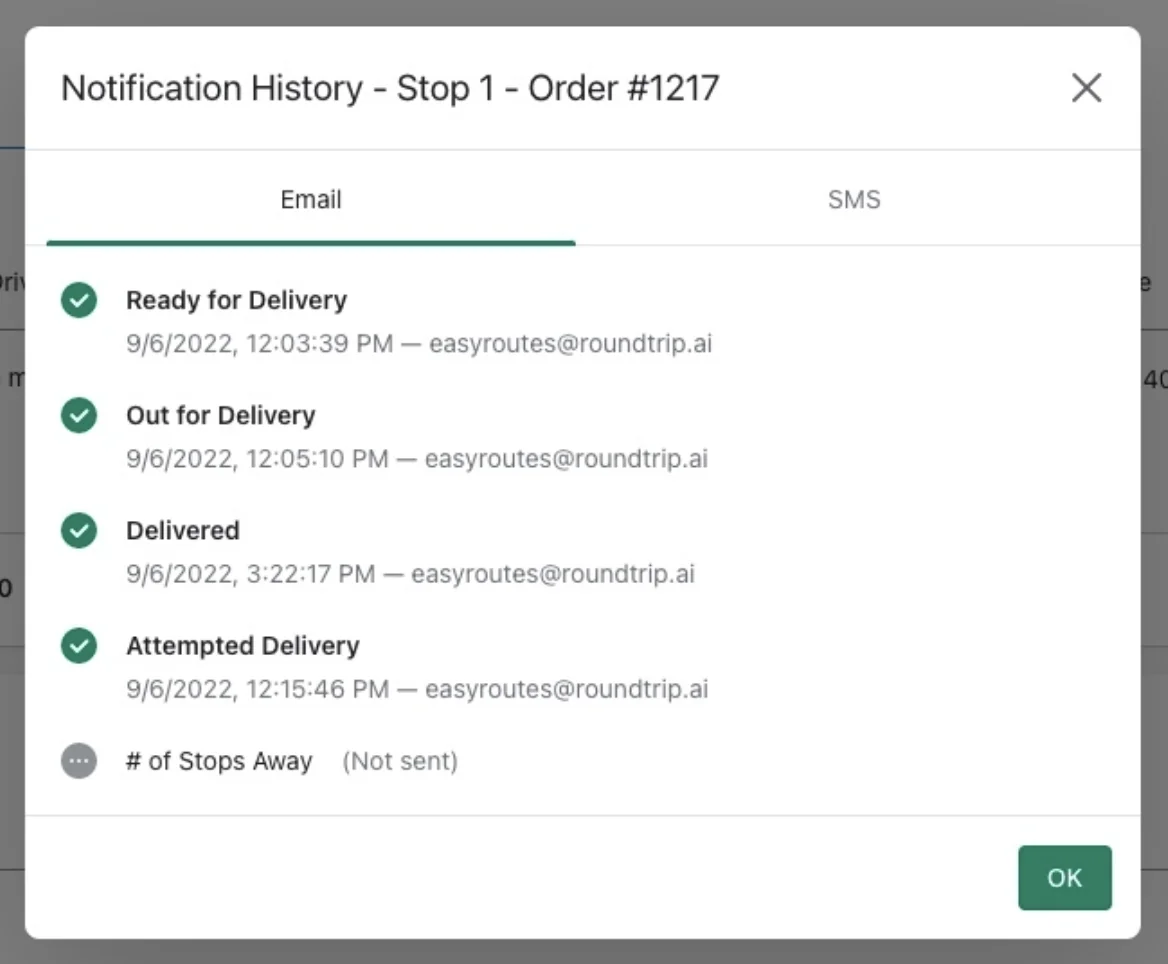
You can now add your customer's or driver's name to any of EasyRoutes' email and SMS templates and we've also greatly improved our Notification History pop-up:
Preview Packing Slips and Labels
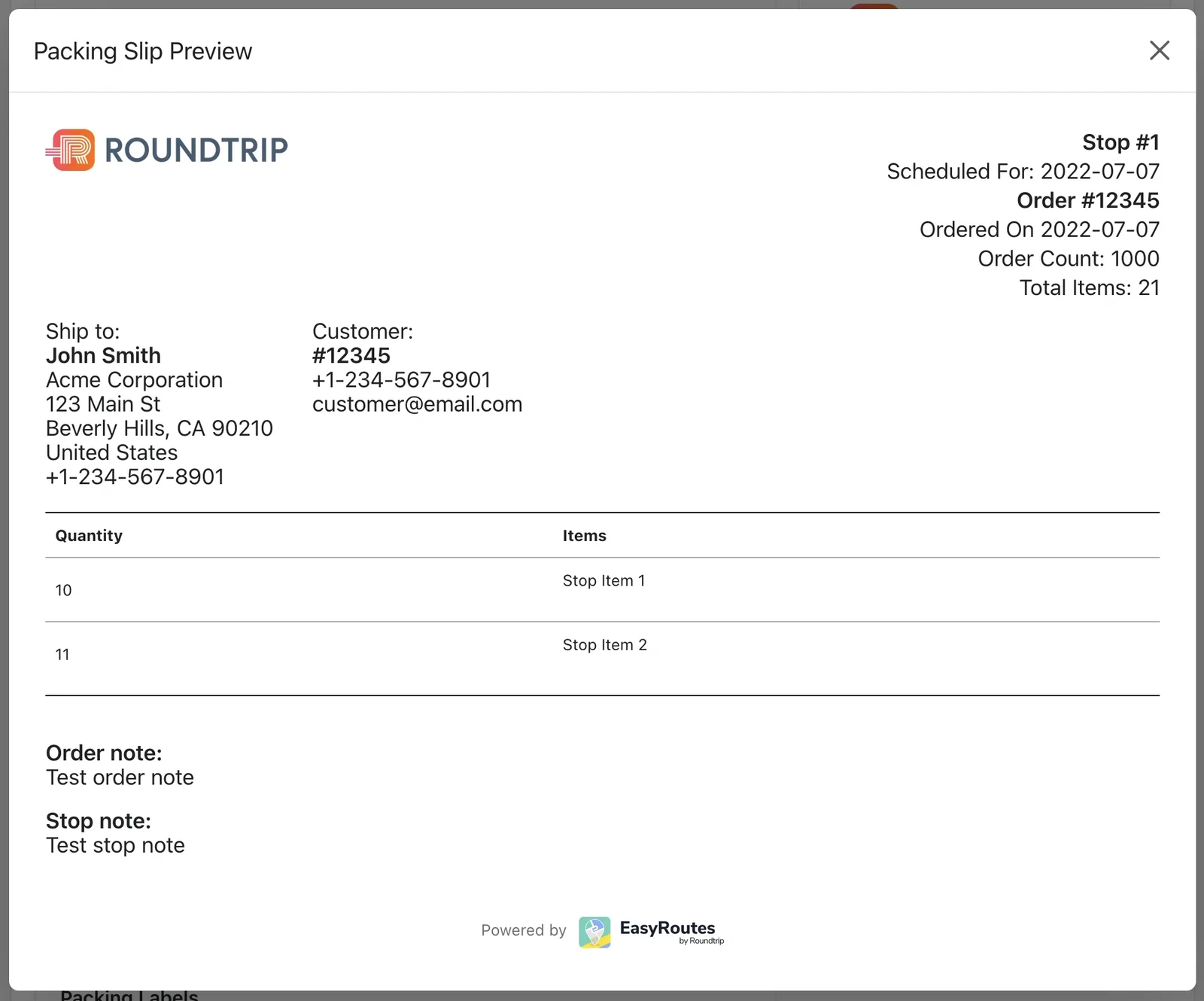
We've added the ability to preview your packing slips and packing labels when customizing them In your EasyRoutes Settings. We've also added more customization options such as allowing you to choose in what order items are sorted by or allowing you to display the customer note.
5) Various Other Improvements
- Order Tracking pages now shows time of e-signature capture and allows you the option of display driver notes.
- Improvements into how we check for "Scheduled" subscription orders.
- Updates to our cloud provider infrastructure for improved reliability and you can now see the status of Roundtrip services on our Status Page.
- Other on-going improvements and bug fixes.