
EasyRoutes Delivery Driver App for iOS and Android
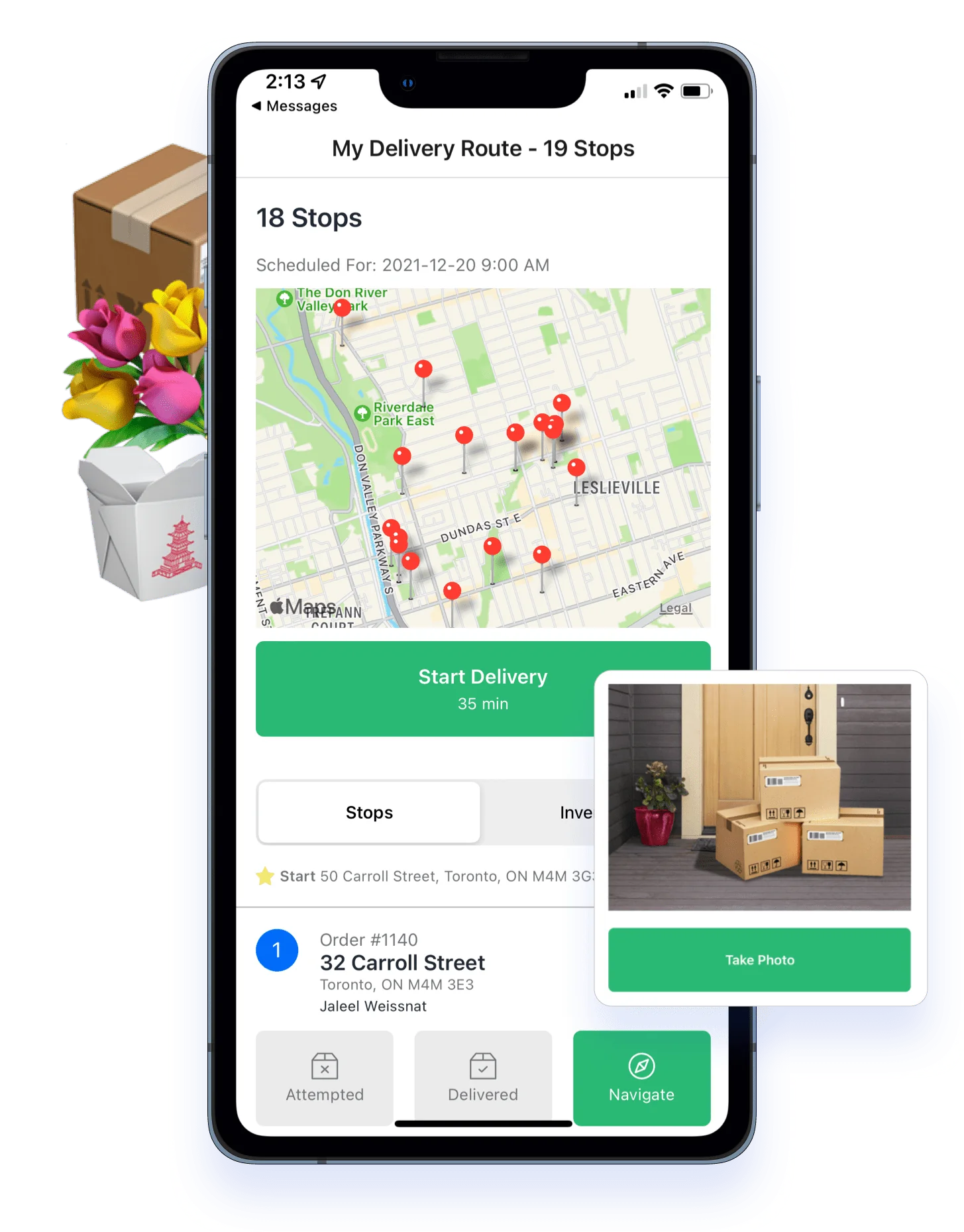
Introducing our newest apps: EasyRoutes Delivery Driver for iOS and Android. Open shared routes in our app for a totally redesigned mobile delivery experience. We will be continuously adding functionality to these apps to make deliveries for your drivers as easy as possible.


Improved Planning with New Route Groups
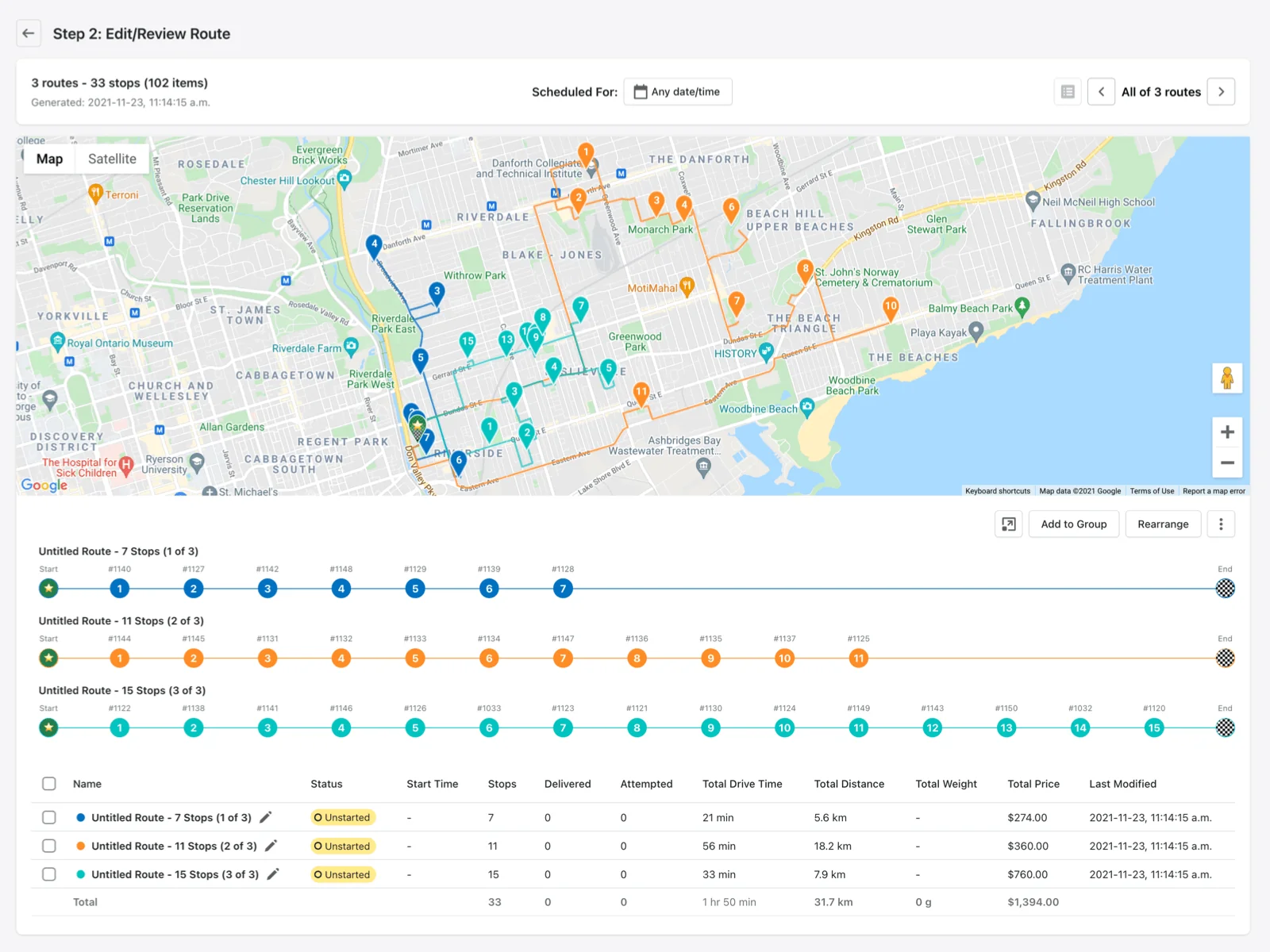
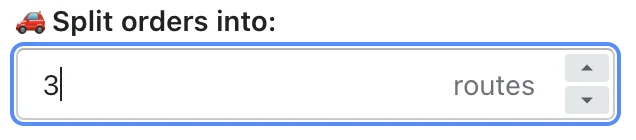
We've introduced the concept of route groups to help make your delivery planning easier. Now when you split routes...
...you will be taken to a group view where you can see all the routes created on one screen. You can also create a group with routes that you planned individually.
From here you can re-arrange stops between routes...
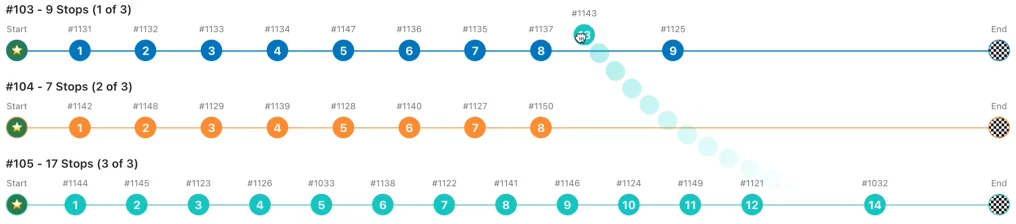
...and add or remove routes.
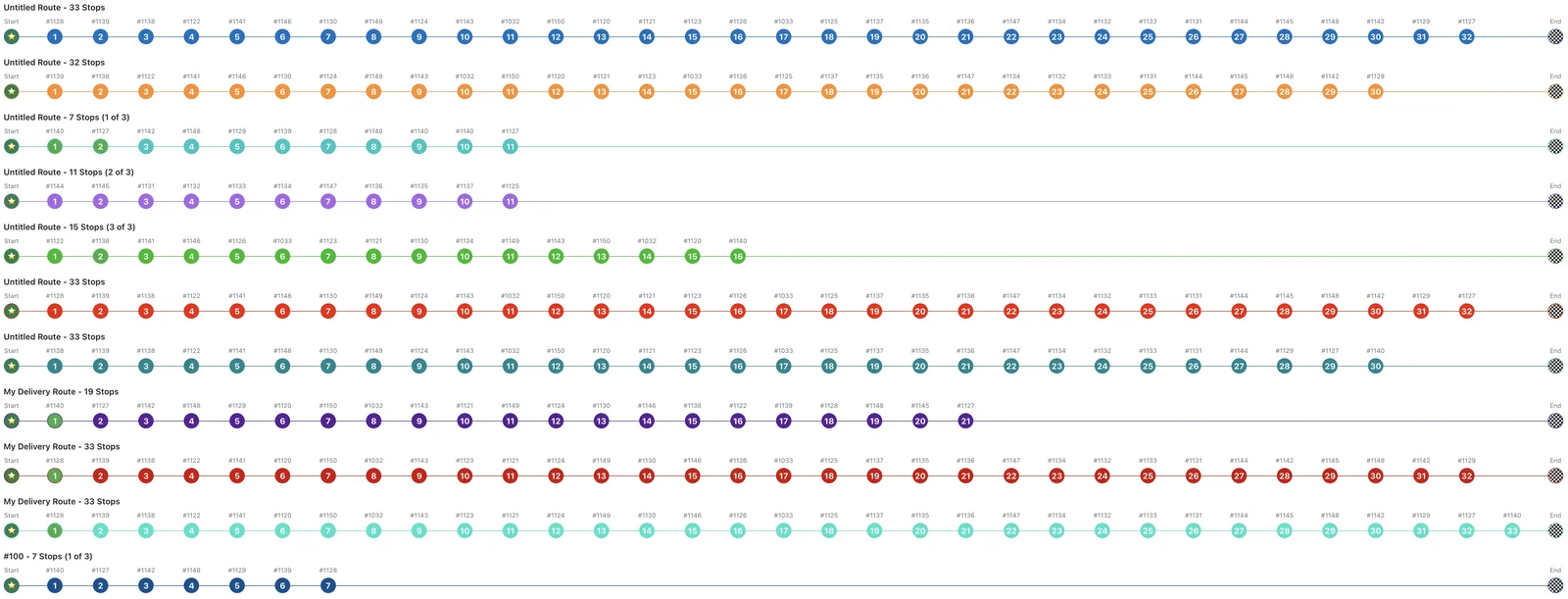
You can also schedule the entire group at once, as well as reoptimize all the routes in the group.
Route ID Numbers
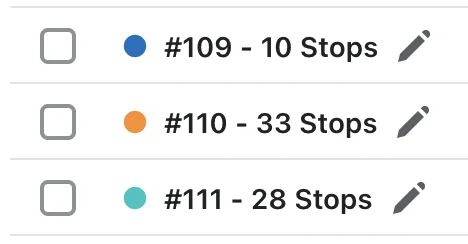
We've added Route ID numbers to make it easier to organize and refer back to routes.
Customer Tracking Page Updates
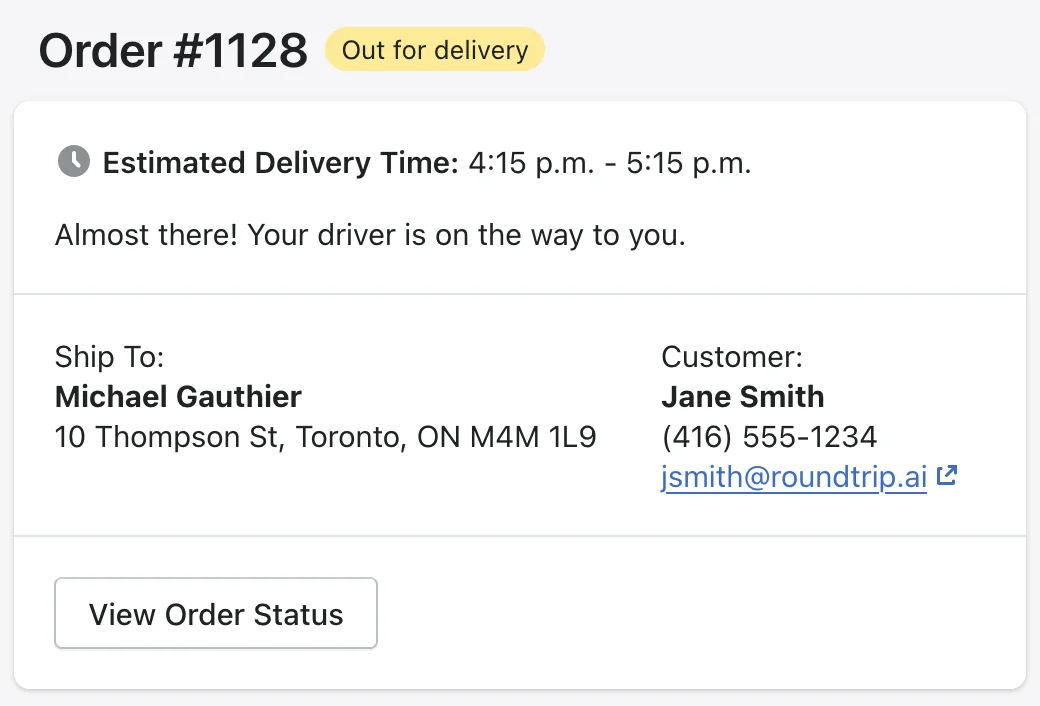
Tracking pages have been updated to include a button where customers can view their Order Status, and a link back to your store for order support is now included in the footer.
Settings Redesign
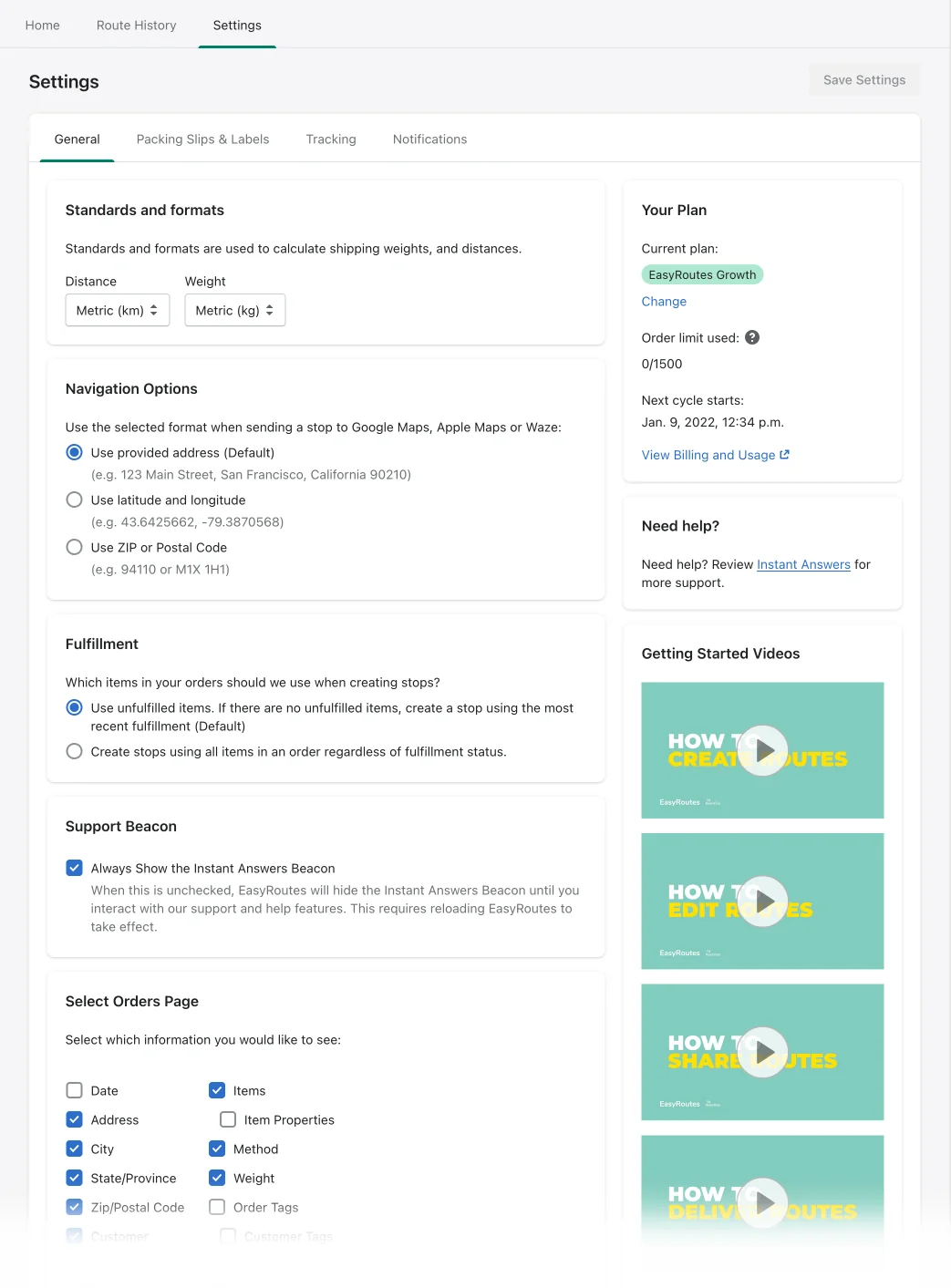
We've redesigned our settings to make the sections and options clearer and easier to understand. We've also included some quick links to our new videos to show you how to use our app.
Product Tour for New Users

New users to EasyRoutes will now be greeted with a product tour that takes them through the process of creating a route, step-by-step.
Packing Slip Printing Options
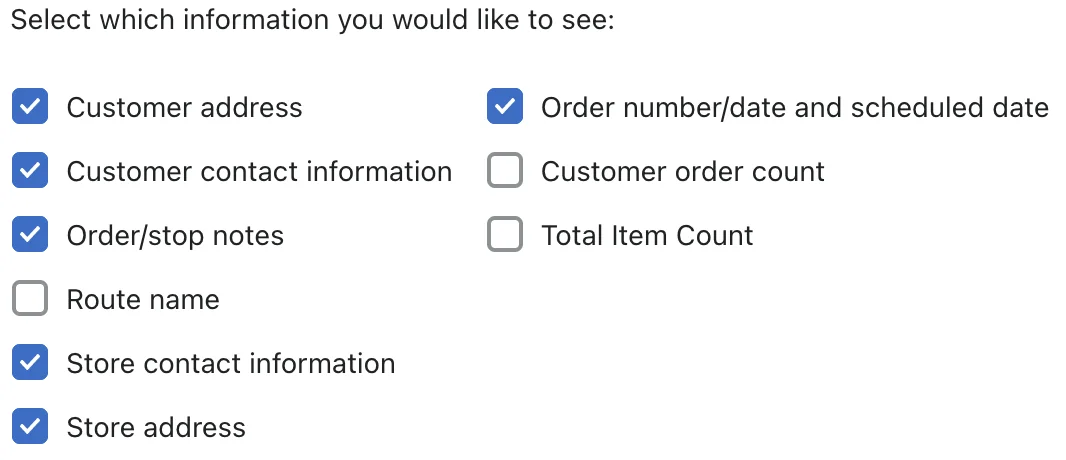
You can also customize your packing slips to select which information you would like to see printed.
Ongoing improvements + Bug Fixes
- On our Delivery Driver for Web view, we now make it easier to resume your deliveries and have improved how deliveries are started.
- When delivery drivers mark a stop as delivered on our Delivery Driver for Web view, the app will auto-advance them to the next stop.
- You can use and display item properties in EasyRoutes (e.g. if you use an app like Infinite Options, those product properties can be displayed in your route inventory to help with packing.
- We've made some updates to fulfillment in EasyRoutes. If some orders fail when fulfilling, we'll continue fulfilling the rest of the orders and then show you which orders failed.
- Various other bug fixes, stability and performance improvements (with the Shopify API, etc.)