
Support for Time Windows
We've added a powerful new tool to help with planning routes and prioritizing stops: Time windows. Now when you edit a stop you can specify any time constraints for that particular stop.
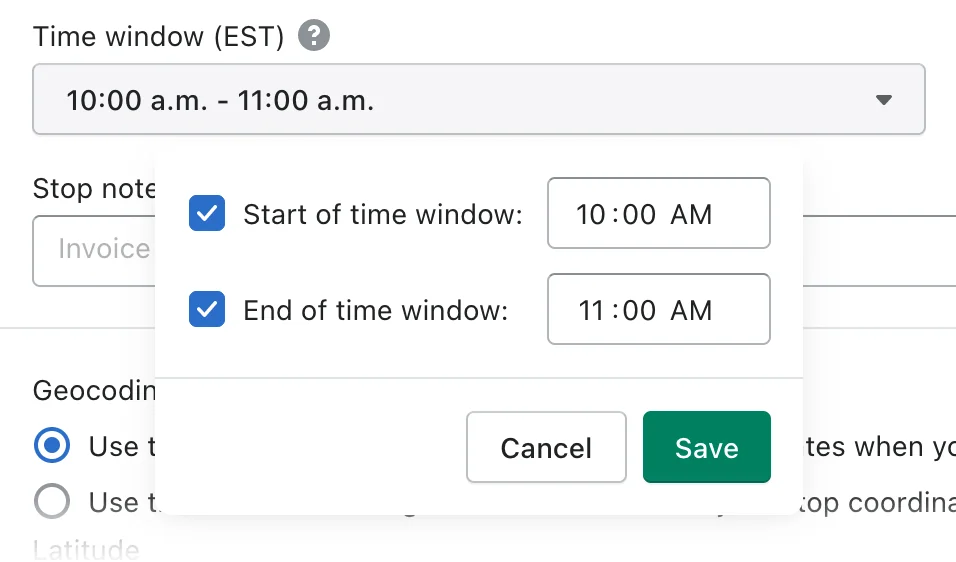
Once you schedule your route you can then use this feature to prioritize your stops. Time windows can also be open ended such as such as being set for 10:00 am or earlier, or 1:00 pm or later.
Once you've made your edits, re-optimize your route and EasyRoutes will minimize your overall driving time while making sure you meet your time window requirements.
Redesigned settings
We've rejigged and redesigned our settings to make things easier to find and understand.
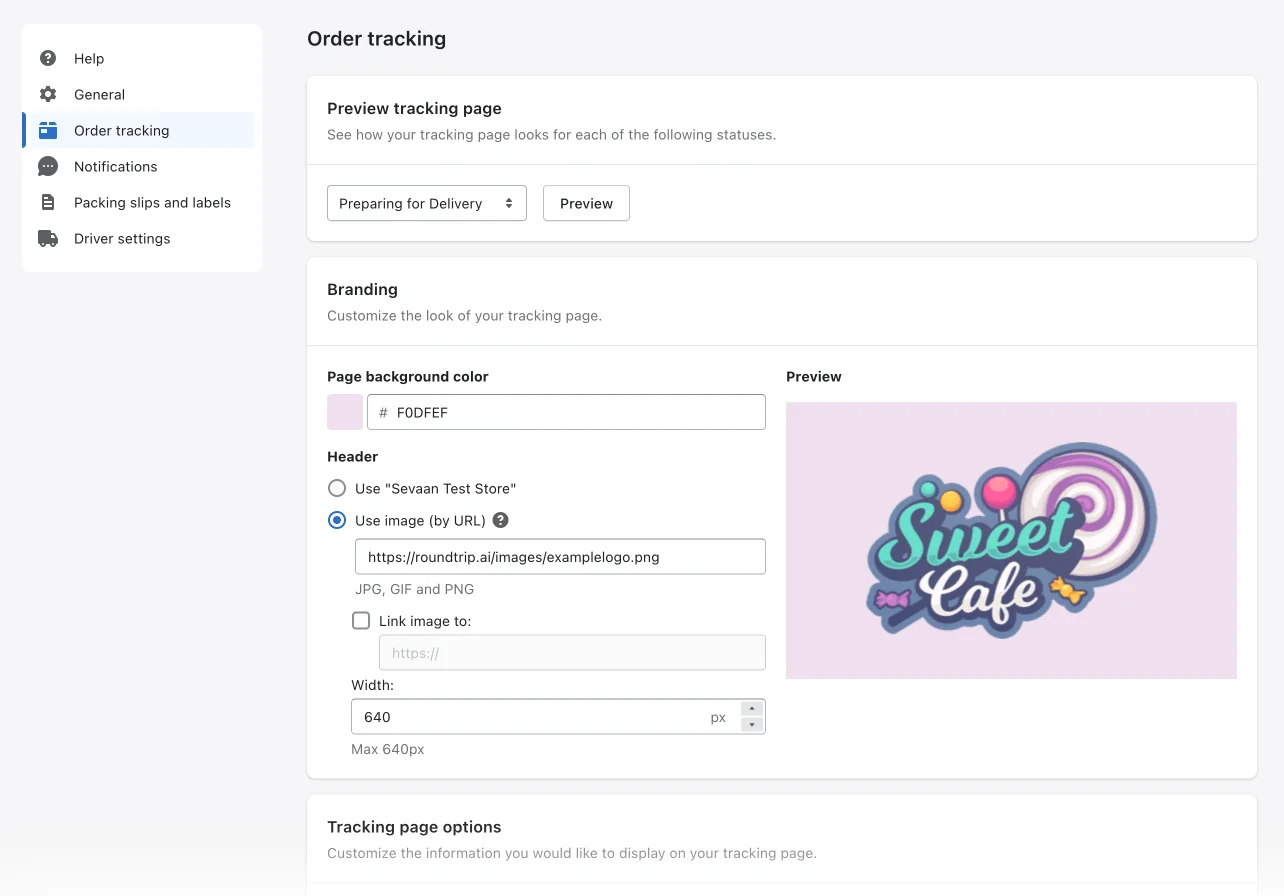
We've also added a new Driver Settings tab with options that directly affect your drivers, such as requiring proof of delivery before they can mark an order as delivered.
Better handling of rejected stops
We've added a tab to all route groups and routes that shows up if you have any rejected stops.
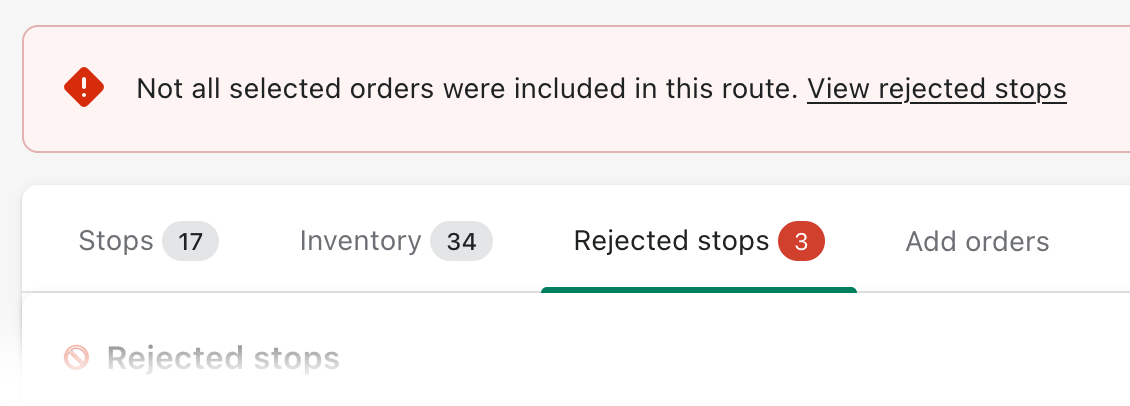
To make it easier to correct these issues we now show the reason why a stop was rejected. Just edit the stop to correct any errors and we'll help you add it back in to a route.
Better export experience
EasyRoutes now also allows you to customize which fields you want to export.
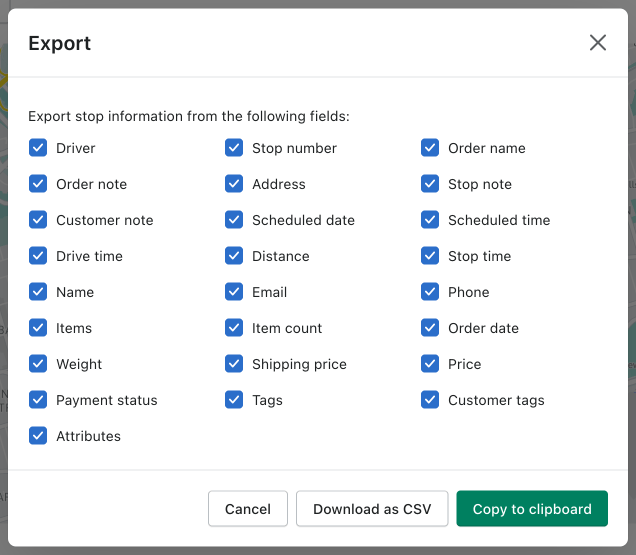
In addition to copying exported data to your clipboard, you can now export stop and route data directly to a downloadable CSV.
New release of the EasyRoutes Delivery Driver app
EasyRoutes Delivery Driver v1.0.18 offers new features and improvements including the ability to view inventory by stop order, see total drive time for each delivery, and view routes planned with the our new time window feature.
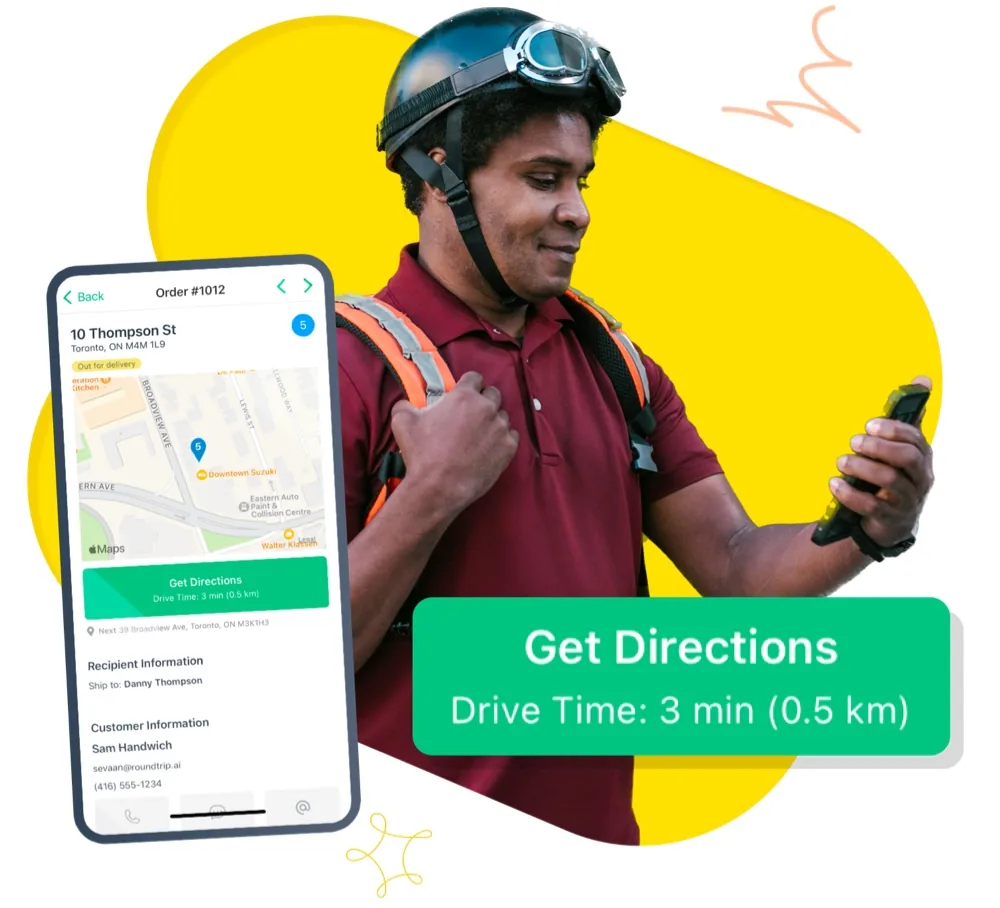
We have also squashed some bugs and made performance fixes to make loading faster and scrolling smoother.
Various other improvements
- You can now set a time per stop and access any of your saved Views in the Add Orders tab when viewing routes.
- The action column on a route is now sticky so you can access it easier without needing to scroll to find it..
- If you use EasyRoutes through your Shopify mobile app you'll hopefully notice that our app loads even faster because we are now using Shopify's mobile-optimized loading framework. To enjoy this performance boost, make sure to update your Shopify mobile app to the latest version.
- Links from the EasyRoutes app on mobile should open within the Shopify mobile app again.
- We've re-enabled print support on mobile and tablets.
- Various UI improvements and small bug fixes.