
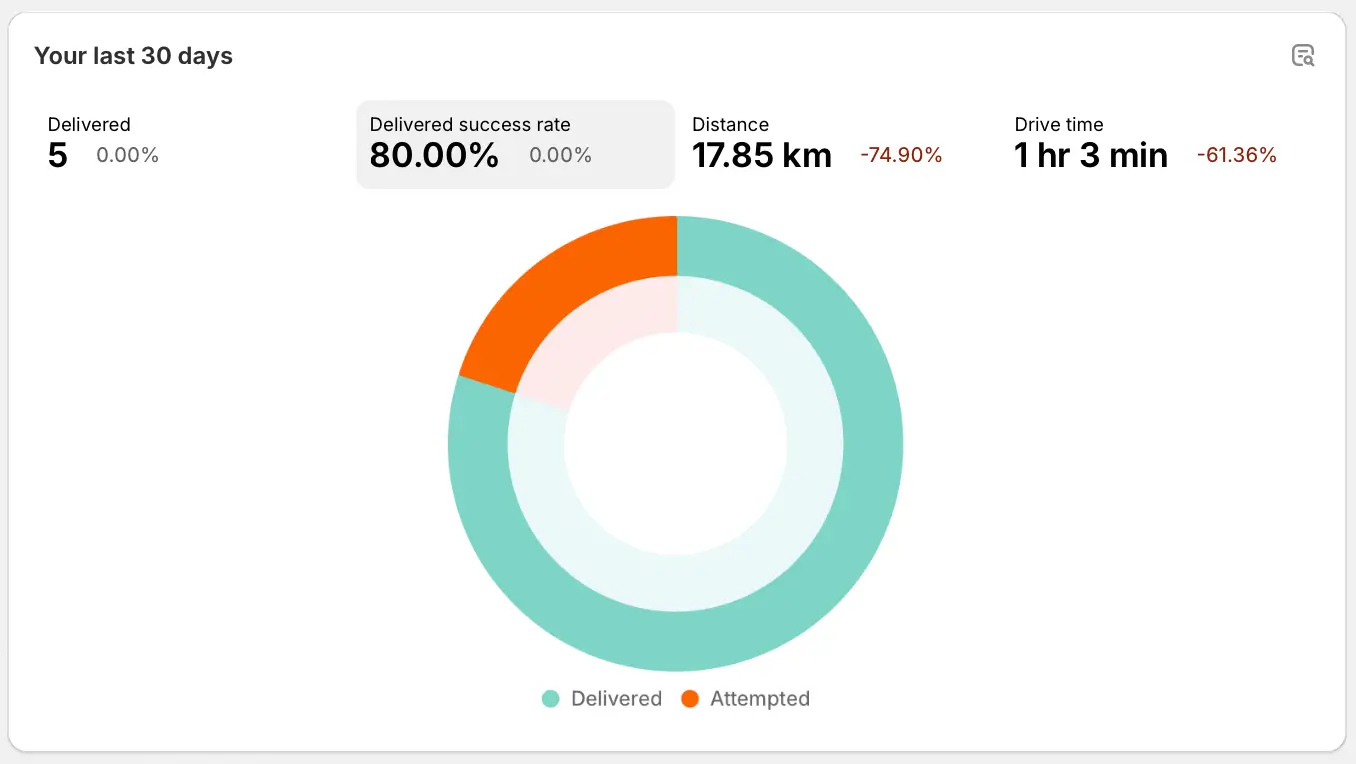
We've added new ways to interact with EasyRoutes' Analytics data, including a new Dashboard card, providing a rolling snapshot of four key delivery metrics. The time period for analytics data in this card will match the time period set for the Dashboard from your EasyRoutes Settings > General tab, within the Dashboard page options section.
Click any of the four report types listed at the top of the card to quickly view report data; click the magnifying glass icon in the upper right-hand corner of the card to jump to the full Analytics report for this data type:
We've also enabled export functionality for individual Analytics reports. From within any individual Analytics breakdown report, click the Export button in the upper right-hand corner of the page - select Copy to copy the report's data to your clipboard before pasting to the spreadsheet application of your choice; select Download to generate a CSV file containing the report's data and download it to your device:

For full details on Analytics functionality and terminology, see the support article for this feature.