
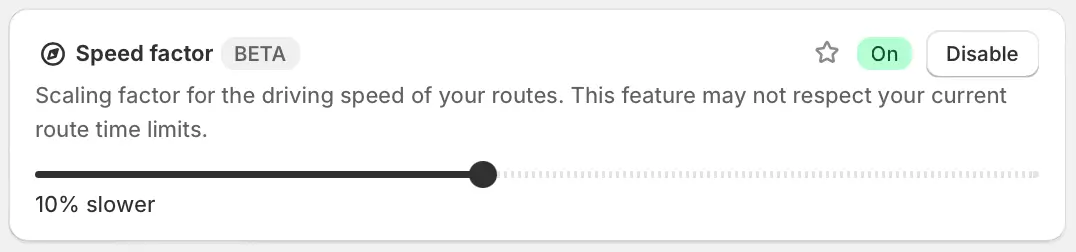
We've added a new Route Option, allowing EasyRoutes users to configure the Speed factor that's applied to generated routes. Use this new tool to scale up or down the assumed speed at which drivers generally complete routes. This Route Option defaults to "normal" speed, but can scale down to 90% slower than normal, or scale up to 90% faster than normal.
For example, users who deliver routes via bicycle, where orders may be delivered consistently behind schedule, will see improved route duration and stop ETA values by using the Speed factor to scale the route's assumed speed to 10% slower, as shown above. This approach effectively includes 10% more drive time than "normal" between all stops.
For full details on increasing or decreasing your routes' drive times using EasyRoutes' Speed factor, see the support article for this new feature. Note that this feature is currently in beta release and may not always behave as expected - please let us know if you have any feedback on this new feature.