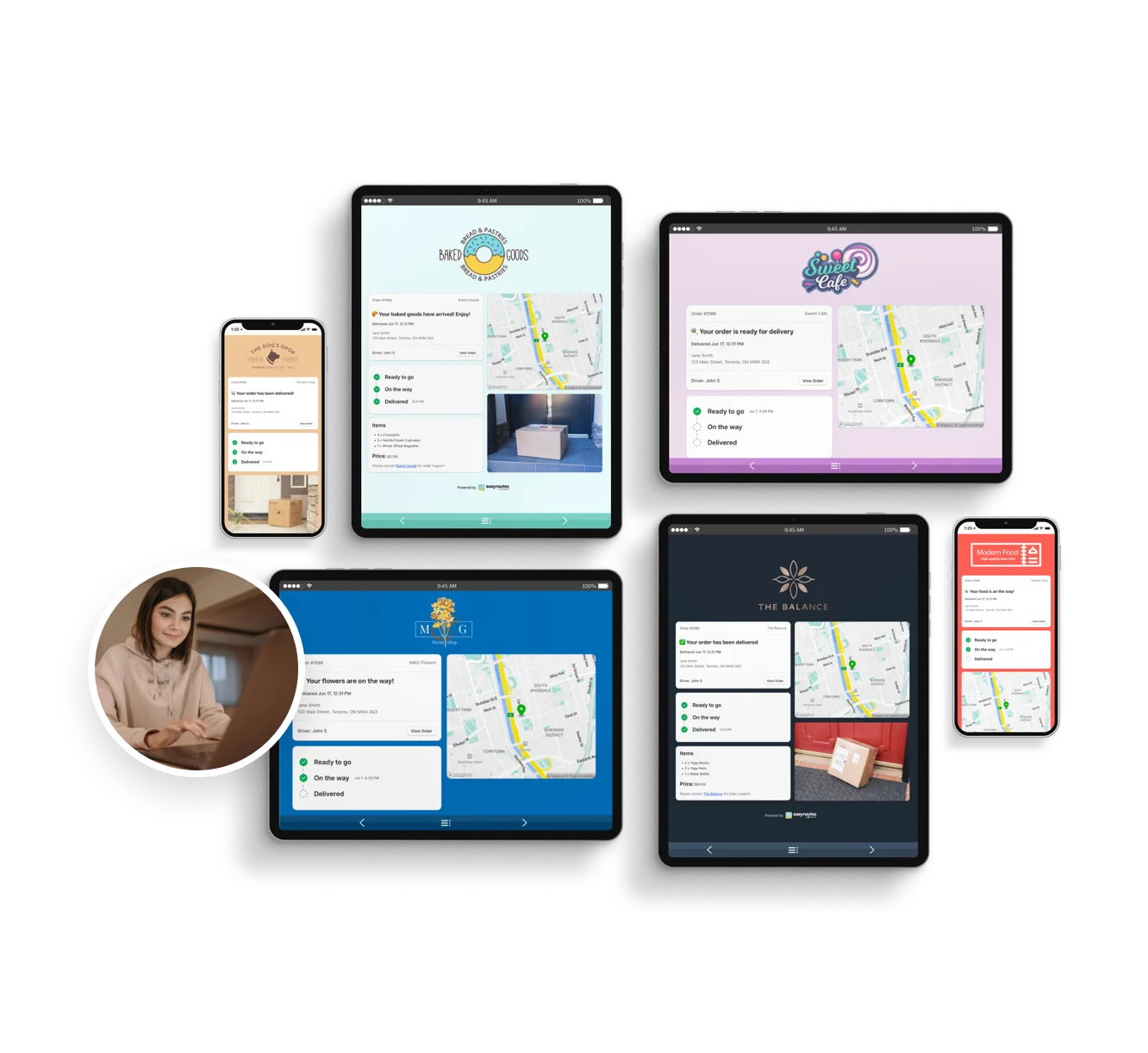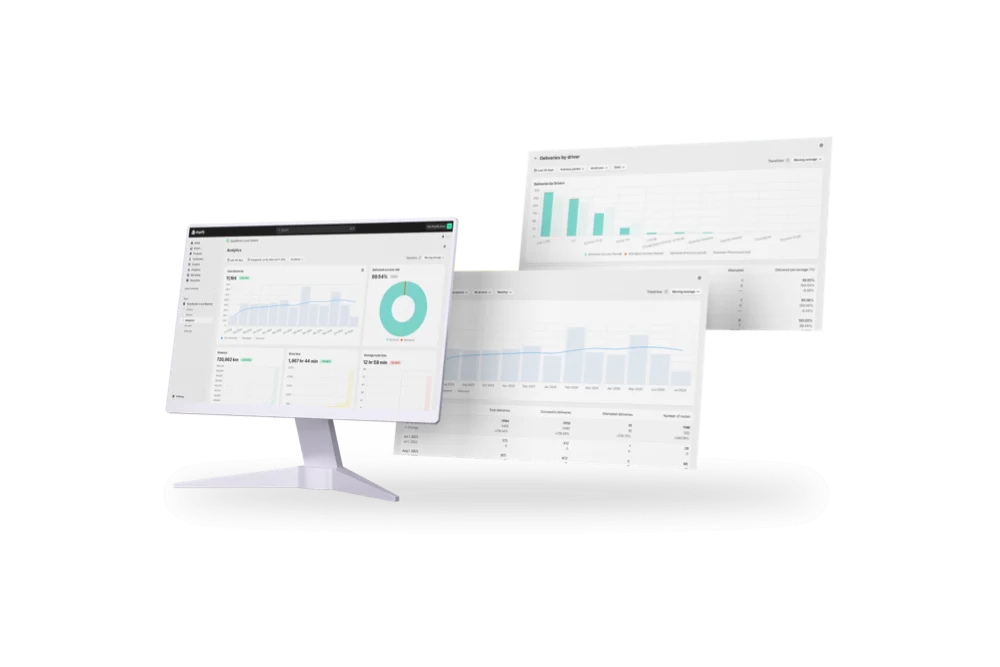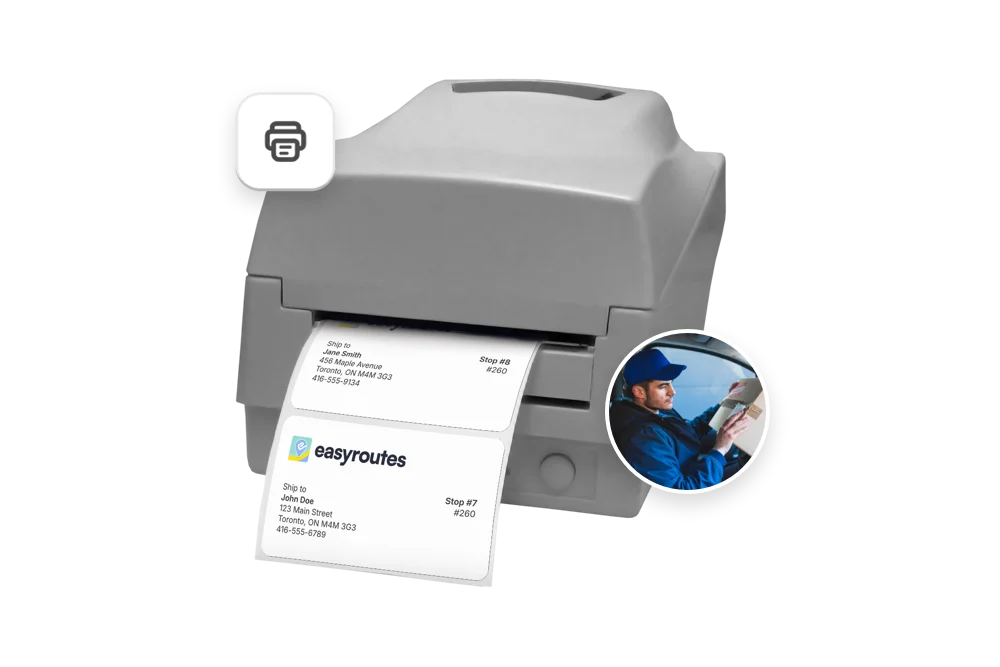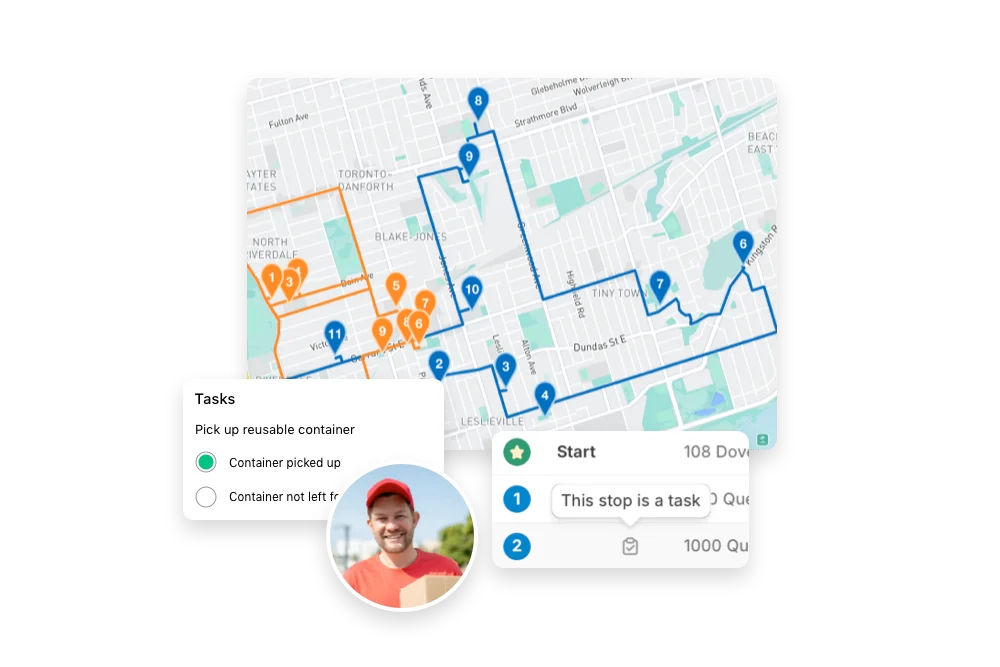


Compare EasyRoutes with Spoke Dispatch. Both tools offer route planning, driver tracking, and proof of delivery—but EasyRoutes includes packing tools, Shopify-native integration, branded customer notifications, and simpler, flat-rate pricing.


If you’re comparing EasyRoutes to Spoke Dispatch, you’re likely managing multiple delivery drivers—and need tools that are as powerful as they are easy to use. While Spoke Dispatch focuses on courier logistics, EasyRoutes includes everything local delivery teams need to plan, pack, dispatch, and track, without complex technical setup or usage-based pricing.
With EasyRoutes, you get multi-driver route optimization, Shopify-native order sync, proof of delivery, branded notifications, and packing support—all in one place. Import orders from BigCommerce, WooCommerce, and other leading eCommerce platforms, as well as spreadsheets, or any source via API or Zapier.
.webp)
EasyRoutes for Shopify: Fully integrated with your Shopify store. Orders, products, tags, and delivery data sync automatically.
EasyRoutes for Web: Import orders via CSV, Zapier, or API for delivery businesses not using Shopify.
❌ Spoke Dispatch requires manual exports, API setup, or third-party tools to connect to Shopify. EasyRoutes just works—directly inside Shopify or via our web platform.

EasyRoutes is more than a route planner. It includes:
❌ Spoke Dispatch lacks built-in packing tools, task checklists, and Shopify-aware filtering. EasyRoutes includes them by default for smoother fulfillment.

❌ Spoke Dispatch lacks merchant-first tools like claimable routes, packing workflows, and customizable task lists—making delivery harder to scale.

❌ Spoke Dispatch charges per stop and starts around $100/month. EasyRoutes offers flat-rate pricing, no overages, and a free tier to get started.


EasyRoutes gives you more than just optimized routes. It gives you a complete last-mile delivery hub—from route planning to dispatch to proof of delivery.
Join thousands of delivery-focused businesses—including florists, bakeries, grocery subscriptions, and meal kits—who trust EasyRoutes to power their local deliveries.
.webp)
Most teams connect, fetch orders, and create their first optimized route in under an hour. Follow the suggestions in the Getting Started guide found in the EasyRoutes support portal to reach your “aha” moment fast.
See: Getting Started
Yes. EasyRoutes offers a public API and webhooks for integrating with external systems or building custom automation.
See: API Getting Started · Routes API
Yes. Select stops on a route and choose Send to another route, or drag between routes on a Route Group. Re‑optimize after moving to refresh ETAs.
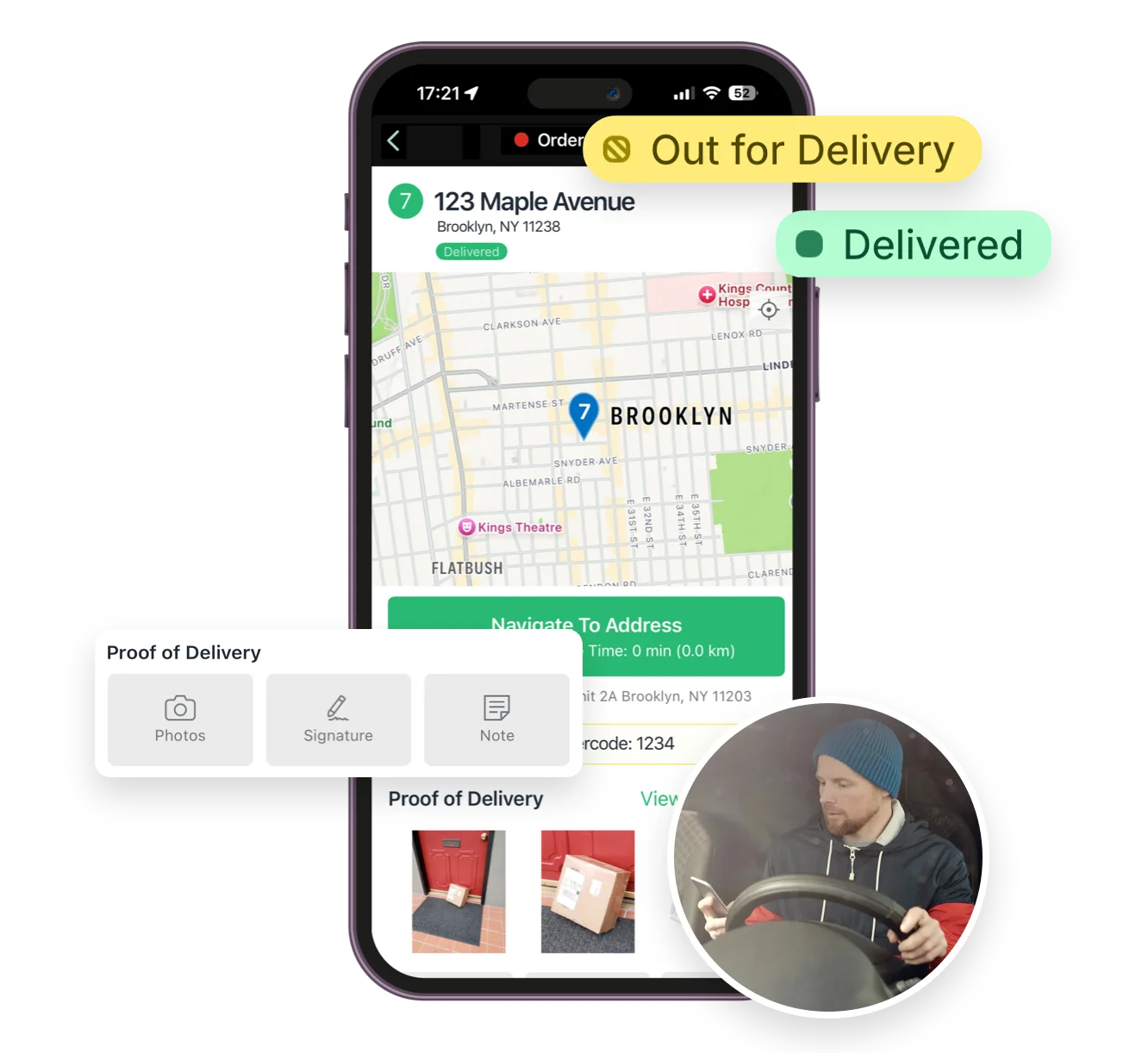
You can attach up to four delivery photos per stop, plus an e‑signature and driver notes, to document each delivery thoroughly.
See: Proof of Delivery
Yes. Both EasyRoutes for Shopify and EasyRoutes for Web let you print packing slips for every stop in route order. Open a route, click Print, check Packing slips, and print or save to PDF.
Yes. Enable Delivery Ratings so customers can leave star ratings and optional comments on the tracking page after delivery. Export results or review per driver from their profile pages.
See: Delivery Ratings
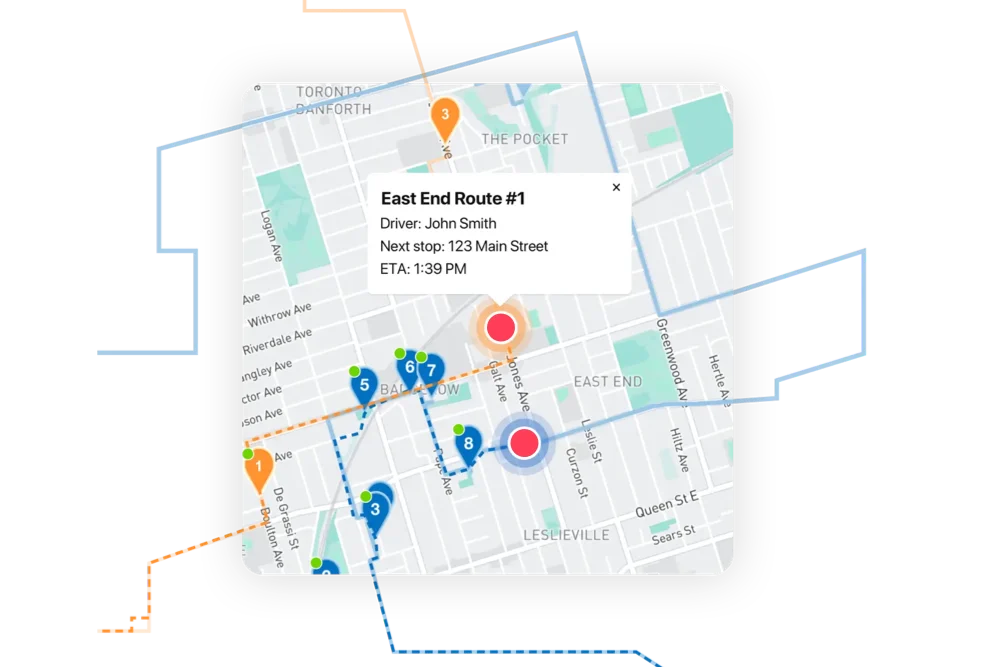
Yes. Open a Route Group to view multiple live driver locations and statuses on one screen; each driver pin is colour‑coded by route.
Yes. Delivery and customer notes from the order can be shown in the driver app; enable these fields in Route/Driver display settings.
Yes. Assign routes to drivers directly, or share a self‑assign link so eligible drivers can claim routes. Drivers complete deliveries in the EasyRoutes Delivery Driver mobile app.
Yes. EasyRoutes for Shopify and EasyRoutes for Web include a 14‑day free trial on any tier, so you can test our advanced features before subscribing.
See: Plans & Pricing
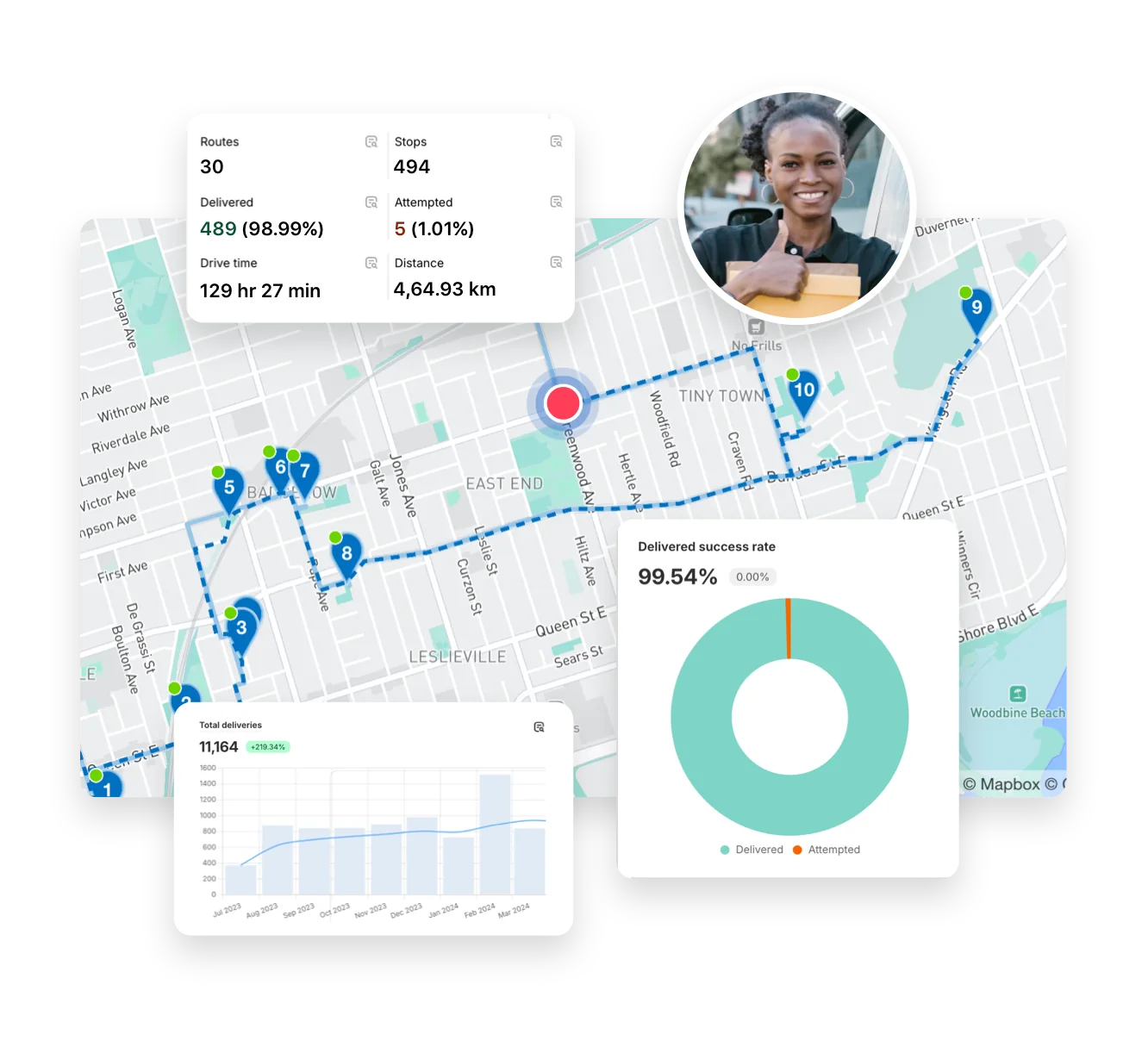
Yes. Analytics includes a delivered vs. missed/attempted view over your selected period and or driver. Use it to track delivery success rates.
See: Analytics Reports