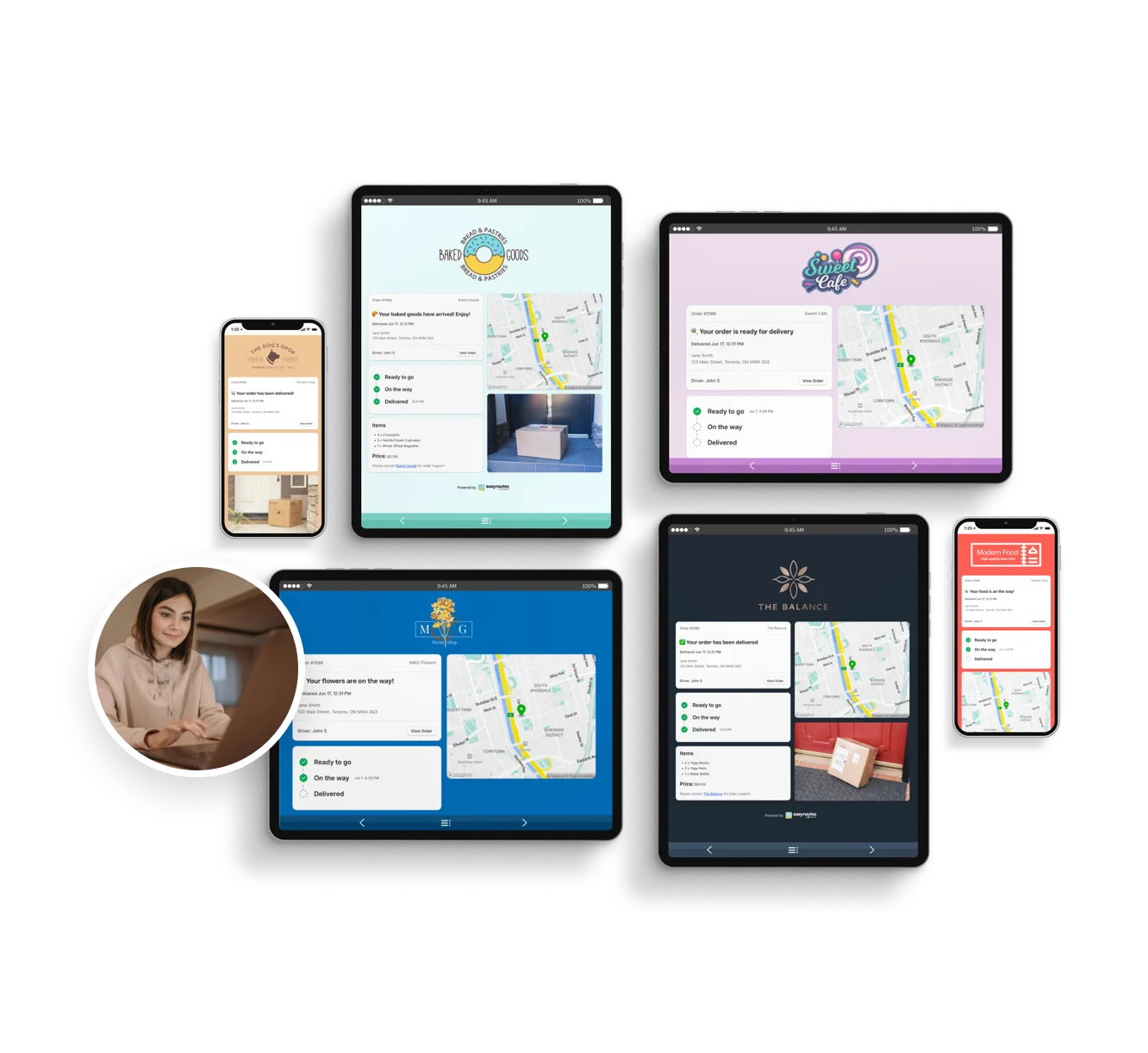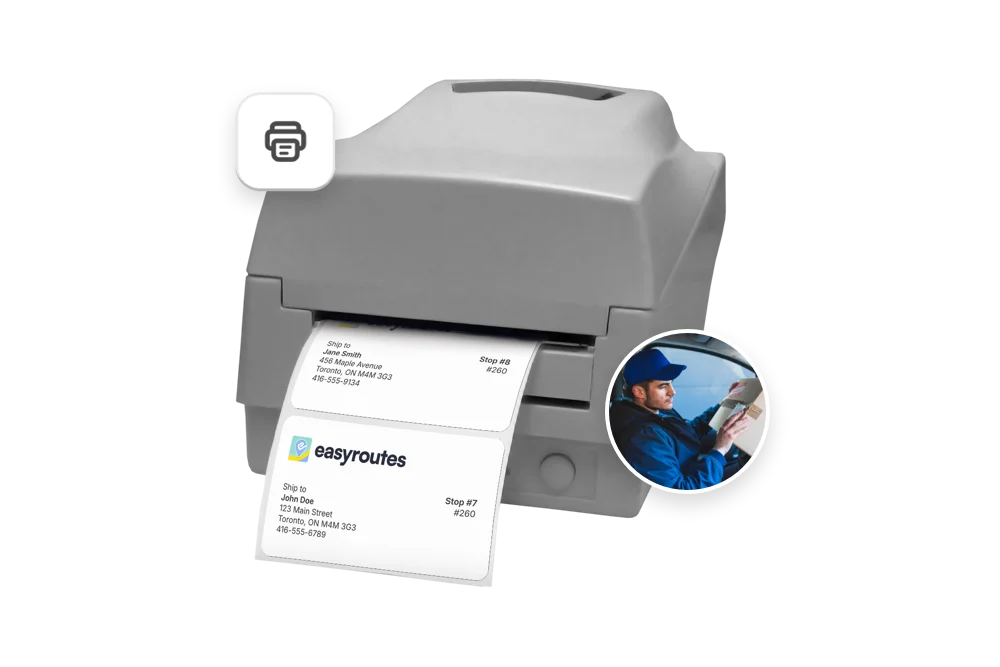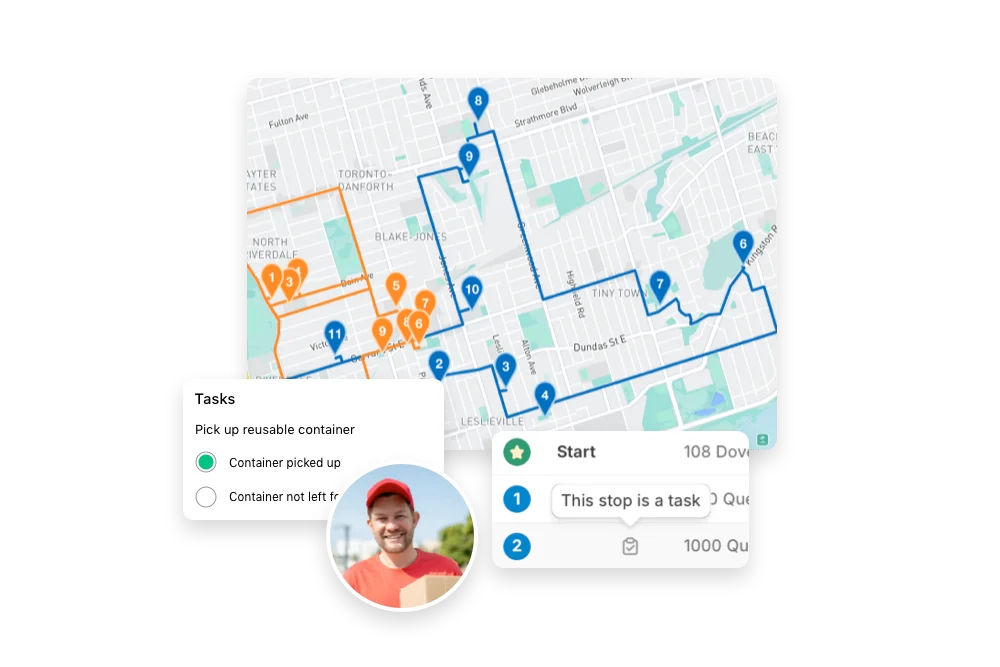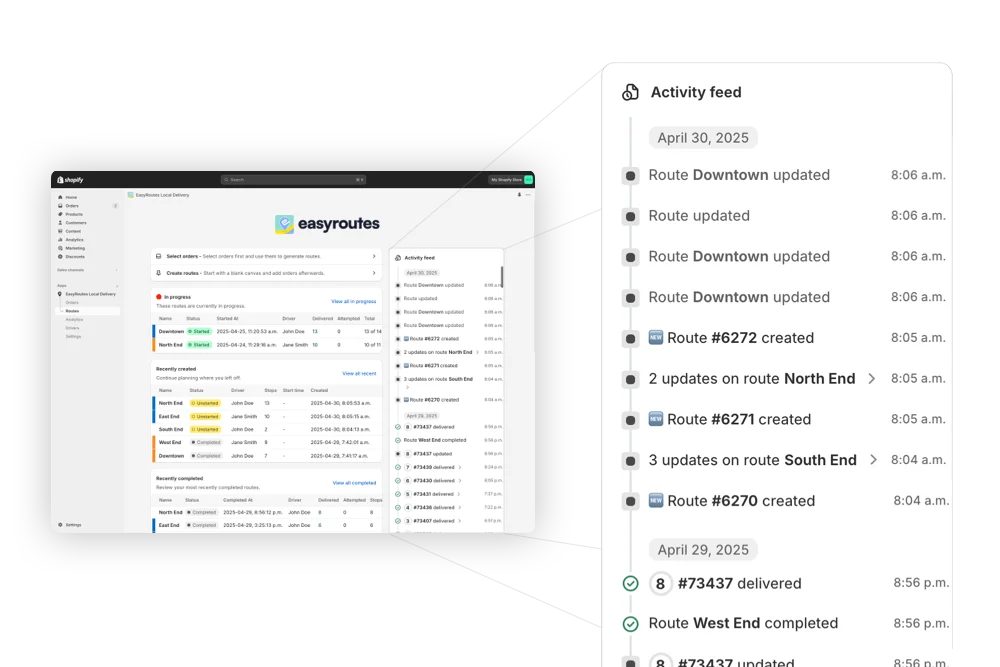


Compare EasyRoutes with Tookan. Both solutions offer route planning and tracking, but only EasyRoutes is Shopify-native, featuring built-in packing lists, claimable routes, transparent flat-rate pricing, and a smoother delivery workflow for local teams.


If you're comparing EasyRoutes to Tookan, you’re likely managing deliveries and looking for an intuitive, scalable solution. Tookan is a powerful dispatch platform, but EasyRoutes is the better choice for Shopify merchants and delivery teams who want seamless setup, easier workflows, and no surprise fees.
EasyRoutes offers route optimization, live driver tracking, proof of delivery, and branded customer notifications—plus packing slips, Shopify-native sync, and flexible dispatch tools like claimable routes. Import orders from BigCommerce, WooCommerce, and other leading eCommerce platforms, as well as spreadsheets, or any source via API or Zapier.
.webp)
EasyRoutes for Shopify: Fully integrated with your Shopify store. Orders, products, tags, and delivery data sync automatically.
EasyRoutes for Web: Import orders via CSV, Zapier, or API for delivery businesses not using Shopify.
❌ Tookan's Shopify integration requires manual setup and lacks deep sync. EasyRoutes lives inside Shopify and updates orders automatically.

EasyRoutes is more than a route planner. It includes:
❌ Tookan charges extra for core features like route optimization and delivery ETAs. EasyRoutes includes everything in simple, flat-rate plans.

EasyRoutes’ Delivery Driver mobile app is designed for ease of use, with minimal training or app experience required.

❌ Tookan charges per delivery, per feature, and per add-on. EasyRoutes offers simple, all-in-one pricing—without the headache.


EasyRoutes gives you more than just optimized routes. It gives you a complete last-mile delivery hub—from route planning to dispatch to proof of delivery.
Join thousands of delivery-focused businesses—including florists, bakeries, grocery subscriptions, and meal kits—who trust EasyRoutes to power their local deliveries.
.webp)
Most teams connect, fetch orders, and create their first optimized route in under an hour. Follow the Getting Started guide found on the EasyRoutes support portal to reach your “aha” moment fast.
See: Getting Started
Yes. Use the Routes API to import stops (orders) from any system that can send the required fields, then create or update routes with those stops.
See: API Import
Yes. Enable Balance routes to distribute stops as evenly as possible across multiple routes/drivers while respecting other route constraints (like time windows, or item/weight limits).
See: Balance routes · How many routes?
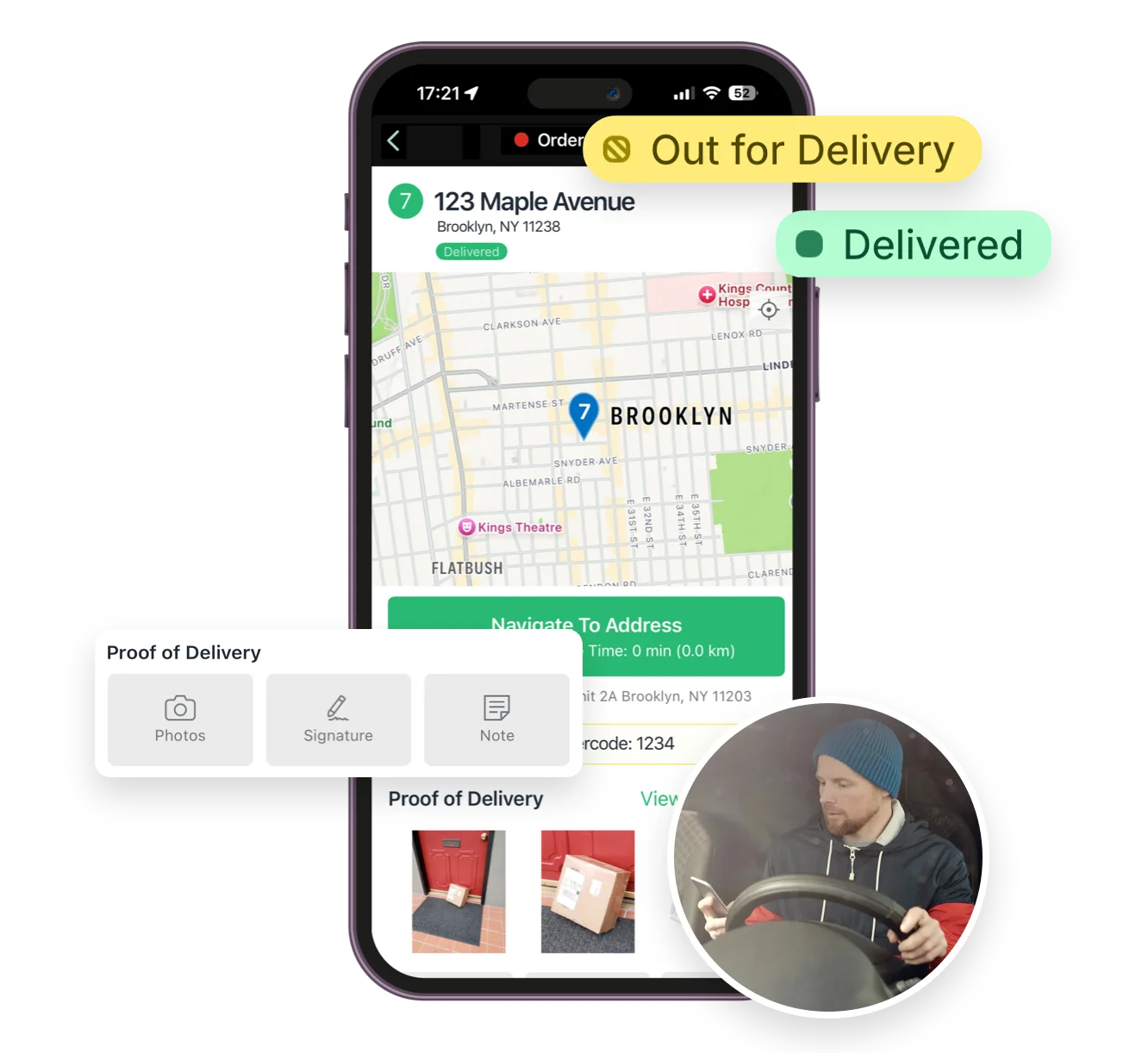
Absolutely. Drivers can add photos, collect an e‑signature, and record notes at each stop; these appear in the route and customer tracking (if enabled).
See: Proof of Delivery
Yes. Add your logo, choose which order fields appear, and adjust layout and font sizing from EasyRoutes Settings → Packing Slips & Labels. Options are available in both Shopify and Web.
Yes. You can show proof of delivery (photos, e‑signature confirmation, and driver notes) on customer tracking pages for delivered or attempted stops. Enable this from EasyRoutes' Order Tracking settings.
Yes — provided background location is configured as allowed (Always/Allow all the time) and the OS isn’t restricting the app. Force‑quitting or disabling location will pause updates until the app is reopened.
Yes. Drivers can mark stops as Out for Delivery, Delivered, or Attempted and attach proof of delivery from the mobile app.
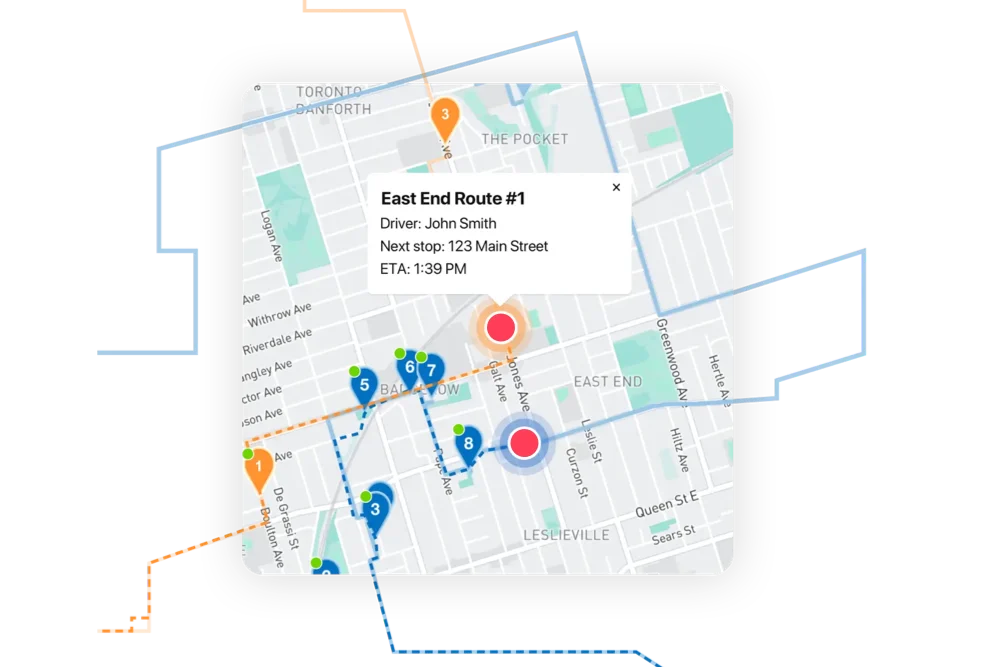
Yes. Generate a dispatch link that lets eligible drivers claim a route themselves; the first to claim becomes the assigned driver.
See: Driver Self‑Assign
Driver seats are active licenses you assign to people in your driver roster. Activate a seat to let a driver receive routes in the EasyRoutes Delivery Driver app; deactivate a seat to pause access without deleting their profile. You can toggle seats anytime and only pay for the seats on your plan at that moment. Charges/credits are prorated automatically when you add or remove seats.
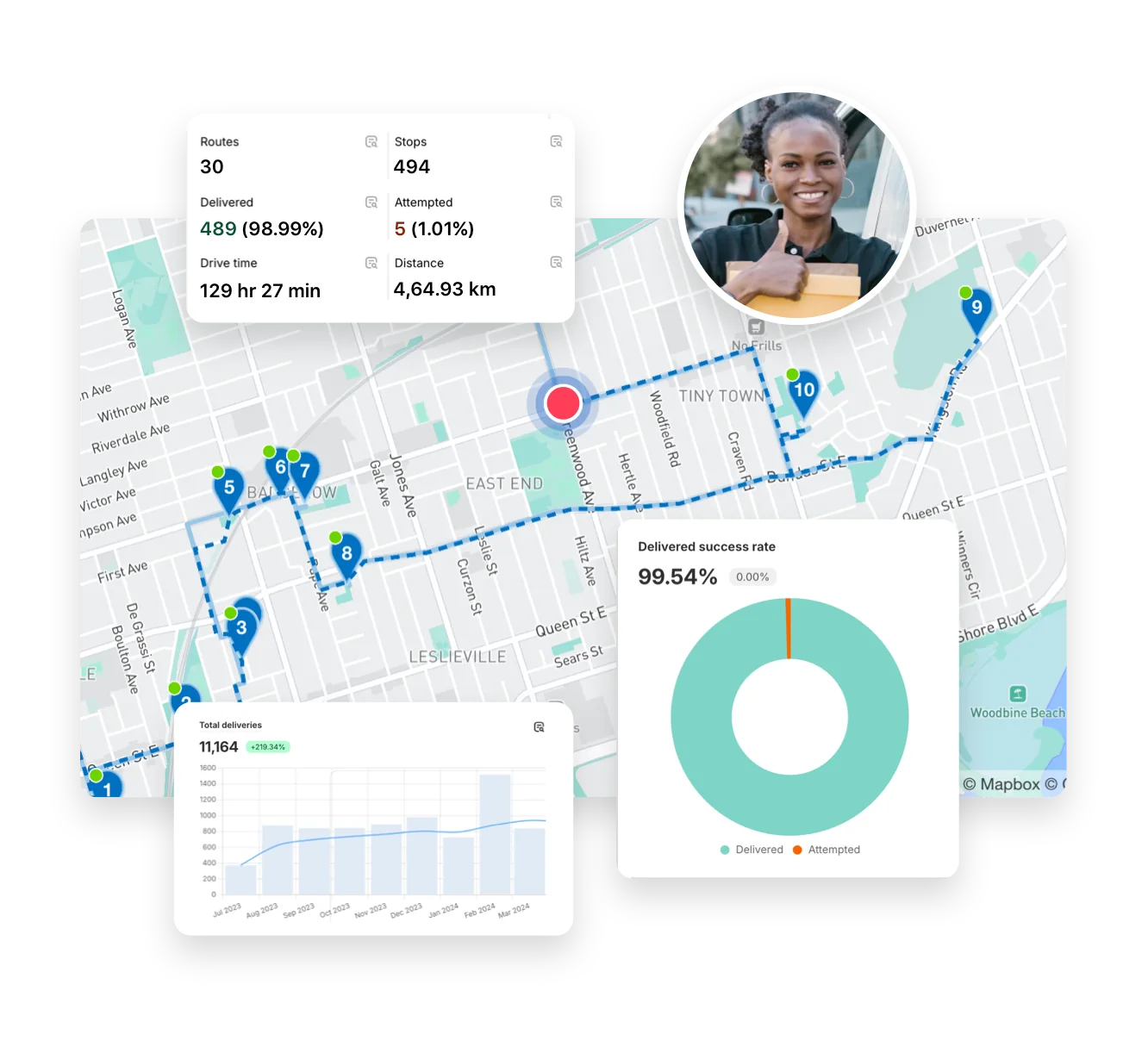
Your on-time rate is the share of deliveries completed within their scheduled window, based on stop completion timestamps; view it by period and driver in Analytics. See: Analytics