EasyRoutes vs. WorkWave Route Manager: Which Wins for Route Optimization?

Compare EasyRoutes with WorkWave Route Manager. Both tools offer routing and dispatch for delivery fleets, but EasyRoutes excels with Shopify-native workflows, real-time tracking, proof of delivery, and flat pricing that scales with growing local delivery teams.

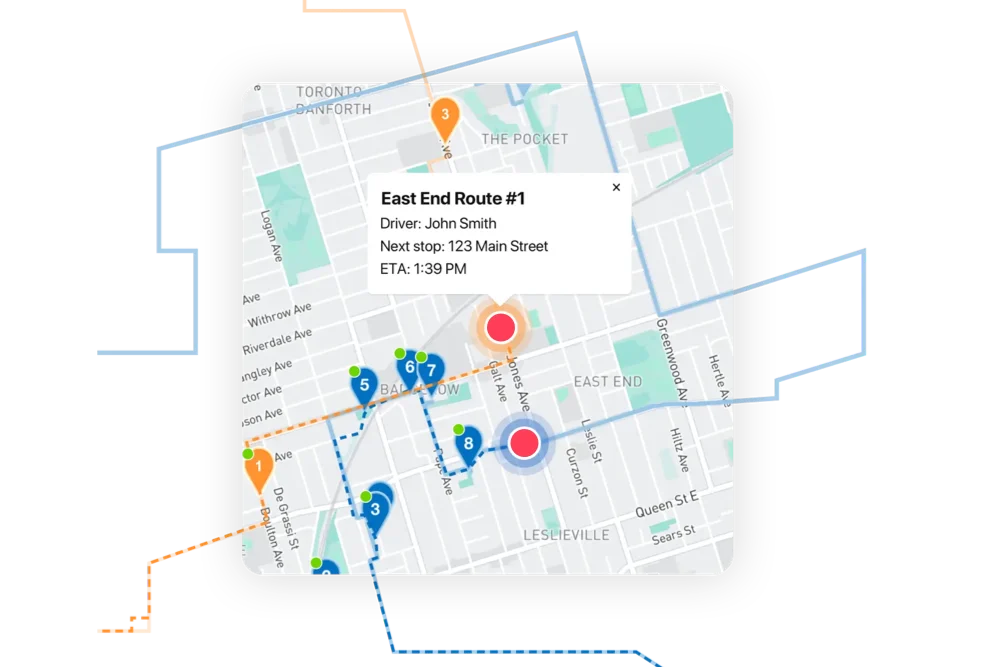
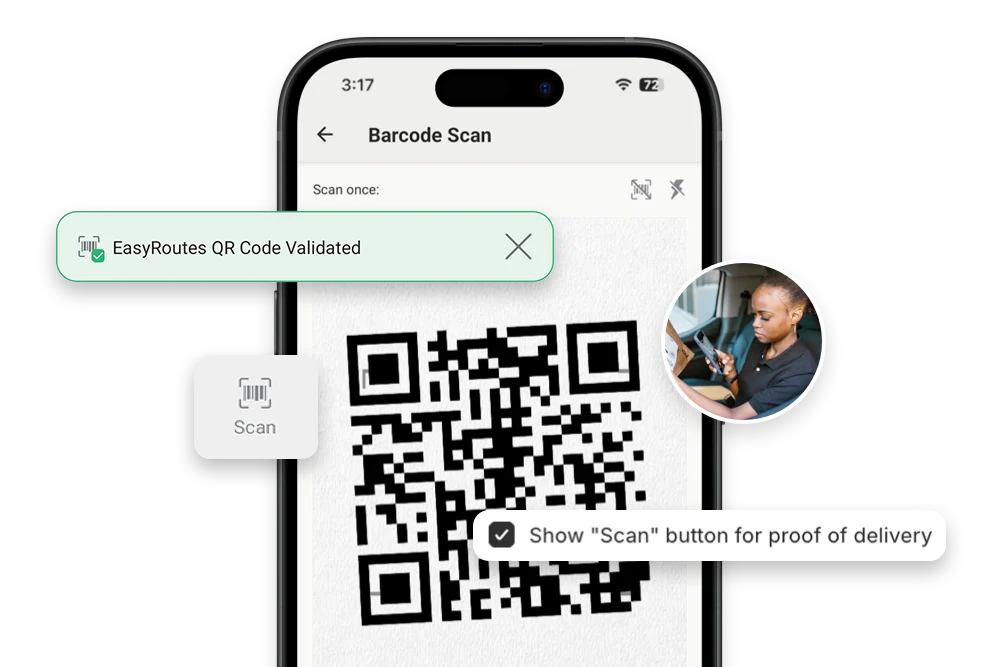
EasyRoutes dashboard preview showing optimized routes and delivery stops on a map
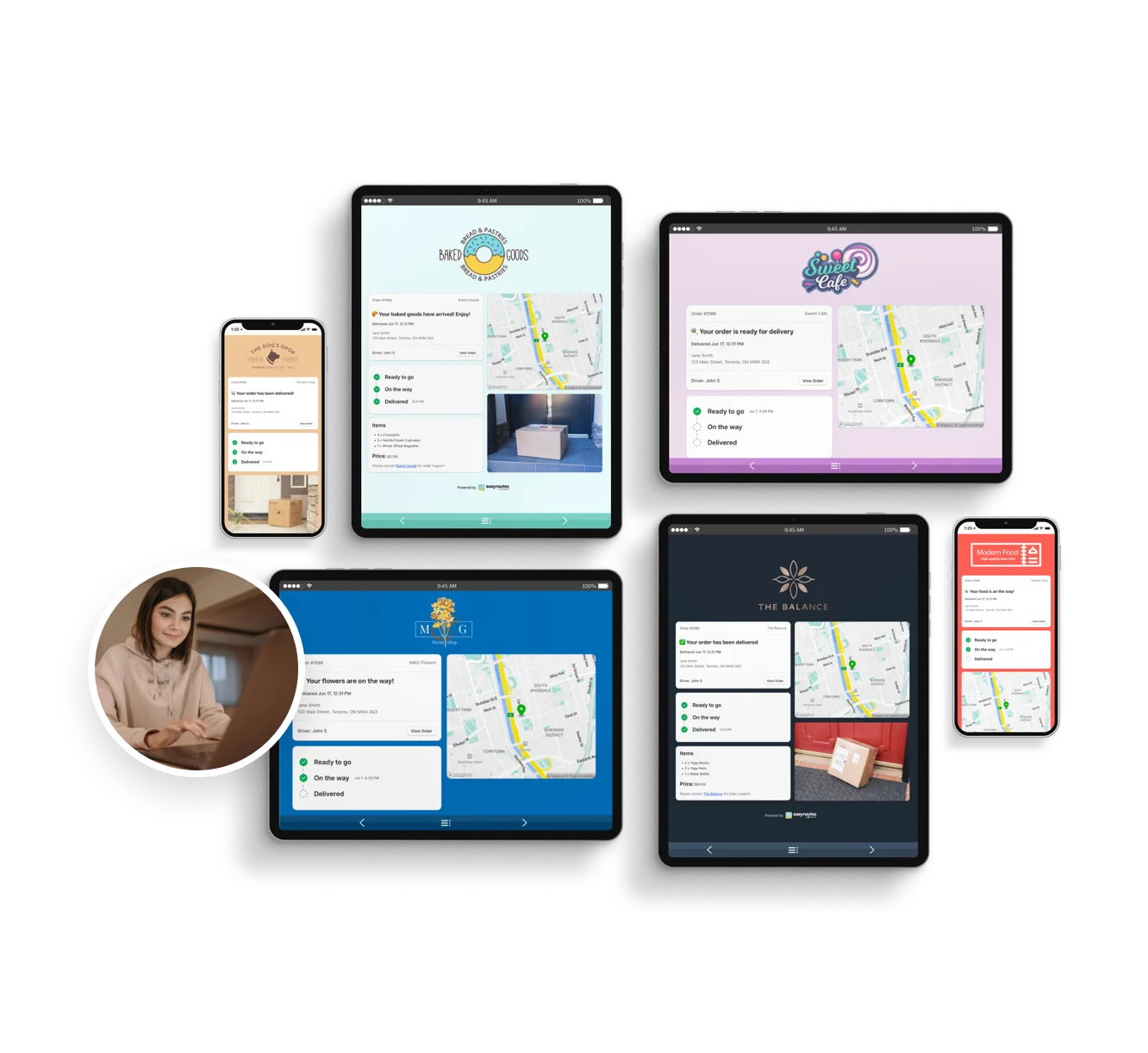
Customizable order tracking pages.
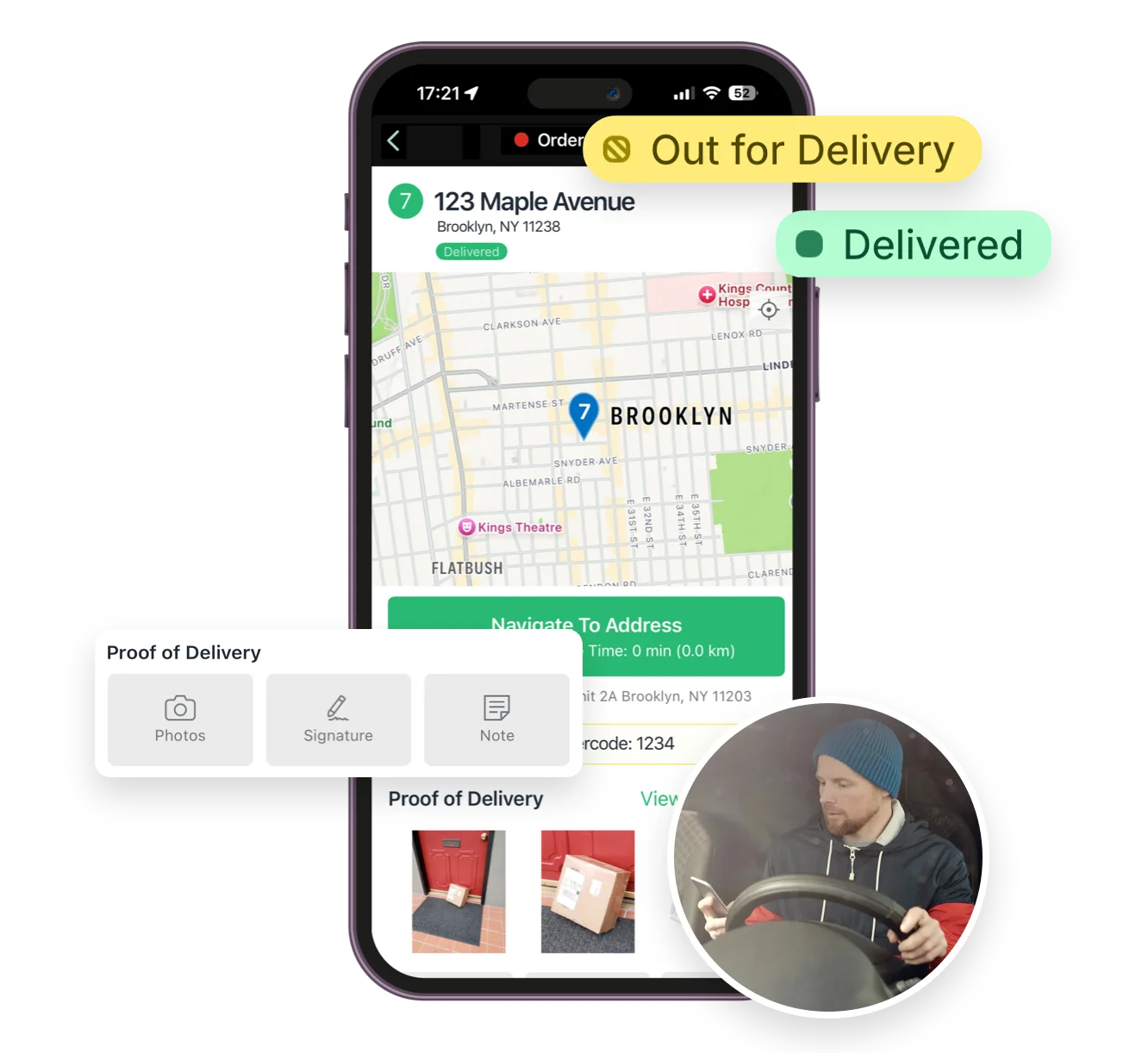
Mobile delivery driver app for iOS and Android
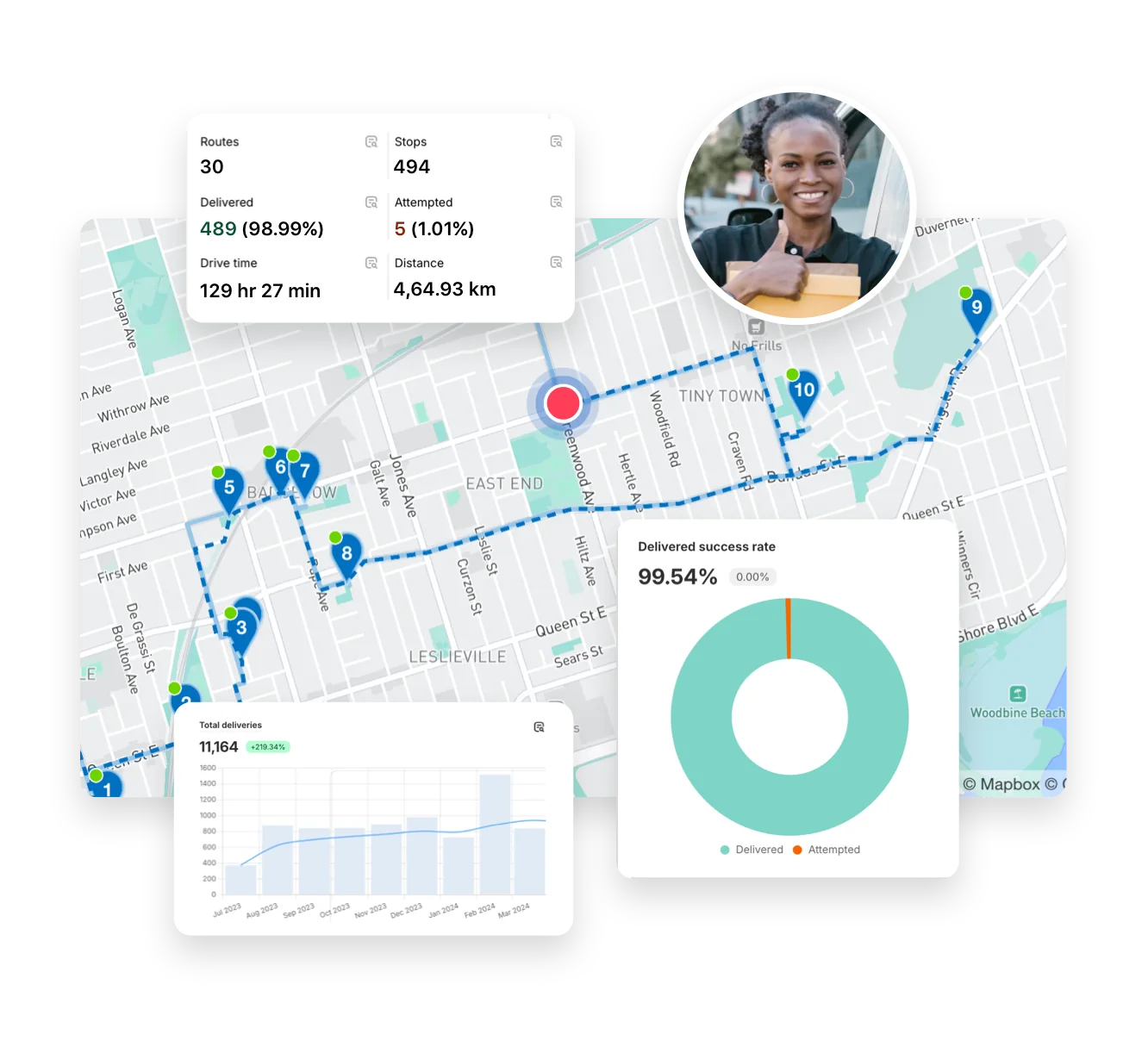
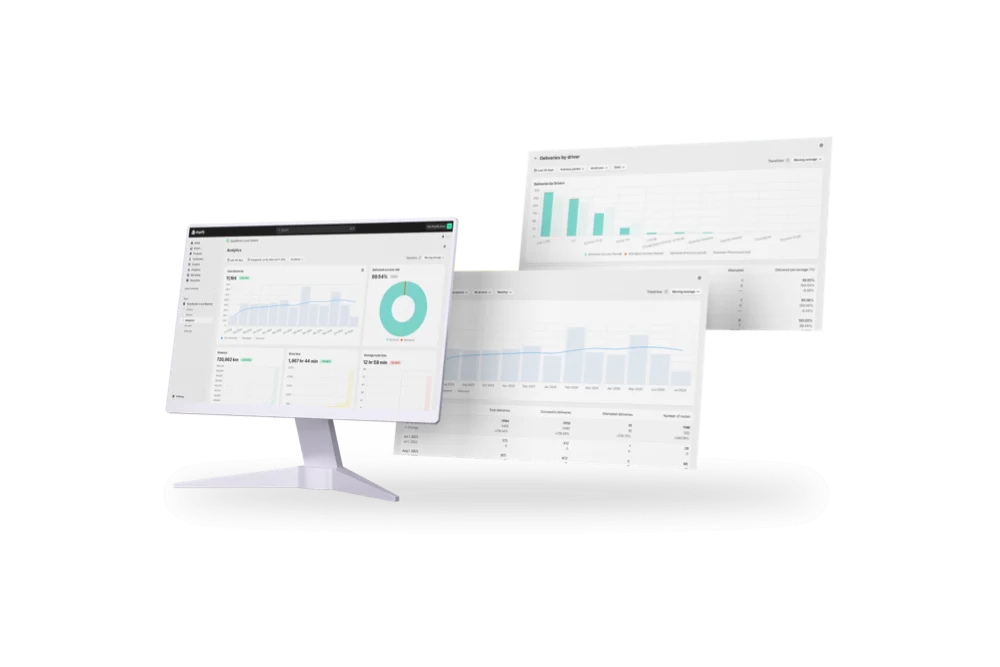
Full delivery analytics package
EasyRoutes interface highlighting tracking notifications delivery analytics and driver tools
Autopilot for your Delivery Workflow

⭐⭐⭐⭐⭐ 4.9 stars Trusted by 5,000+ Businesses

Flower Delivery: The Million RosesMattress Delivery: SonnoPizza Delivery: SliceGass Delivery: Gas GuysFood Delivery: Redstart FoodsBread Delivery: Butter & Crust

Built for Merchants, Not Just Route Planners

If you're comparing EasyRoutes to WorkWave Route Manager, you're probably managing local deliveries and looking for a solution that’s easy to set up, affordable, and built for e-commerce. WorkWave is a powerful fleet logistics system, but EasyRoutes is the better choice for Shopify merchants and modern delivery teams.

With EasyRoutes, you get route optimization, proof of delivery, real-time GPS tracking, and customer notifications—plus built-in packing lists, claimable routes, and native Shopify integration. Import orders from BigCommerce, WooCommerce, and other leading eCommerce platforms, as well as spreadsheets, or any source via API or Zapier.

The EasyRoutes Team

Why Teams Switch from WorkWave Route Manager to EasyRoutes

1) Native Shopify Integration + Web Version Flexibility

EasyRoutes for Shopify: Fully integrated with your Shopify store. Orders, products, tags, and delivery data sync automatically.

EasyRoutes for Web: Import orders via CSV, Zapier, or API for delivery businesses not using Shopify.

❌ WorkWave doesn’t integrate directly with Shopify—EasyRoutes works natively with your orders, customers, and fulfillment workflows.

1) Native Shopify Integration + Web Version Flexibility

2) End-to-End Delivery Tools Included

EasyRoutes is more than a route planner. It includes:

  • Optimized multi-driver routes generated from Shopify or CSV
  • Built-in packing slips and itemized order lists per stop
  • Proof of delivery with photos, signatures, and notes
  • Real-time GPS driver tracking on a live map
  • Branded tracking pages and email/SMS customer alerts

❌ WorkWave lacks built-in packing tools and claimable route links. EasyRoutes includes these for better driver workflows and fulfillment control.

2) End-to-End Delivery Tools Included

3) Designed for Delivery Teams, Not Just Drivers

  • Drag-and-drop route editor with zone and time window support
  • Drivers see full order info, delivery notes, and product lists
  • Claimable route links—let drivers self-assign open routes
  • Task checklists to ensure a consistent delivery experience
  • One-click dispatch from Shopify or EasyRoutes web app

❌ WorkWave requires dispatcher-assigned routes. EasyRoutes supports modern, flexible workflows for lean, seasonal, or on-demand teams.

3) Designed for Delivery Teams, Not Just Drivers

4) Transparent, Predictable Pricing

  • Free plan for up to 50 deliveries/month
  • Drivers see full order info, delivery notes, and product lists
  • No contracts, vehicle minimums, or sales calls
  • Only pay for the driver seats you need, when you need them

❌ WorkWave pricing starts at $216/month minimum (4 vehicle seats) and lacks a free plan. EasyRoutes offers clear, flexible pricing for teams of all sizes.

4) Transparent, Predictable Pricing

Packed with features to make delivering easy, like...

Autopilot

Autopilot

You set the rules — zones, schedules, capacity. Autopilot runs the routes. Review every route before dispatch, or let it run hands-free.
API & Zapier Automations

API & Zapier Automations

Use the EasyRoutes API and Zapier to automate order imports, route creation, dispatch, and delivery status updates — connecting your operations to the tools you already use.
Activity Feed

Activity Feed

Get a timeline of every delivery event — from route creation to completion. Spot delays, monitor accountability, and respond faster to issues.

Who Should Choose EasyRoutes Over WorkWave Route Manager?

  • Shopify merchants doing local deliveries
  • Teams that need packing, routing, dispatch, and delivery in one place
  • Delivery managers who want driver accountability (POD, GPS, task checklists)
  • Anyone tired of juggling spreadsheets, APIs, or expensive usage tiers

EasyRoutes gives you more than just optimized routes. It gives you a complete last-mile delivery hub—from route planning to dispatch to proof of delivery.

Join thousands of delivery-focused businesses—including florists, bakeries, grocery subscriptions, and meal kits—who trust EasyRoutes to power their local deliveries.

Who Should Choose EasyRoutes Over WorkWave Route Manager?

How to Move from WorkWave to EasyRoutes

  • Try it free for 14 days—no commitment required
  • If you're using Shopify, just install the app and sync your orders
  • If you're not on Shopify, import a CSV or connect via Zapier
  • Our support team is here to help you migrate routes, drivers, and workflows
How to Switch from Routific to EasyRoutes

Frequently asked questions

Who should use EasyRoutes for Shopify?

EasyRoutes for Shopify is best suited for merchants who already sell goods or services within the Shopify ecosystem.  Users can plan optimized delivery routes with all orders received through their Shopify storefront, created via draft orders, or imported manually as custom stops.

EasyRoutes for Shopify integrates seamlessly with the Shopify Admin and dozens of leading third-party apps, making it the ideal choice for Shopify merchants seeking a streamlined local delivery solution.

Can EasyRoutes integrate with other business tools?

Yes. Use the EasyRoutes API, webhooks, and Zapier to connect ERPs/CRMs/WMS or automate tasks without code.

See: API Getting Started · Webhooks & Zapier

Can I set specific start and end locations for my routes?

Yes. Define custom start and end points per route so planning and ETAs include travel to and from these locations. Supported in EasyRoutes for Shopify and EasyRoutes for Web.

See: Start/End Locations

What types of proof of delivery can EasyRoutes capture?

EasyRoutes supports delivery photos, e‑signature, driver notes, and automatic timestamps (with GPS location when available) to provide a complete delivery record.

See: Proof of Delivery

Can I print my route details for drivers?

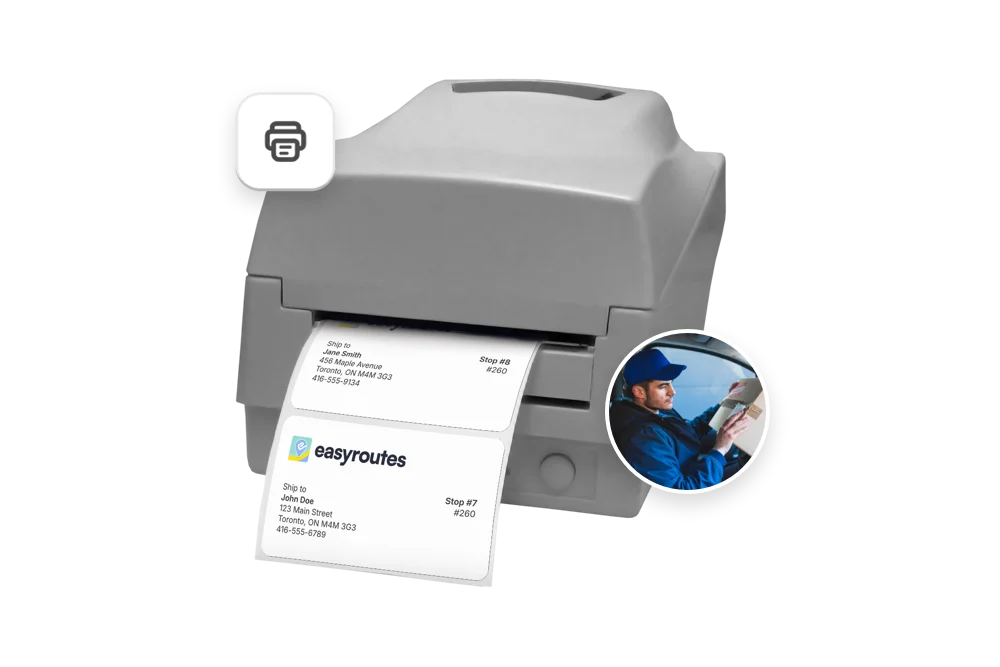
Yes. Print route summaries, packing slips/labels, and inventory lists from the route’s Print menu, or save as PDF for digital sharing.

See: Print a route · Route Inventory/Packing List

How accurate are ETAs?

ETAs use route distance, stop service times, and historical traffic, and they update during the day as drivers progress. Accuracy improves when addresses and time windows are clean.

See: Route Scheduling & ETAs

Which plans include real-time driver tracking?

Real-time driver tracking is currently available on Premium and Enterprise plans for both EasyRoutes for Shopify and EasyRoutes for Web. Enable it in EasyRoutes Settings → Driver settings.

See: Real-Time Driver Location Tracking · Pricing & Plans FAQ

Does the app provide turn-by-turn navigation?

Yes. Drivers can launch directions via Google Maps, Apple Maps, or Waze from each stop, and pick a default navigation app in their mobile app settings.

See: Selecting a Navigation App

How do I add a driver to EasyRoutes?

Invite drivers from the Drivers & Vehicles tab of your EasyRoutes navigation menu. Enter a driver's phone number and they’ll receive a link to install and sign in to the app.

See: Adding a Driver

How does billing work for an EasyRoutes plan subscription?

On EasyRoutes for Shopify, our plans work as subscription charges on your Shopify store. To learn more about subscription charges on your Shopify store, review this Shopify Help Center article.

On EasyRoutes for Web, we partner with Stripe for simplified billing. You have full control over your subscription through our customer billing portal.

See: Prorated plan changes · Usage-based SMS balance

Is EasyRoutes good for same-day delivery?

Yes. Create routes in minutes, add last‑minute stops, and re‑optimize during the day. Dispatch instantly to drivers with live tracking and customer notifications.

See: Re‑optimize · Dispatch