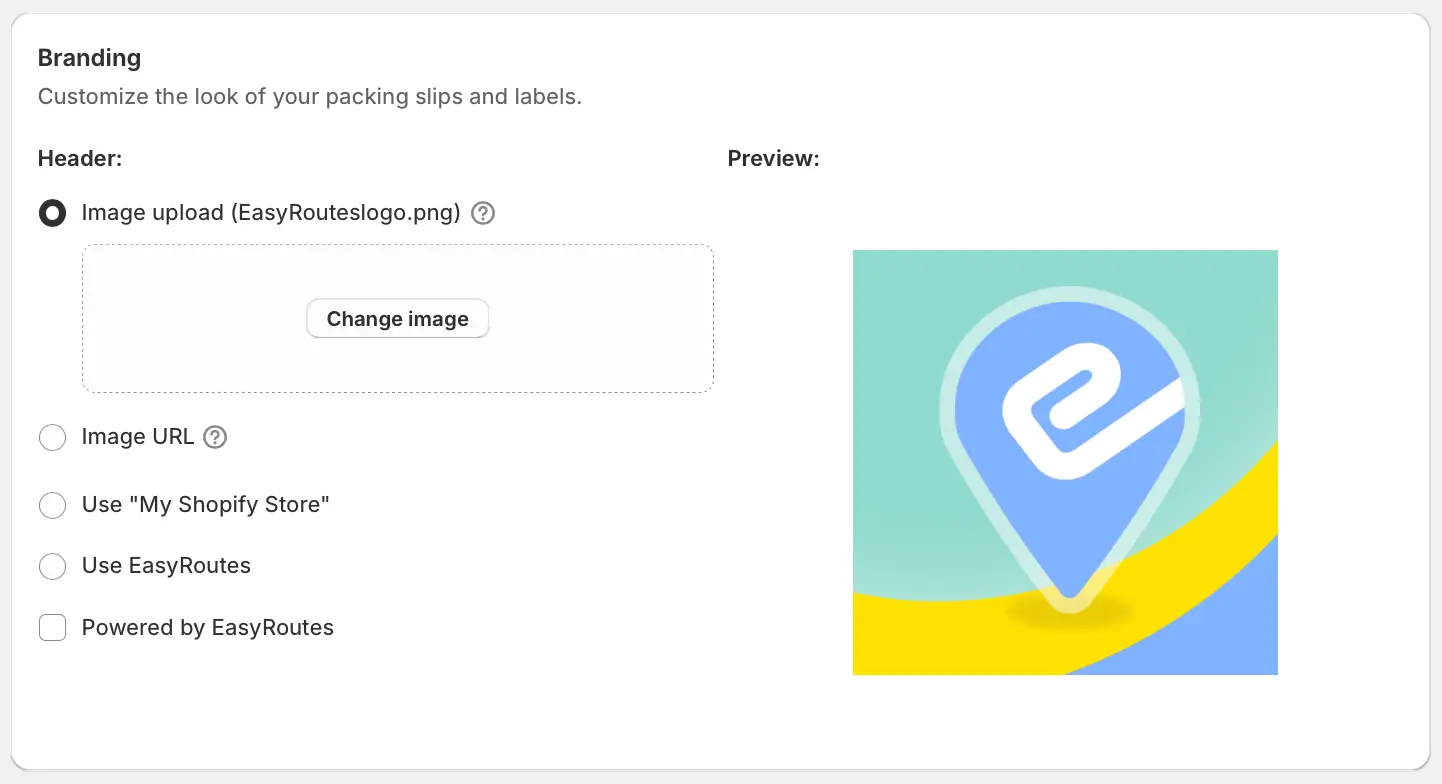
We've added a new setting for customer communications, allowing users to directly upload logo image files for display on order tracking pages, customer email notifications, and packing slips/labels. Logo image files can be uploaded individually for each of these document types for maximum flexibility across each document's layout.
Logo files uploaded via any of these new settings are hosted by EasyRoutes, and no longer require external hosting in order to include on any of these document types. JPG, GIF, and PNG file formats are accepted, up to a maximum image size of 5MB.
Configure and upload logo files from the Branding section (shown above) of the Order Tracking, Customer Notifications, and Packing Slips & Labels tabs found within your EasyRoutes Settings.