
Quick & easy setup
Get your clients up and running in minutes, not days.
EasyRoutes installs directly into Shopify, syncing orders automatically so agencies can focus on delivering value, not managing workarounds or third-party tools.
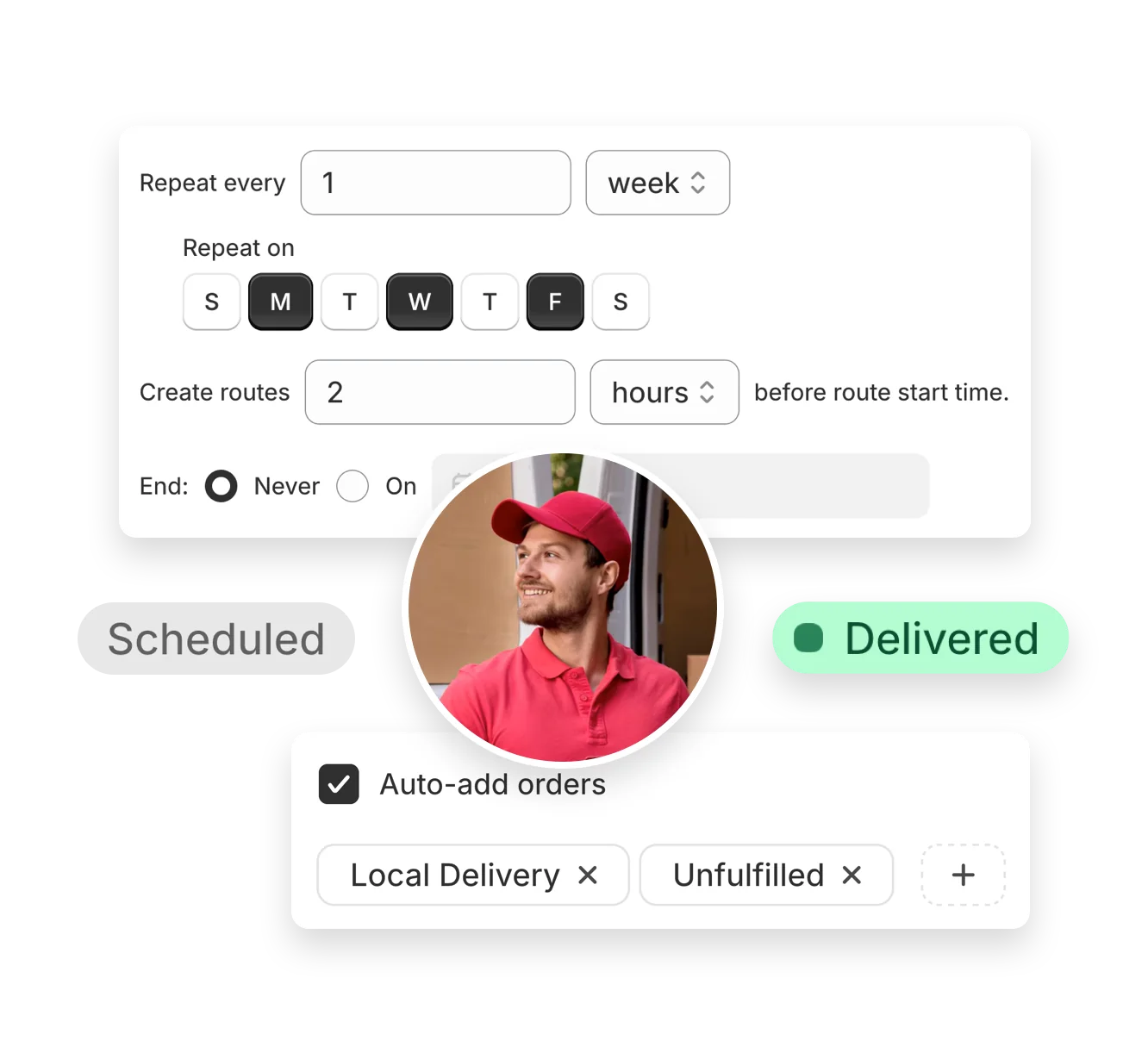

Help clients launch or optimize delivery operations with EasyRoutes. From quick setup and Shopify-native integrations, to optimized route planning and tracking pages, EasyRoutes equips agencies supporting Shopify stores for success.
No credit card required. Cancel any time.
4.9 stars · 5,000+ businesses · 75+ countries














“Best local delivery app in Shopify store. Connect with Shopify seamlessly, flexible ways to view and pull orders to create a route, customizable and branded tracking pages, all you need for a local delivery app is here.”
Get your clients up and running in minutes, not days.
EasyRoutes installs directly into Shopify, syncing orders automatically so agencies can focus on delivering value, not managing workarounds or third-party tools.
Help clients save time and deliver more efficiently with powerful route optimization.
Plan, edit, and dispatch routes in just a few clicks — ideal for high-volume merchants or agencies managing multiple store workflows.

Support clients as they scale.
EasyRoutes handles everything from solo operations to multi-driver fleets, offering the flexibility agencies need to recommend solutions that grow with their clients’ businesses.
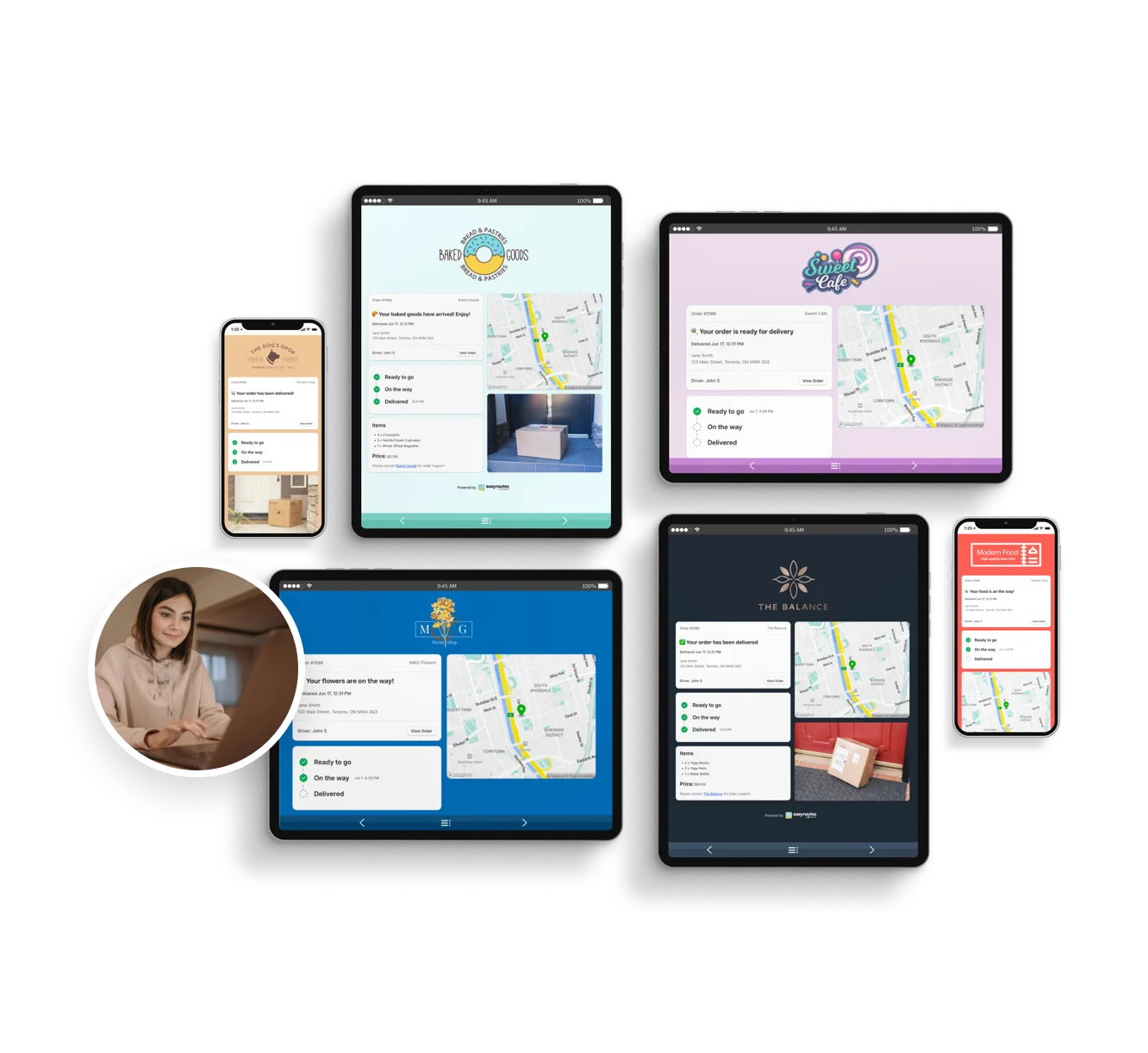
Elevate the client experience with customizable tracking pages, branded notifications, and proof of delivery tools.
EasyRoutes helps agencies deliver a polished, professional delivery experience that reflects each store’s individual identity.
Most teams connect, fetch orders, and create their first optimized route in under an hour. Follow the onboarding checklist to reach your “aha” moment fast.
See: Getting Started
Each EasyRoutes for Shopify install connects to a single Shopify store. To combine data from additional external sources, import stops via CSV, API, webhooks, or Zapier.
Each EasyRoutes for Shopify install connects to a single Shopify store. To combine data from additional external sources, import stops via CSV, API, webhooks, or Zapier.
EasyRoutes optimizes deliveries using your selected orders, start & end locations, stop time intervals, time windows, and route limits. You can balance routes, respect capacities, and re‑optimize as plans change.
See: Route Options · EasyRoutes 101
Yes. If a scheduled start time is set, routes can be auto‑assigned and dispatched to the selected driver when created.
See: Auto‑Dispatch
Yes. Set specific start/end locations per route to represent different depots or driver home bases and plan accordingly.
Yes. Add your logo and set what customers see from Settings > Order Tracking, so the tracking page matches your brand alongside live ETAs and driver location. See: Order tracking pages
Yes. Email and SMS editors include Preview with Example Data so you can confirm branding and variables before enabling. For live tests, try a draft order to yourself.
EasyRoutes supports delivery photos, e‑signature, driver notes, and automatic timestamps (with GPS location when available) to provide a complete delivery record.
See: Proof of Delivery
Yes. Drivers can launch directions via Google Maps, Apple Maps, or Waze from each stop, and pick a default navigation app in their mobile app settings.
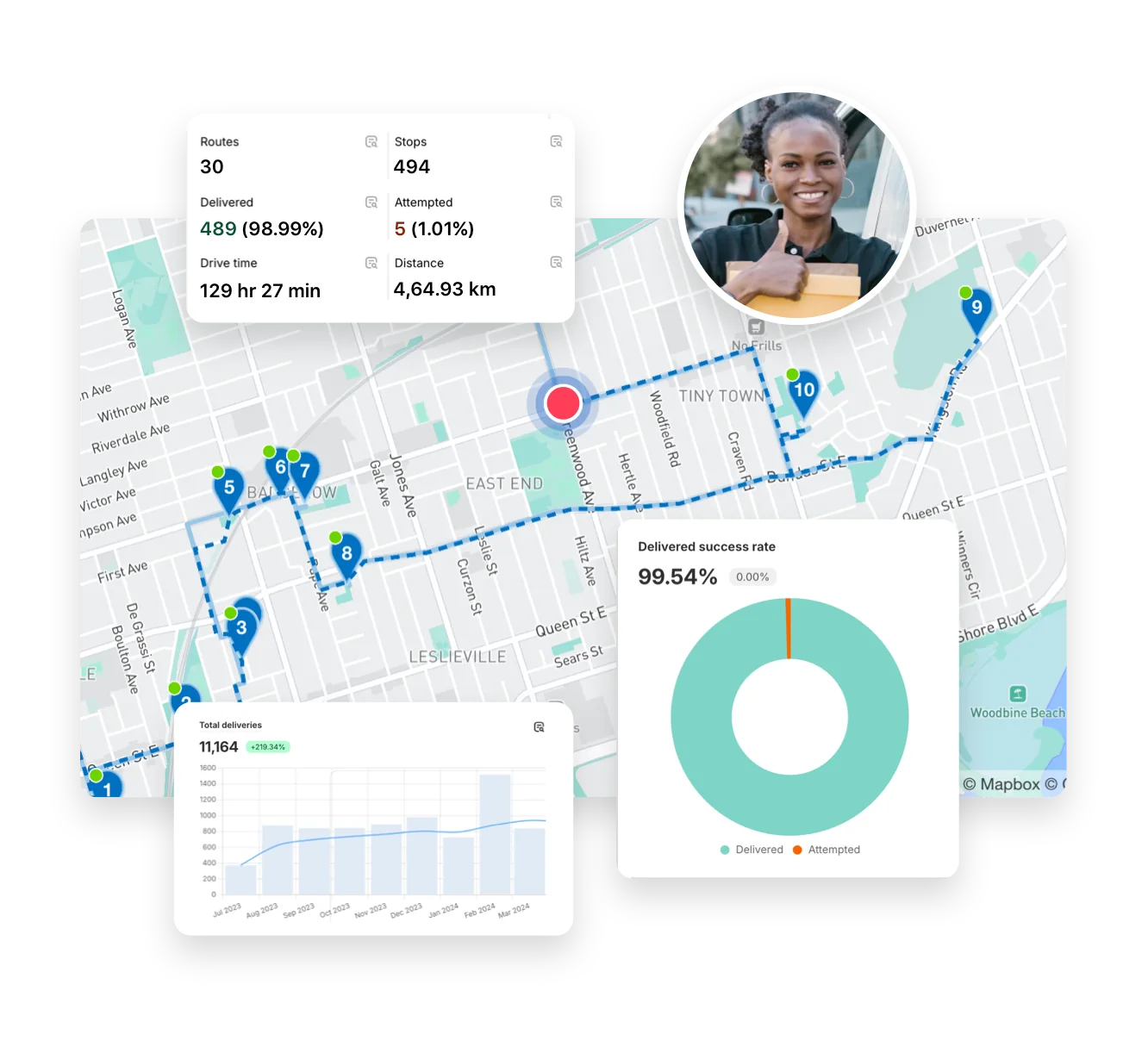
Delivery Analytics shows totals and trends for stops and routes, including completed vs. missed deliveries, average delivery time, per‑driver performance, and route metrics over a chosen period.
See: Delivery Analytics
No. Subscriptions are month‑to‑month; upgrade/downgrade at any time and charges are prorated when your plan changes.
See: Prorated billing