Compare EasyRoutes with DispatchTrack. DispatchTrack is built for large enterprise fleets, while EasyRoutes is designed for merchants and growing delivery teams—with route optimization, proof of delivery, packing tools, and native Shopify integration.

⭐⭐⭐⭐⭐ 4.9 stars • Trusted by 5,000+ Businesses






If you're comparing EasyRoutes to DispatchTrack, you're likely a growing delivery team evaluating whether you need enterprise-grade logistics software—or a platform built to scale with you from day one. DispatchTrack is a powerful solution for large fleets managing furniture, appliance, and distribution deliveries, but its enterprise complexity, contract pricing, and lack of eCommerce integration make it a poor fit for most merchants and local delivery teams. EasyRoutes gives you the same core capabilities without the overhead.
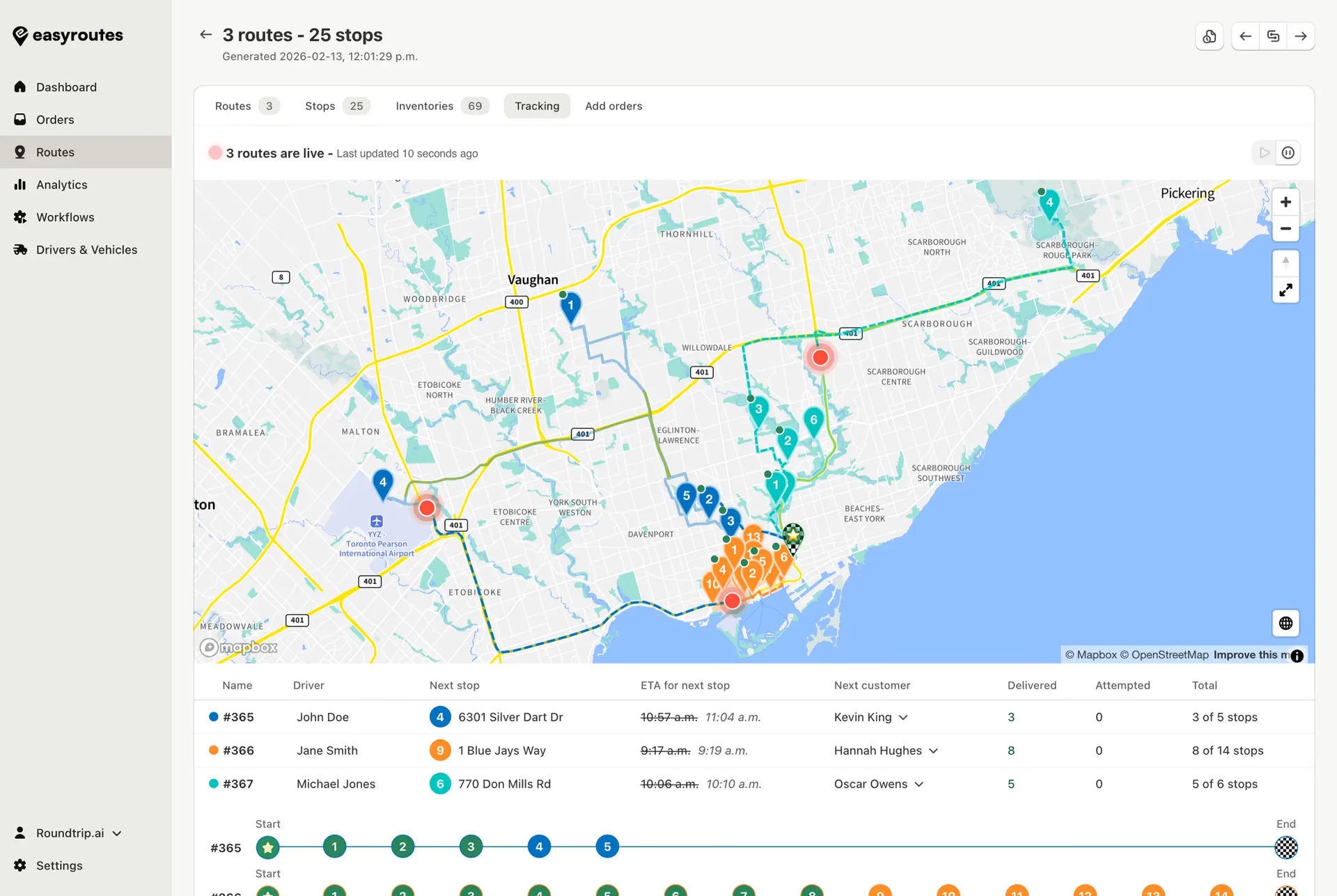
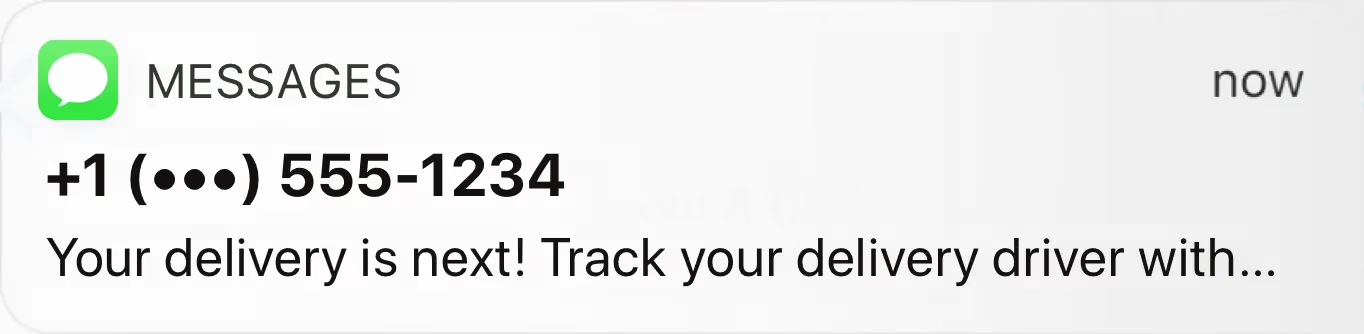
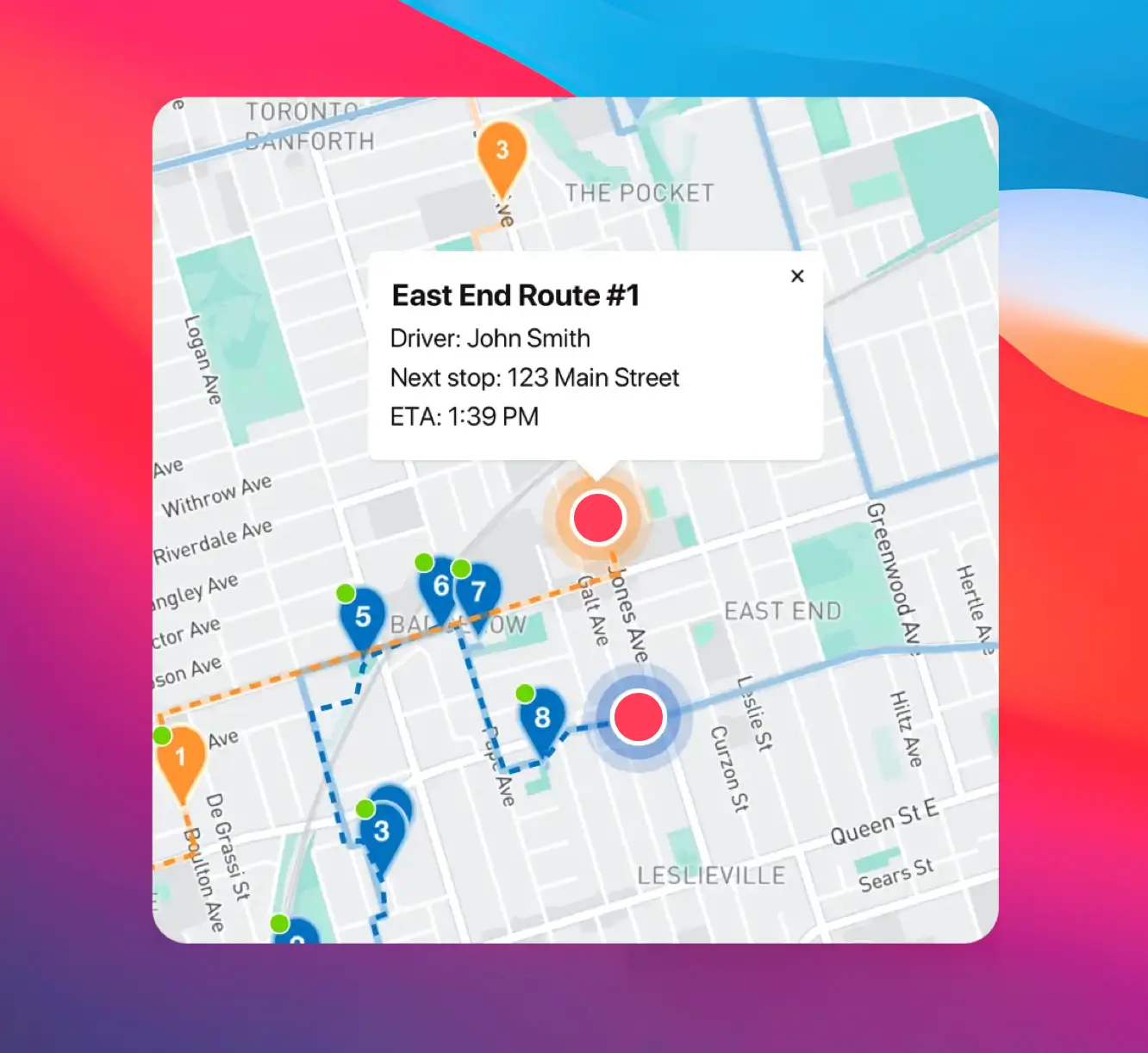
EasyRoutes delivers route optimization, proof of delivery, real-time driver tracking, branded customer notifications, and built-in packing slips—all in a platform that's ready to use in minutes, not weeks. Import orders from Shopify, BigCommerce, WooCommerce, and other leading eCommerce platforms, as well as spreadsheets, or any source via API or Zapier.
.webp)
EasyRoutes for Shopify: Fully integrated with your Shopify store. Orders, products, tags, and delivery data sync automatically.
EasyRoutes for Web: Import orders via CSV, Zapier, or API for delivery businesses not using Shopify.
❌ DispatchTrack integrates with ERPs and warehouse systems, not eCommerce platforms. EasyRoutes connects natively to Shopify and works with BigCommerce, WooCommerce, and more—no IT project required.
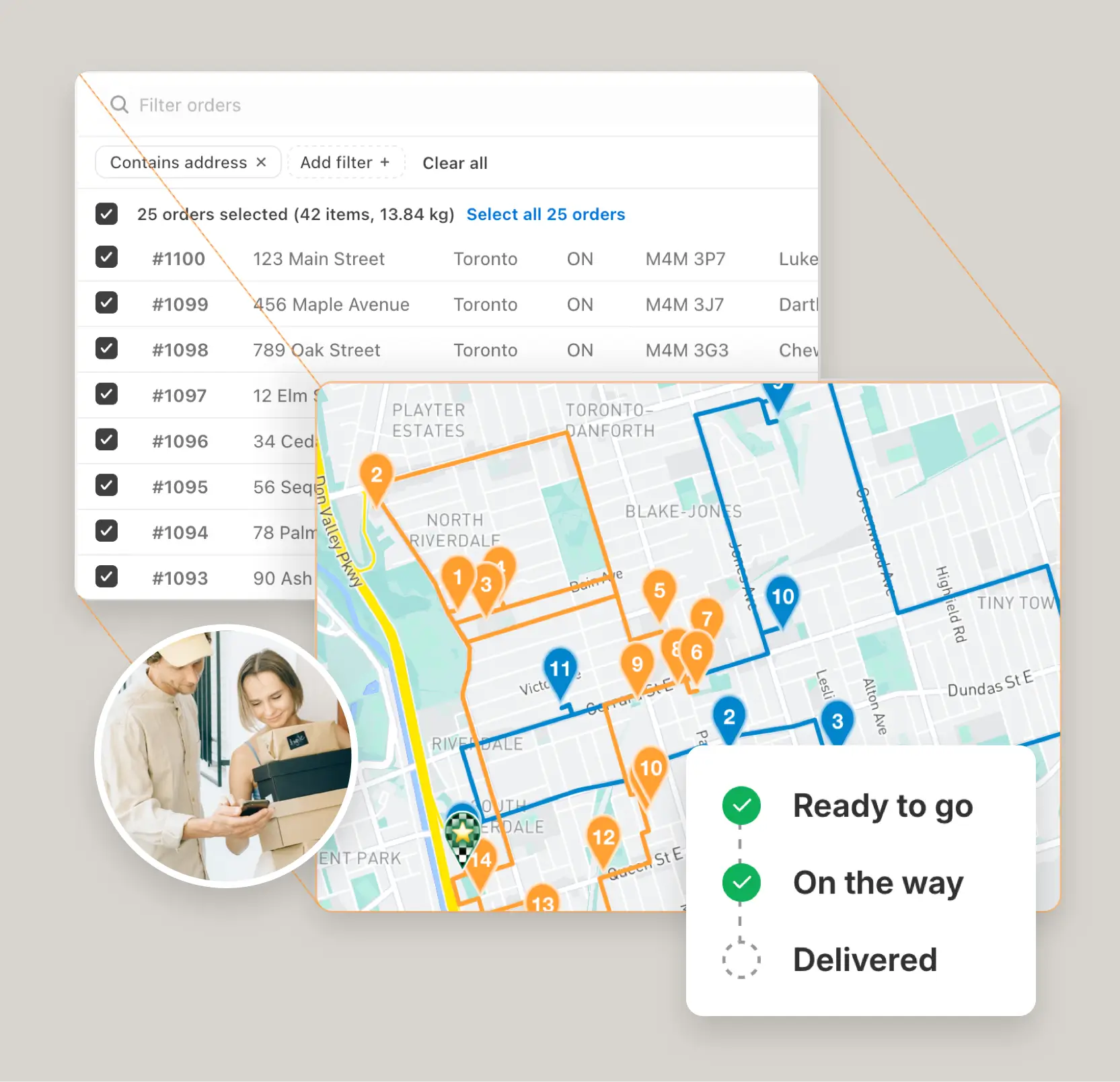
EasyRoutes is more than a route planner. It includes:
❌ DispatchTrack doesn't include eCommerce-aware packing slips, claimable routes, or branded tracking pages designed for online merchants. EasyRoutes includes these fulfillment tools by default.
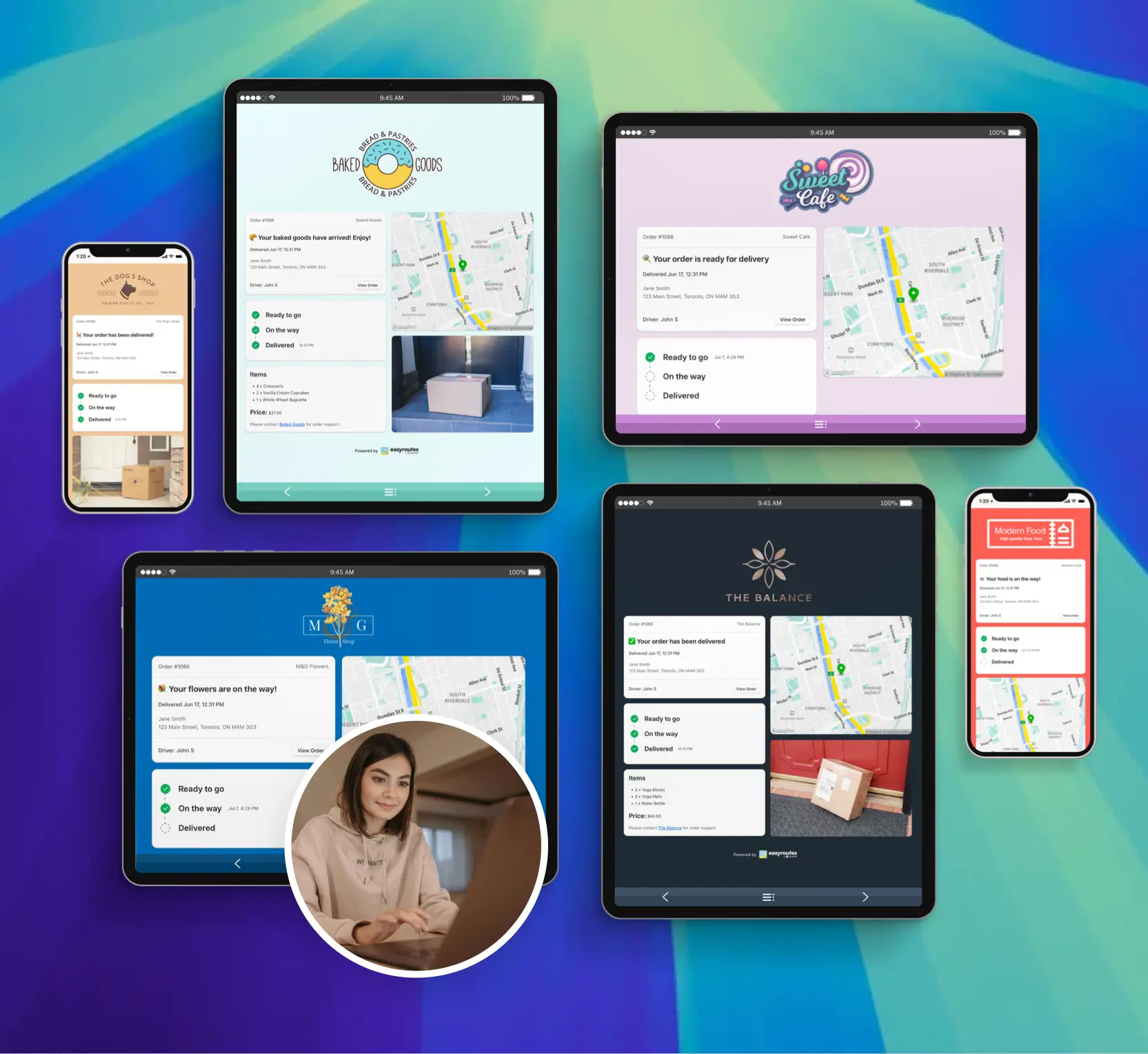
❌ DispatchTrack is designed for large, dispatcher-managed fleets. EasyRoutes supports lean, flexible teams with claimable route links, shareable dispatch, and tools that scale from one driver to many.
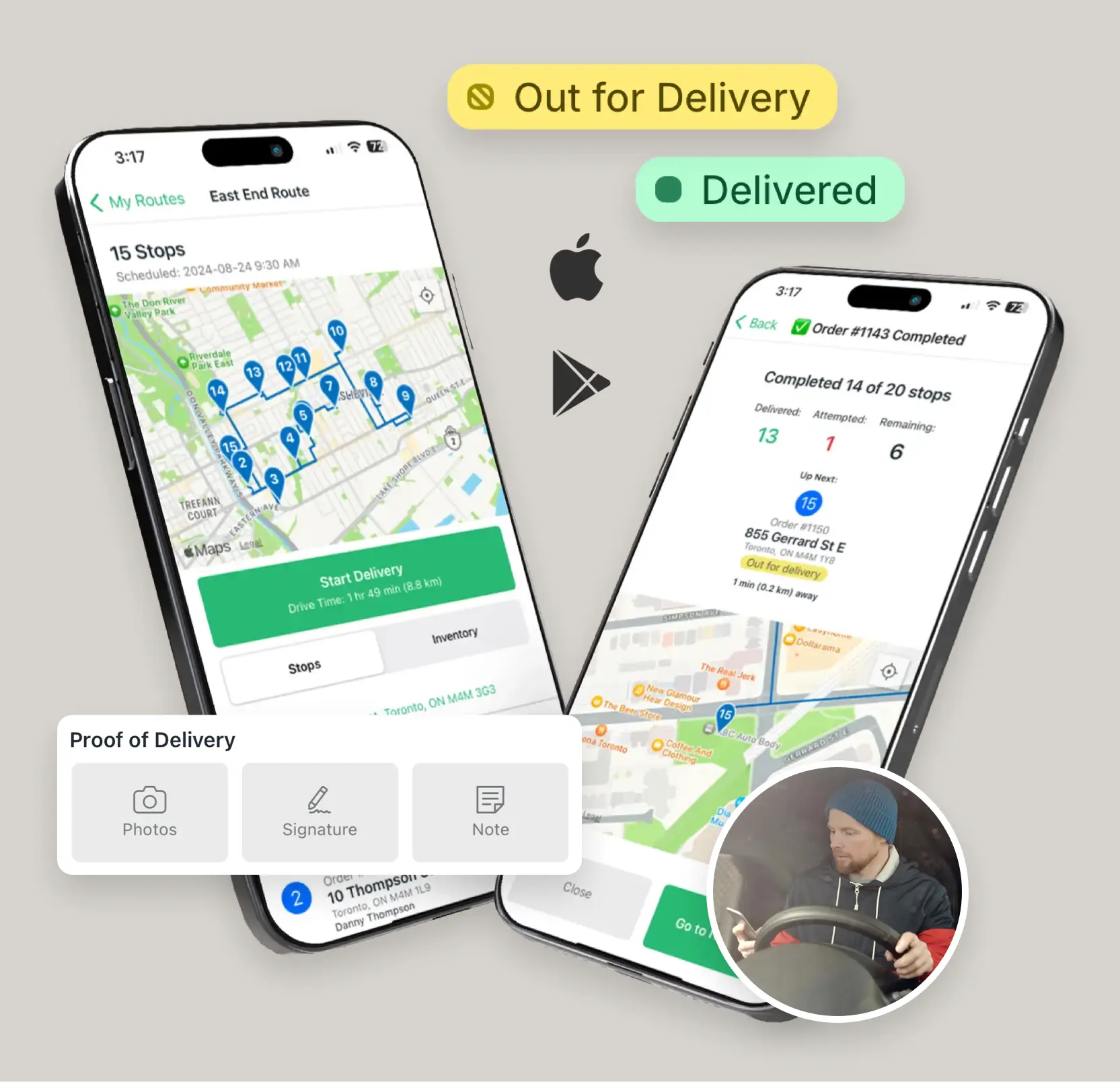
❌ DispatchTrack uses contract-based enterprise pricing with no public plans, no free tier, and added costs for implementation and integrations. EasyRoutes offers transparent pricing from $39/month per driver with a free plan—no contracts or sales calls required.
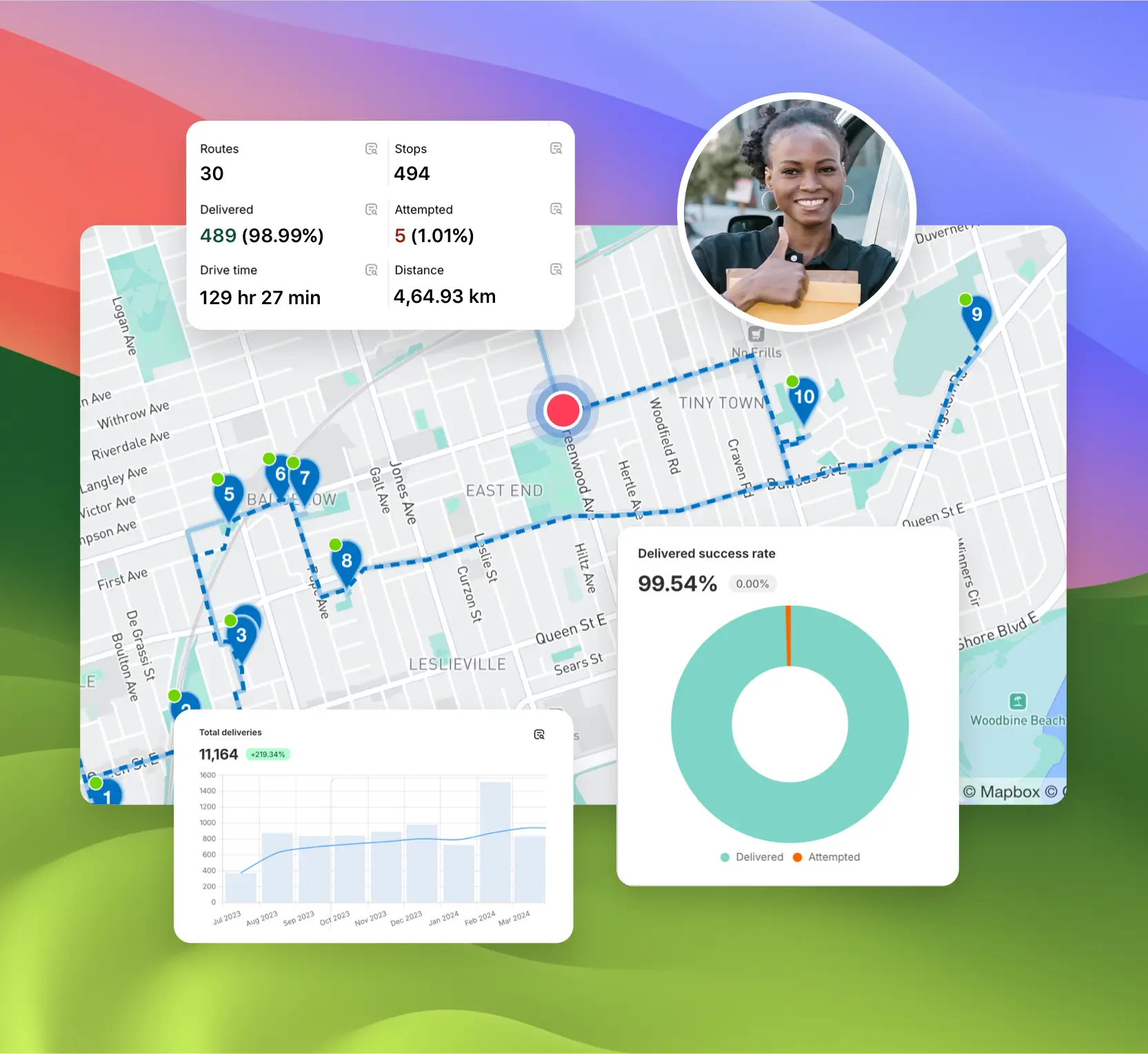
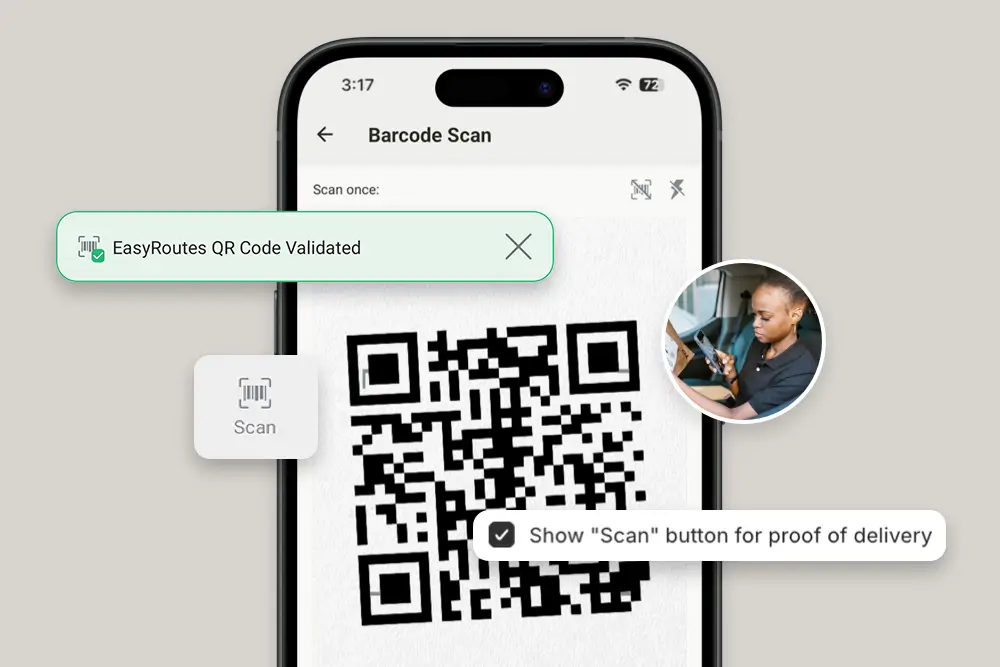
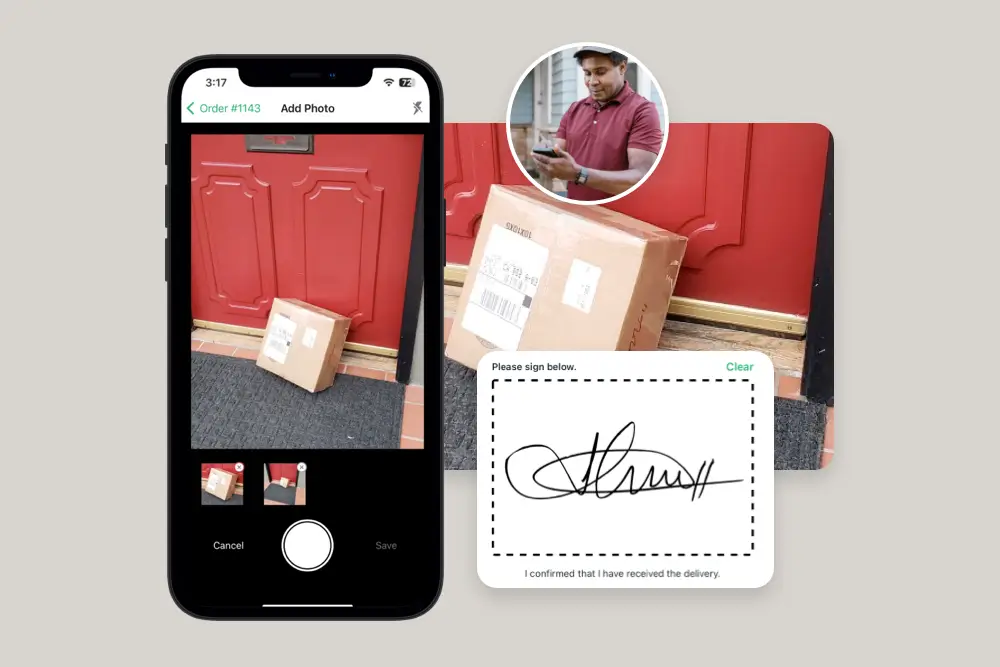
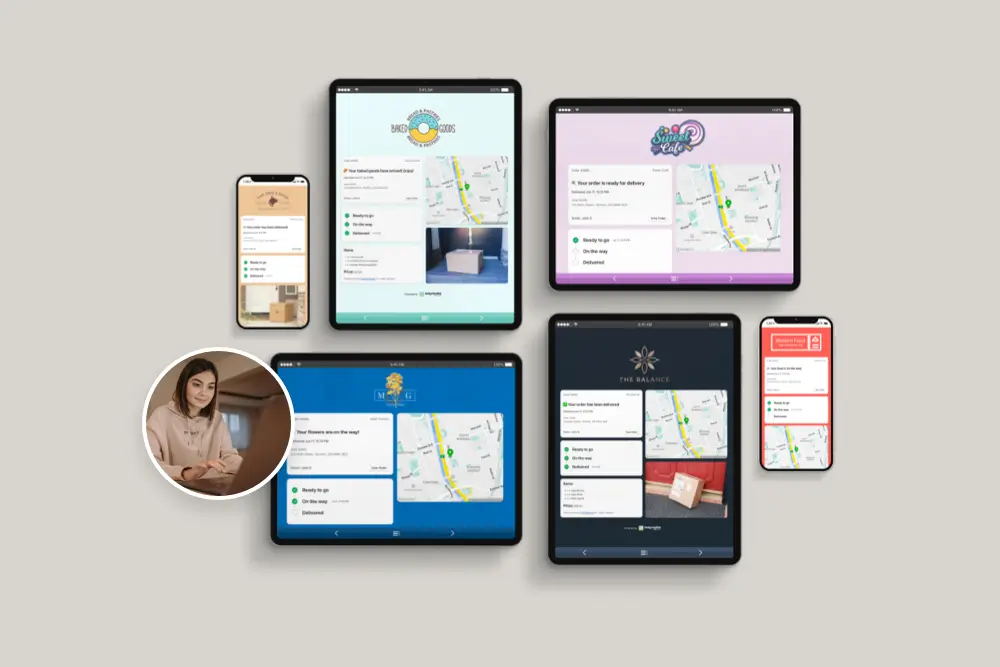
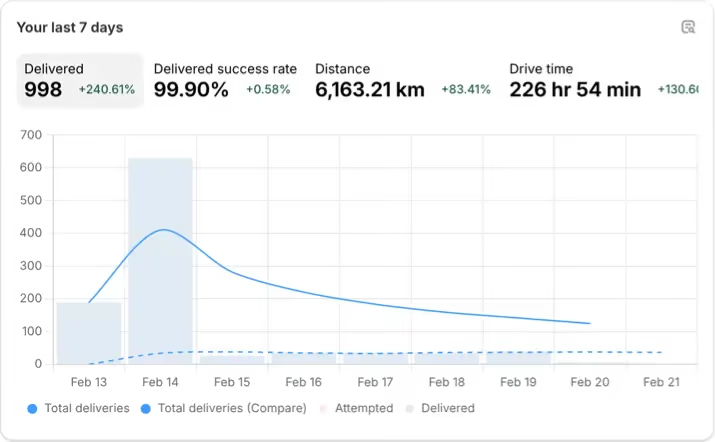
EasyRoutes gives you more than just optimized routes. It gives you a complete last-mile delivery hub—from route planning to dispatch to proof of delivery.
Join thousands of delivery-focused businesses—including florists, bakeries, grocery subscriptions, and meal kits—who trust EasyRoutes to power their local deliveries.
.webp)
Switching is quick. On Shopify, install EasyRoutes and orders sync automatically — no data migration. For orders from other systems, import by CSV/spreadsheet (an AI assistant maps your columns), Zapier, or API, then set route options and add drivers. Most merchants are live the same day. Works with both EasyRoutes for Shopify and EasyRoutes for Web. See: Getting Started
Each EasyRoutes for Shopify install connects to a single Shopify store. To combine data from additional external sources, import stops via CSV, API, webhooks, or Zapier.
EasyRoutes optimizes deliveries using your selected orders, start & end locations, stop time intervals, time windows, and route limits. You can balance routes, respect capacities, and re‑optimize as plans change.
See: Route Options · EasyRoutes 101
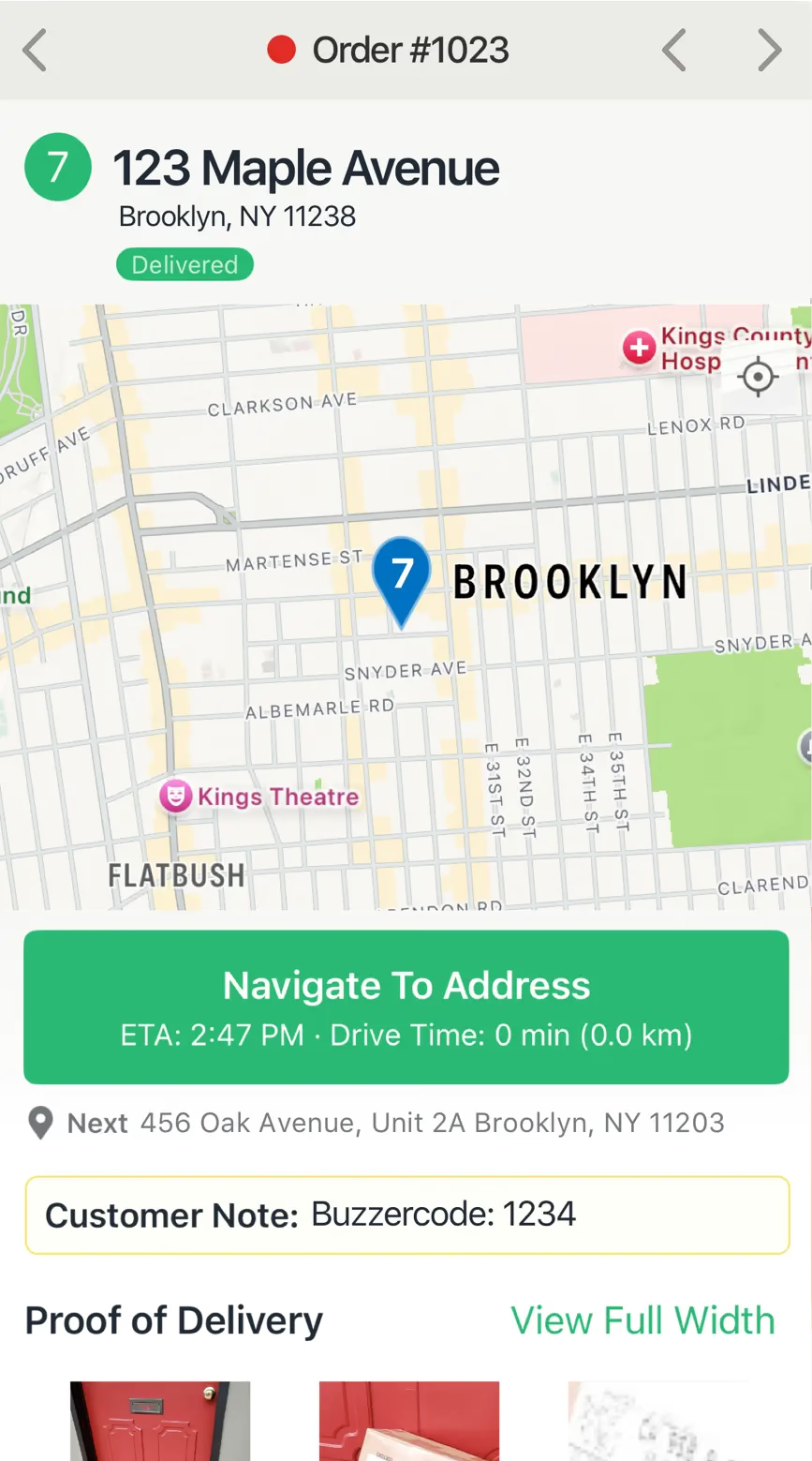
EasyRoutes supports delivery photos, e‑signature, driver notes, and automatic timestamps (with GPS location when available) to provide a complete delivery record.
See: Proof of Delivery
Yes. Bulk print all packing slips for a route in one action: open the route, click Print, check Packing slips, and print or download directly.
See: Bulk Printing · Packing Slips
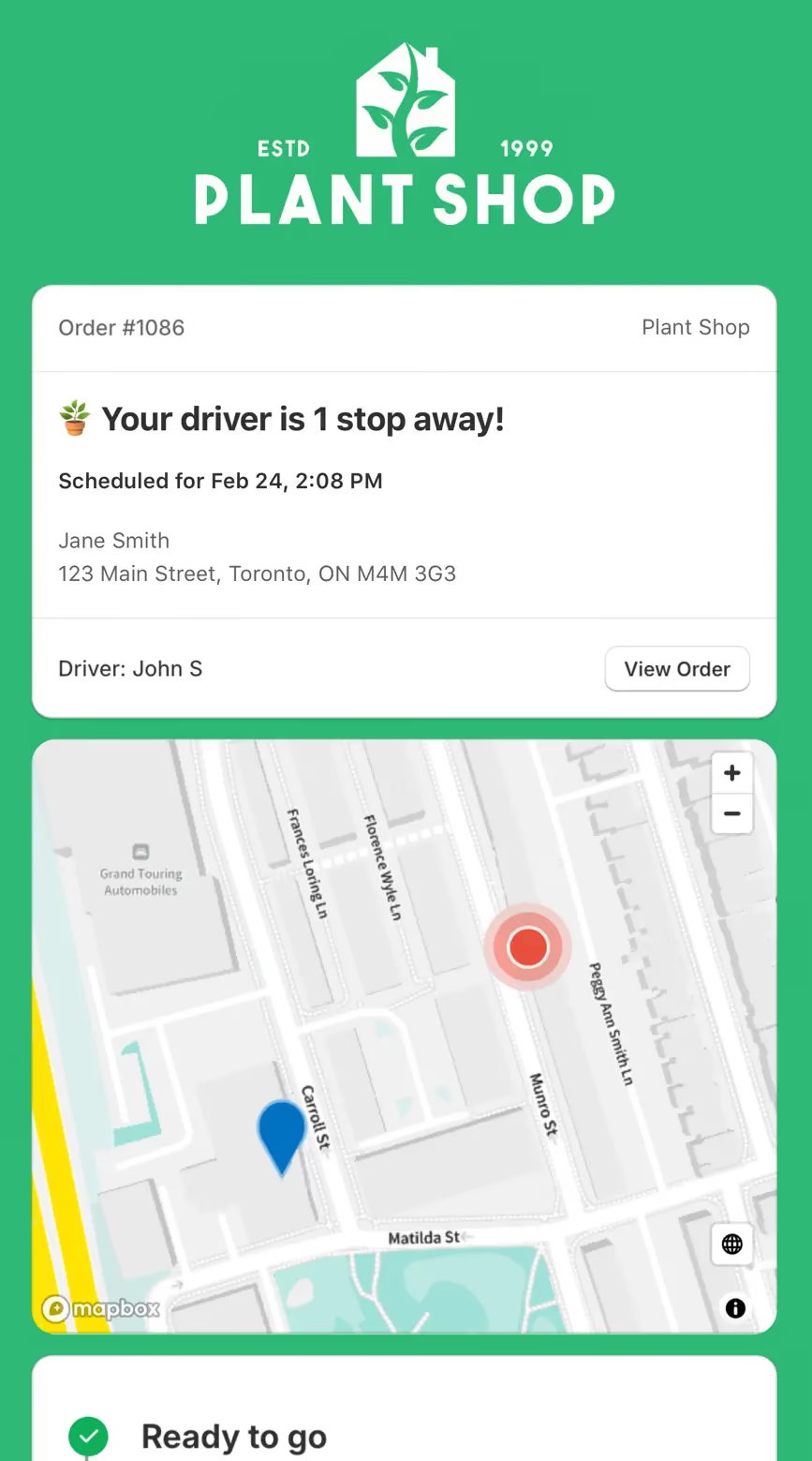
Yes. Add your logo and set what customers see from Settings > Order Tracking, so the tracking page matches your brand alongside live ETAs and driver location. See: Order tracking pages
You can show a live GPS pin on customer tracking pages when the driver is approaching. Configure this in EasyRoutes Settings → Order tracking and pair with email/SMS notifications for maximum visibility.
See: Real-Time Driver Location Tracking · Order Tracking Pages
The EasyRoutes Delivery Driver app is available for iOS and Android. Use our official download links to install and sign in with your driver phone number.
See: Where can I download the EasyRoutes Delivery Driver app?
Invite drivers from the Drivers & Vehicles tab of your EasyRoutes navigation menu. Enter a driver's phone number and they’ll receive a link to install and sign in to the app.
See: Adding a Driver
Driver seats are active licenses you assign to people in your driver roster. Activate a seat to let a driver receive routes in the EasyRoutes Delivery Driver app; deactivate a seat to pause access without deleting their profile. You can toggle seats anytime and only pay for the seats on your plan at that moment. Charges/credits are prorated automatically when you add or remove seats.
Yes. Schedule routes across multiple days with configured start times/locations and add an overnight driver break to maintain accurate ETAs.
See: Multi‑Day Scheduling