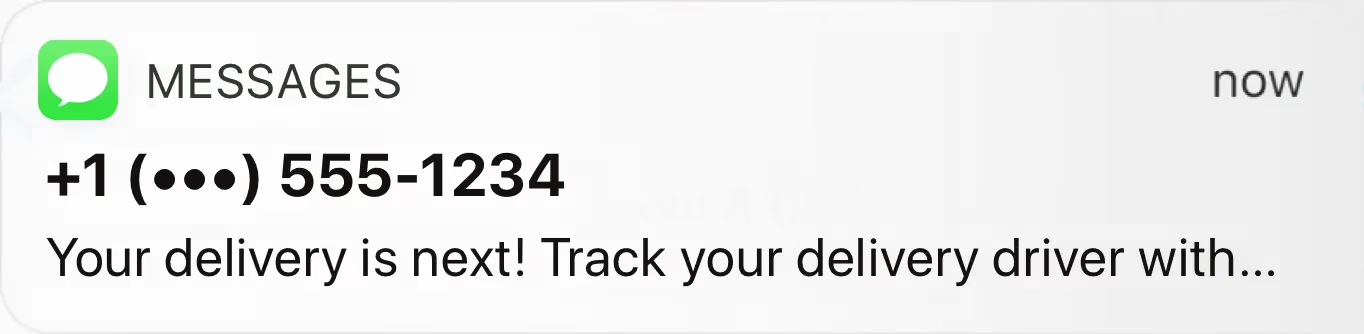
Compare EasyRoutes with Shipday. Both platforms offer delivery management for local teams, but EasyRoutes includes deeper packing tools, claimable routes, branded tracking on all plans, and flat-rate pricing with no per-order overages.

⭐⭐⭐⭐⭐ 4.9 stars • Trusted by 5,000+ Businesses






If you're comparing EasyRoutes to Shipday, you're likely running local deliveries and looking for the platform that best fits your operation. Shipday is a solid option for restaurants and food delivery businesses, but its per-order pricing, restaurant-centric design, and gated features make it less ideal for eCommerce merchants and growing delivery teams. EasyRoutes offers a more complete, flat-rate alternative with deeper fulfillment tools and broader platform support.
With EasyRoutes, you get optimized multi-driver routing, real-time GPS tracking, proof of delivery, branded customer notifications, and built-in packing slips—with no per-order charges or feature gating. Import orders from Shopify, BigCommerce, WooCommerce, and other leading eCommerce platforms, as well as spreadsheets, or any source via API or Zapier.
.webp)
EasyRoutes for Shopify: Fully integrated with your Shopify store. Orders, products, tags, and delivery data sync automatically.
EasyRoutes for Web: Import orders via CSV, Zapier, or API for delivery businesses not using Shopify.
❌ Shipday connects to Shopify but is designed around restaurant and food delivery workflows. EasyRoutes is built for eCommerce merchants and delivery teams of all kinds—with native Shopify integration, plus BigCommerce, WooCommerce, and more.
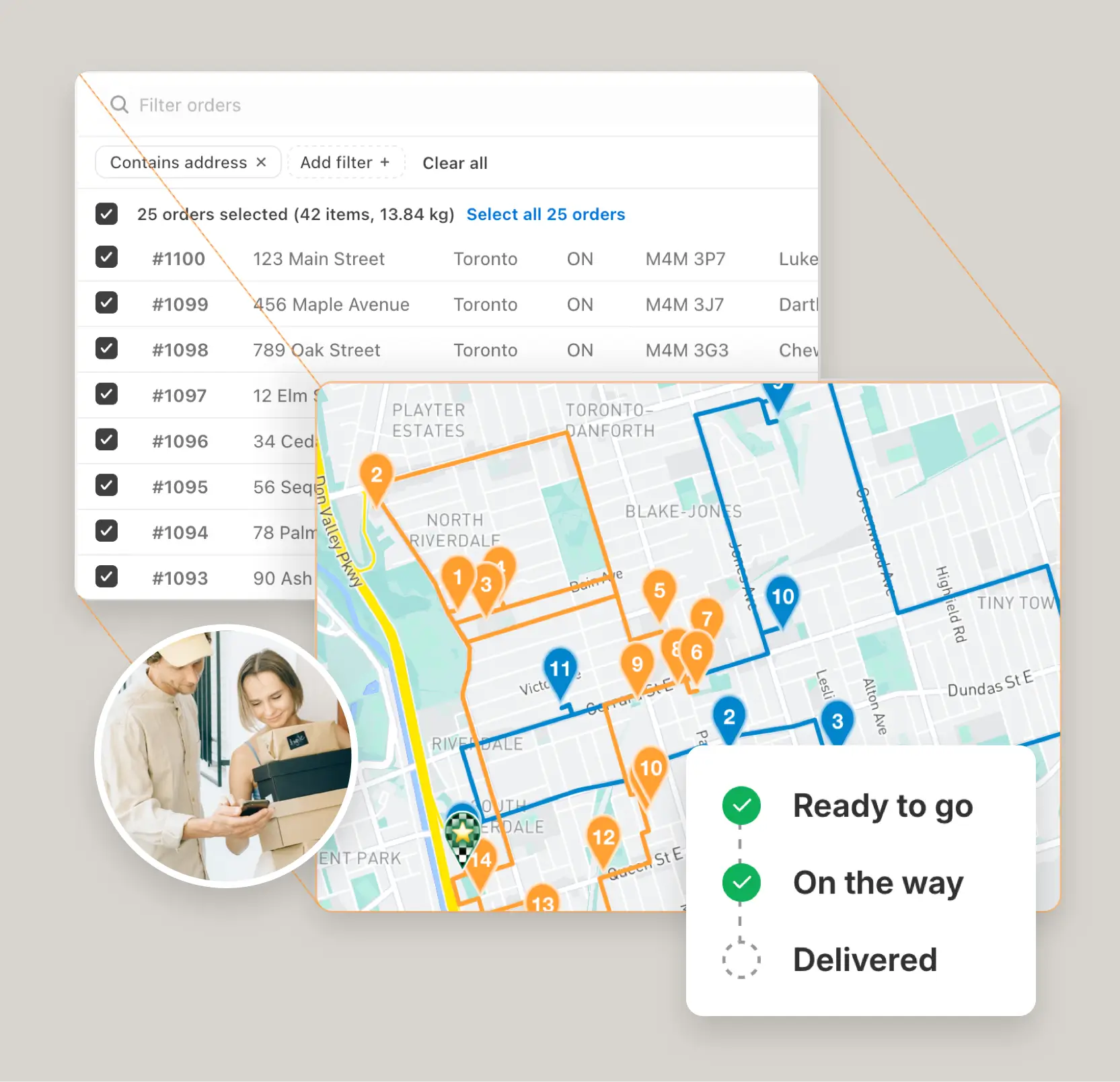
EasyRoutes is more than a route planner. It includes:
❌ Shipday lacks eCommerce packing slips, claimable routes, and delivery zone filtering. Branded tracking and barcode scanning are locked behind its $99/month Elite plan. EasyRoutes includes packing tools and branded tracking on all paid plans.
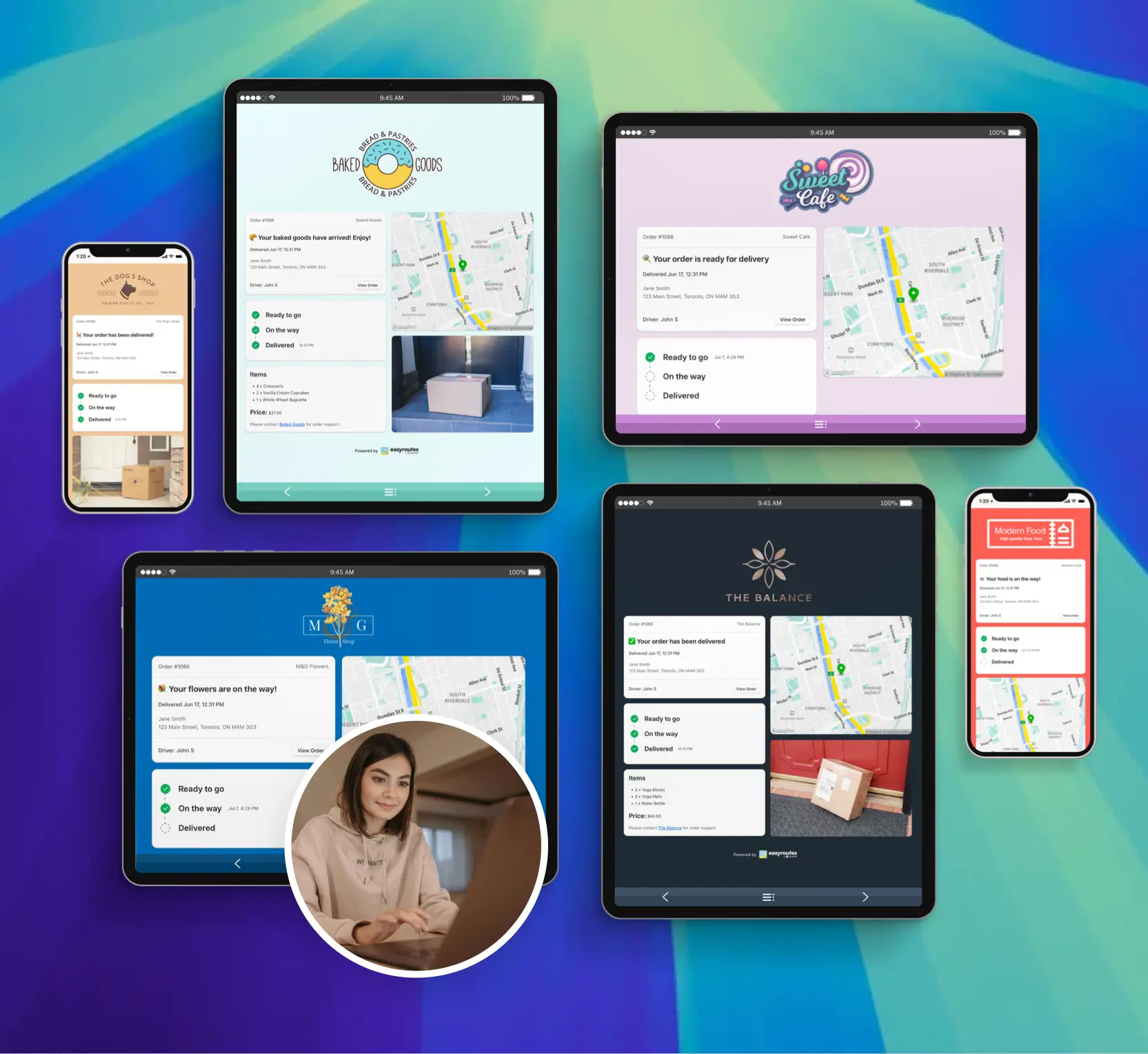
❌ Shipday relies on auto-dispatch with limited manual control over route assignment. EasyRoutes gives dispatchers full flexibility—with drag-and-drop editing, claimable route links, and tools built for coordinating your own delivery team.
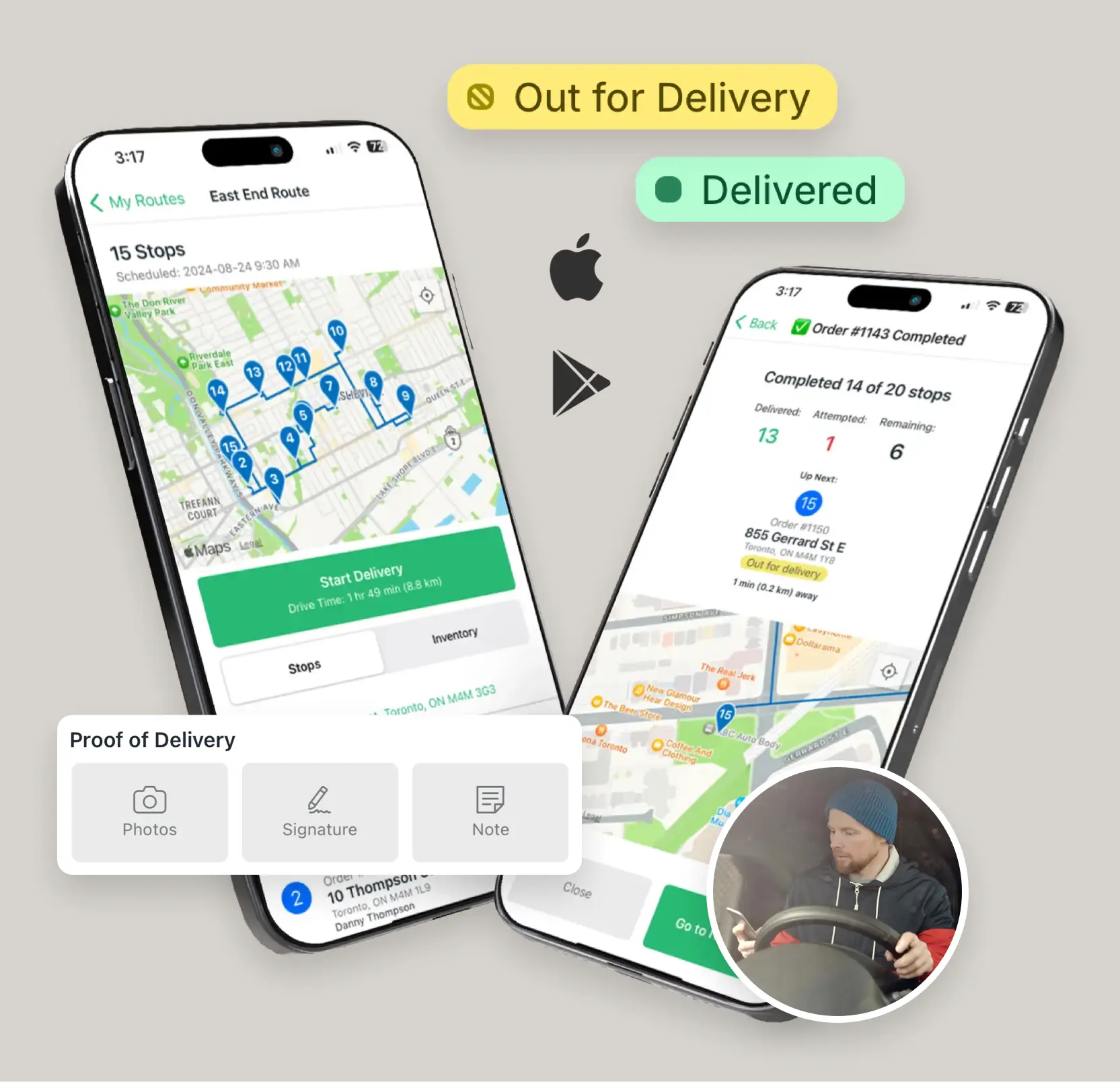
❌ Shipday's plans include just 300 orders—after that, you pay per order. At 1,000 orders/month, the $39 plan actually costs ~$109. EasyRoutes offers flat-rate, per-driver pricing from $39/month with unlimited orders on all paid plans.
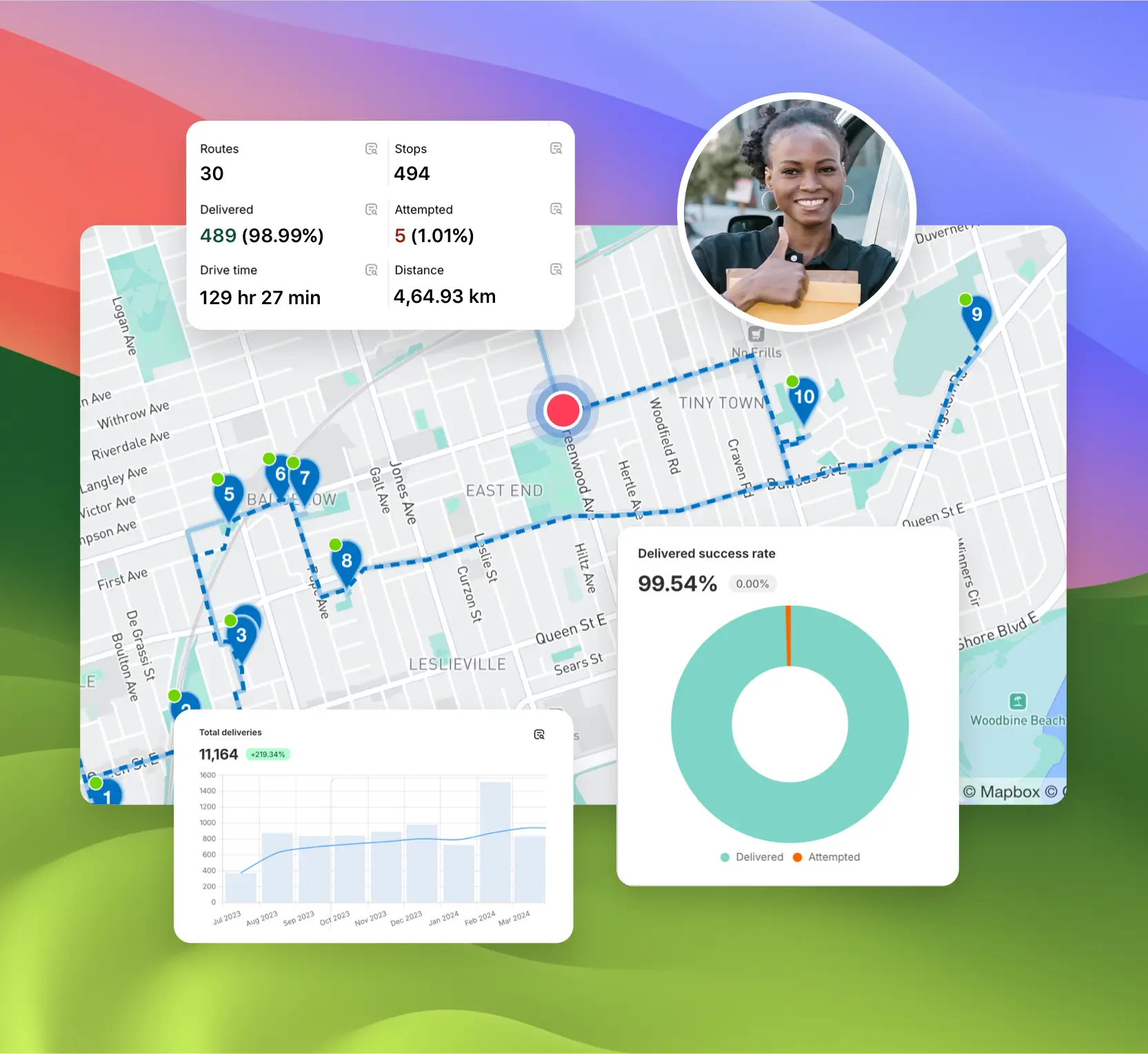

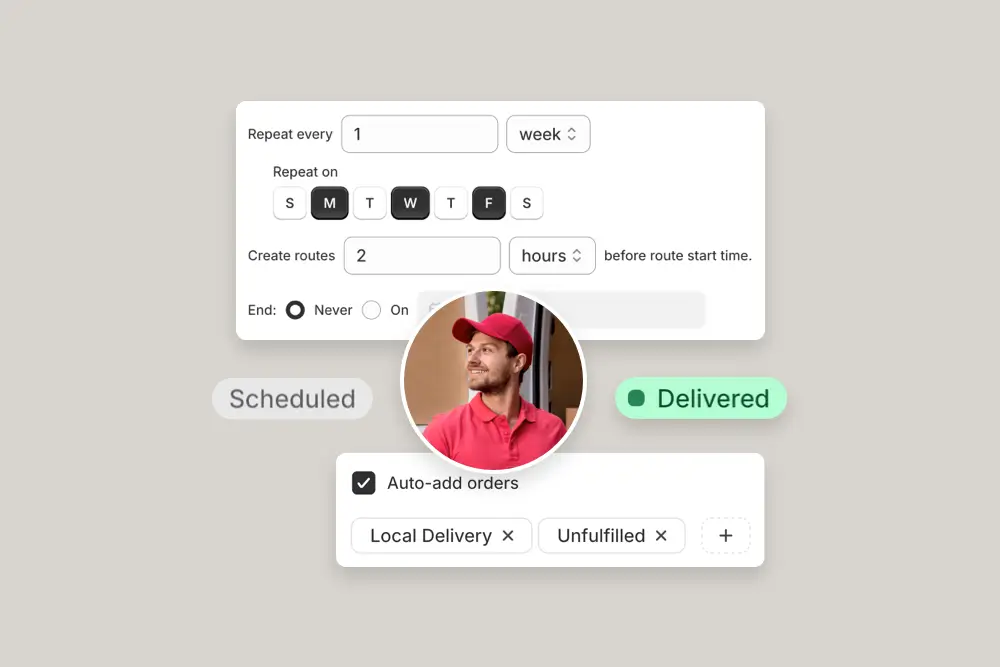

EasyRoutes gives you more than just optimized routes. It gives you a complete last-mile delivery hub—from route planning to dispatch to proof of delivery.
Join thousands of delivery-focused businesses—including florists, bakeries, grocery subscriptions, and meal kits—who trust EasyRoutes to power their local deliveries.
.webp)
Most teams connect, fetch orders, and create their first optimized route in under an hour. Follow the Getting Started guide found in the EasyRoutes support portal to reach your “aha” moment fast.
See: Getting Started
Yes. EasyRoutes offers a public API and webhooks for integrating with external systems or building custom automation.
See: API Getting Started · Routes API
Yes. Re‑optimize at any time — after adding or removing stops, changing stop priorities, editing route options, or balancing loads. Drivers can also re-optimize routes delivered out of order, or re‑order stops if enabled from your EasyRoutes Settings.
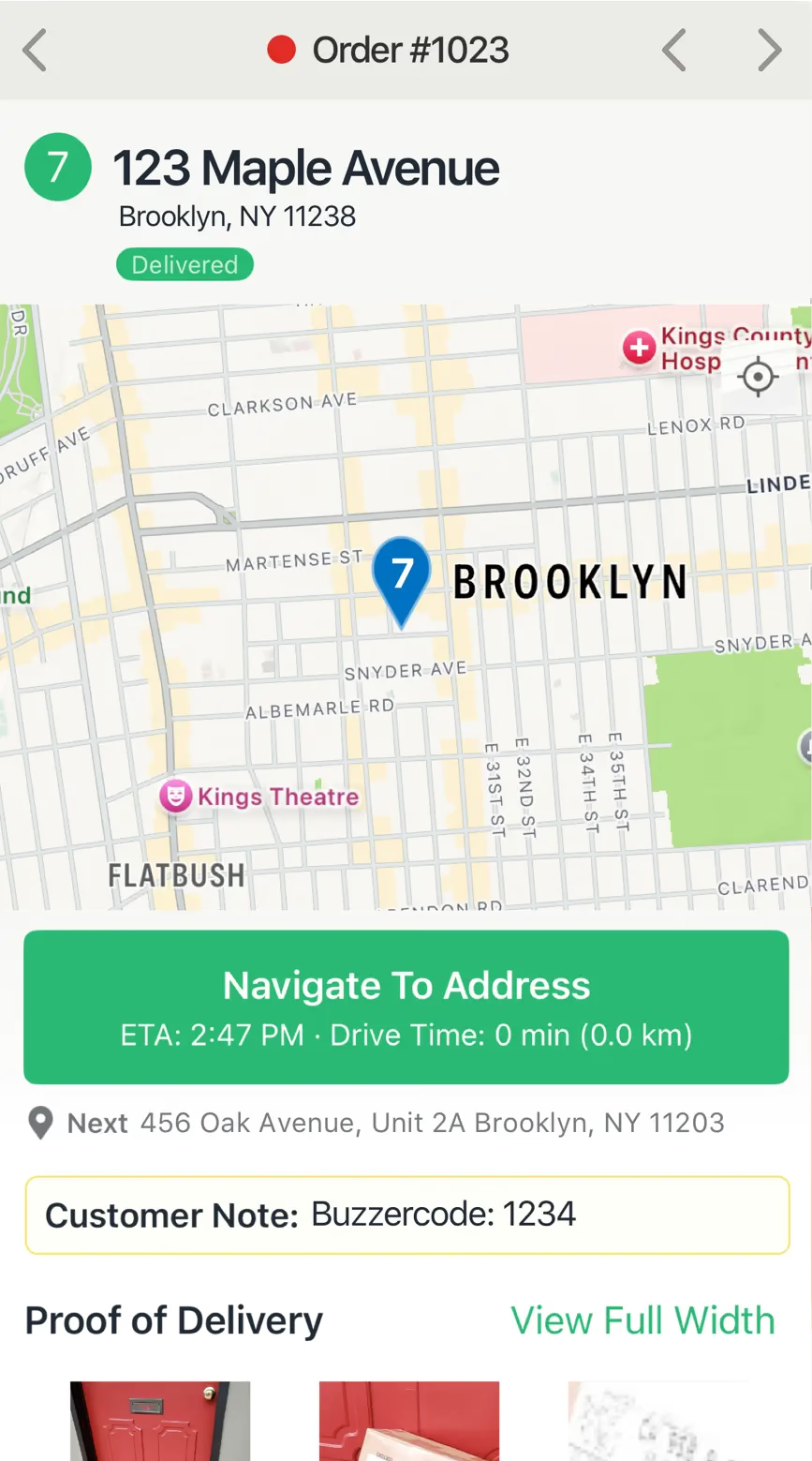
Tracking pages show that a signature was collected and when; for security purposes, the actual signature image isn’t displayed publicly but is retained internally for reference.
See: Proof of Delivery
Yes. Reopen any route and use Print to reprint packing slips or labels, or re‑export to PDF. If a route was archived, simply unarchive it first.
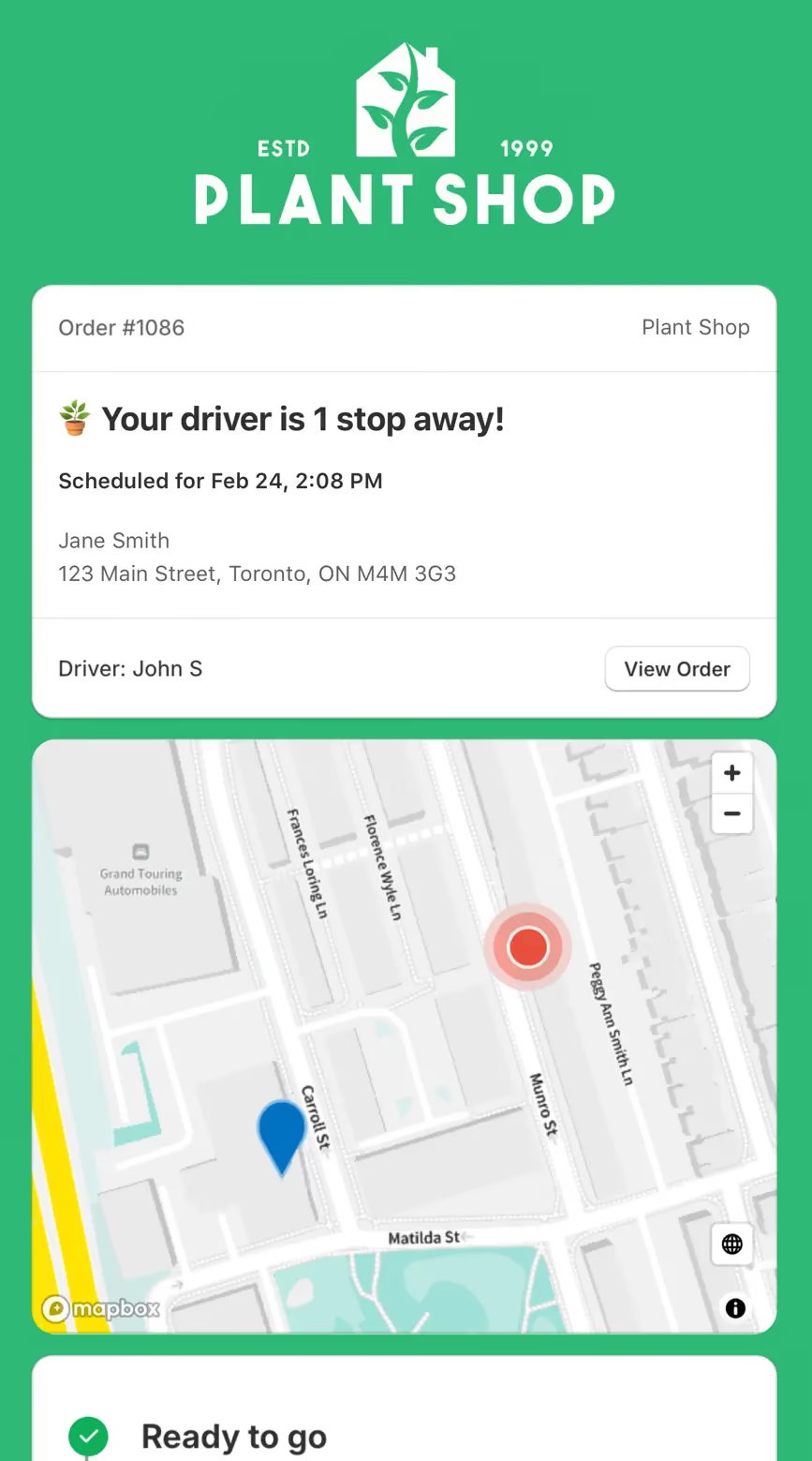
Yes. Schedule routes for specific dates/times, and ETAs will be calculated for each stop on a route. These ETAs can be shared via customer tracking links and email/SMS delivery notifications.
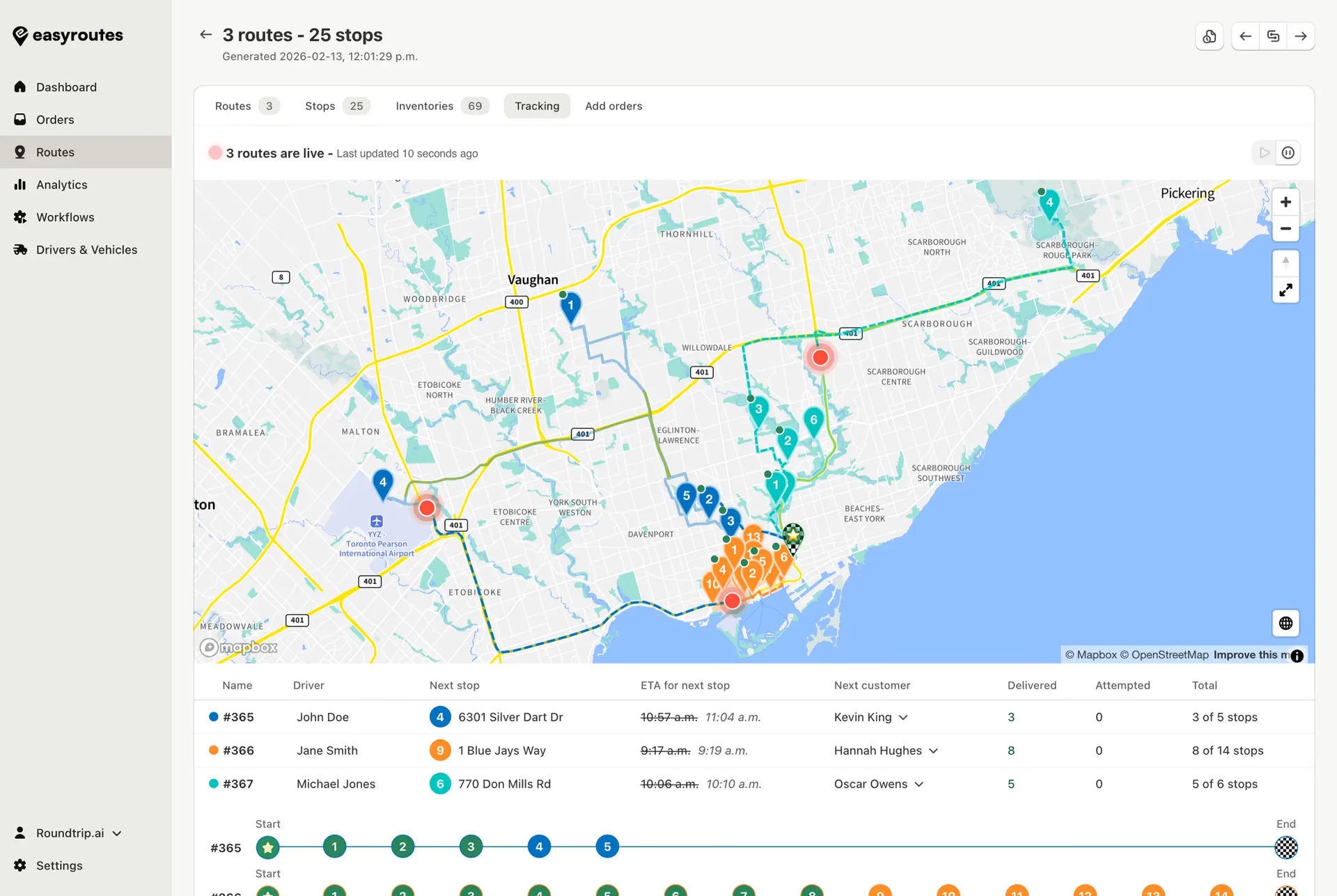
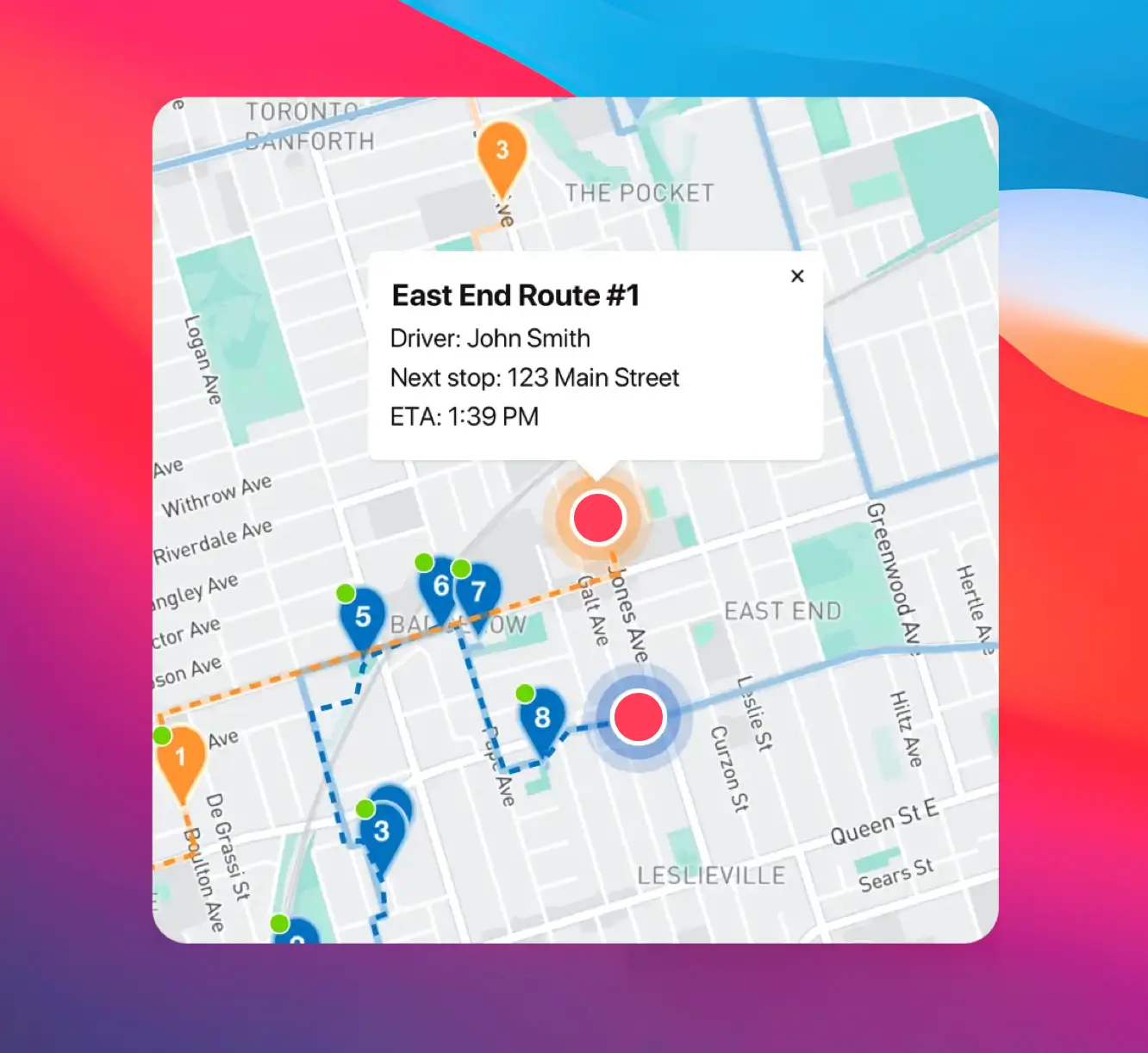
Yes. Open a Route Group to view multiple live driver locations and statuses on one screen; each driver pin is colour‑coded by route.
Yes. The app runs on iOS (including iPad) and Android phones and tablets — install it from the App Store or Google Play and sign in with the driver’s phone number. See: Download the Delivery Driver app
Yes. Assign routes to drivers directly, or share a self‑assign link so eligible drivers can claim routes. Drivers complete deliveries in the EasyRoutes Delivery Driver mobile app.
Your 14-day free trial starts when you choose a paid plan for the first time. If you cancel anytime during your trial you won't be billed. If you continue, your subscription starts when your trial period ends.
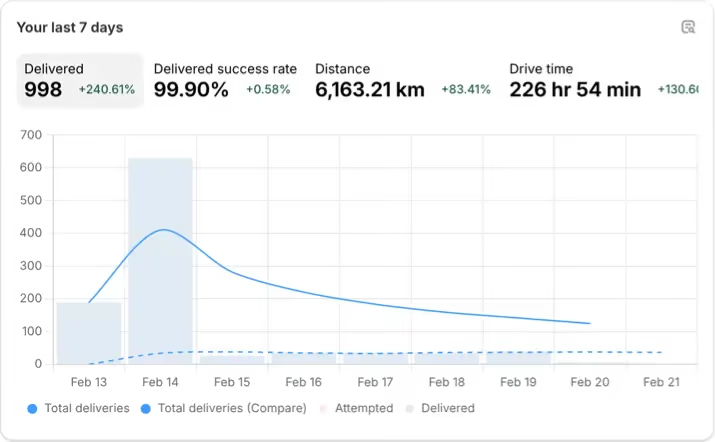
Yes. Delivery Analytics reports completion rates, average delivery times, and success rates; filter by driver or date and export to CSV.
See: Analytics