Compare EasyRoutes with Zippd. Zippd is a managed courier network for outsourced delivery, while EasyRoutes is a delivery management platform for businesses that run their own fleet—with route optimization, proof of delivery, and native Shopify integration.

⭐⭐⭐⭐⭐ 4.9 stars • Trusted by 5,000+ Businesses






If you're comparing EasyRoutes to Zippd, you're likely weighing two very different approaches to delivery: outsourcing to a managed courier network versus running your own delivery operation. Zippd connects businesses with third-party drivers through its logistics platform—but if you want to own the delivery experience, manage your own team, and integrate directly with your eCommerce store, EasyRoutes is the better fit.
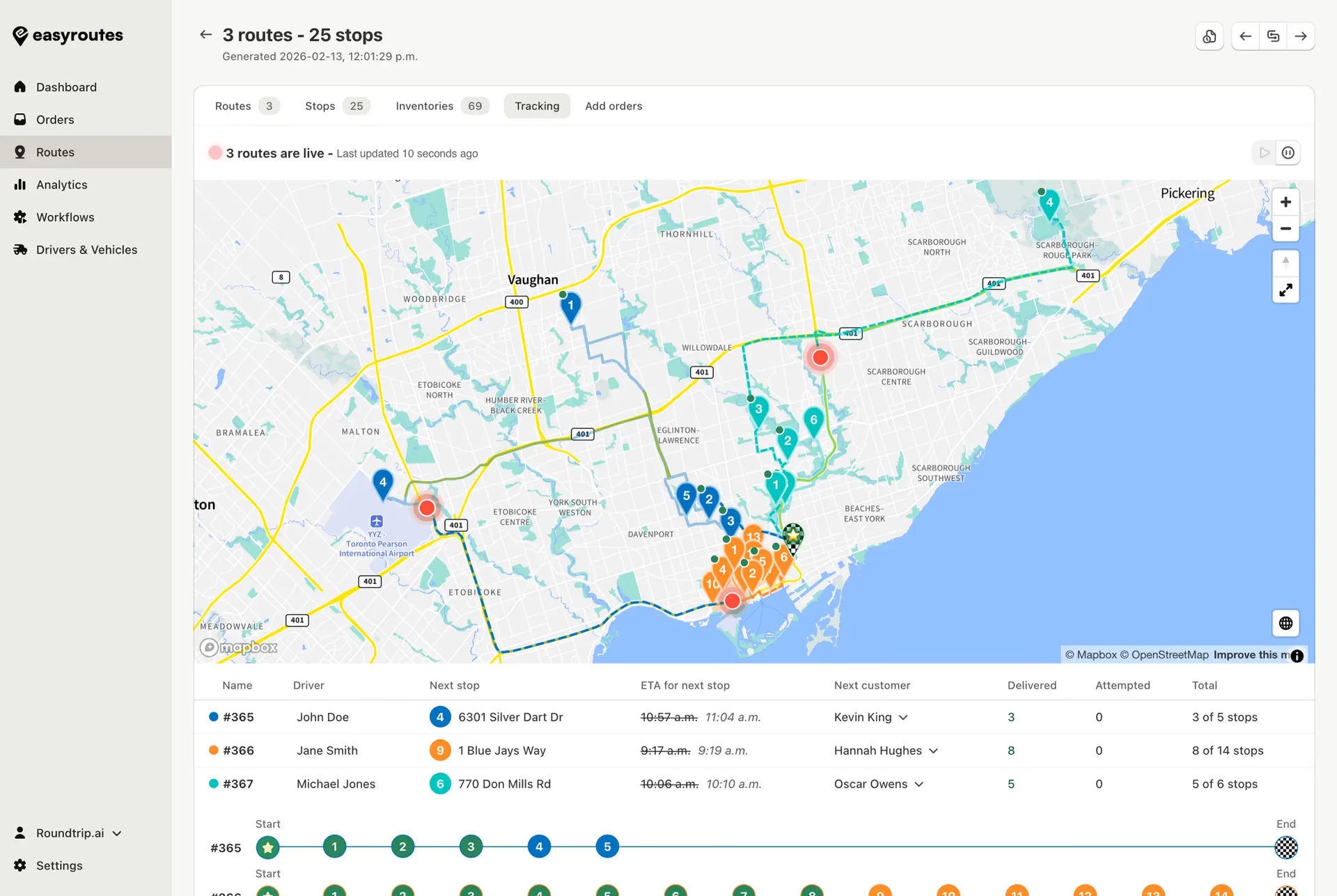
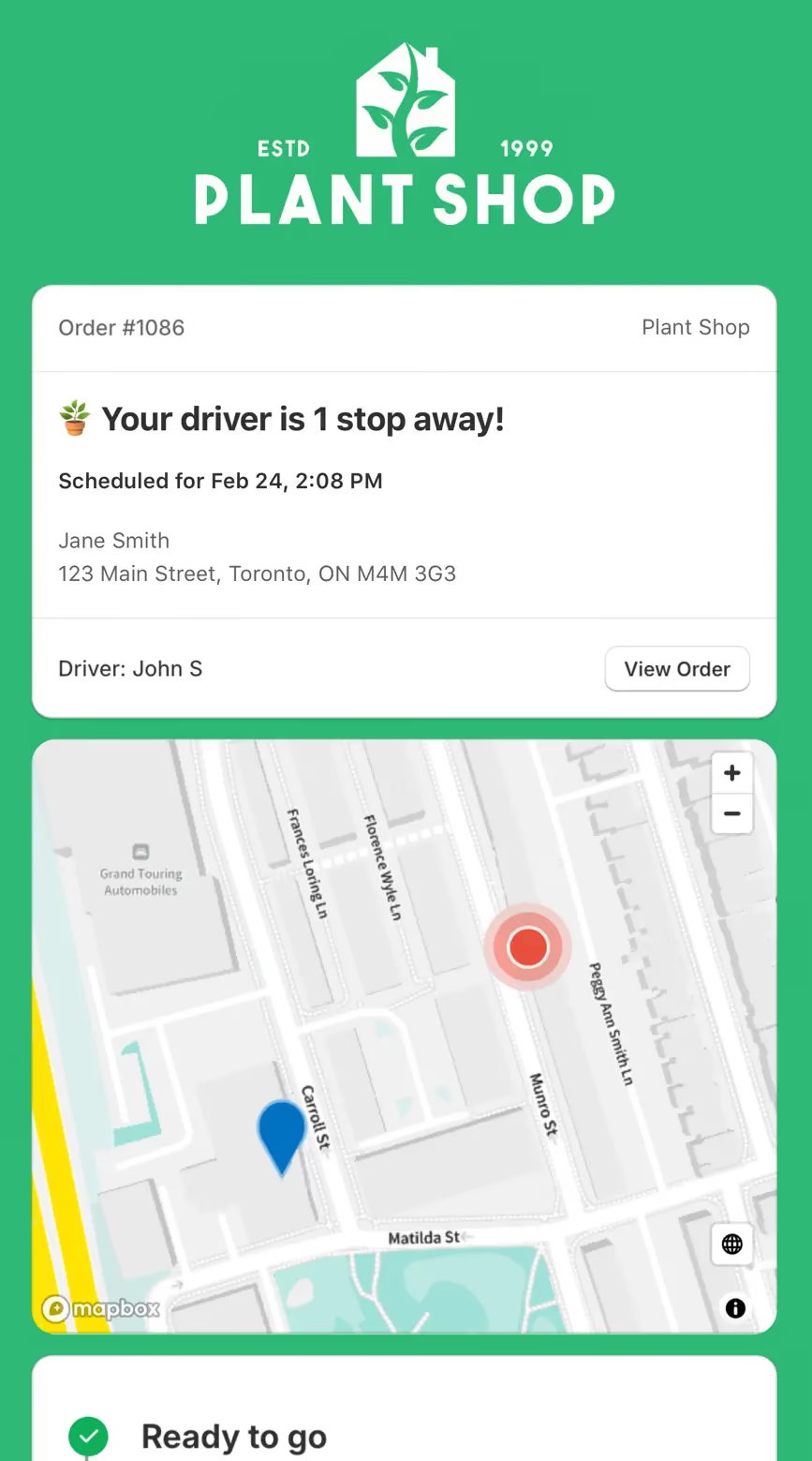
EasyRoutes puts you in control of your entire delivery workflow—optimized routing, driver dispatch, real-time tracking, proof of delivery, branded customer notifications, and built-in packing slips. Import orders from Shopify, BigCommerce, WooCommerce, and other leading eCommerce platforms, as well as spreadsheets, or any source via API or Zapier.
.webp)
EasyRoutes for Shopify: Fully integrated with your Shopify store. Orders, products, tags, and delivery data sync automatically.
EasyRoutes for Web: Import orders via CSV, Zapier, or API for delivery businesses not using Shopify.
❌ Zippd requires you to use their managed courier network for deliveries. EasyRoutes lets you manage your own drivers and delivery operations directly—with full control over the experience from start to finish.
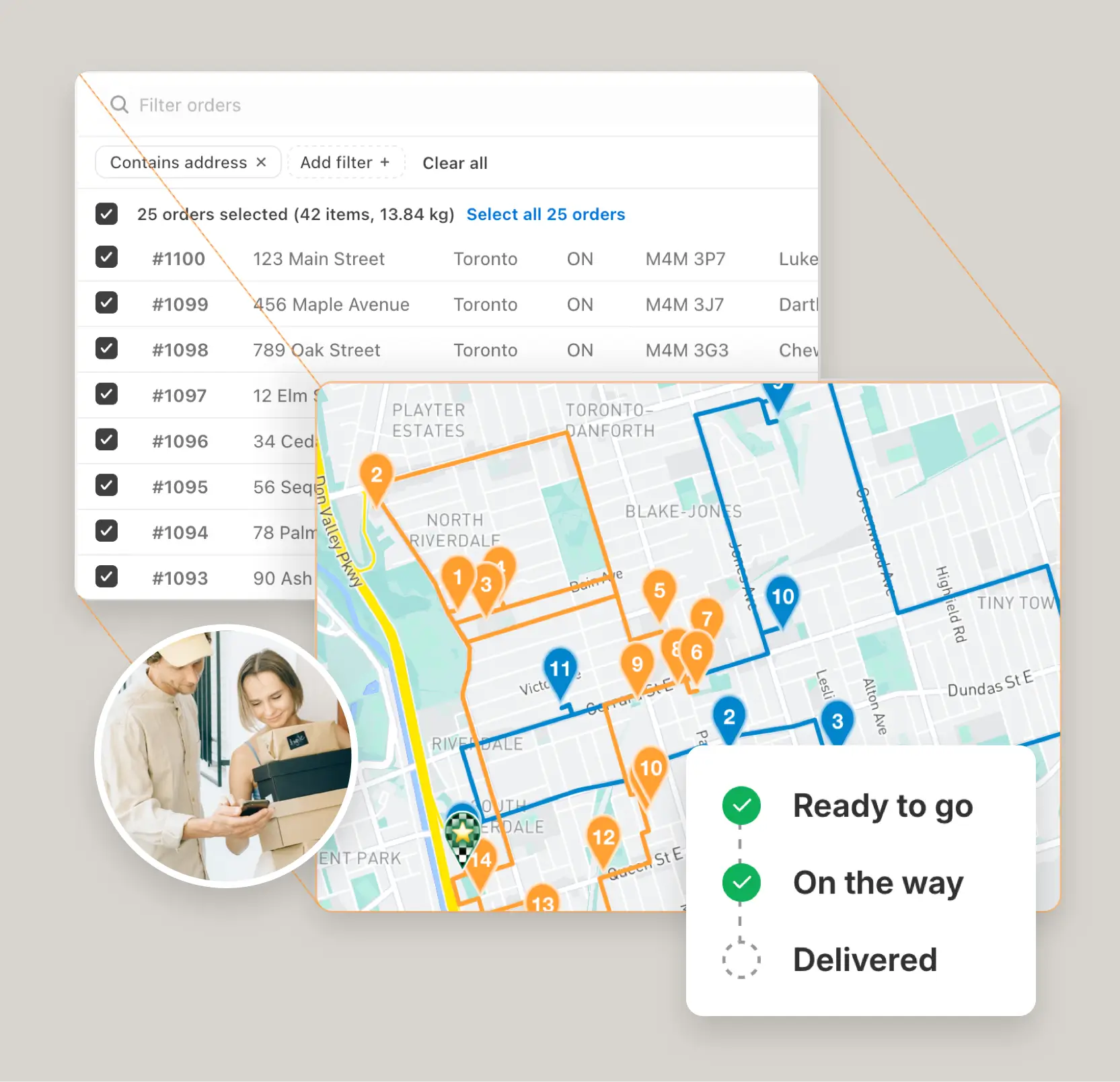
EasyRoutes is more than a route planner. It includes:
❌ Zippd doesn't offer packing slips, driver task checklists, claimable routes, or eCommerce order syncing. EasyRoutes includes all of these for businesses that run their own delivery fleet.
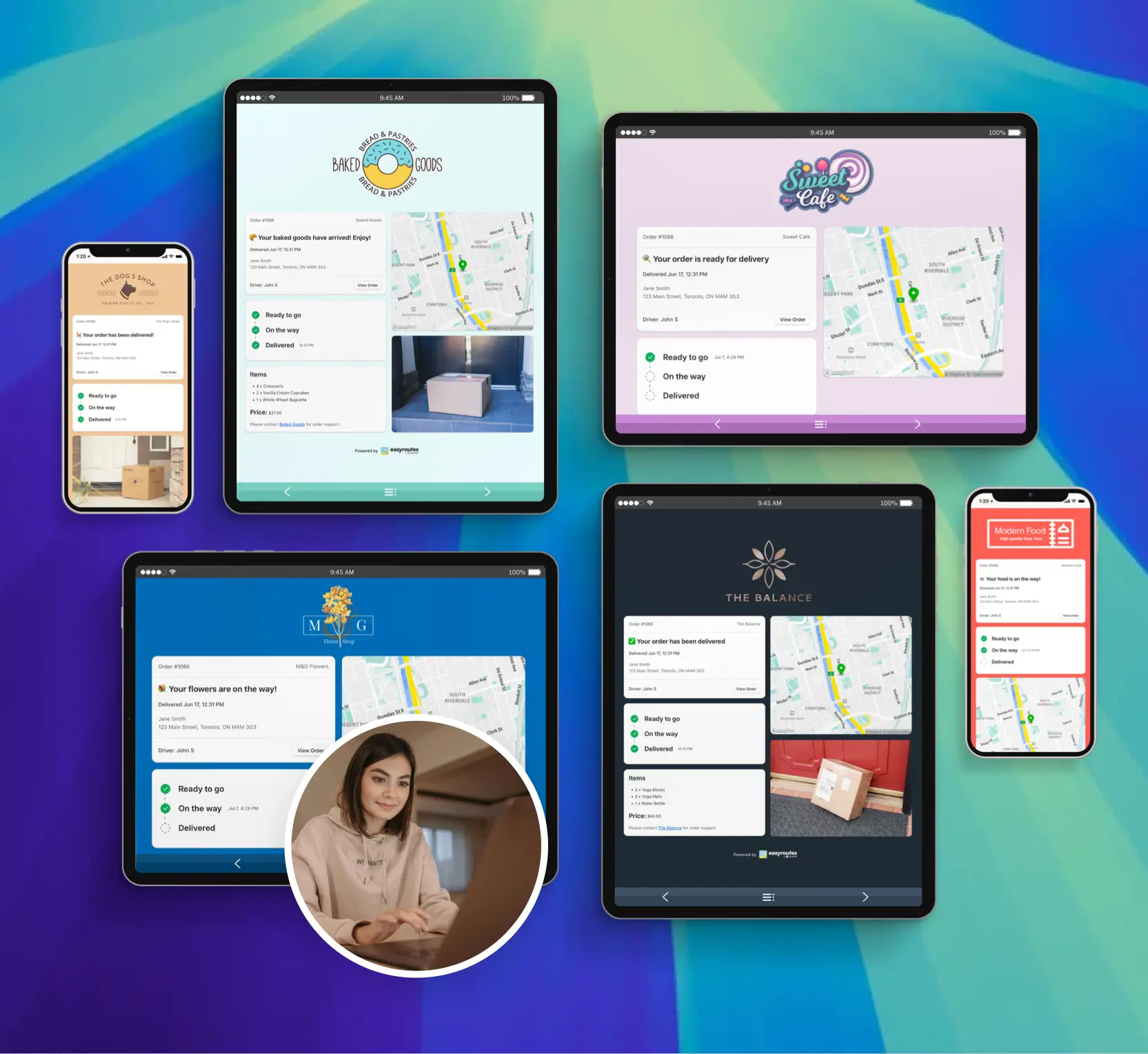
❌ Zippd assigns third-party couriers to your deliveries. EasyRoutes gives you tools to build, manage, and scale your own delivery team—with driver profiles, claimable routes, and flexible dispatch.
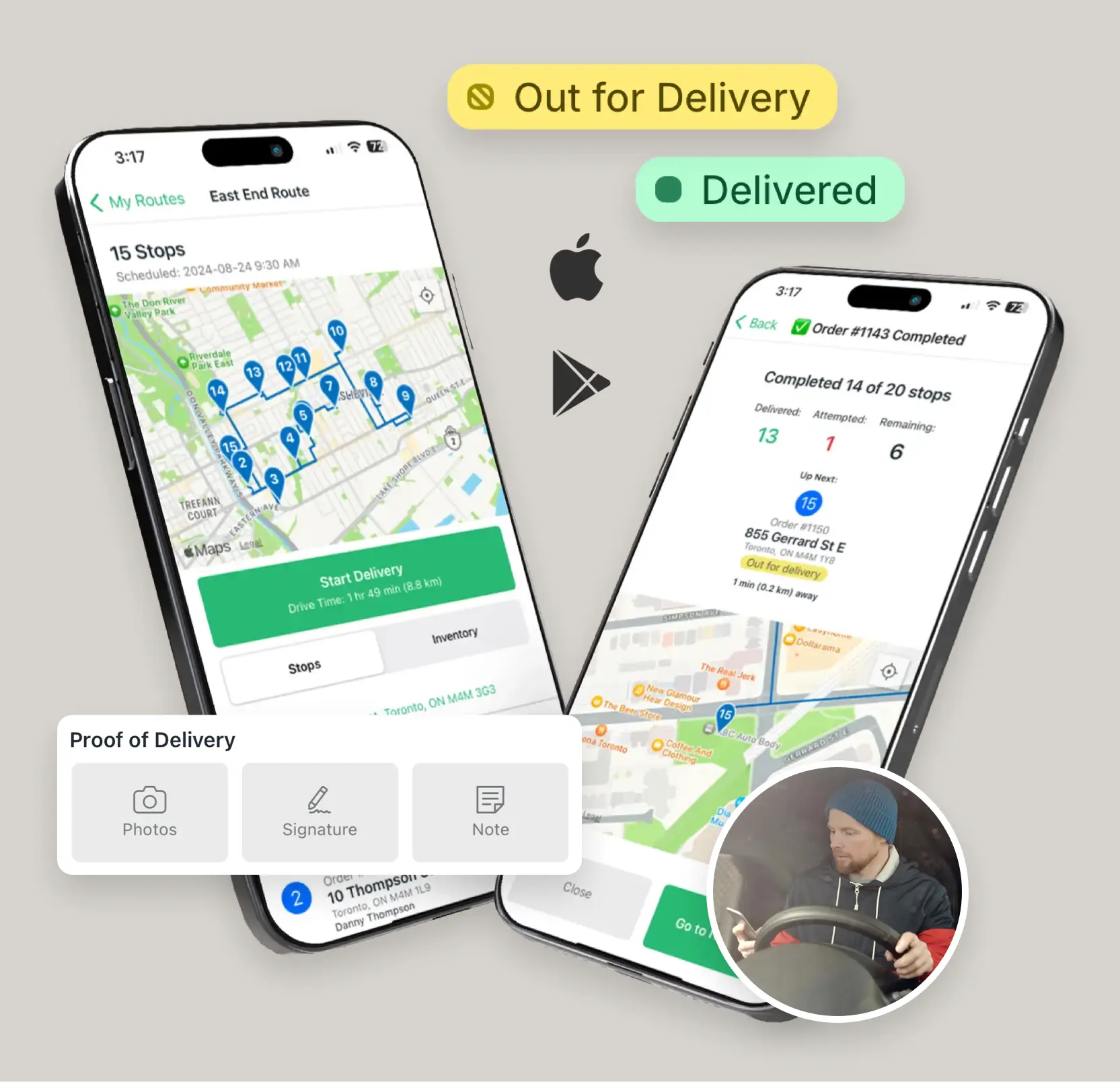
❌ Zippd uses custom enterprise pricing with no public plans or free tier. EasyRoutes offers transparent, flat-rate pricing from $39/month per driver—with a free plan to get started.
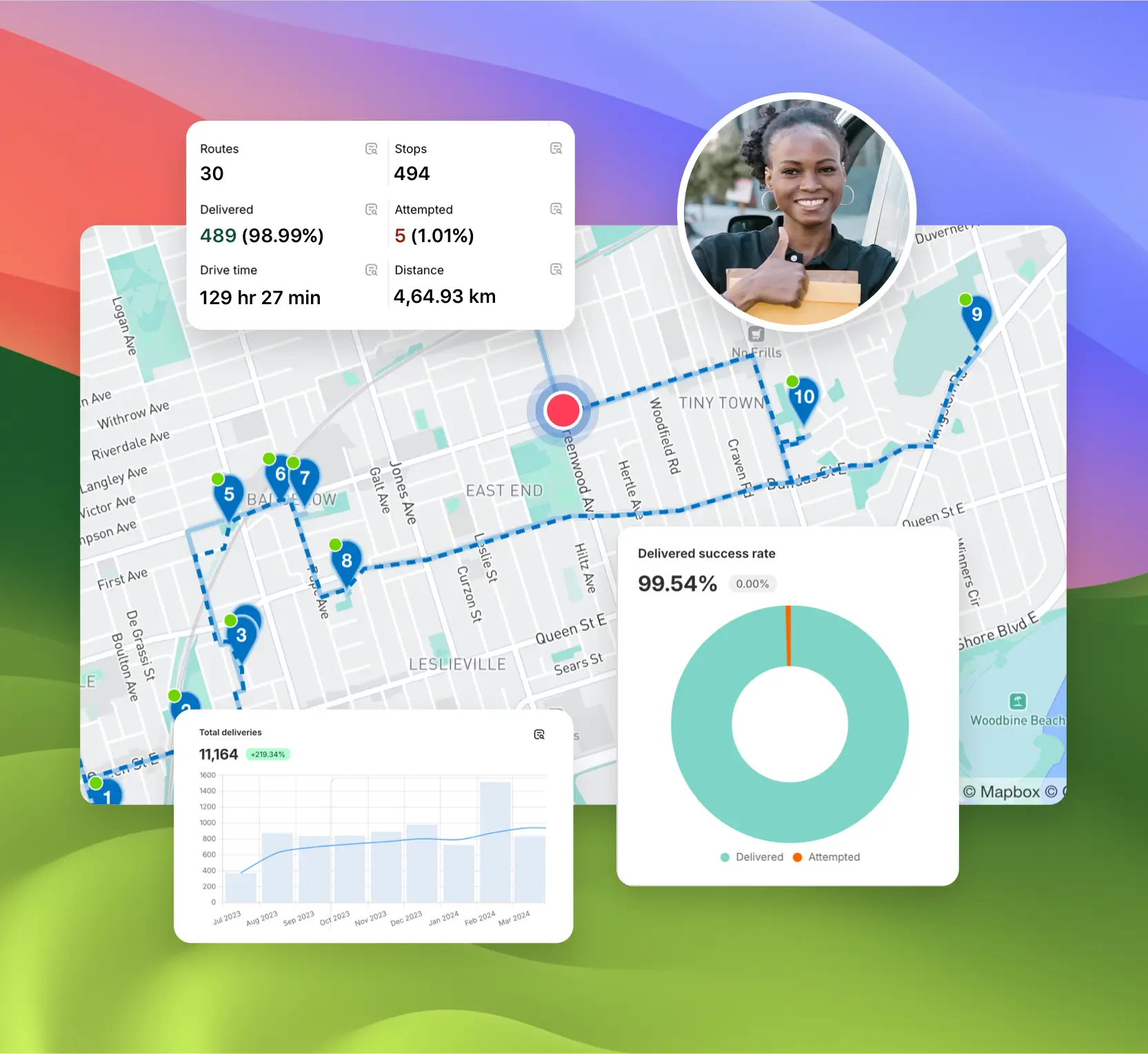


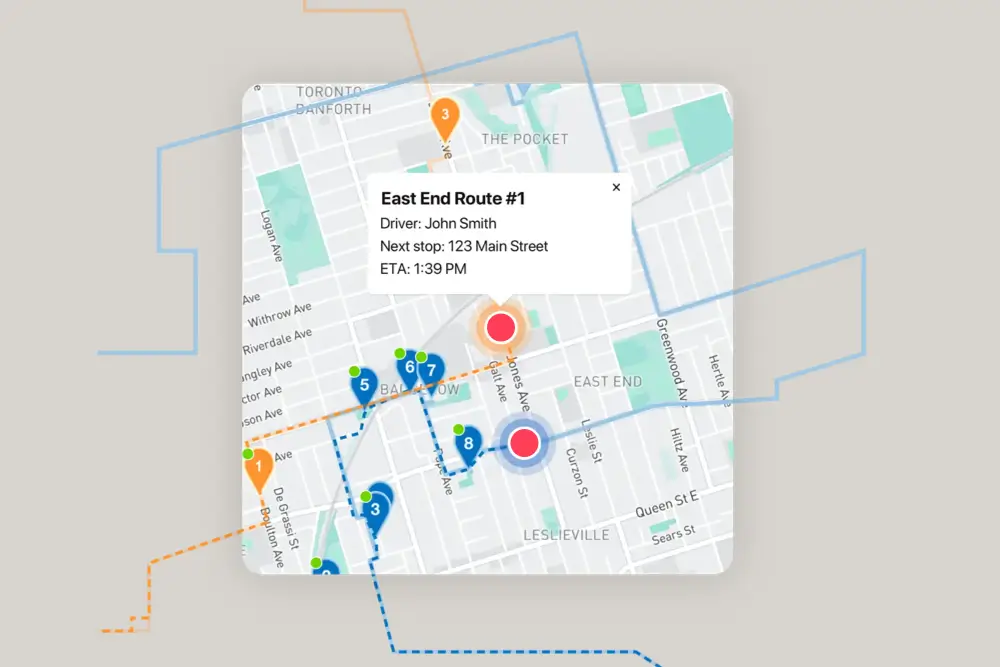
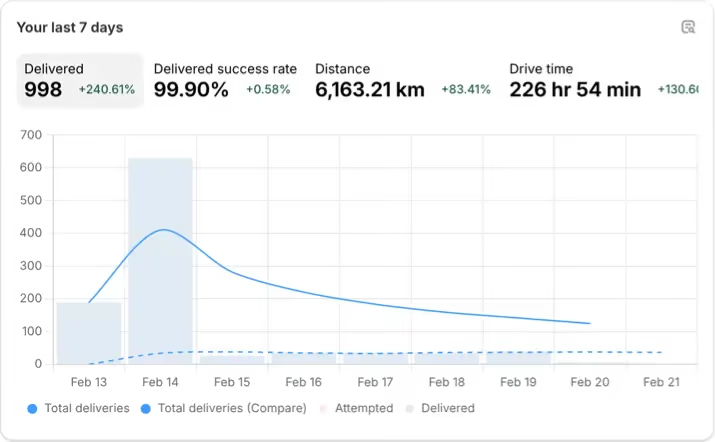
EasyRoutes gives you more than just optimized routes. It gives you a complete last-mile delivery hub—from route planning to dispatch to proof of delivery.
Join thousands of delivery-focused businesses—including florists, bakeries, grocery subscriptions, and meal kits—who trust EasyRoutes to power their local deliveries.
.webp)
Choose EasyRoutes for Web if you don’t use Shopify or prefer a standalone planner. Import orders from spreadsheets (CSV), connect webhook events to Zapier for no-code automations, or integrate directly with our API to push/pull data programmatically. It’s ideal for delivery teams moving off manual tools and wanting automation without switching e-commerce platforms.
See: Import orders from CSV · API: Getting Started · Zapier webhooks
Yes. Use the EasyRoutes API, webhooks, and Zapier to connect ERPs/CRMs/WMS or automate tasks without code.
Yes. EasyRoutes supports Vehicle Profiles you can configure and assign to routes. EasyRoutes also supports capacity planning via item or weight limits per route. Use these with other options (like time windows, or custom start/end locations) to keep plans realistic and drivers on schedule.
See: Vehicle Profiles · Max items/weight per route · Commercial/GPX Export
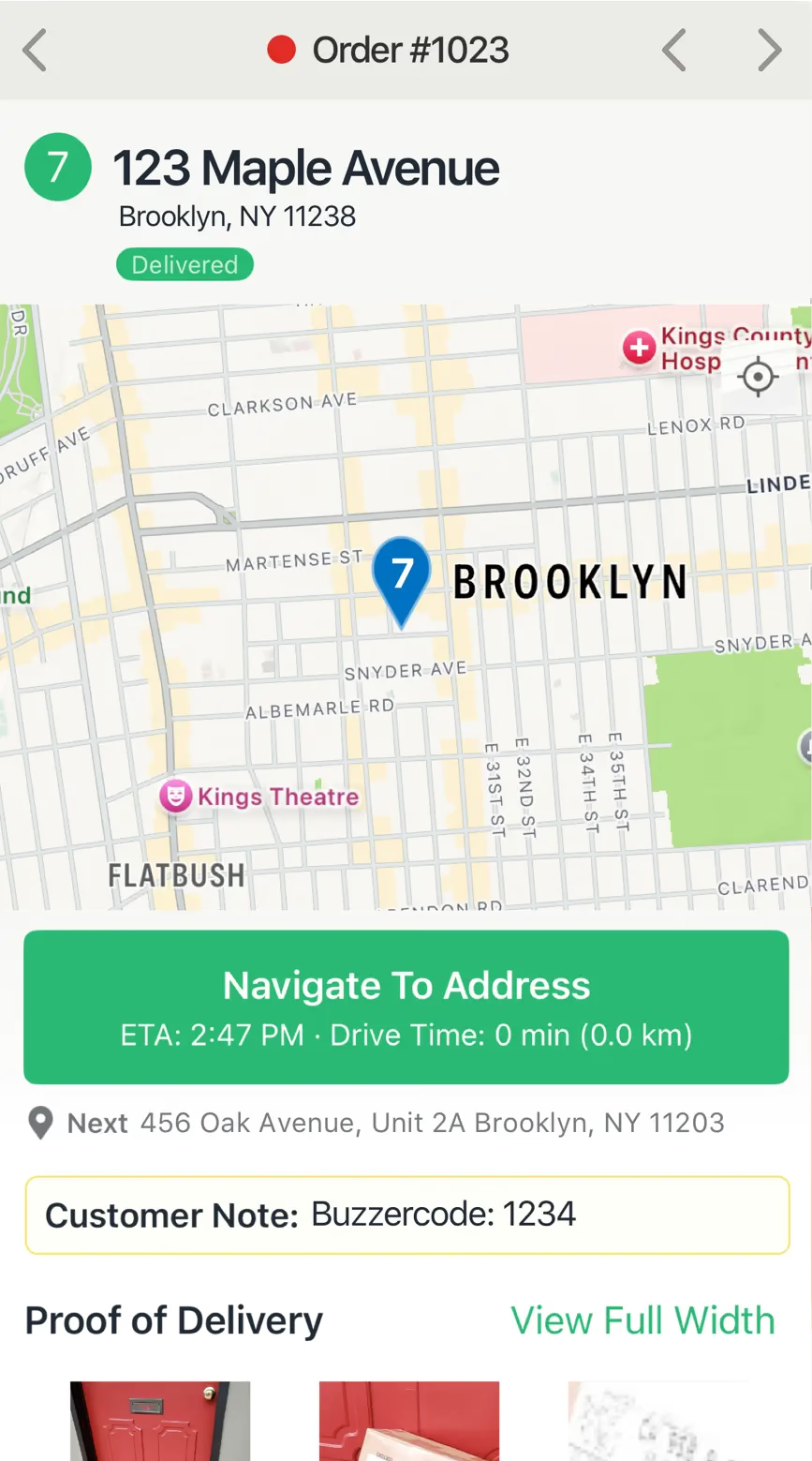
EasyRoutes supports delivery photos, e‑signature, driver notes, and automatic timestamps (with GPS location when available) to provide a complete delivery record.
See: Proof of Delivery
Yes. Set label size (e.g., 4×6 thermal or A4/Letter) and font scale in EasyRoutes Settings → Packing Slips & Labels, then fine‑tune using your printer’s paper and scale settings.
Yes. EasyRoutes Premium and Enterprise plans support branded SMS notifications with usage‑based pricing per message segment. Configure templates and funding in Settings.
You can show a live GPS pin on customer tracking pages when the driver is approaching. Configure this in EasyRoutes Settings → Order tracking and pair with email/SMS notifications for maximum visibility.
See: Real-Time Driver Location Tracking · Order Tracking Pages
Yes. Drivers can launch directions via Google Maps, Apple Maps, or Waze from each stop, and pick a default navigation app in their mobile app settings.
Yes. Control what drivers can do and see: allow/disable re‑ordering or re‑optimizing stops and choose which customer fields are visible in the app.
You can change your plan at any time in your EasyRoutes settings by following the instructions in this EasyRoutes help article. Any active drivers and seats you have on your current plan will also be changed to the new plan's monthly price.
Add or remove stops on existing routes, then re‑optimize to refresh ETAs and send updates to the driver app. Changes can be made anytime during the day.