Optimize delivery routes based on Delivery Dates and Time Windows from Buunto
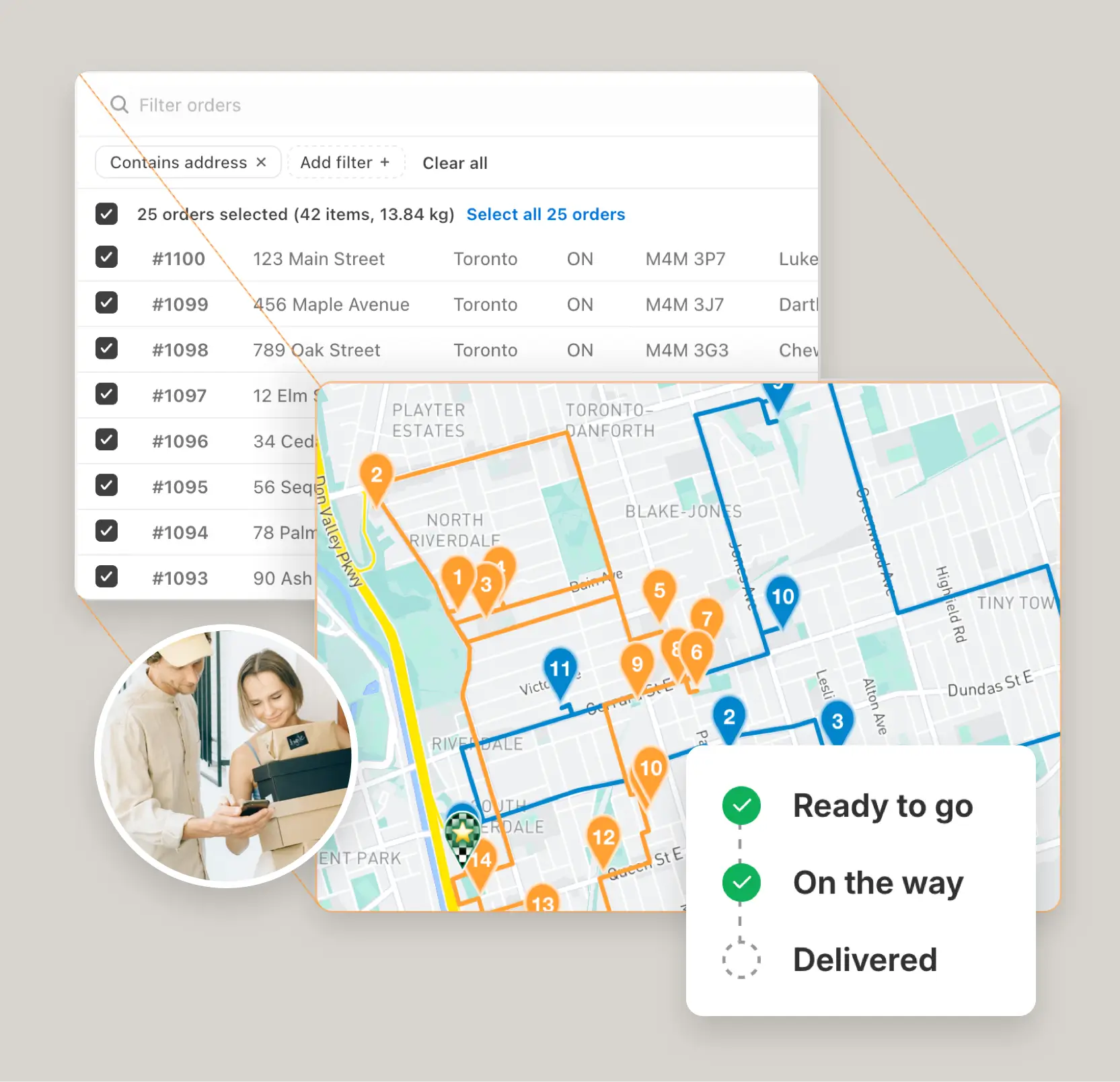
To view your delivery date and time window information from Buunto, check the Delivery Date and Time Windows columns in your 'Configure table columns' settings, found on the EasyRoutes Orders Page.
Once enabled, you will see those columns in your orders table. We'll also add a Delivery Date filter you can use to quickly find the orders you need.
Alternatively, Buunto writes delivery date and time information into Shopify's Order Tags or Order Attributes, so you can turn on these columns in your EasyRoutes Settings to use that information for planning or to show to your driver directly.
To view tags and attributes inline for your orders, check these fields in your EasyRoutes Settings under General > Orders Dashboard.
Once you are ready to create delivery routes, set a date for delivery using our Route Scheduling route option and EasyRoutes will take into account all the time window information from your Shopify orders when optimizing routes.
Frequently asked questions
Can I route Shopify Local Delivery and Pickup orders?
Yes. EasyRoutes supports Shopify Local Delivery and can include Pickup orders on routes when you need a driver or staff task at your store or pickup point. Local Delivery instructions appear directly on the stop when available.
Does EasyRoutes support time windows for deliveries?
Yes. You can set delivery time windows per stop or import them from supported third‑party date/time apps. EasyRoutes optimizes routes to meet these windows and calculates ETAs accordingly.
Can I filter Shopify and imported orders in EasyRoutes?
Yes. Filter by delivery date, zone, status, location (ZIP/postal code, city, country, custom zones) and more criteria to select only the orders you need.
See: Order Filters
Can I schedule routes in advance to share ETAs?
Yes. Schedule routes for specific dates/times, and ETAs will be calculated for each stop on a route. These ETAs can be shared via customer tracking links and email/SMS delivery notifications.
Does EasyRoutes automatically sync orders from Shopify?
Yes. New and updated Shopify orders flow into EasyRoutes automatically so your Orders page stays current for planning. If something looks off, refresh and check your date/location filters.
Can I mix pickups and deliveries on the same route?
Yes. A single route can combine deliveries and pickups, so a driver drops off orders and collects returns, empties, or reusable packaging on one trip. Add pickups from Shopify orders, CSV/API imports, or manual stops; optimization sequences everything and labels each task for the driver. Works in both EasyRoutes for Shopify and EasyRoutes for Web. See: Pickup orders
How are same-day changes handled?
Add or remove stops on existing routes, then re‑optimize to refresh ETAs and send updates to the driver app. Changes can be made anytime during the day.
Can I edit routes after they’ve been created?
Yes. Add/remove stops, drag‑and‑drop stops to reorder them, change drivers or schedules, and re‑optimize at any time.
See: Edit Routes
Can I dispatch routes automatically?
Yes. If a scheduled start time is set, routes can be auto‑assigned and dispatched to the selected driver when created.
See: Auto‑Dispatch
Can I notify a customer when a delivery is rescheduled or reattempted?
Yes. Enable the Rescheduled notification type so customers get an updated date, window, and tracking link when you move their delivery.
How does EasyRoutes read delivery dates and time windows from a third-party date picker app?
EasyRoutes reads delivery dates and time windows from your date picker's order attributes and tags, then shows them for filtering and routing.
Does EasyRoutes sequence stops to respect each order's delivery time window?
Yes. With a scheduled start time, EasyRoutes sequences stops to arrive within each order's delivery time window.