Local gas delivery made easy

Fuel fleets and tanks efficiently. Optimize territories, manage time-sensitive stops, and track driver location live.

⭐⭐⭐⭐⭐ 4.9 stars Trusted by 5,000+ Businesses

Flower Delivery: The Million RosesMattress Delivery: SonnoPizza Delivery: SliceGass Delivery: Gas GuysFood Delivery: Redstart FoodsBread Delivery: Butter & Crust

Gas Delivery

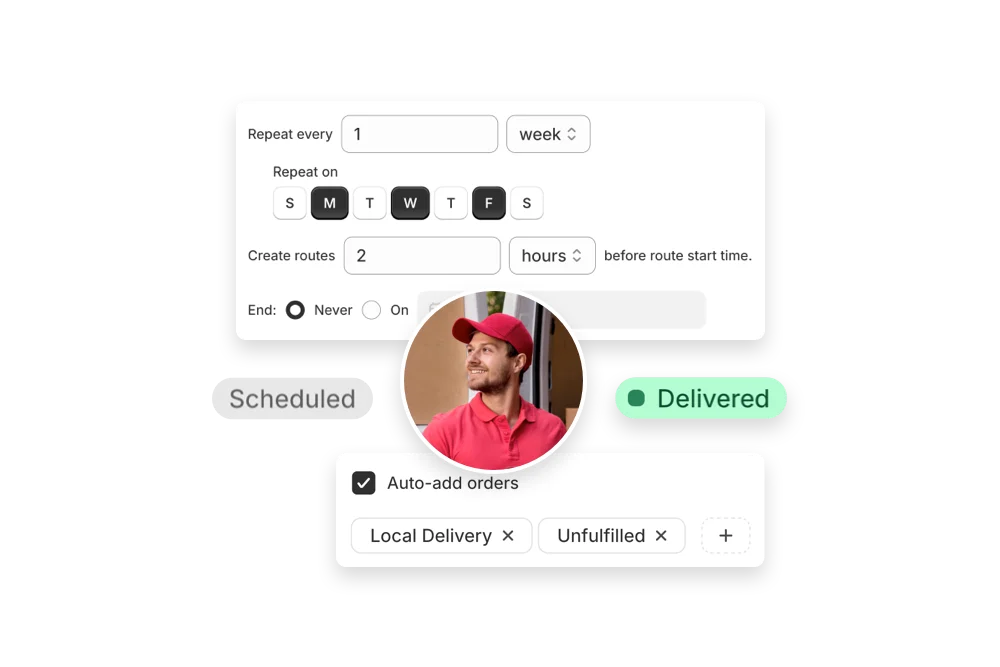
EasyRoutes supports scheduled and on-demand fuel delivery operations to vehicles, equipment, and tanks. It helps you cluster territories, manage time-sensitive stops, and dispatch to drivers with compliance and safety notes. Optimized routes reduce idle time and improve service reliability. With live tracking, delivery confirmation, and customer notifications, EasyRoutes makes fuel runs efficient and transparent.

Gas Delivery

"Changing over to EasyRoutes has been a seamless experience. The app is easy to use saving hours per week with our scheduling...Highly recommend this app and team."

Powerful gas delivery features, like:

Route Optimization

Create efficient routes in seconds using order details and driver constraints. Rebalance stops, set priorities, and avoid tolls or U‑turns to keep your team on time.

Accurate ETAs & Live Tracking

Share real‑time tracking links with customers and let your team see live driver progress on the map—fewer “where is my order?” messages and better transparency.

Photo & E‑signature Proof Of Delivery

Capture photo and e‑signature proof in the driver app. Store delivery events on each order so customer support can verify outcomes quickly.

Time Windows & Priority Stops

Plan with delivery time windows and flag priority stops. EasyRoutes sequences routes to respect constraints while minimising overall drive time.

Product‑aware Packing Lists

Print smart packing lists and labels that mirror each route. Reduce picking errors with clear quantities, variants, and notes that match what drivers see.

Two‑way Status Updates

Keep customers informed with proactive notifications at out‑for‑delivery and completed states. Sync delivery statuses with your orders for clean reporting.

Re‑optimize In Progress

Need to add a last‑minute stop or handle a cancellation? Update a route in flight and re‑optimize without starting over—drivers get the latest version instantly.

Smart Dispatch & Driver Management

Assign routes automatically or by drag‑and‑drop, then dispatch to the iOS and Android driver apps. Set driver breaks, start/end locations, and shift limits.

Run safe, efficient fuel routes for vehicles, equipment, and tanks with territory clustering and time-sensitive scheduling. Attach safety notes and site instructions so drivers follow proper procedures every time. Track progress live to keep operations predictable.

Re-prioritize urgent fills without disrupting the whole day. Capture delivery confirmations, notify customers automatically, and maintain clear service records for audits and compliance.

Auto-optimize delivery routes in seconds

Instantly generate the most efficient routes directly from your orders. Save hours on manual planning and cut delivery costs with powerful, scalable routing built for businesses of every size.

"The best routing app for Shopify merchants."
- Shopify

Create optimized delivery routes from your orders.

Delight customers with live delivery updates

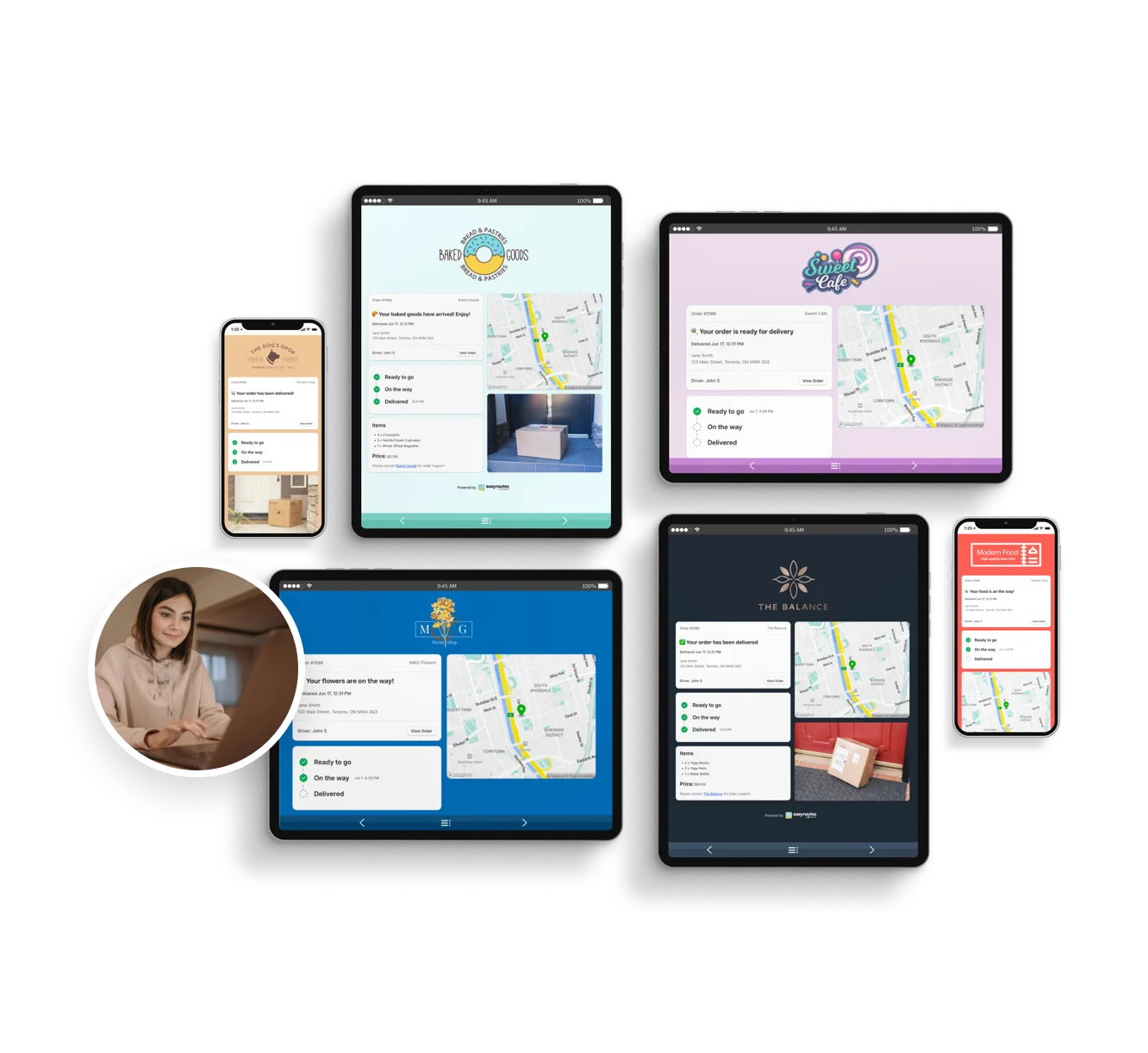
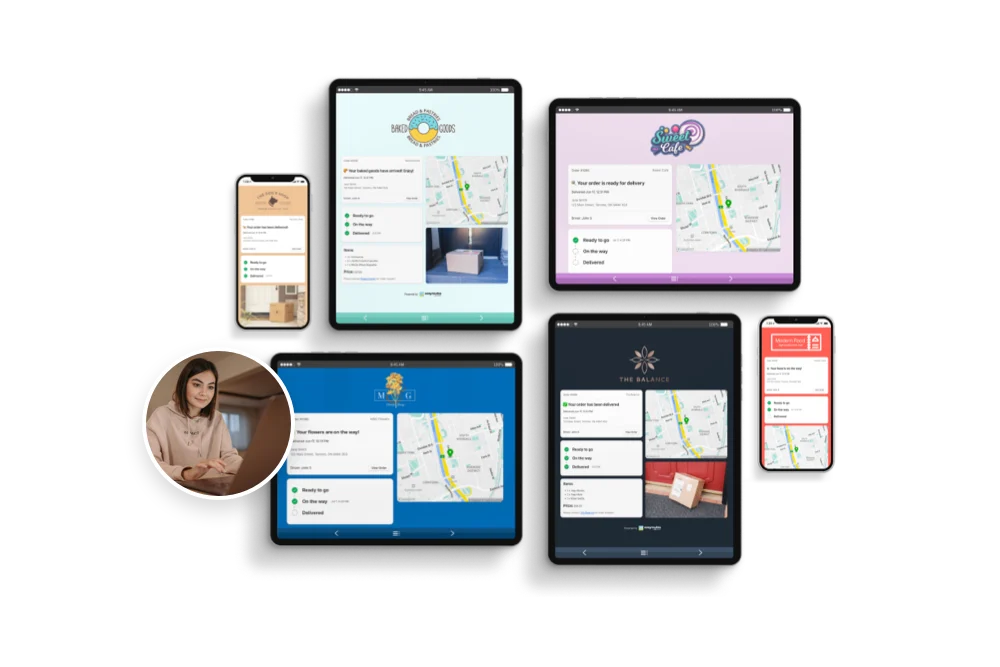
Reduce “Where’s my order?” calls with automated SMS and email notifications. EasyRoutes includes branded tracking pages that match your business — giving customers the visibility they expect.

"Customers are loving the tracking feature...No more 'When's my order coming?' phone calls."
- MB Grocery

Keep customers up-to-date and informed.

Everything your drivers need in one app

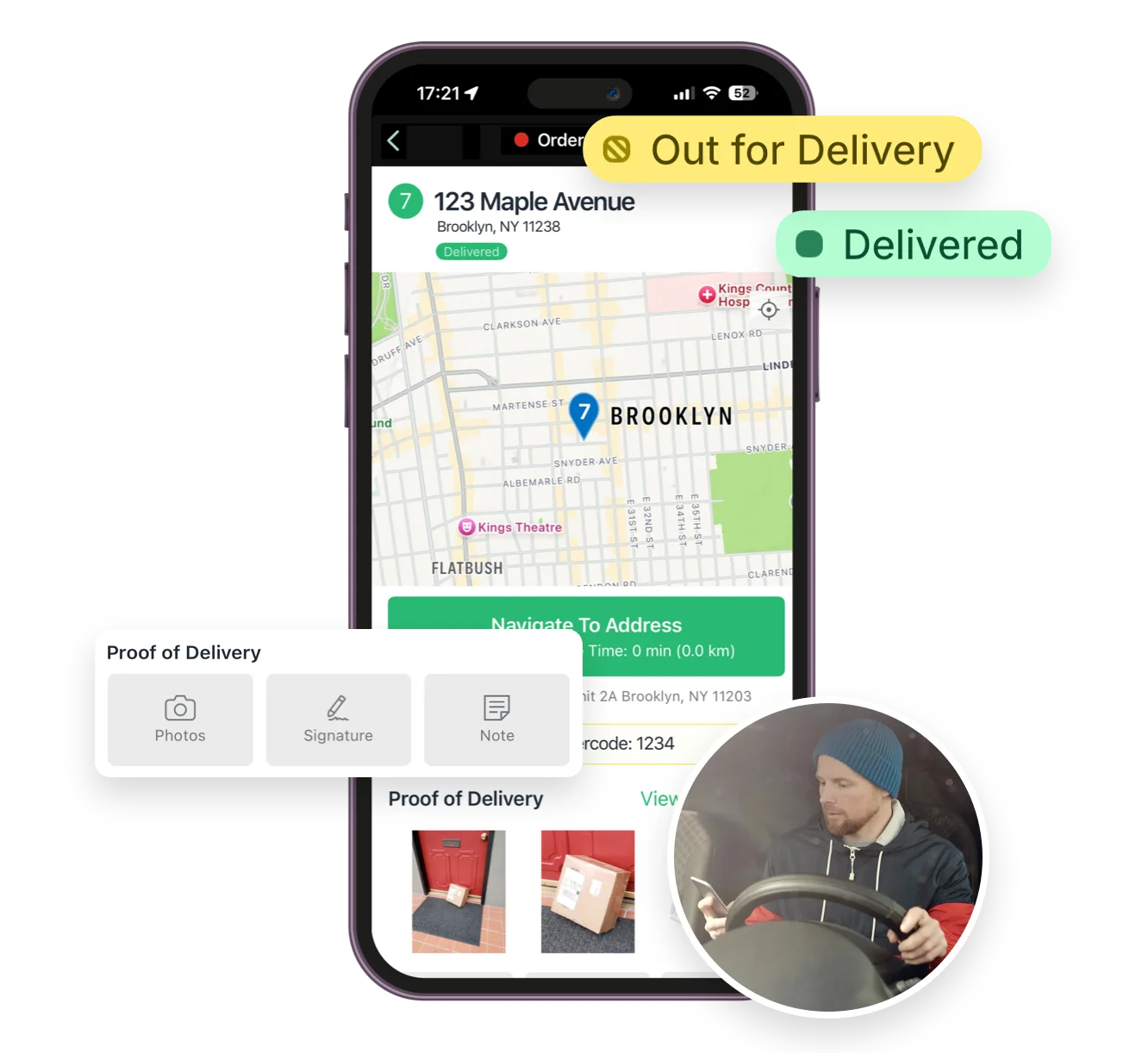
From optimized stop lists to proof of delivery, the EasyRoutes driver app gives your team all the tools they need — on iOS and Android. Turn-by-turn navigation, delivery notes, and customer info all in one place.

"I wouldn’t use any other app for my drivers!"
- Solstice Savory Pies

Keep customers up-to-date and informed.

Track and improve every delivery

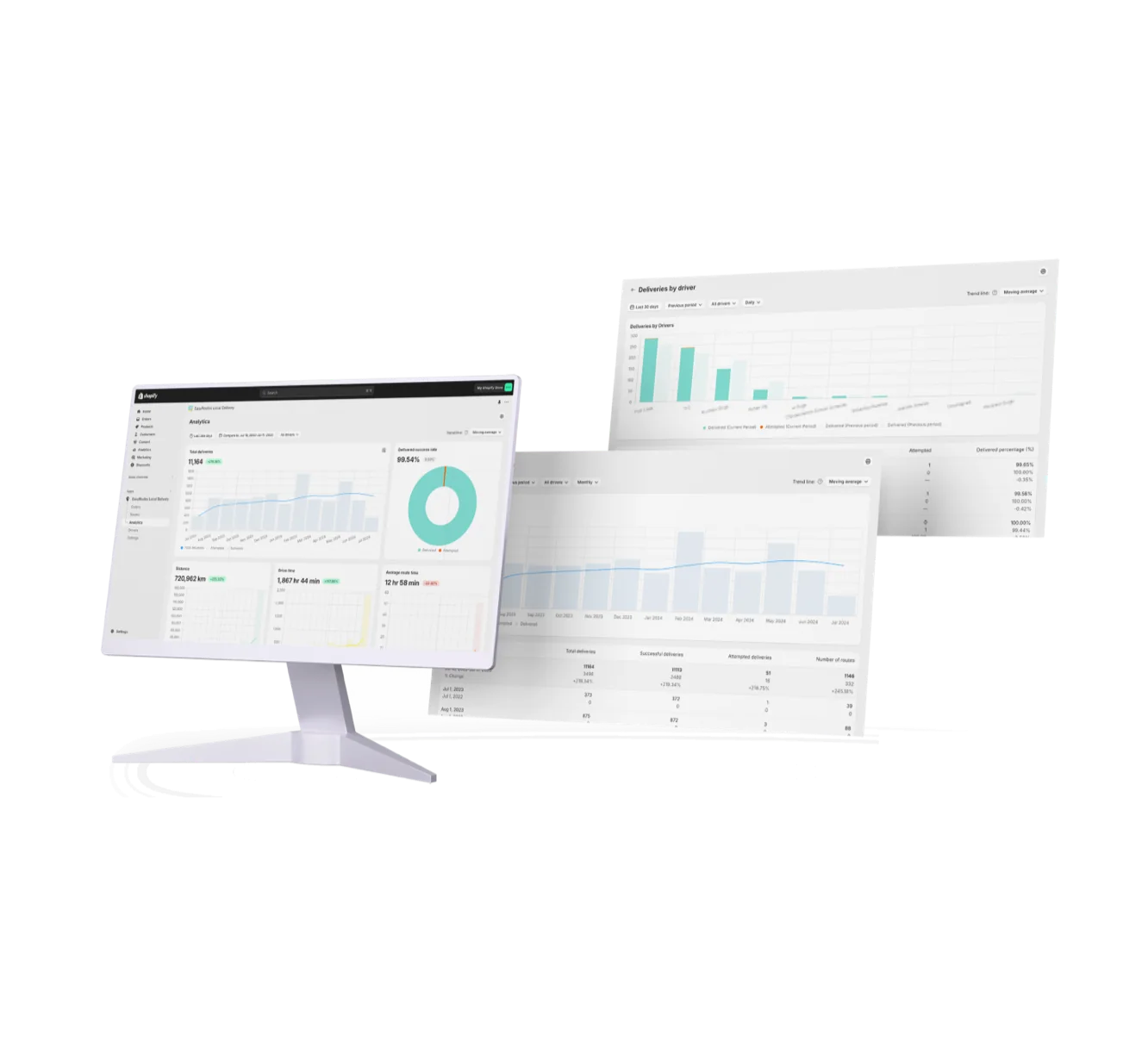
Monitor delivery progress in real time, review performance across your team, and uncover trends with powerful reporting. EasyRoutes helps you make data-driven decisions that scale with your operations.

"It's one of the most useful apps for my business that I have ever installed."
- Bloomen

Track and analyze your deliveries.

Packed with features to make delivering easy, like...

Optimized Route Planning

Optimized Route Planning

Automatically generate efficient, cost-saving routes using real-time traffic, delivery windows, and order priorities—then edit on the fly.
Packing Slips & Labels

Packing Slips & Labels

Automatically generate packing slips and shipping labels customized for each route to streamline packing and reduce handoff errors.
Route Management

Route Management

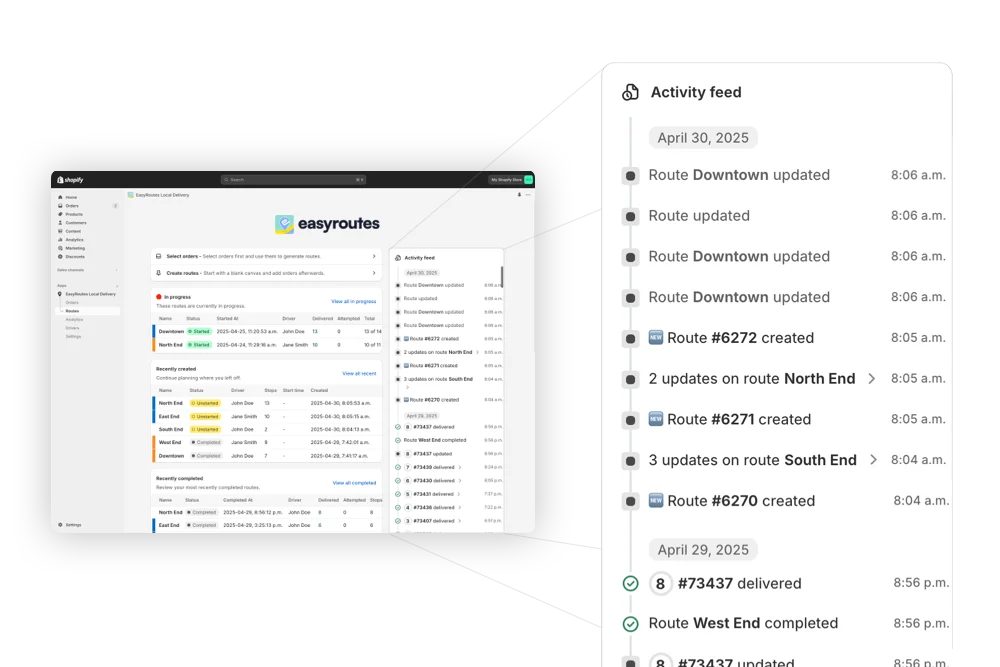
Handle last-minute order changes, reassign deliveries, and make real-time updates without disrupting your team or your customers.

Frequently asked questions

What is EasyRoutes and who is it for?

EasyRoutes is a delivery management and route optimization platform for merchants, local delivery teams, and logistics operators. It helps you plan routes, dispatch to drivers, track progress in real time, and notify customers. Works with Shopify and integrates with other e-commerce platforms via EasyRoutes for Web.

See: Getting Started with EasyRoutes

How does EasyRoutes optimize my delivery routes?

EasyRoutes optimizes deliveries using your selected orders, start & end locations, stop time intervals, time windows, and route limits. You can balance routes, respect capacities, and re‑optimize as plans change.

See: Route Options · EasyRoutes 101

Does EasyRoutes support vehicle capacity limits?

Absolutely. Plan with item and weight limits to reflect the capacities of your fleet. Configure and assign Vehicle Profiles for an additional indicator for routes that have specific restrictions by vehicle.

See: Routes by Vehicle Capacity · Vehicle Profiles

Does EasyRoutes support time windows for deliveries?

Yes. You can set delivery time windows per stop or import them from supported third‑party date/time apps. EasyRoutes optimizes routes to meet these windows and calculates ETAs accordingly.

See: Time Windows · Supported third-party apps

How do I set stop priorities for optimization?

Use a stop’s Actions menu to mark it High or Low priority (or set several at once); High priority stops are included first when a route hits its limits. See: Priority stops

Can I dispatch a route to a driver from EasyRoutes?

Yes. Assign routes to drivers directly, or share a self‑assign link so eligible drivers can claim routes. Drivers complete deliveries in the EasyRoutes Delivery Driver mobile app.

See: Dispatch / Share Routes · Driver Self‑Assign

What are the digital inventory/loading checklists and how do drivers use them?

EasyRoutes auto-builds a route inventory drivers use as a loading checklist, with Summary, Items, and Orders views in the app. See: Using the Delivery Driver app

Can I show my driver’s real-time location to customers?

Yes. On Premium/Enterprise plans you can display a live driver pin on tracking pages when the driver is 1–10 stops away.

See: Real‑Time Driver Location Tracking

How accurate are ETAs?

ETAs use route distance, stop service times, and historical traffic, and they update during the day as drivers progress. Accuracy improves when addresses and time windows are clean.

See: Route Scheduling & ETAs

What kinds of proof of delivery can EasyRoutes capture?

EasyRoutes supports delivery photos, e‑signature, driver notes, and automatic timestamps (with GPS location when available) to provide a complete delivery record.

See: Proof of Delivery

How does the free trial work?

Your 14-day free trial starts when you choose a paid plan for the first time. If you cancel anytime during your trial you won't be billed. If you continue, your subscription starts when your trial period ends.

See: Plans & pricing overview

How do I switch to EasyRoutes from another delivery app?

Switching is quick. On Shopify, install EasyRoutes and orders sync automatically — no data migration. For orders from other systems, import by CSV/spreadsheet (an AI assistant maps your columns), Zapier, or API, then set route options and add drivers. Most merchants are live the same day. Works with both EasyRoutes for Shopify and EasyRoutes for Web. See: Getting Started