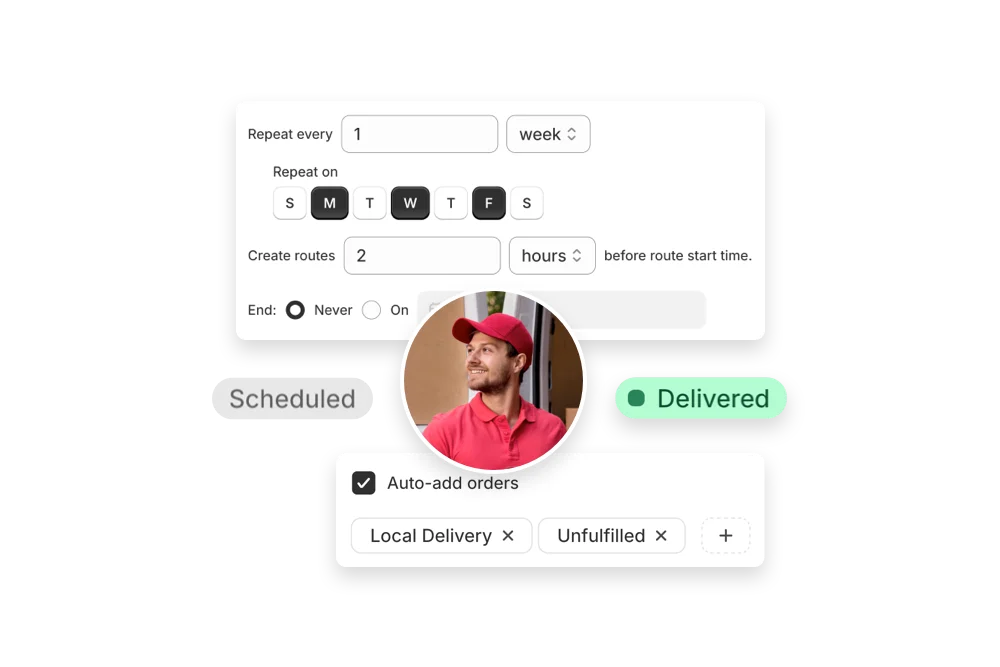
Clear clutter fast and neatly. Group jobs by area, add on-site notes and photos, and update ETAs as trucks fill.
Increase daily jobs with capacity-aware routing that clusters bookings and accounts for load-out and disposal stops. Provide accurate ETAs, attach access notes, and capture before-and-after photos for transparent service. Eliminate backtracking and keep crews busy—not stuck in traffic.
Handle same-day requests by inserting new jobs into live routes and recalculating time estimates instantly. Track truck fill levels, schedule dumps efficiently, and share customer updates so projects finish faster with less idle time.


EasyRoutes integrates with your Shopify orders so you can plan, dispatch, and track deliveries without exports or custom tools. As your junk removal operation grows, add drivers, create multiple routes at once, and keep customers updated with clear tracking pages.
Instantly generate the most efficient routes directly from your orders. Save hours on manual planning and cut delivery costs with powerful, scalable routing built for businesses of every size.
"The best routing app for Shopify merchants."
- Shopify

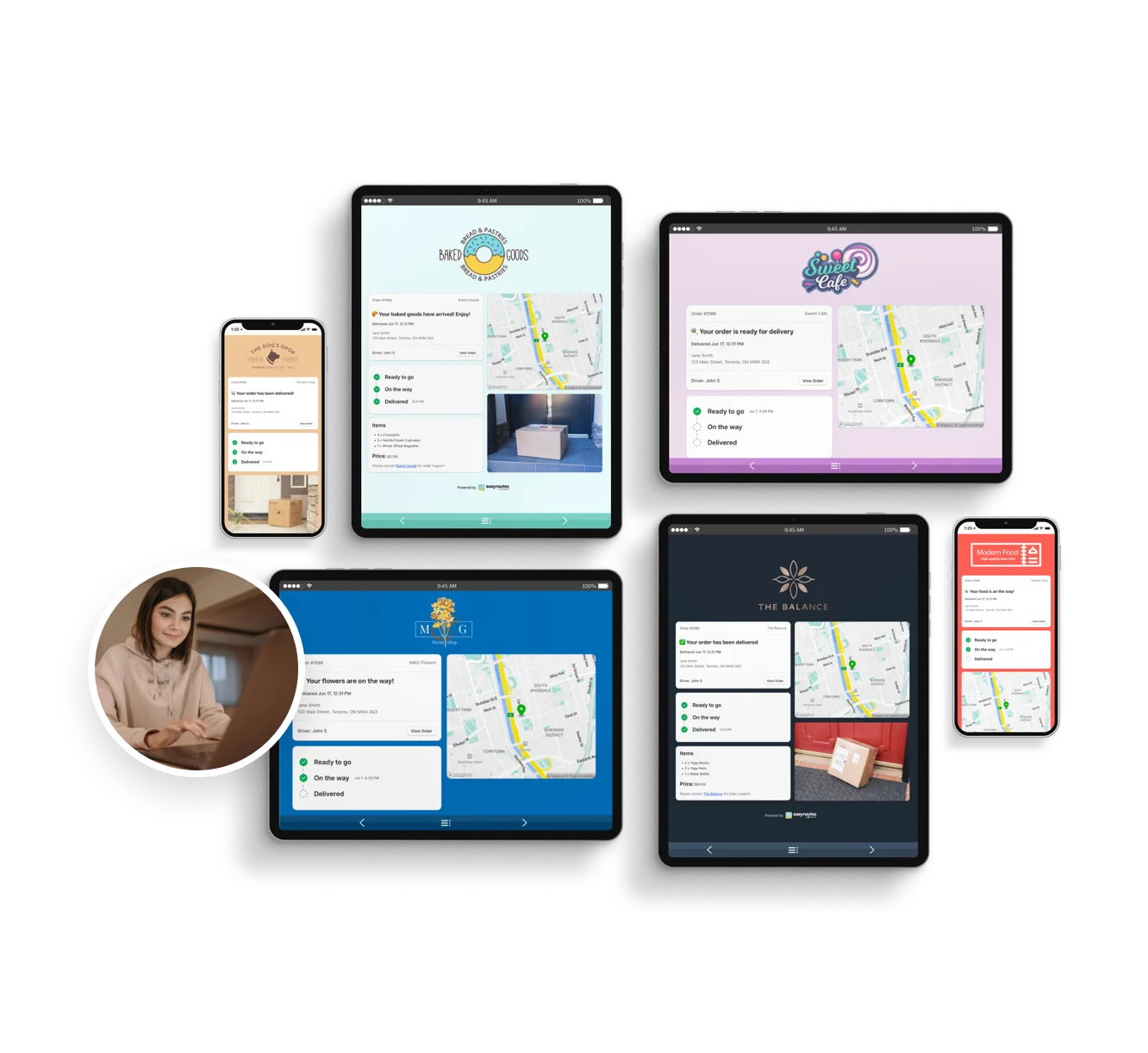
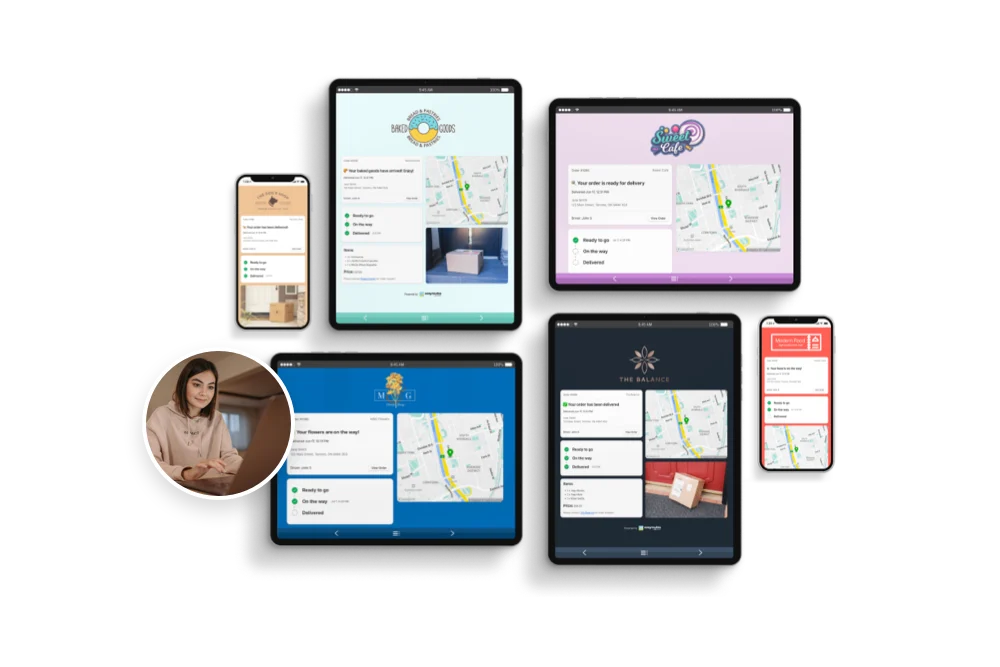
Reduce “Where’s my order?” calls with automated SMS and email notifications. EasyRoutes includes branded tracking pages that match your business — giving customers the visibility they expect.
"Customers are loving the tracking feature...No more 'When's my order coming?' phone calls."
- MB Grocery

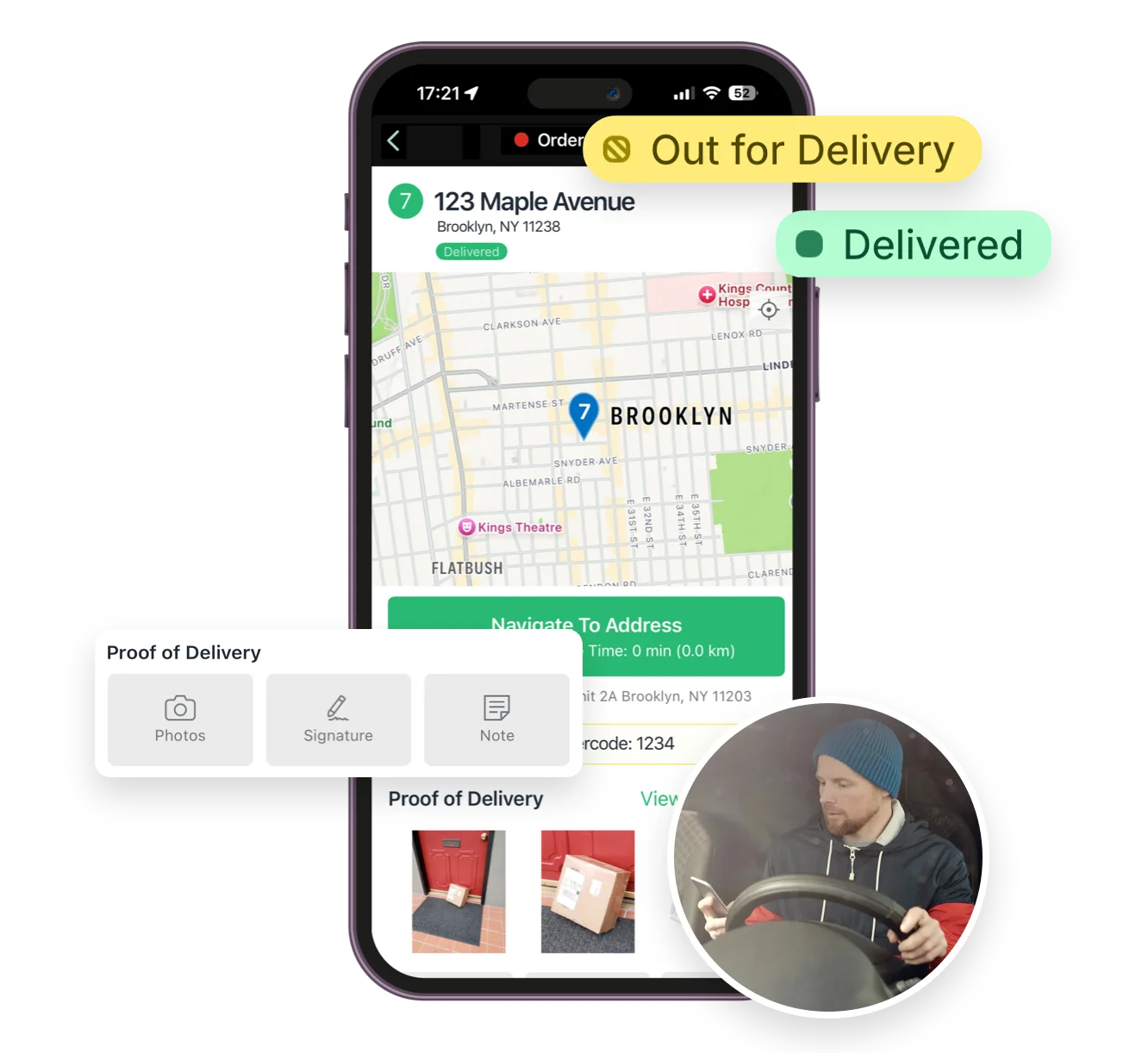
From optimized stop lists to proof of delivery, the EasyRoutes driver app gives your team all the tools they need — on iOS and Android. Turn-by-turn navigation, delivery notes, and customer info all in one place.
"I wouldn’t use any other app for my drivers!"
- Solstice Savory Pies

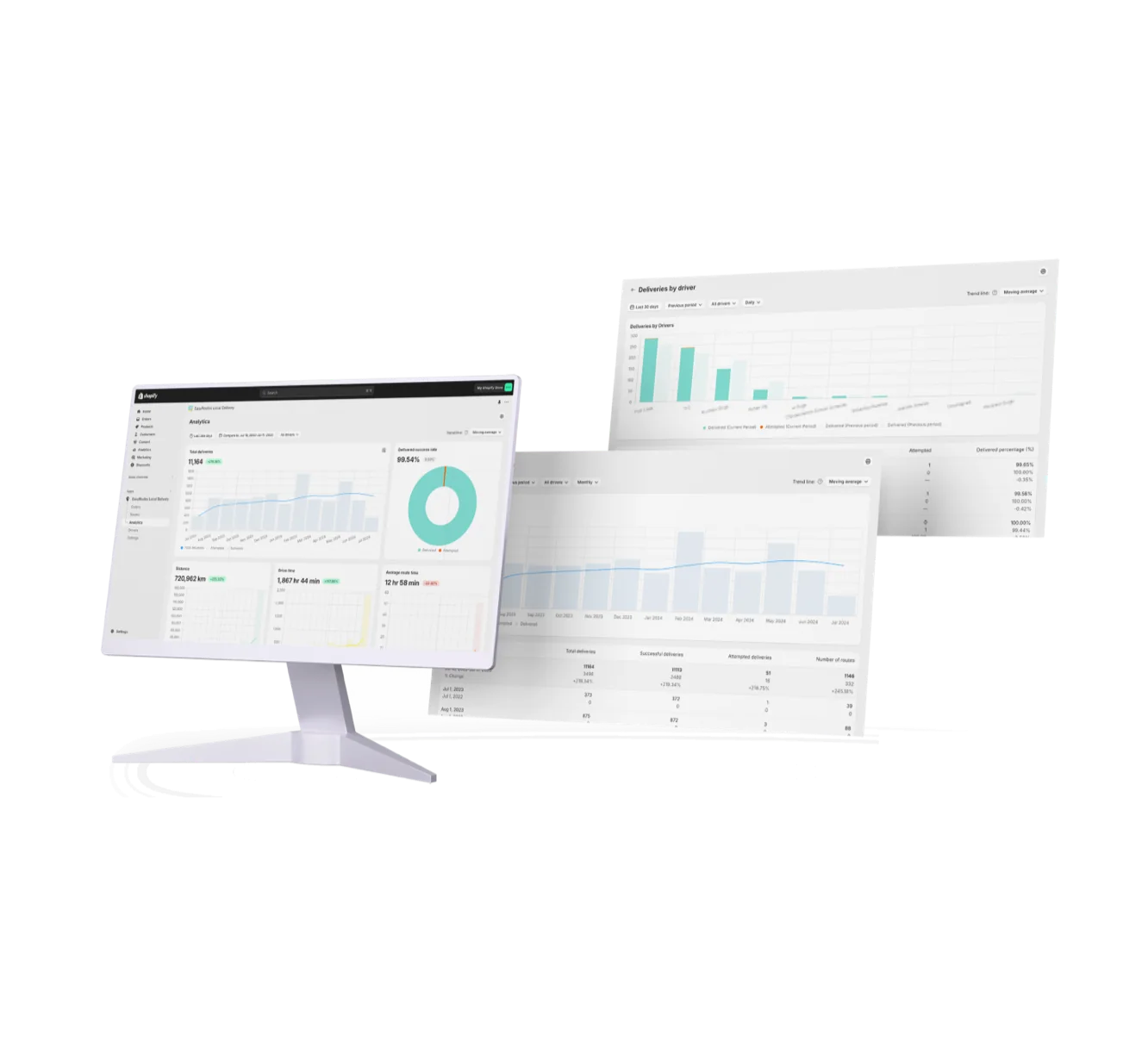
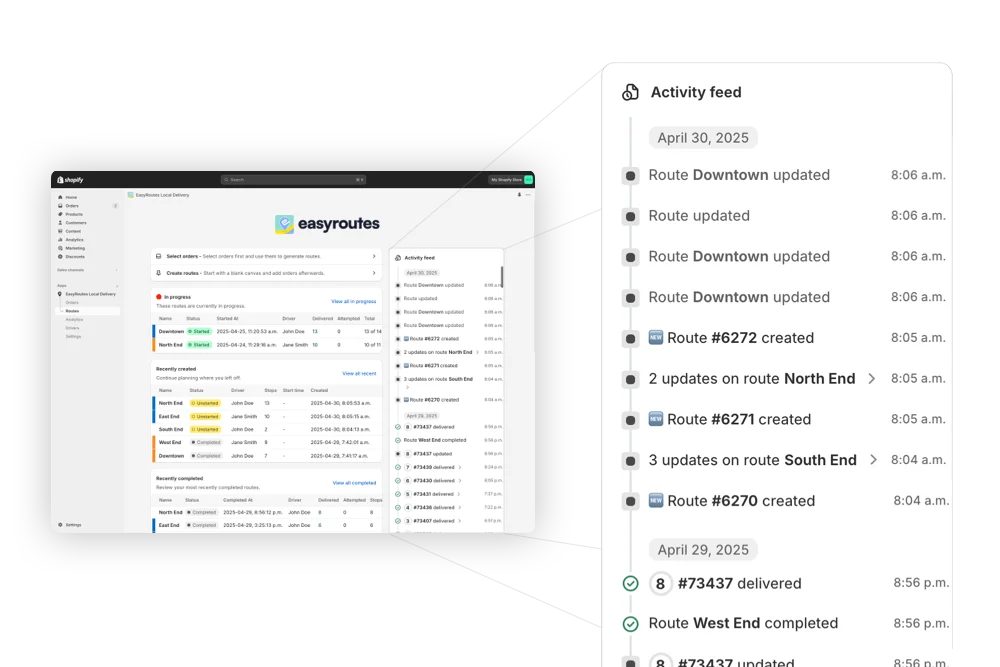
Monitor delivery progress in real time, review performance across your team, and uncover trends with powerful reporting. EasyRoutes helps you make data-driven decisions that scale with your operations.
"It's one of the most useful apps for my business that I have ever installed."
- Bloomen


EasyRoutes is a delivery management and route optimization platform for merchants, local delivery teams, and logistics operators. It helps you plan routes, dispatch to drivers, track progress in real time, and notify customers. Works with Shopify and integrates with other e-commerce platforms via EasyRoutes for Web.
EasyRoutes optimizes deliveries using your selected orders, start & end locations, stop time intervals, time windows, and route limits. You can balance routes, respect capacities, and re‑optimize as plans change.
See: Route Options · EasyRoutes 101
Yes. You can set delivery time windows per stop or import them from supported third‑party date/time apps. EasyRoutes optimizes routes to meet these windows and calculates ETAs accordingly.
EasyRoutes auto-builds a route inventory drivers use as a loading checklist, with Summary, Items, and Orders views in the app. See: Using the Delivery Driver app
ETAs use route distance, stop service times, and historical traffic, and they update during the day as drivers progress. Accuracy improves when addresses and time windows are clean.
EasyRoutes supports delivery photos, e‑signature, driver notes, and automatic timestamps (with GPS location when available) to provide a complete delivery record.
See: Proof of Delivery
Yes. Create pickup‑only routes or mix pickups and deliveries. Use your store or pickup point as the address, and include any notes/requirements for staff reference.
See: Pickup Orders
Yes. A single route can combine deliveries and pickups, so a driver drops off orders and collects returns, empties, or reusable packaging on one trip. Add pickups from Shopify orders, CSV/API imports, or manual stops; optimization sequences everything and labels each task for the driver. Works in both EasyRoutes for Shopify and EasyRoutes for Web. See: Pickup orders
There's no dedicated haul-away field, but a required Driver Task plus a photo let drivers document each removal at the stop.
Model extra handling with longer per-stop service time; for two-person jobs, staff a route with a crew — a route is assigned to one driver account.
Your 14-day free trial starts when you choose a paid plan for the first time. If you cancel anytime during your trial you won't be billed. If you continue, your subscription starts when your trial period ends.
Switching is quick. On Shopify, install EasyRoutes and orders sync automatically — no data migration. For orders from other systems, import by CSV/spreadsheet (an AI assistant maps your columns), Zapier, or API, then set route options and add drivers. Most merchants are live the same day. Works with both EasyRoutes for Shopify and EasyRoutes for Web. See: Getting Started