Address Book / Saved Stops
When saving stops to the Address Book, you can now also include that stop's preferred Time Window and Priority status. From the Actions menu (three dots icon) on any Address Book entry, select Edit address to configure these two stop settings from the Additional options panel:
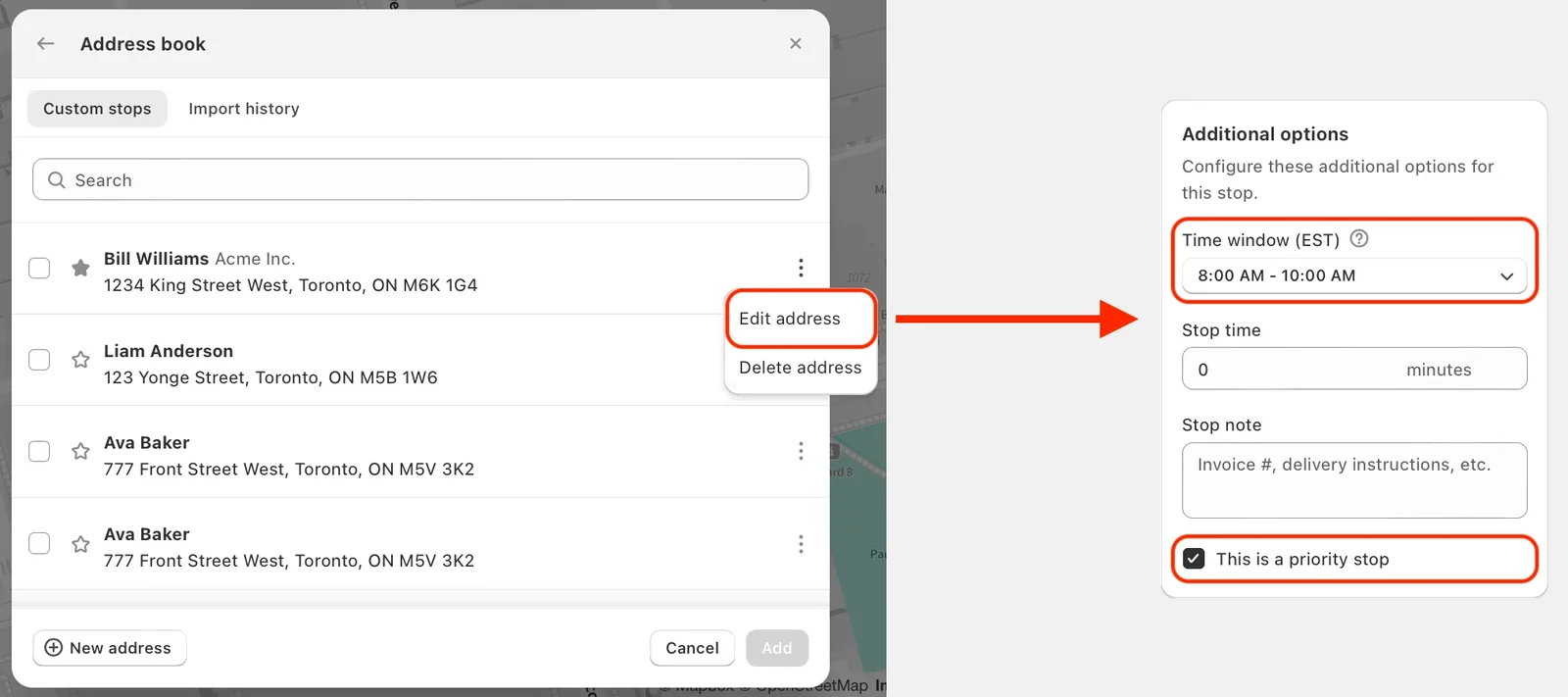
Both of these variables will be permanently included in the saved stop's Address Book entry to streamline any future deliveries to that customer.
Packing Labels & Slips
We've added an Additional instructions text input field in EasyRoutes Settings > Packing slips and labels, under the Packing label options section:
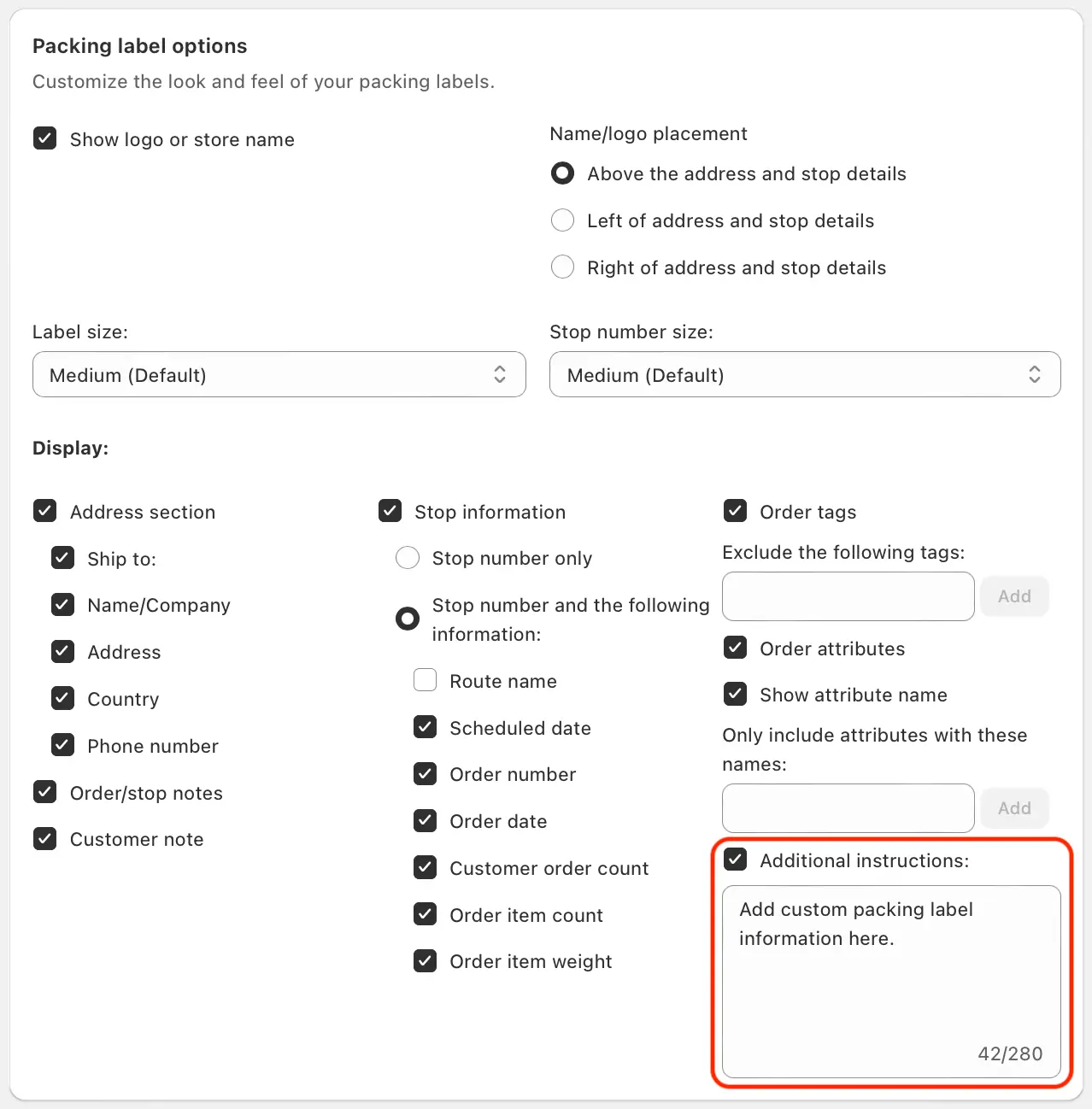
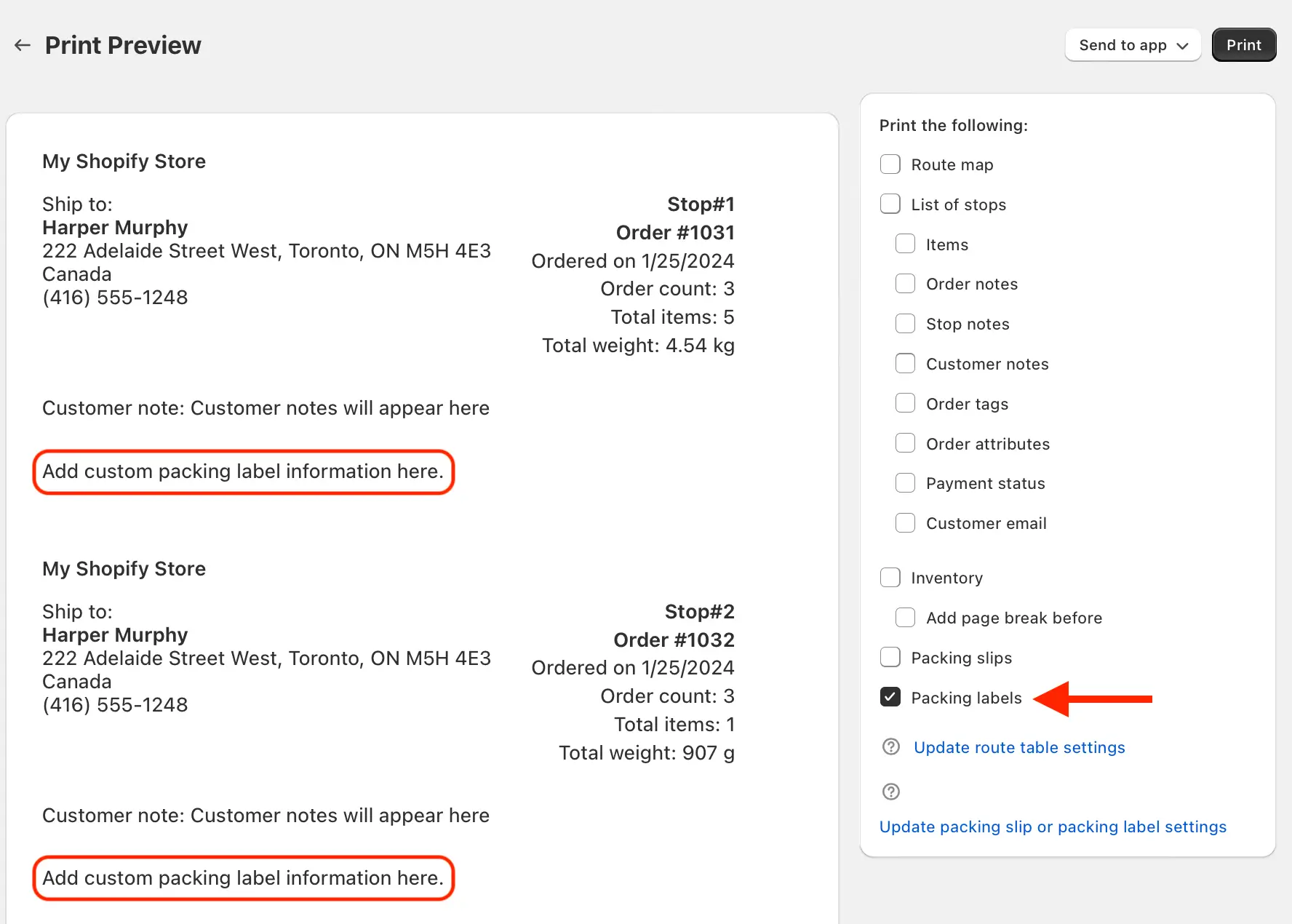
Any instructions or information added to this field will be automatically included when using the Print feature to generate packing labels for your routes:
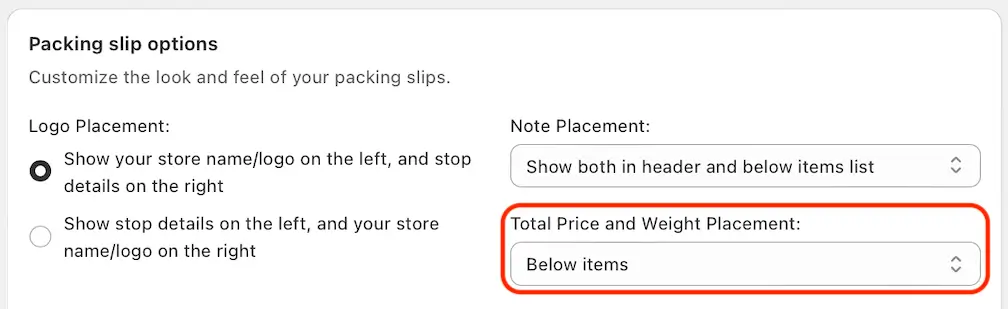
We've also added a new dropdown selection menu to the Packing slip options section to configure where Total Price and Total Weight variables will be placed (Below items, In header, or both):