
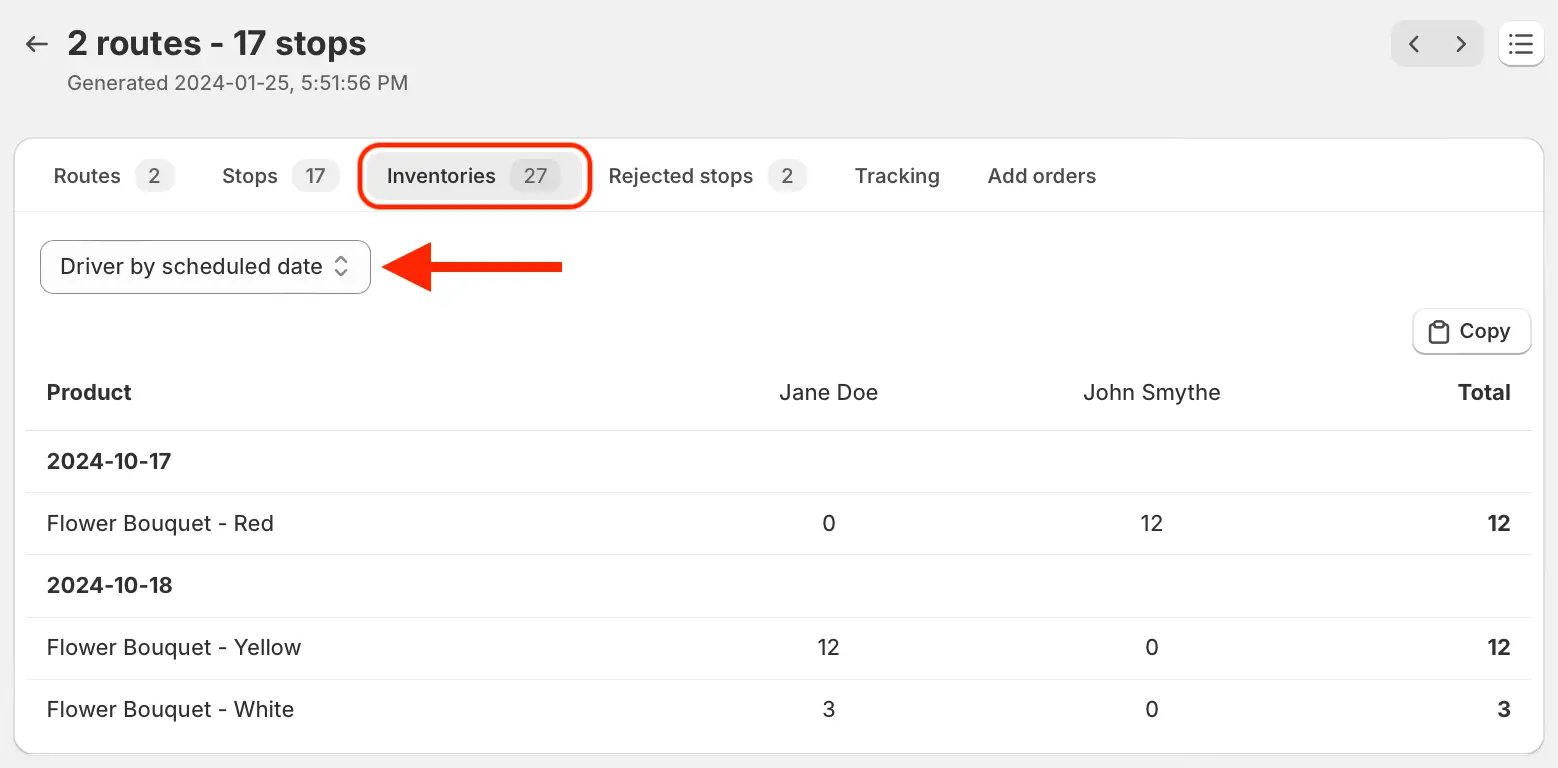
We've added a new daily summary view to the Inventory tab of Route Groups, making it easier to see a breakdown of each driver's daily inventory across a group's routes.
Access this new summary from the Inventory tab of any group's All Routes view, using the dropdown to select Driver by scheduled date as shown above. Use the Copy button in the upper right-hand corner of the table to copy this formatted data before pasting it into the spreadsheet application of your choice.