
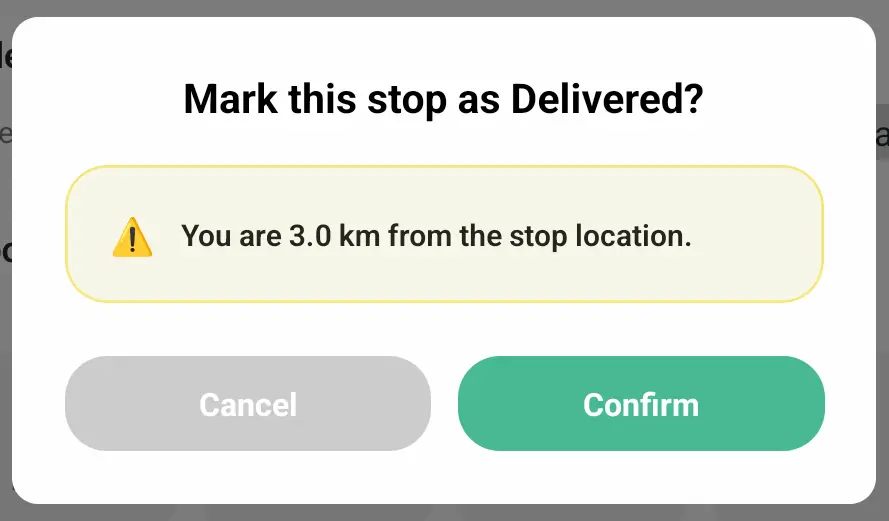
We've added a new warning when marking stops as Delivered or Attempted from the mobile app, alerting drivers when their current GPS location is not in close proximity with a stop's configured geolocation. Drivers can tap the Cancel button to verify location accuracy before trying again, or tap the Confirm button to bypass the warning and proceed to update the stop's status.
Any proximity warnings displayed in the mobile app will also be retained for route planner review, accessible alongside the delivery location tracking proof of delivery item from the EasyRoutes admin view.
Drivers will need to update to the latest version of the mobile app (v1.0.86 or above) in order to take advantage of this new feature. GPS proximity warnings are enabled by default, and can be disabled from the mobile app's settings menu by turning off the Warn when updating a stop from far away toggle.