
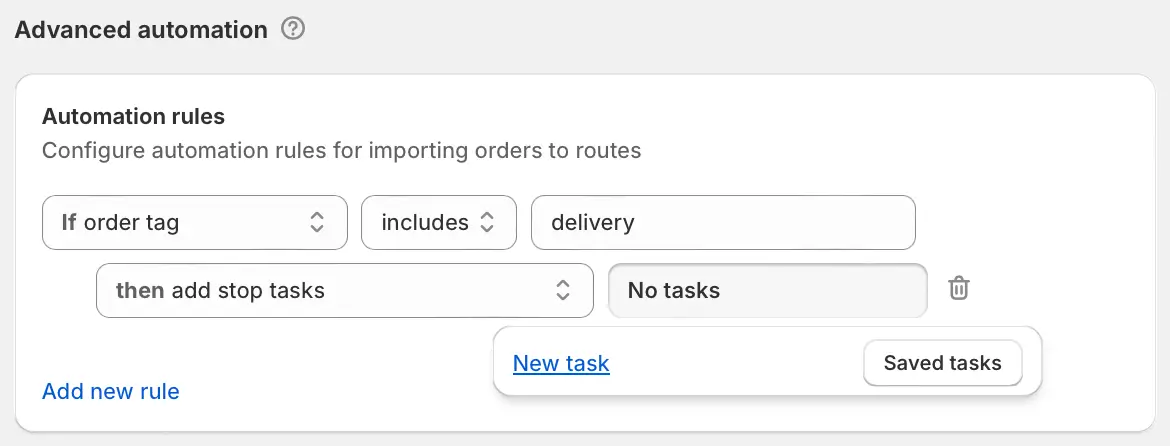
We've added a new order automation rule outcome that automatically applies Driver Tasks to applicable stops. Route planners can customize which order attribute, order/customer tag, or delivery method to automate from, and choose whether to add a new task when configuring this rule, or select a saved set of Driver Tasks to apply using the Saved tasks button instead.
Enable and configure order automation rules from your EasyRoutes Settings > General tab, within the Advanced automation section shown above.