
We've added two new types of Driver tasks - text input tasks & number input tasks.
Text input tasks:
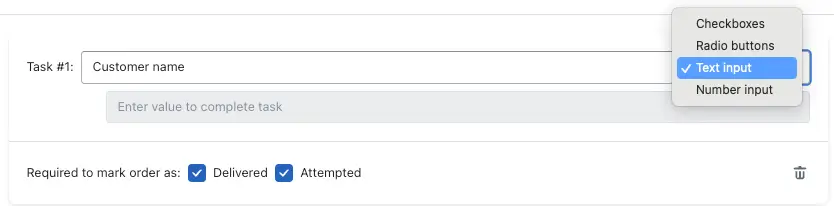
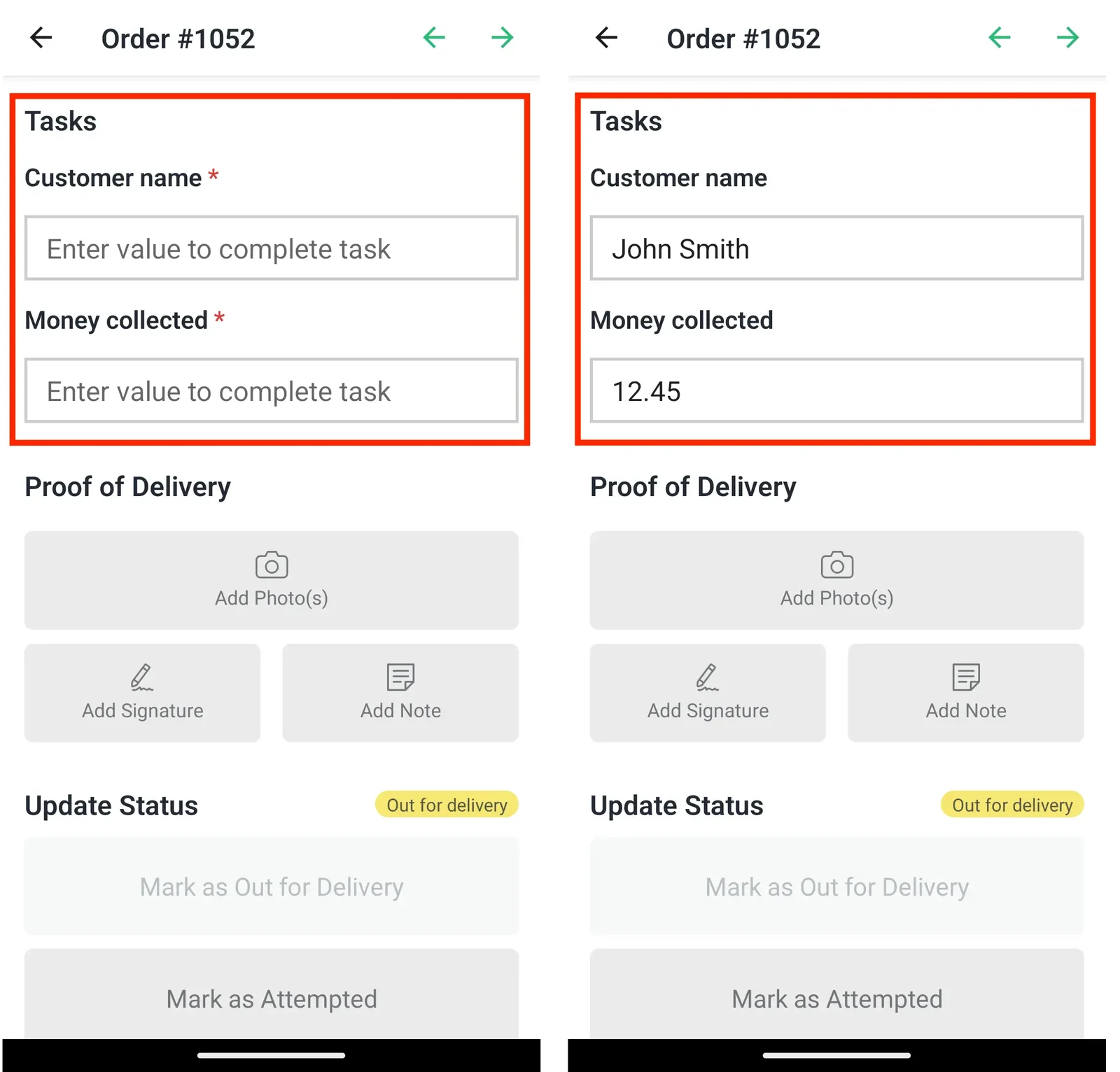
Use this type of task to allow drivers the option of inputting a text string before marking an order as attempted or delivered. This can be particularly useful when drivers are required to log the name of the individual who an order was delivered to:
Number input tasks:
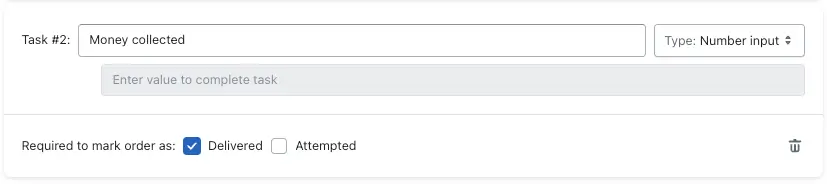
Use this type of task to allow drivers the option of inputting a numeric value before marking an order as attempted or delivered. This can be particularly useful when drivers are required to collect Cash on Delivery (COD) when delivering and must log how much payment was collected for each stop, or to input and track odometer readings for route start and finish locations.
Note: Drivers will need to update to the latest version of the EasyRoutes Delivery Driver mobile app (v1.0.37 or above) in order to complete these two new types of task.
Delivery Driver Mobile App - Version 1.0.37
The EasyRoutes Delivery Driver mobile app has been updated to version 1.0.37 for iOS & Android, including support for both new driver task types, as well as various minor improvements and bug fixes.