
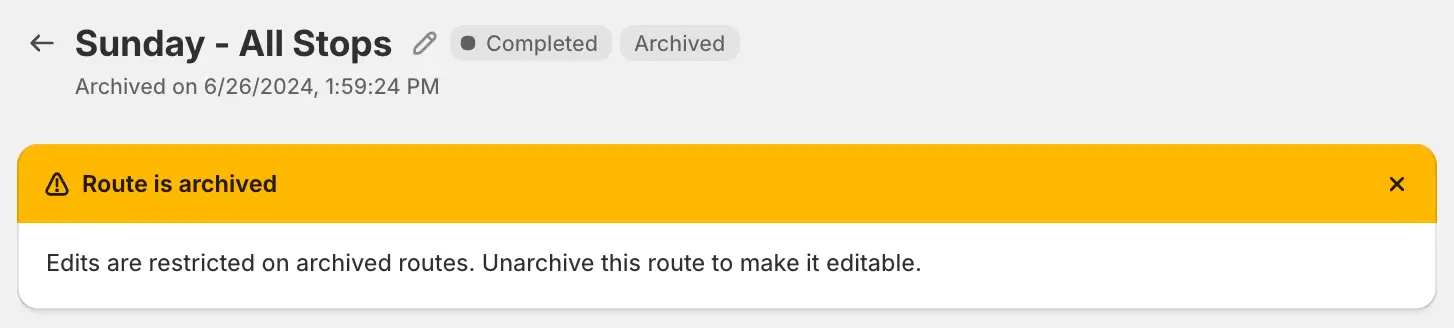
We've applied a read-only status to routes that have been archived, making it easier for route planners to "lock" routes and prevent any further edits or updates once they have been archived. When accessing individual routes that have been archived, a unique banner now displays indicating that the route has been archived and will need to be unarchived in order to make any further edits, as shown above.
For full details on archiving, unarchiving, and working with read-only archived routes, see the support article for this feature.