
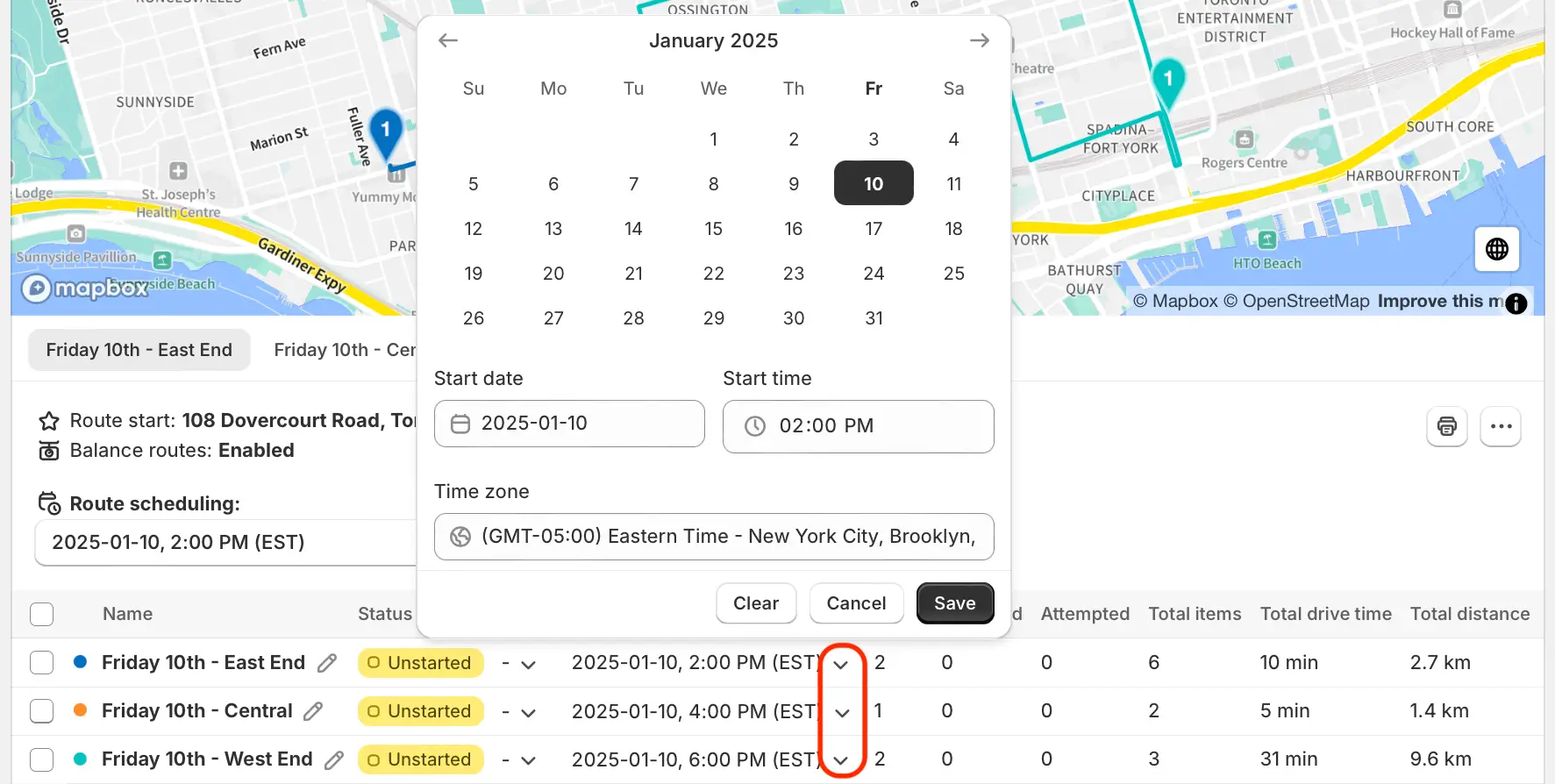
We've added a new control for Route Groups, allowing users to schedule or re-schedule routes individually from a centralized location, without having to access and update each route one-by-one.
From the All routes view of any Route Group, click the dropdown arrow found within the Start time column of any route contained within that group. Select a date/time from the calendar that appears, and click the Save button to update that route's schedule.