
Quick & easy setup
Start delivering orders in minutes, not days.
EasyRoutes installs directly into your Shopify admin and syncs orders automatically, with no spreadsheet imports, custom coding, or learning curve required.
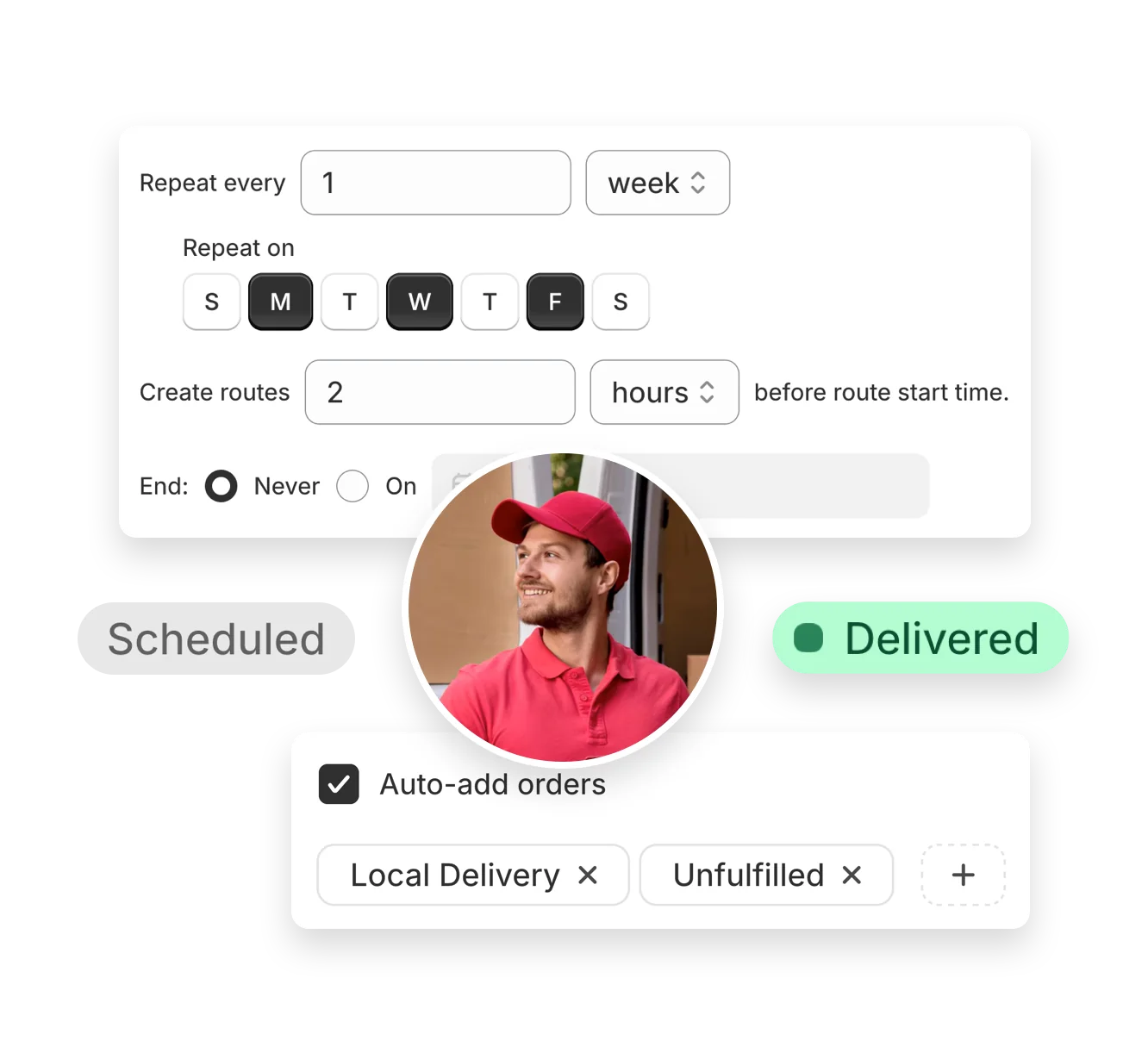

Launching your first online store, or switching to Shopify from another eCommerce platform? Get started with EasyRoutes in just a few clicks to dispatch optimized routes to delivery teams of all sizes.
No credit card required. Cancel any time.
4.9 stars · 5,000+ businesses · 75+ countries














“Great product for small businesses who run delivery themselves. Works very nicely with Shopify admin and Shopify notifications.”
Start delivering orders in minutes, not days.
EasyRoutes installs directly into your Shopify admin and syncs orders automatically, with no spreadsheet imports, custom coding, or learning curve required.
Whether you're running local deliveries solo or building out a team, EasyRoutes adapts to your needs.
Plan multiple routes, assign drivers temporarily, and scale your delivery operations without changing your workflow.
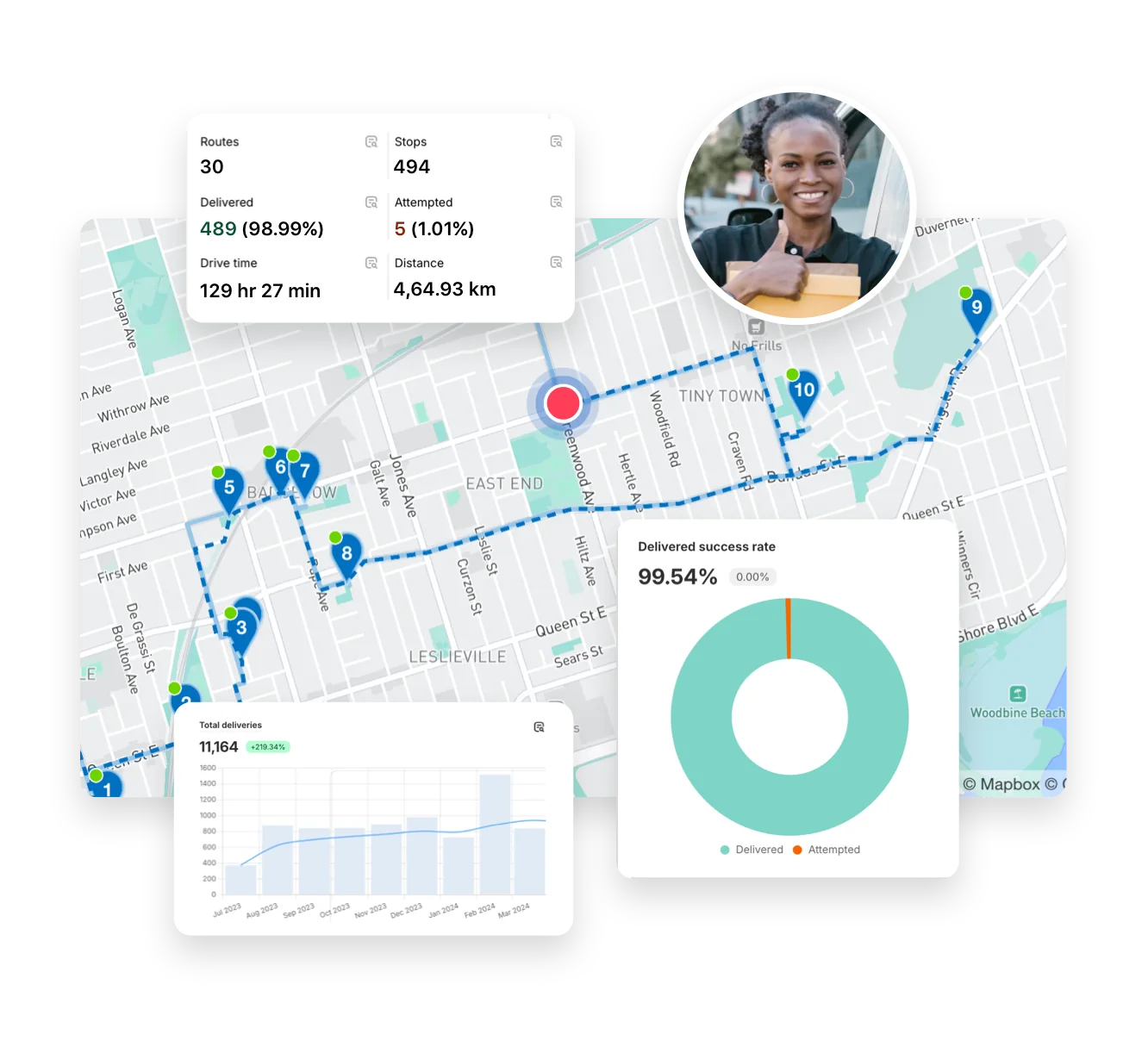
Get your deliveries out the door faster with just a few clicks.
EasyRoutes creates smart, efficient routes that reduce driving time, minimize errors, and help you fulfill more orders with less effort.

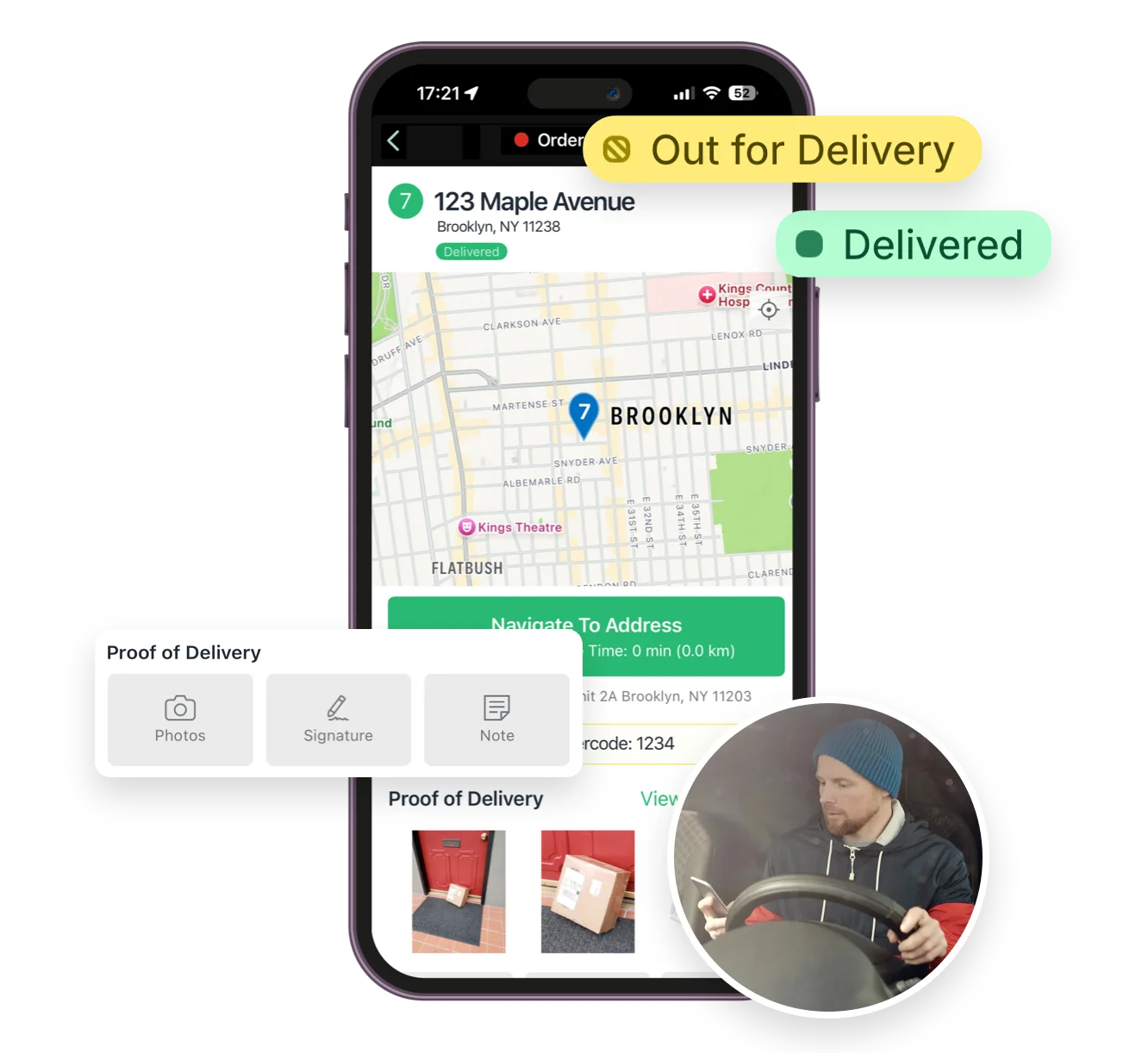
Keep your delivery experience seamless with our driver-friendly mobile app.
Drivers get route details, turn-by-turn directions, and delivery notes in real time, so they can focus on completing routes, not sifting through paperwork.
Most teams connect, fetch orders, and create their first optimized route in under an hour. Follow the suggestions in the Getting Started guide found in the EasyRoutes support portal to reach your “aha” moment fast.
See: Getting Started
Your 14-day free trial starts when you choose a paid plan for the first time. If you cancel anytime during your trial you won't be billed. If you continue, your subscription starts when your trial period ends.
When you update stop statuses in EasyRoutes (Ready/Out for Delivery, Delivered, Attempted), we create or update Shopify fulfillments and attach the tracking link; notifications follow your settings configuration.
See: Items & Fulfillments
Yes. EasyRoutes supports Shopify Local Delivery and can include Pickup orders on routes when you need a driver or staff task at your store or pickup point. Local Delivery instructions appear directly on the stop when available.
EasyRoutes optimizes deliveries using your selected orders, start & end locations, stop time intervals, time windows, and route limits. You can balance routes, respect capacities, and re‑optimize as plans change.
See: Route Options · EasyRoutes 101
Yes. If a scheduled start time is set, routes can be auto‑assigned and dispatched to the selected driver when created.
See: Auto‑Dispatch
Yes. Drivers can launch directions via Google Maps, Apple Maps, or Waze from each stop, and pick a default navigation app in their mobile app settings.
The EasyRoutes Delivery Driver app is available for iOS and Android. Use our official download links to install and sign in with your driver phone number.
See: Where can I download the EasyRoutes Delivery Driver app?
You can show a live GPS pin on customer tracking pages when the driver is approaching. Configure this in EasyRoutes Settings → Order tracking and pair with email/SMS notifications for maximum visibility.
See: Real-Time Driver Location Tracking · Order Tracking Pages
Delivery Analytics shows totals and trends for stops and routes, including completed vs. missed deliveries, average delivery time, per‑driver performance, and route metrics over a chosen period.
See: Delivery Analytics
Yes. Both EasyRoutes for Shopify and EasyRoutes for Web let you print packing slips for every stop in route order. Open a route, click Print, check Packing slips, and print or save to PDF.
Yes. EasyRoutes Premium and Enterprise plans support branded SMS notifications with usage‑based pricing per message segment. Configure templates and funding in Settings.