« Back to articles
Driving Route Apps: Key Features & How to Choose One
A driving route app does more than navigate — it optimizes multi-stop delivery routes. See the key features to look for and how to choose the right one.

A driving route app does more than navigate — it optimizes multi-stop delivery routes. See the key features to look for and how to choose the right one.

A driving route app does far more than tell a driver where to turn. The best ones solve the vehicle routing problem — the challenge of finding the most efficient way for one or more vehicles to serve a list of stops while respecting real-world constraints like time windows, capacity, and traffic. A consumer navigation app can route you from point A to point B, but a true delivery route planner sequences dozens of stops, optimizes them, and supports the whole delivery workflow from dispatch to proof of delivery.
This guide explains what a driving route app actually does, why route optimization has a direct impact on your costs and your customers, the key features worth paying for, and how to choose the right tool for your delivery business.
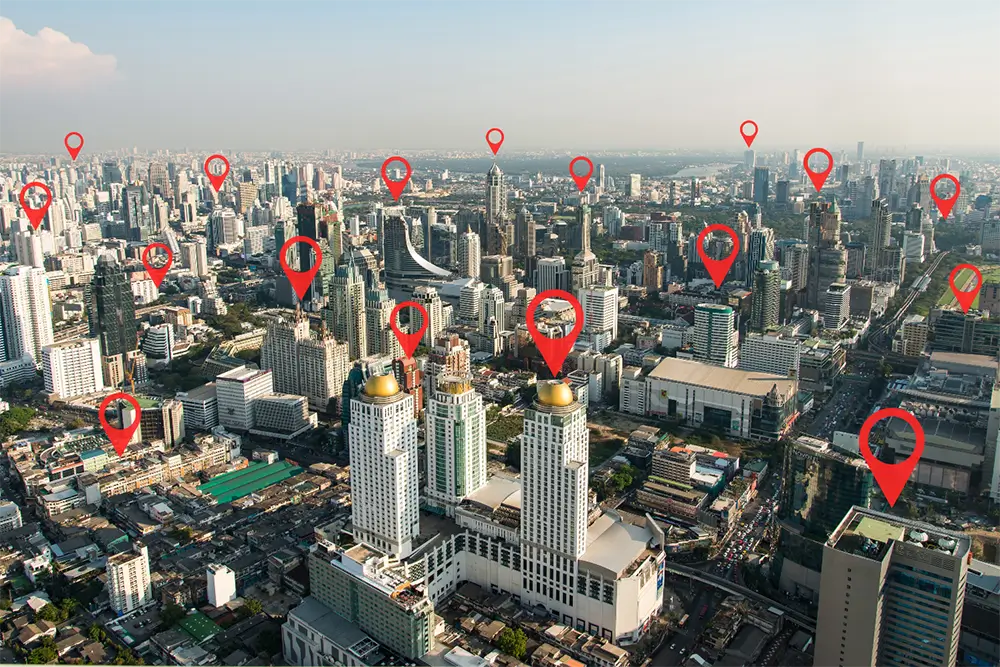
A driving route app is software that plans and optimizes the path a driver takes across multiple stops. At its core it tackles a classic optimization challenge. The vehicle routing problem is a broader version of the famous Traveling Salesman Problem: instead of one traveler visiting a set of cities once, you have a fleet of vehicles, each with limits, that must collectively serve every stop at the lowest total cost. Real deliveries pile on constraints — delivery time windows, vehicle capacity, driver shifts, pickup-and-delivery pairings, and live traffic — which is exactly why a purpose-built app beats manual planning or a basic map.
Modern route planners use sophisticated algorithms to weigh all of those factors at once and produce a sequence that minimizes distance, time, or fuel. Done by hand, this is slow and error-prone — a dispatcher juggling a spreadsheet and a map can spend an hour or more building routes that are still far from optimal, and a single missed time window can cascade into a string of late deliveries. If you want to understand what is happening under the hood, our complete guide to route optimization algorithms breaks down how these solvers actually build a route. The practical payoff is simple: more stops completed per shift, fewer miles driven, and far less time spent planning.

Last-mile delivery is the most expensive leg of the journey. According to Shopify, last-mile delivery represents roughly 53% of a merchant's total cost to ship an item — so trimming miles and idle time on that final leg is where optimization pays off fastest. Squeezing even a few stops out of each route, or fitting one more route into the day, compounds into meaningful savings across fuel, overtime, and vehicle wear.
Efficient delivery is not only a cost lever; it is a sales lever. Shopify's data shows that shoppers who choose local pickup or delivery spend about 23% more and are roughly 13% more likely to convert than those who select standard shipping. Customer expectations around fulfillment are also rising: the Ryder 2025 E-commerce Study found free shipping is now the top factor in purchase decisions for 76% of shoppers. Reliable, well-planned delivery is how small businesses meet those expectations without blowing the budget.
There is a sustainability angle, too. Tighter routes mean fewer miles and lower emissions, which increasingly matters to buyers — McKinsey survey data reported by Rithum found about half of consumers say the environmental impact of their purchases is important to them. Choosing the right path also matters, and it is not always the shortest one; our explainer on shortest vs. fastest routes covers when each wins. Put together, optimization touches three things every delivery business cares about at once: lower cost per stop, happier customers, and a smaller footprint.
A multi-stop driving route app with the following capabilities will handle the vehicle routing problem and the day-to-day realities around it. Not every business needs all seven on day one, but each one removes friction somewhere in the delivery process, and the strongest platforms bundle them together rather than charging for them piecemeal.
A huge part of the time sink in route building is entering addresses. The best apps integrate directly with your orders — the way EasyRoutes pulls in Shopify orders automatically — or offer bulk address import so you can upload an entire stop list at once instead of typing each one. Intelligent address detection catches typos and matches the correct location, saving more time before optimization even begins.
Optimization is the heart of the app. Look for a planner that accounts for start and end locations, time windows, per-stop service times, and limits such as maximum duration, stops, items, or weight — then sequences everything for the shortest feasible route. Strong tools also let you create several routes at once and balance stops evenly across drivers. You can read more about how EasyRoutes handles this on our route planning page.
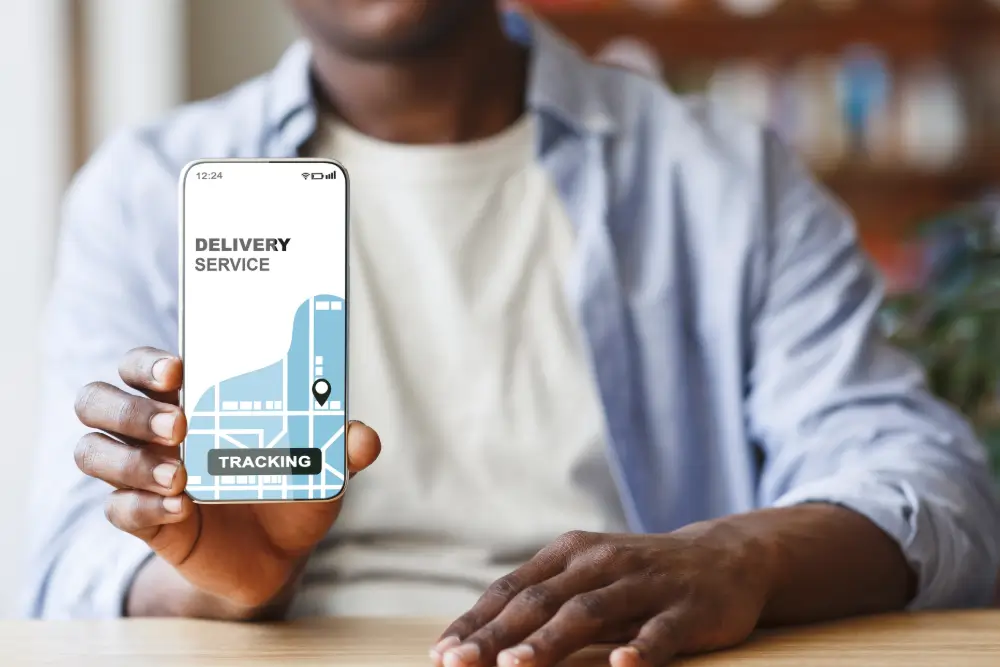
Real-time tracking lets dispatchers see where every driver is and lets customers follow their delivery. It keeps managers informed, opens clear lines of communication, and makes it easy to react when traffic or a last-minute change throws off the plan.
Proof of delivery — a signature, a photo, or a barcode scan — confirms a package actually arrived and protects both the business and the driver if a dispute arises. From food delivery to courier work, capturing it should be built into the driver's app. For a deeper look at why it matters and how to roll it out, see our guide to proof of delivery benefits and implementation.
Every delivery operation is a little different, so routes should be easy to name, color-code, reprioritize, and adjust. Drivers should be able to reorder or re-optimize remaining stops mid-route when plans change, while admins retain control from the back office. Support for different vehicle types and capacities keeps plans realistic and prevents overloading.
Dispatchers should be able to send routes straight to a driver's phone — on iOS and Android — instead of making drivers come to the depot for paper plans. Easy sharing saves time for everyone and keeps the whole team working from the same up-to-date sequence.
Reports on completed and pending deliveries, driver performance, and route efficiency turn daily operations into actionable insight. Over time, that data helps you spot bottlenecks, right-size your fleet, and prove the return on your route optimization investment.
With everything from free apps to full delivery platforms on the market, matching the tool to your needs is what matters most. Start by weighing four practical considerations.
Free route planners are tempting and fine for a handful of stops or the occasional trip. If you want to compare options, we rounded up five free route-planning tools worth testing. But free tiers usually cap stops, skip optimization, and lack tracking, proof of delivery, and integrations — so growing delivery operations almost always outgrow them. The real question is whether the time and fuel a paid app saves outweighs its cost, and for most businesses running daily routes it does.
The app should connect to the systems you already use. If you run a Shopify store, an app that imports orders automatically eliminates manual data entry and keeps delivery information in sync. Tight integration is often the difference between a tool you use every day and one you abandon.
A clean, intuitive interface shortens training time and reduces errors. Just as important, the app should scale with you — handling more stops, more drivers, and more complex routing as your business grows, without forcing a migration later.
When something goes wrong mid-route, responsive support matters. Check reviews, look for accessible help documentation, and favour providers with a track record of reliability so a hiccup never grinds your deliveries to a halt.

Consumer navigation apps like Google Maps, Waze, and Apple Maps are excellent at guiding you along a single trip, and a good delivery app should hand off to whichever one your drivers prefer for turn-by-turn directions. If you are comparing the options, our roundup of the top navigation apps for Android and iOS is a useful starting point. But navigation and optimization are different jobs: those apps are not built to sequence dozens of stops into the most efficient route, balance loads across multiple drivers, or capture proof of delivery.
That is where a dedicated platform like EasyRoutes comes in. It layers true route optimization, real-time tracking, delivery confirmations, and analytics on top of the navigation drivers already know, and it scales from a single van to a large fleet. Edmonton-based Uproot Food Collective, for example, used EasyRoutes to expand its delivery area while saving roughly 10 hours a week that used to go into manual route planning — time reinvested into growing the business.
Yes. A dedicated delivery route planner like EasyRoutes is built to import, map, and optimize many stops in a single route, then dispatch it to drivers on the web and on iOS and Android.
Free navigation apps such as Google Maps, Waze, and Apple Maps work well for simple trips, and a few free multi-stop planners exist too. For daily delivery work, though, the stop limits and missing features usually make a paid optimizer the better value.
Match the app's features to your actual delivery requirements — optimization, integrations, tracking, proof of delivery, scalability, and support. If the tool covers the workflows your business depends on, it is likely the right fit.
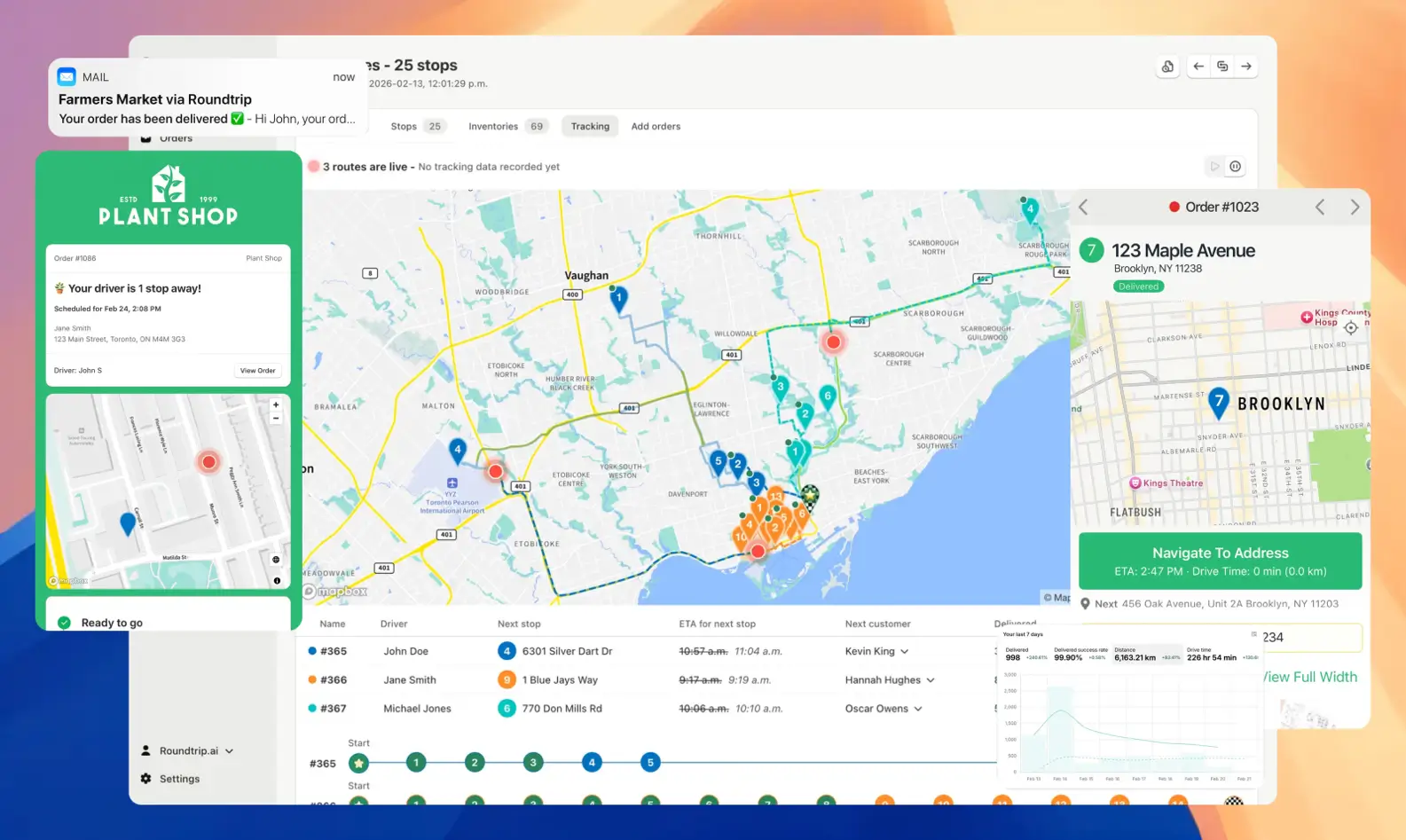
A driving route app turns the messy, expensive vehicle routing problem into a few clicks. The right one shrinks your mileage, frees up planning hours, keeps customers informed, and gives you the data to keep improving — all while navigation stays as familiar as the app your drivers already use. Match the features to your needs, weigh free against paid honestly, and choose a tool that can grow with you.
Ready to see optimized routes in action? Try EasyRoutes free for 14 days — install it from the Shopify App Store or create a Web account and plan your first optimized route today.
EasyRoutes is the AI-native delivery operations platform trusted by 5,000+ businesses across 75+ countries. Plan routes in seconds, dispatch drivers automatically, and delight your customers — from Shopify or any order source. Experience delivery operations that run themselves. Rated 4.8 stars and certified Built for Shopify.
⭐⭐⭐⭐⭐ 4.8 stars • Trusted by 5,000+ Businesses





